Wiring harness design in CATIA V5 - 3D modeling Week 2 Challenge
Deutsch DT06 – 08SA
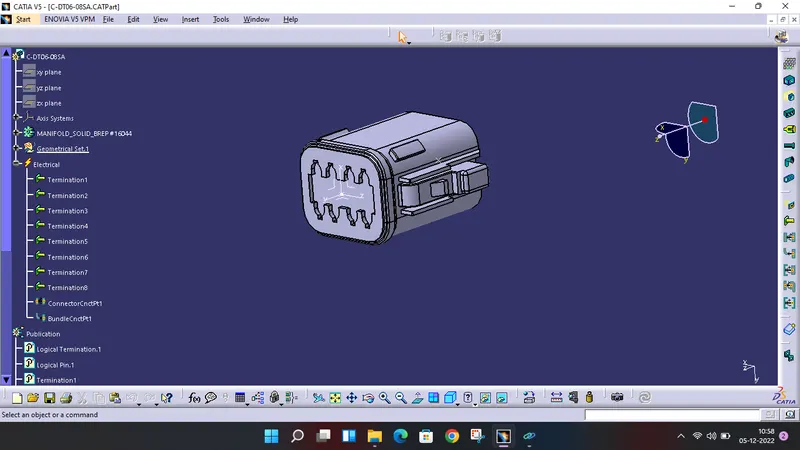
This is a male connector with 8 terminations and locking feature. In CATIA, we have to define it as an eletrical connector by creating points and axis systems as shown in figure. As we procedding connector parameters, the electrical properties and publication gets updated. Then we defined bundle connection point and connector connection point using the same point and axis system.
Tyco 174357-2
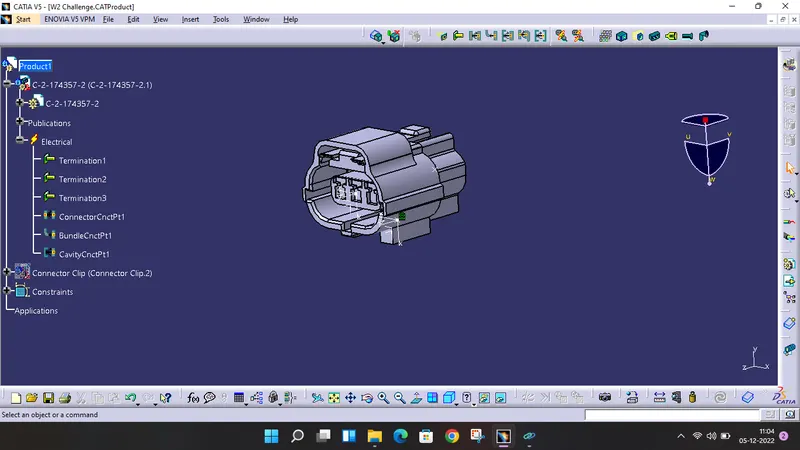
In this case, cavity mounting feature is available, so performing all steps we have to create another axis system for cavity connection. Then defining as cavity connection point and saving the data.
Tyco 85229-1
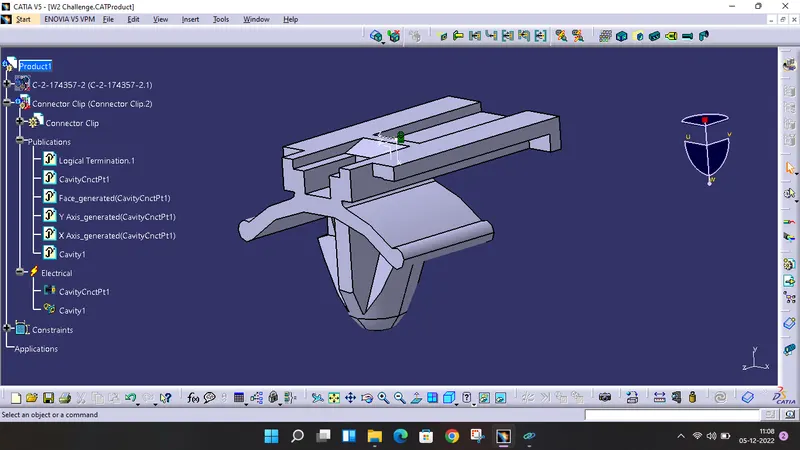
This is the fure tree type mounting. We have to define it as mounting equipment and create point and axis system as well. Then defining cavity connection point and saving the data.
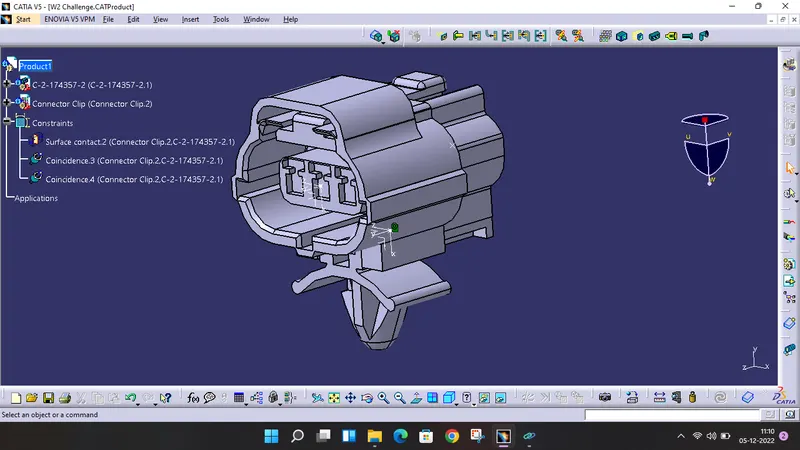
Coming to assembly design, opened these cad files. By connecting equipments, this assembly gets completed.
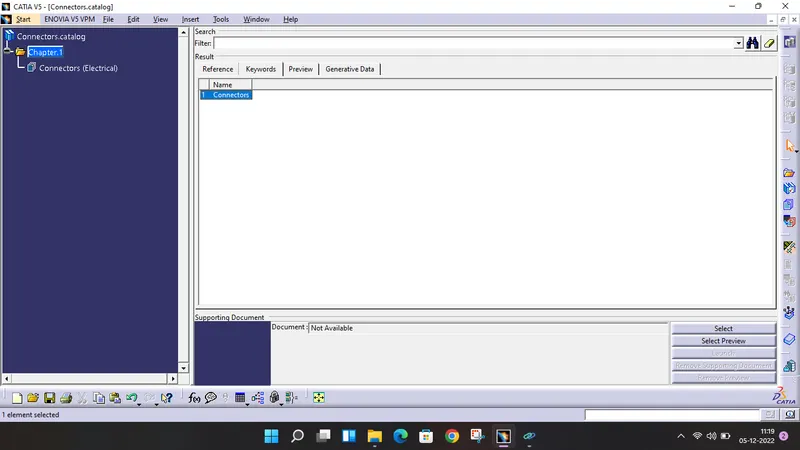
Create a catalogue for saving the perticuler files for example, connector catalogue, bundle catalogue, etc.
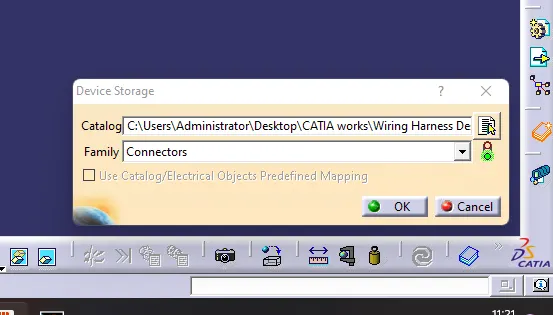
Saving the files in catalogue using command 'Store device'.