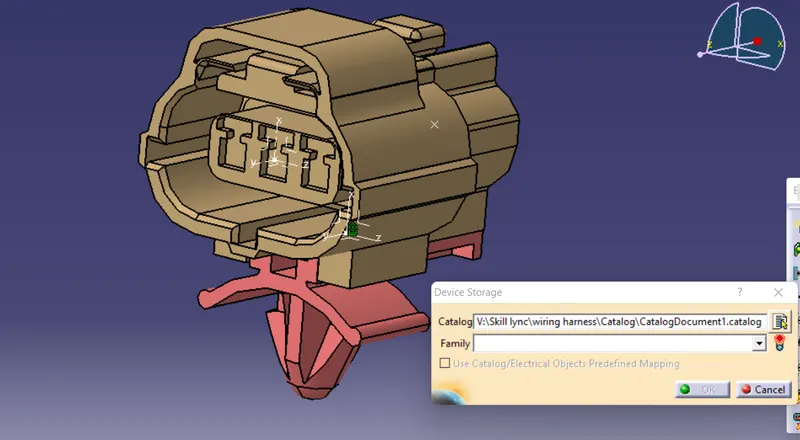
Wiring harness design in CATIA V5 - 3D modeling Week 2 Challenge
Objective: Download the given connectors and connector clips and define it as a electrical connector using Electrical part workbench and further create a catalouge for the components
1.Connector : Deutsch DT06-08SA
to define the connector as electrical component we have to follow the following steps
1.Download the connector from the given link or from te.com website.
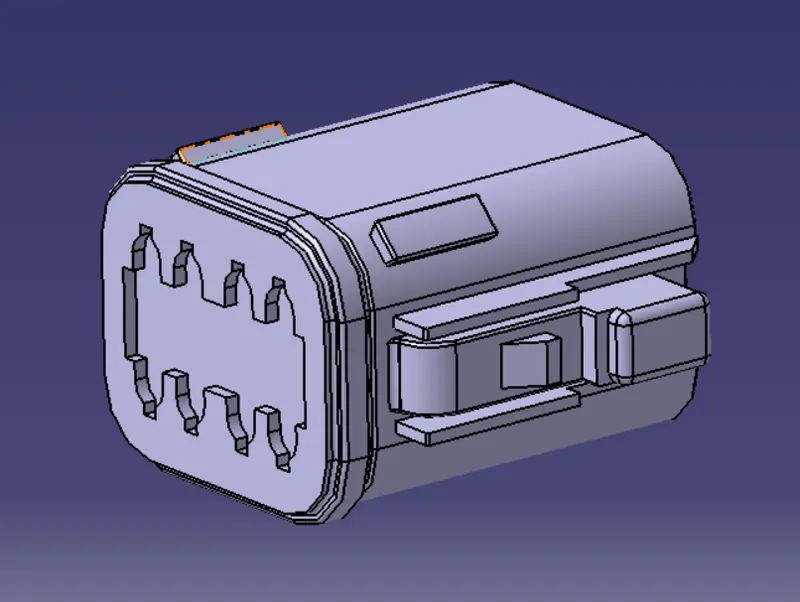
2.The connector is first opened in the part workbench and define bundle connection pint at the centre and connector connection point with axis system
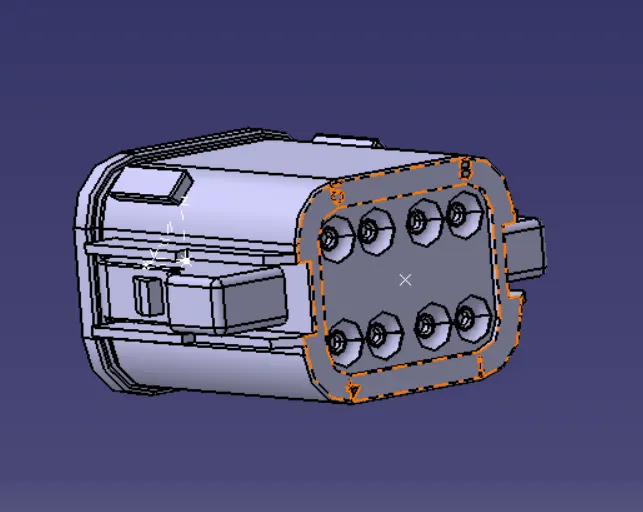
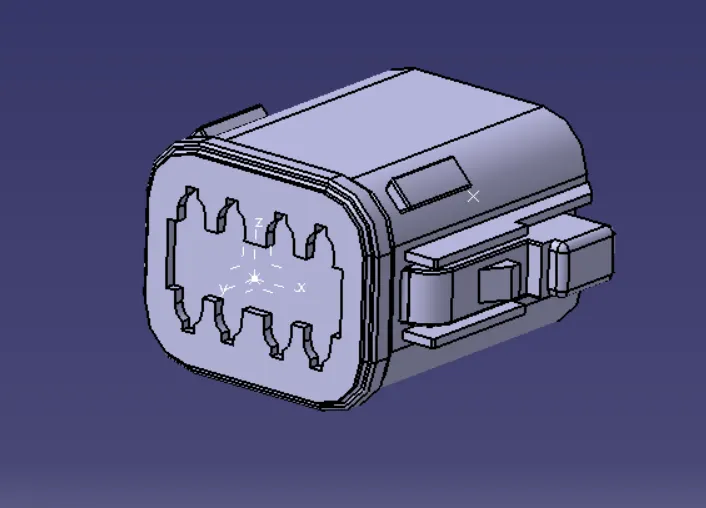
3. Now we define the part as a connector in the electrical part workbench by given the number of terminals
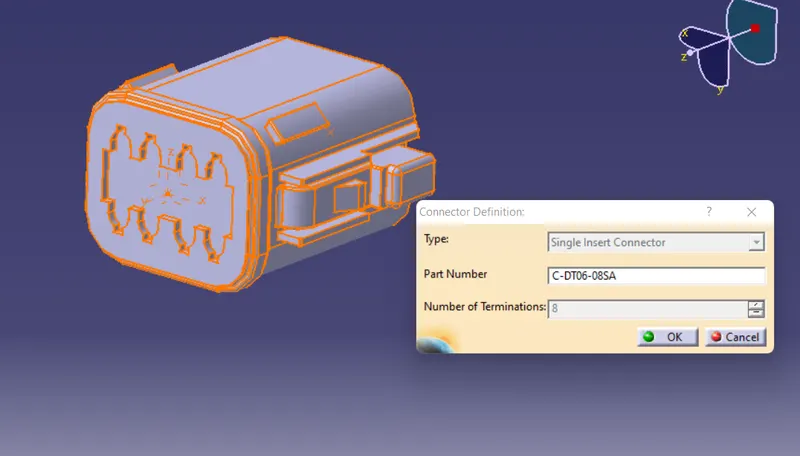
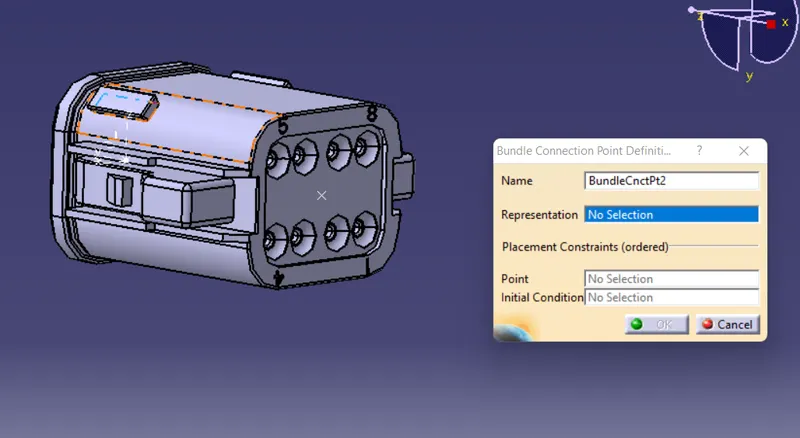
4. we have to define bundle connection point giving reperensation as the face and point as the bundle connection point and inital contact as the face of the bundle side
5. we have to define connector connecting point
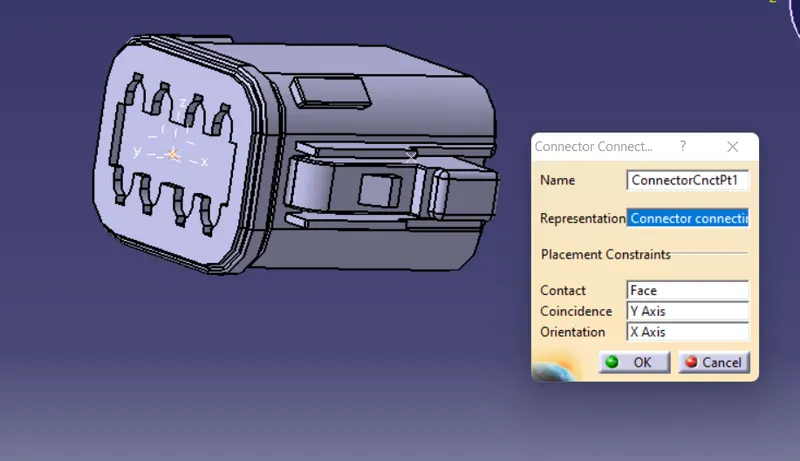
By following these steps we define the given connector as electrical connector
by using store device we can save the connector in the catalogue
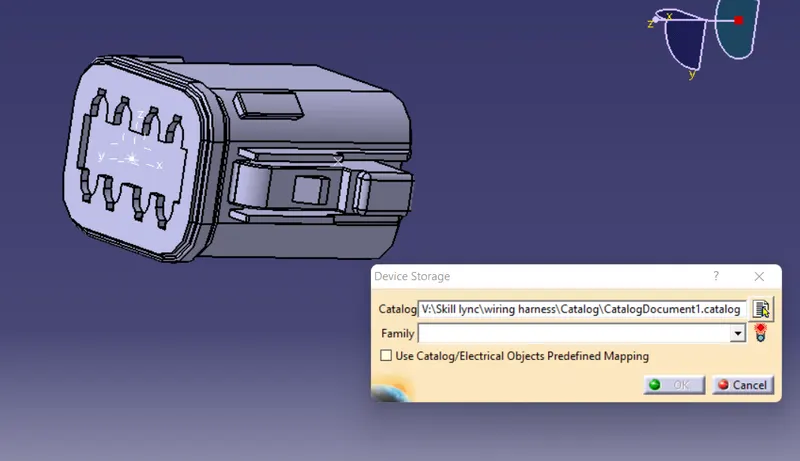
2. Connector housing and mounting clips
By following the same steps we can define the connector housing and mouting clip as electrical components.
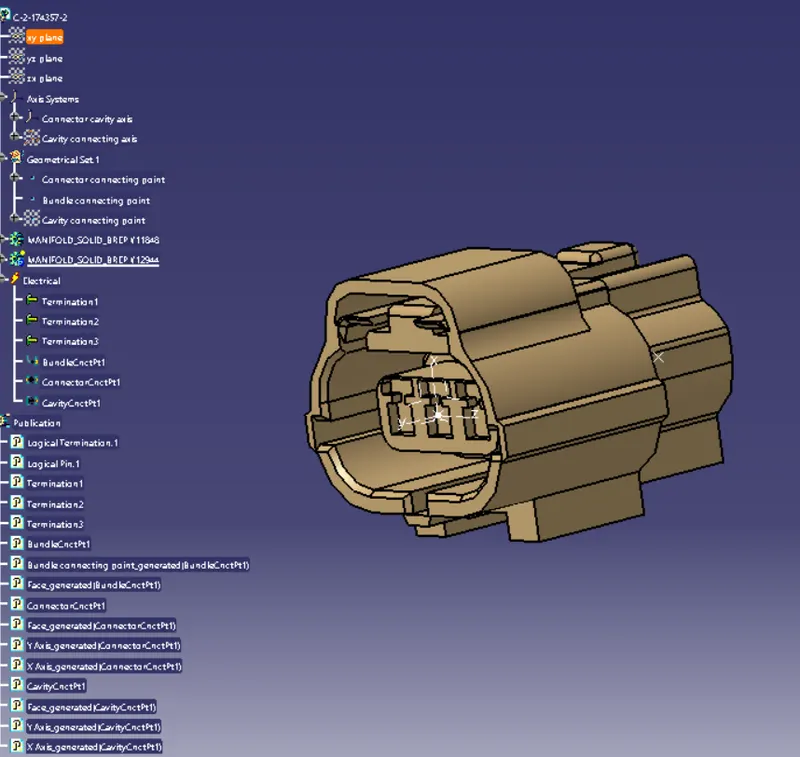
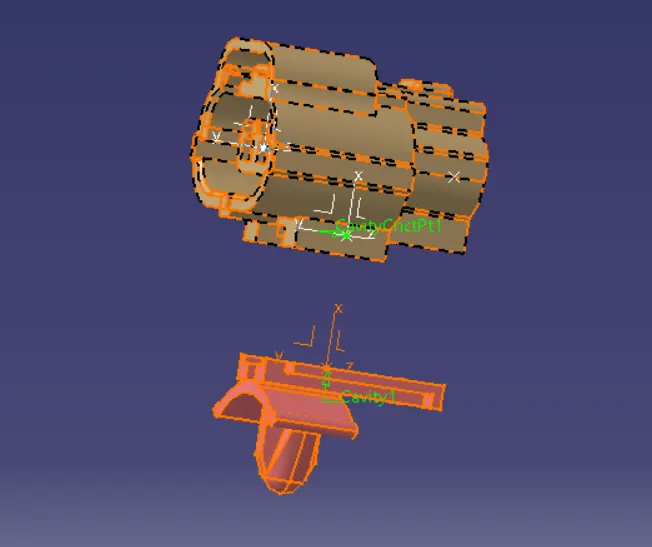
In the connector housing we have to define cavity connection point
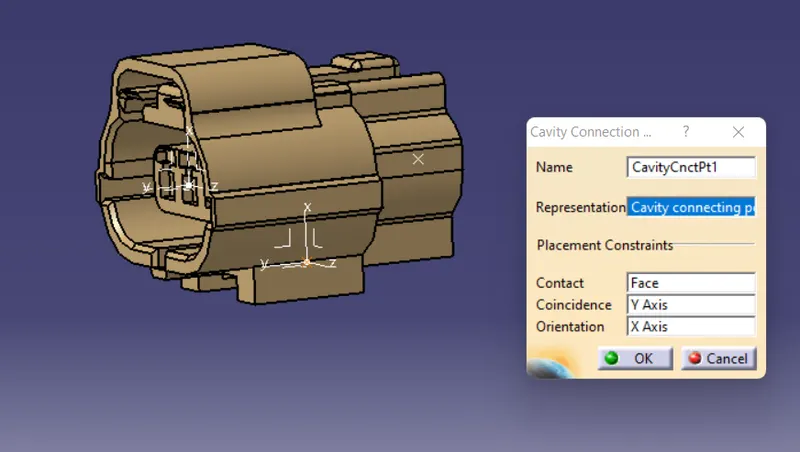
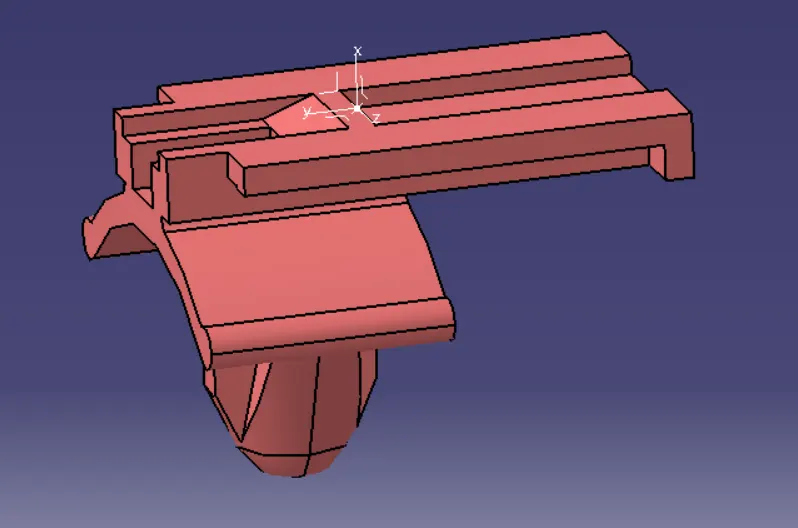
Assembly of connector housing and mounting clip
Copy the components in the electrical assembly workbench
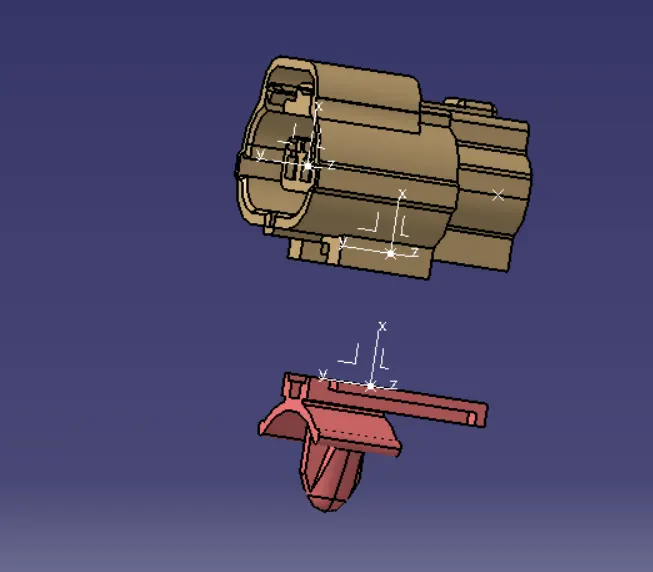
using connect electrical tool we can assemble the mouting clip and connector
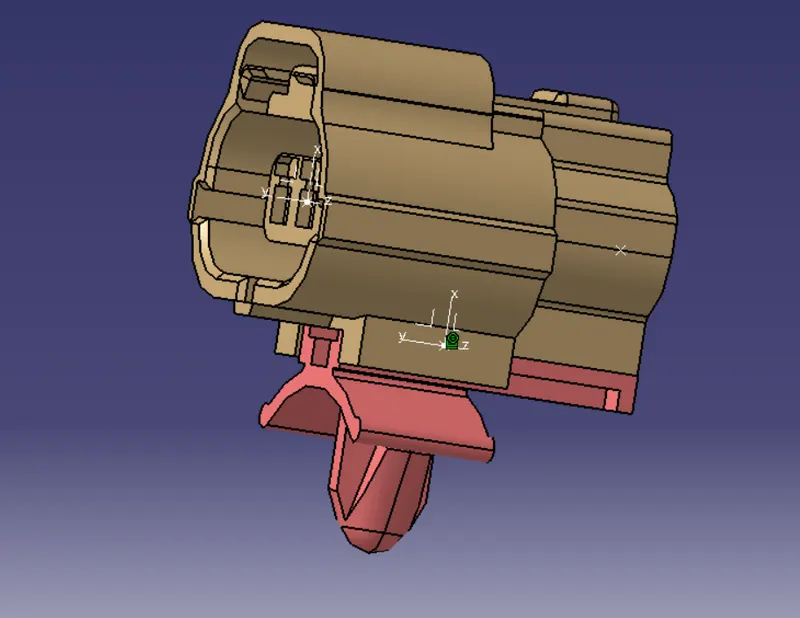
by using store device we can save the connector in the catalogue