Week 9 Tension and Torsion test challenge
- Objective: perform the tension and torsion test on the specimen provided, find out the total deformation, equivalent stress and temperature of the specimen.
Procedure:
TENSION TEST: Start an Explicit Dynamic Analysis in ANSYS Workbench, use the geometry given with the challenge.
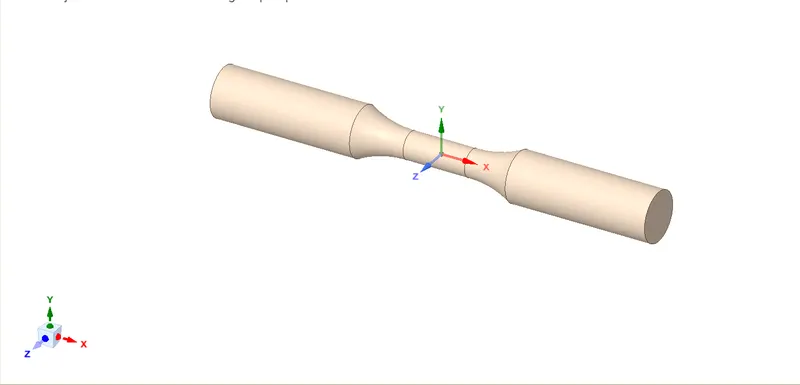
- Import Geometry and Assign material: Import geometry as given in the challenge. We will open the geometry in SpaceClaim to check for any issues or errors. The below image shows the same.
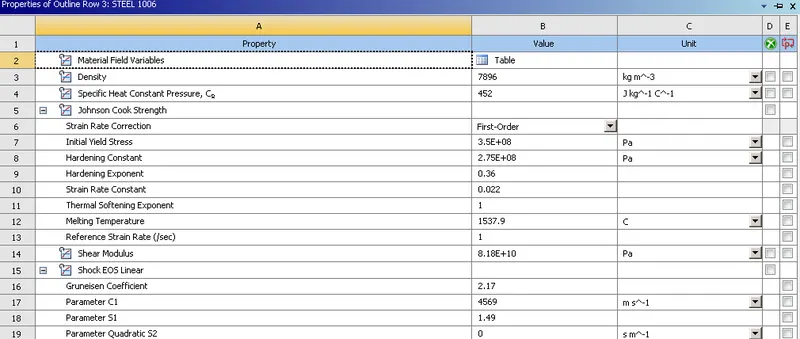
For this analysis, we will elect Steel 1066 from the Explicit Material list. The below image shows the same:
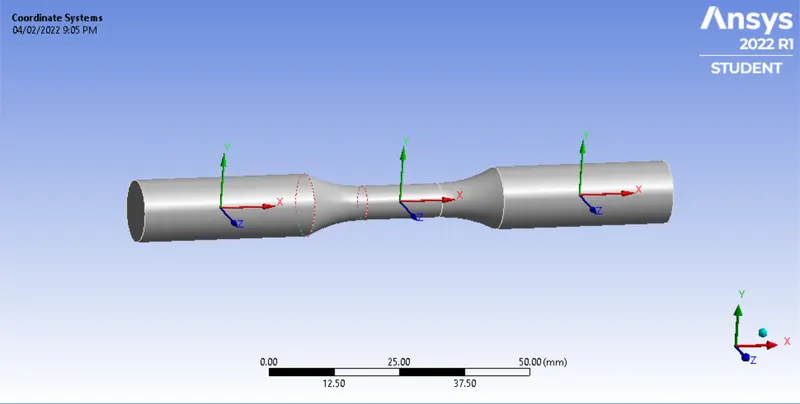
- Creating Coordinate Systems: In order to have control over each part of the geometry, we will create two more coordinates in the geometry apart from Global COordinates.
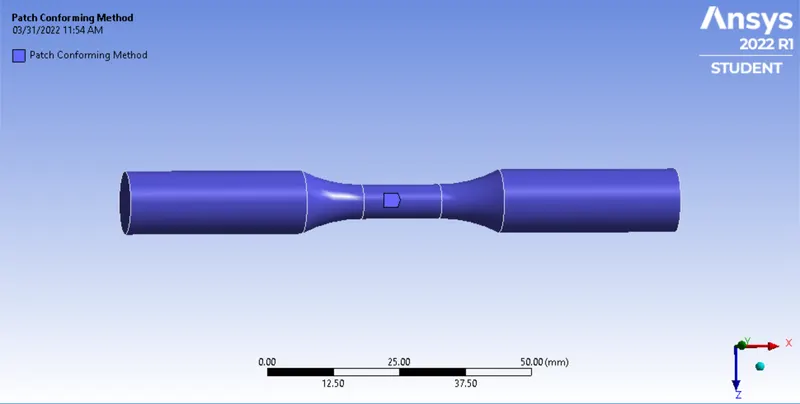
- Meshing: Using the Co-ordinate system we will create a mesh by Sizing using the Sphere of Influence. Using the coordinates created and using Mesh Sizing we will create mesh at each end. We will use the Sphere of Influence to assign the mesh size.
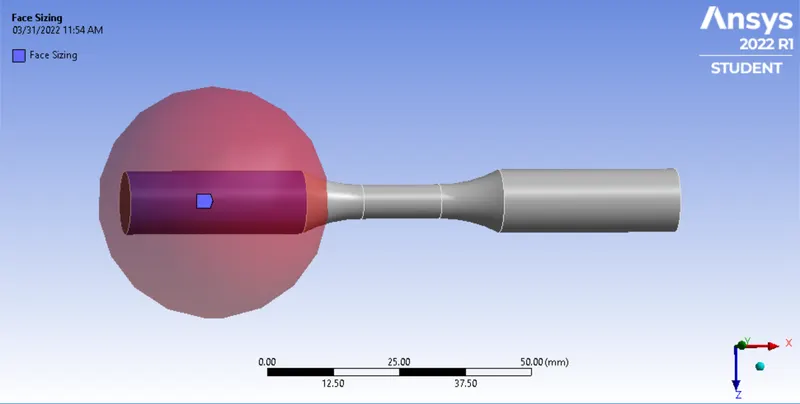
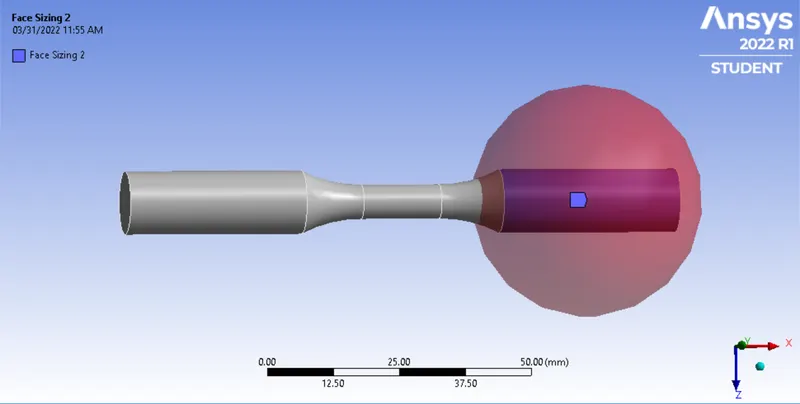
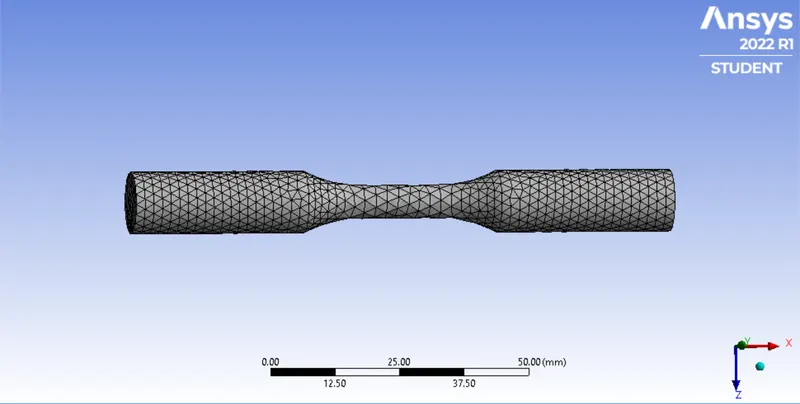
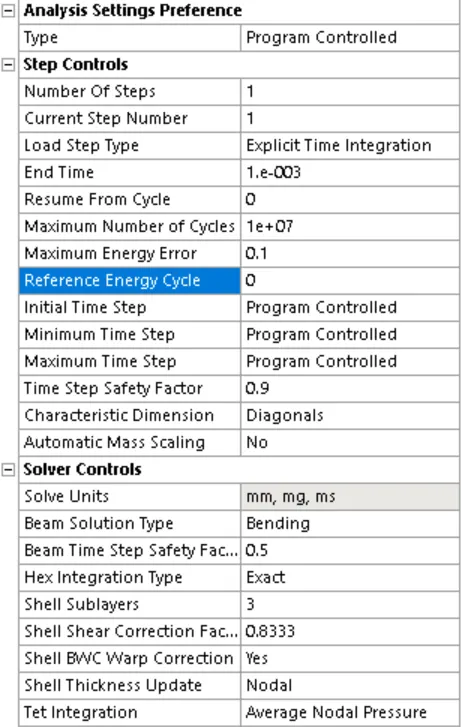
- Analysis Settings: For this analysis, we will change the End Time to 0.003s and will keep the remaining as it is. The below image shows the same:
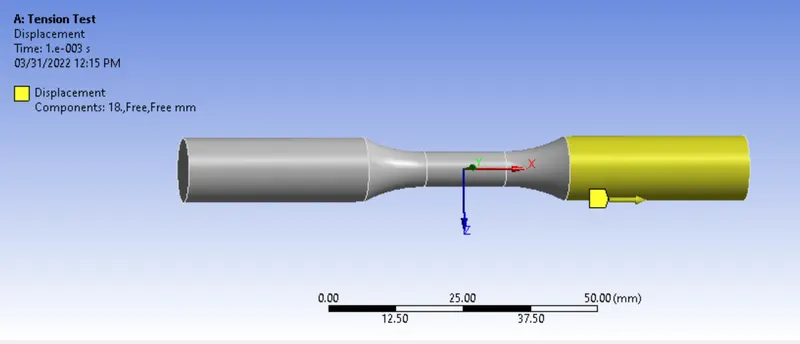
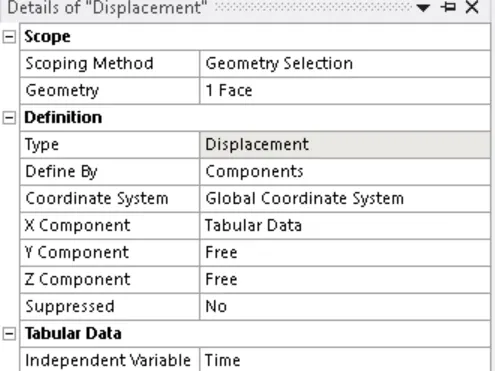
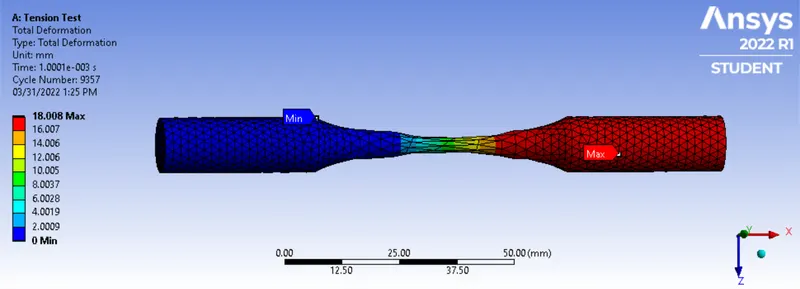
- Boundary Condition:Displacement: As per the requirement of the challenge we will displace one end by 18mm
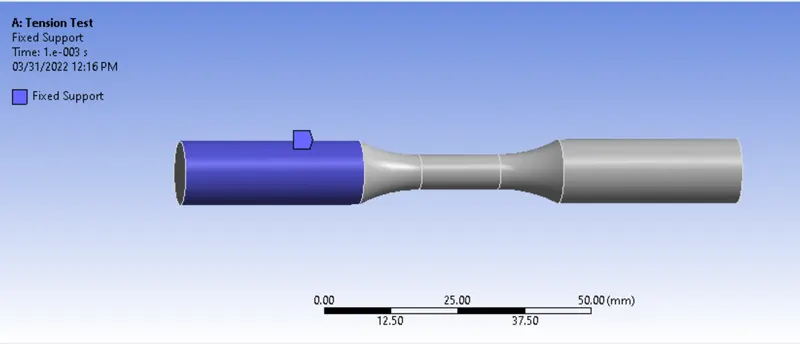
Fixed Support: In order to make sure that the specimen doesn't displace we will fix it on end as Fixed Support
- Results:
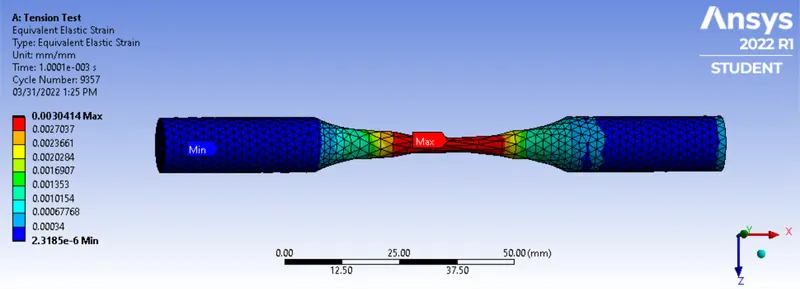
Equivalent Strain:
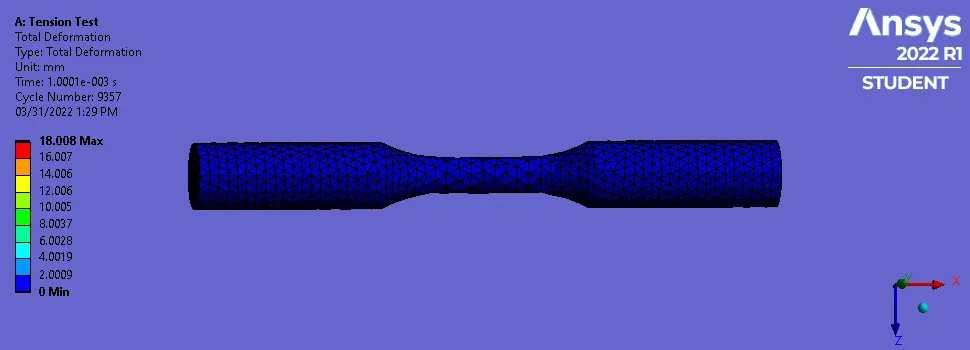
Total Deformation:
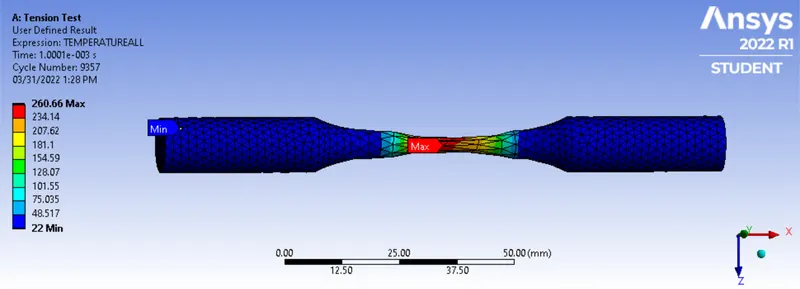
User-Defined Temperature:
Case2: Torsion Test
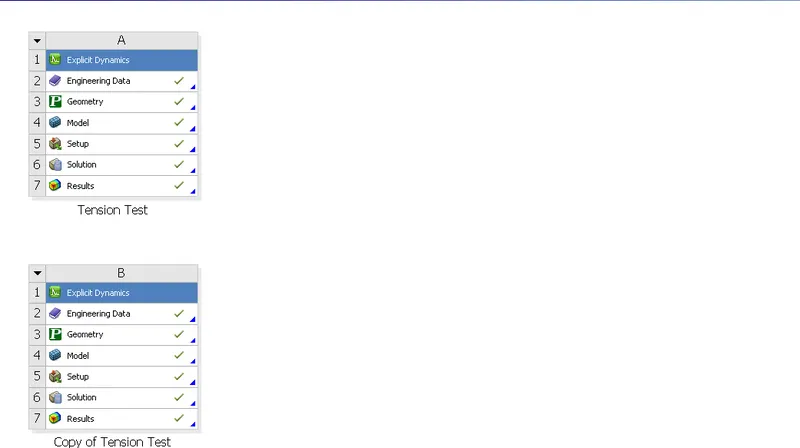
Duplicate the Tension Test we created earlier as shown in the image
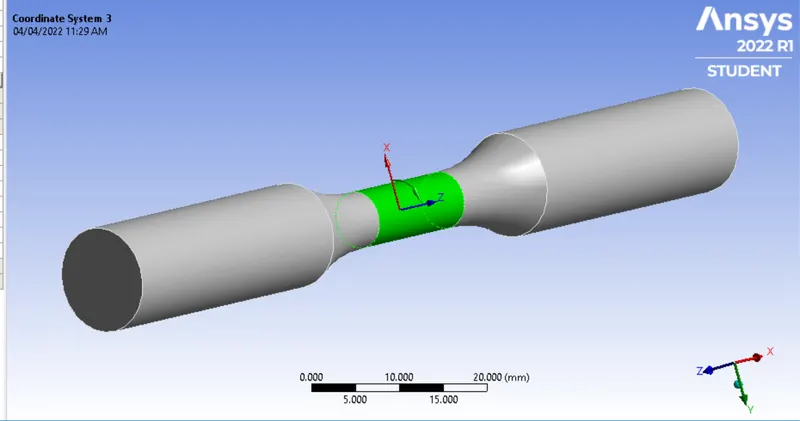
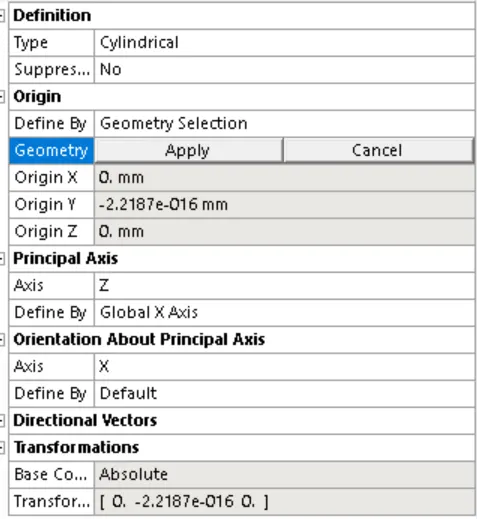
- Coordinate System: Here we will have two Co-ordinates we created earlier and one Global Co-ordinate. Also, we will create a Cylindrical Coordinate, we have to make sure that the Y coordinate is in the direction of movement as shown in the image below:
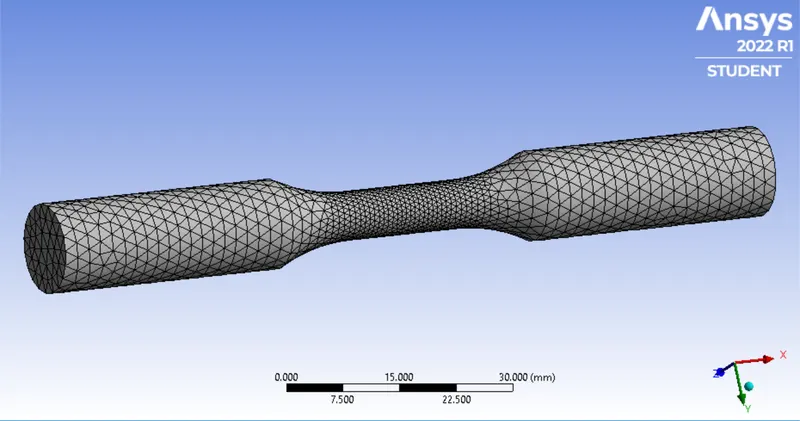
- Meshing: Once the Coordinates are created we will create a mesh sizing for each Coordinate we have created. Here we will create a finer mesh
We will create a similar mesh on another end of geometry as well
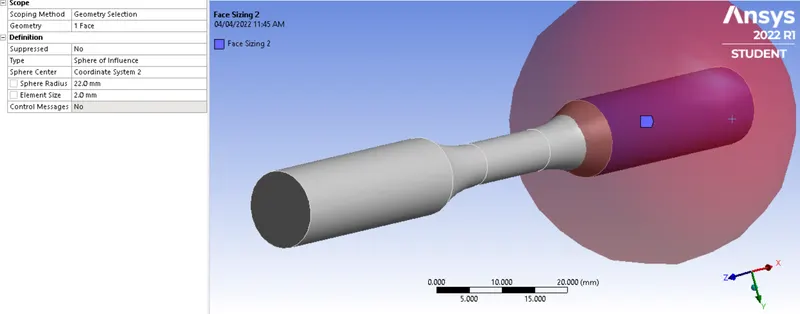
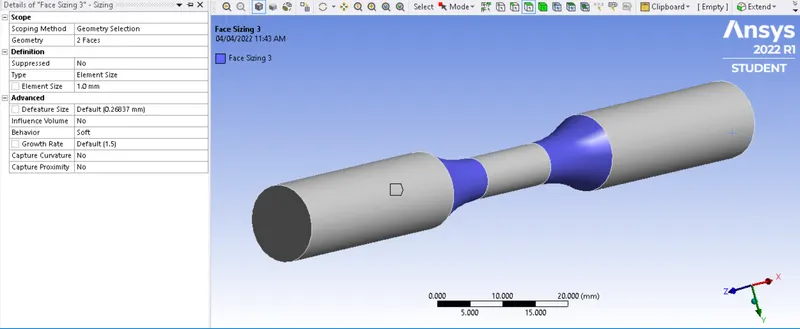
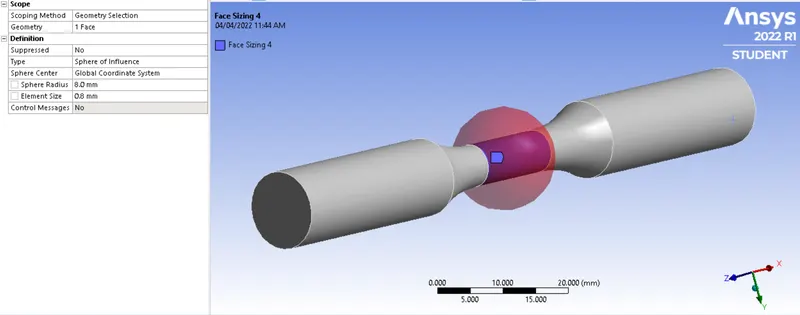
The mesh so generated is shown in the image below:
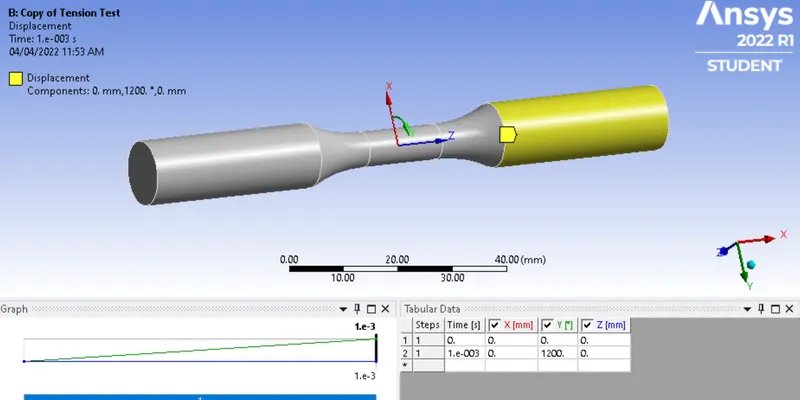
- Analysis Settings and Boundary Condition: Here we will have the same Analysis Settings as in the Tension test, we will remove the linear displacement and replacement is with angular displacement and in the Y direction, we will have to rotate the specimen 1200degrees in Y direction by keeping one end fixed, the below image shows the same:
- Results:
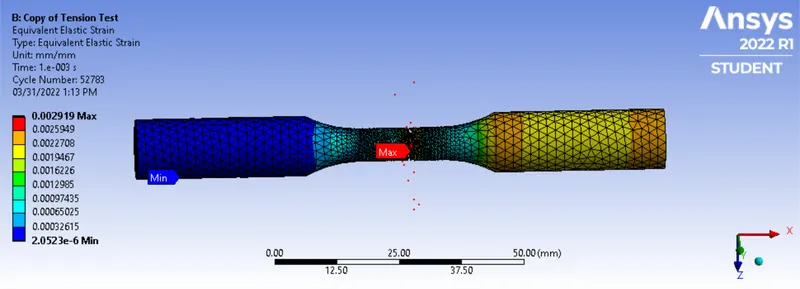
Equivalent Strain:
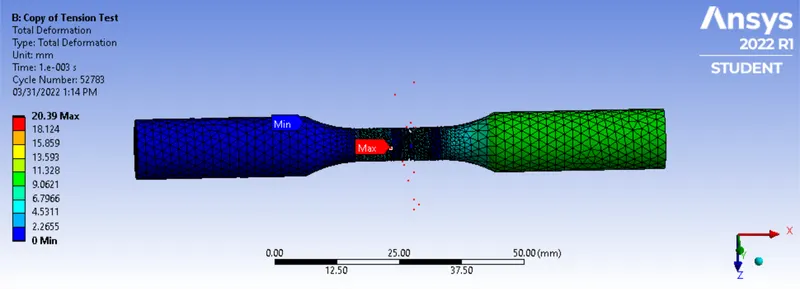
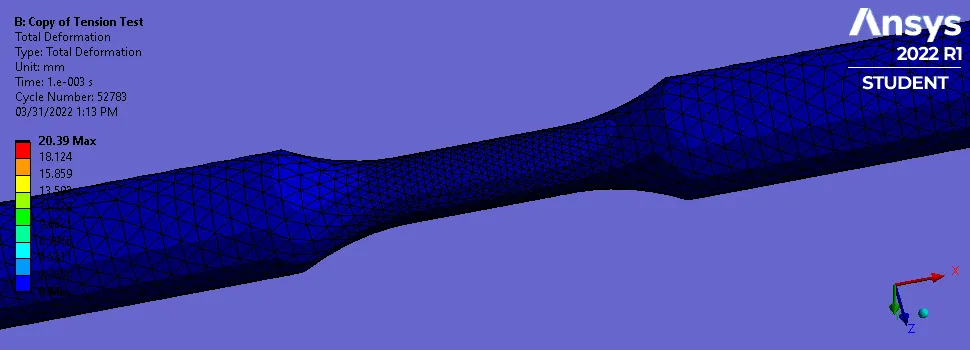
Total Deformation:
User-Defined Temperature:
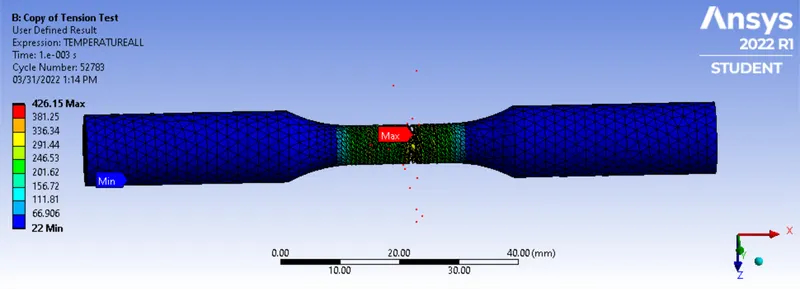
- Animation:
Tension Test:
Torsion Test:
- Conclusion: From the results above we can see that higher strain, deformation, and temperature were generated during the Torsion Test. Hence, we can say that as per application and specimen material we can choose the Test Type.