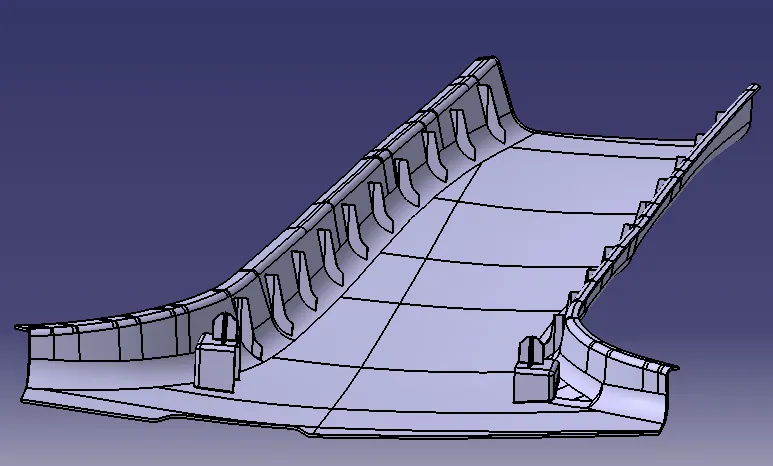
Week 9 - Project - Master Section Development
AIM:
In Tree Structure
- Ensure using surface command.
- Use closed body command to create the solids
- Rename geometrical set properly.
-
Output Required in a ppt :
- Picture of the sketches with Sketch solving status’s geometry tab
- Picture of the Detailed tree structure.
- Picture of the 3D CAD
- Create closed body
- Create tooling axis and follow design rules.
- Follow the Master section to create flange
- Follow the master section for thickness and to create the Closed volume.
- Follow master section to create Attachment features.
INPUTS:
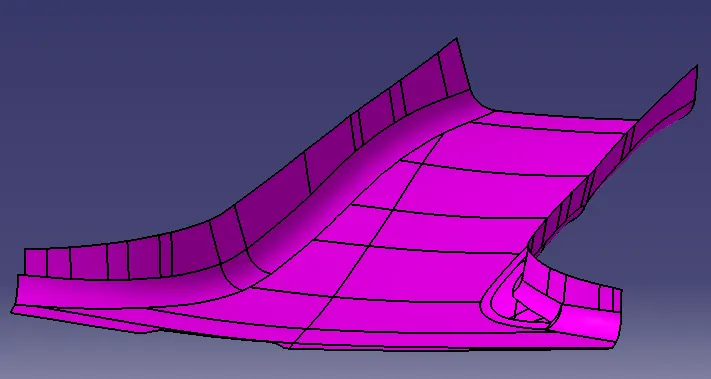
CLASS A SURFACE:
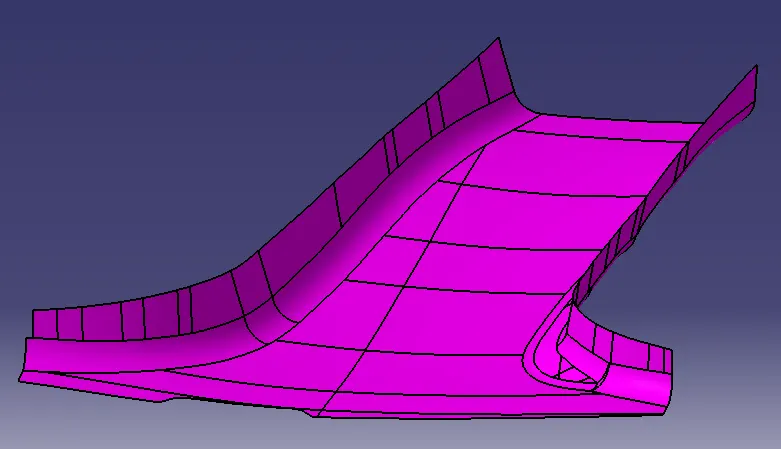
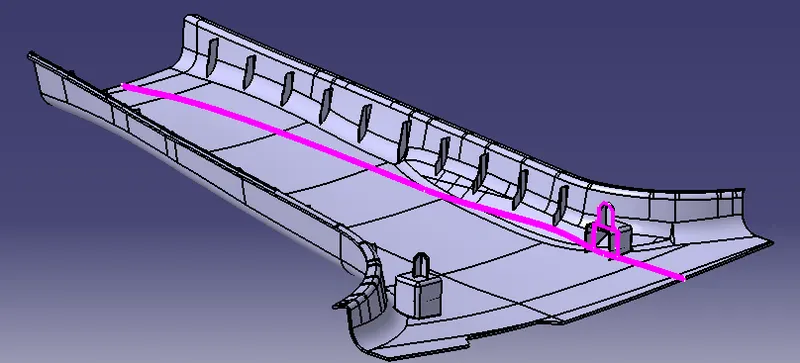
MASTER SECTION 1:
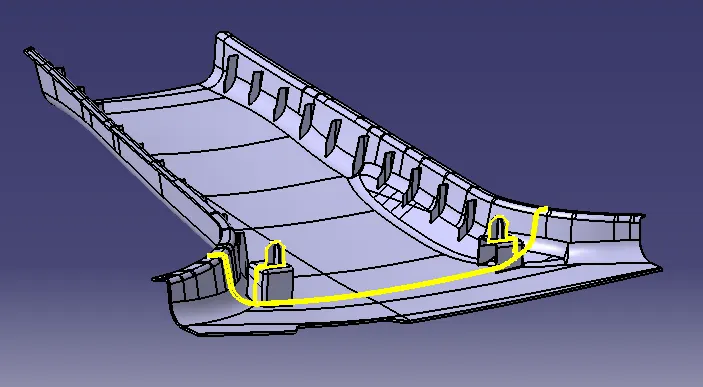
MASTERSECTION 2:
PROCEDURE:
- INITIALLY WE CREATING DRAFTING ANALYSIS FOR CLASS A SURFACE.
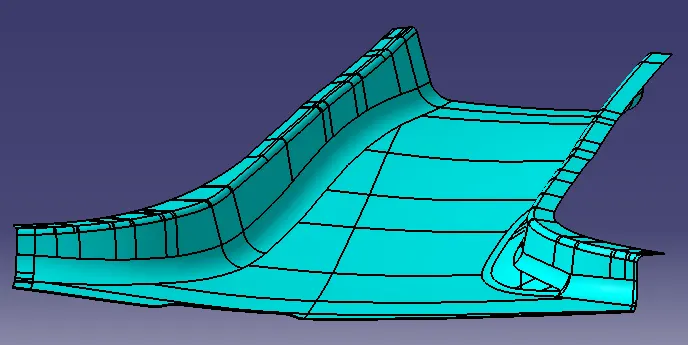
- AFTER THAT WE CREATE A CLASS B SURFACE AT OFFSET 2mm.
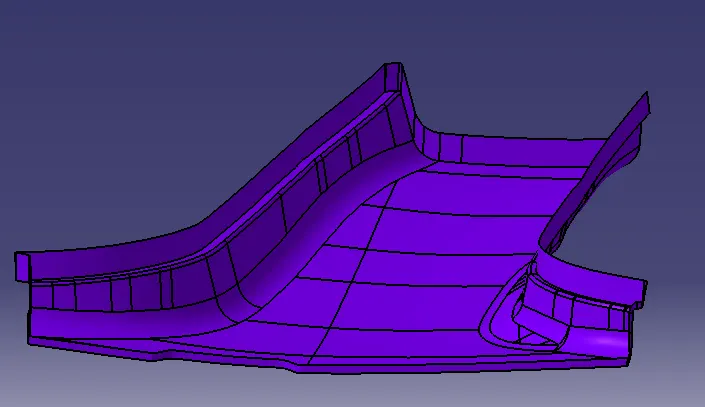
- WE USING CLASS A AND CREATE IT CLASS C SURFACE.
IMAGES:
CLASS A SURFACE
CLASS B SURFACE:
CLASS A AND C SURFACE:
B PILLAR WITH DOG HOUSE:
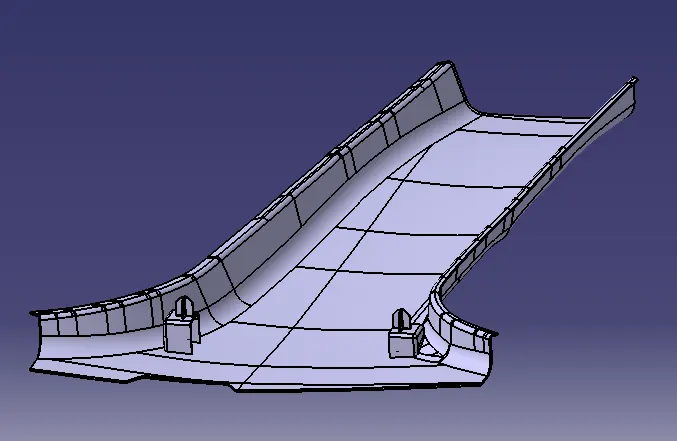
DOG HOUSE:
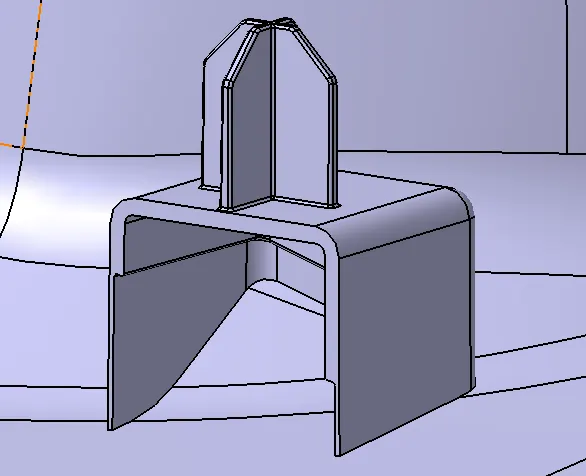
B PILLAR CUT SECTION WITH MASTER SECTION 2:
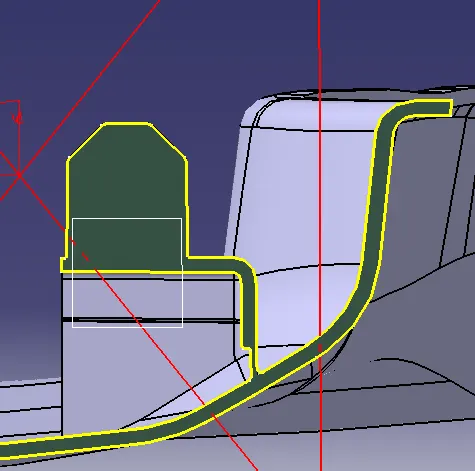
DOG HOUSE CUT SECTION WITH MASTERSECTION 1:
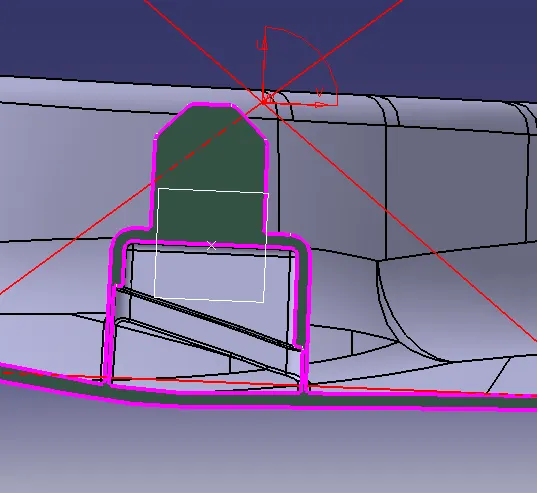
RESULTS
B PILLAR MASTER SECTION DEVELOPMENT