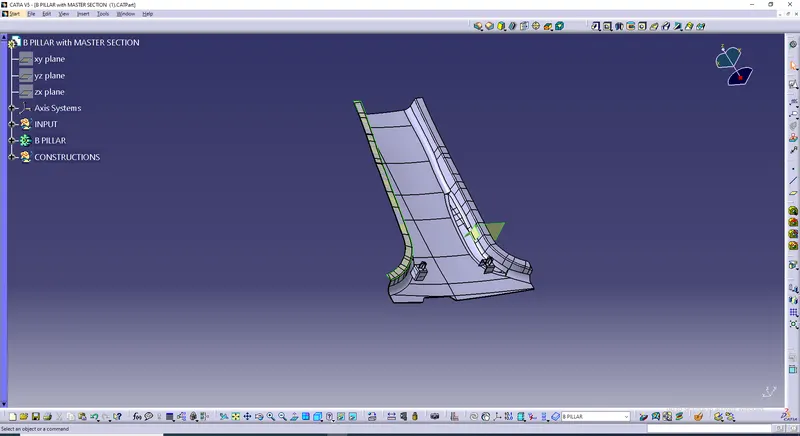
Week 9 - Project - Master Section Development
MASTER SECTION:
- Intially insert a geometrical set define it as work object & name it as Construction.
- Under construction intially create atooling axis.
TOOLING AXIS:
- Intially tooling axis is created by creating two lines by bisecting option and extruding it, dummy tooling axis will be formed.
- Insert another line perpendicular to the 2 bisecting lines.
- Hide those 2 lines & line perpendicular to 2 those line is tooling axis.
A SURFACE IMPROVEMENT:
- Using the master section A surface is created.
- Intially create a boundary.
- Multiple Extract every edges.
- Multiple section surface is created.
- Using multiple section surface the curved edges are extracted at both sides.
- Then extract the surface where gaps are available and fill it.
- Finally Class A surface is created.
FINAL PRODUCT: