Week 9 - Project_1 - Door Trim Lower with Engineering Features
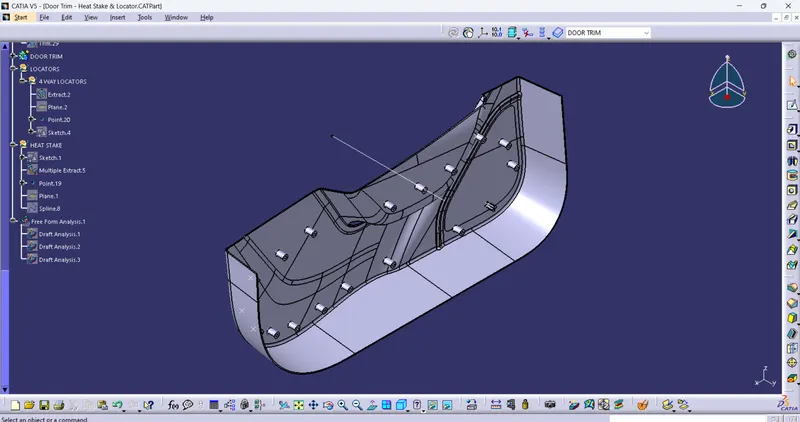
creation of Tooling axis :-
1) Extact a surface from class A surface. where we need tooling axis
2) created a point on extracted suface from class A surface
3) created a line on the point on extracted surface with required direction
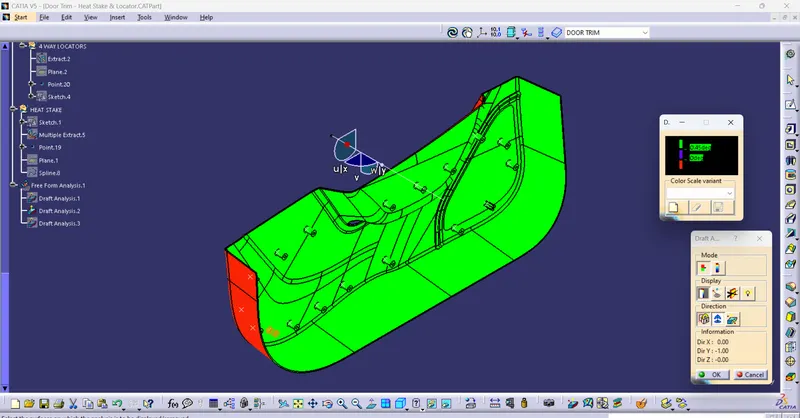
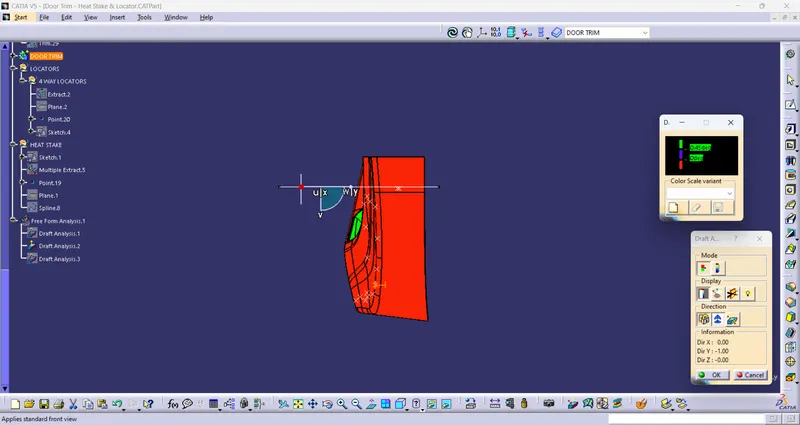
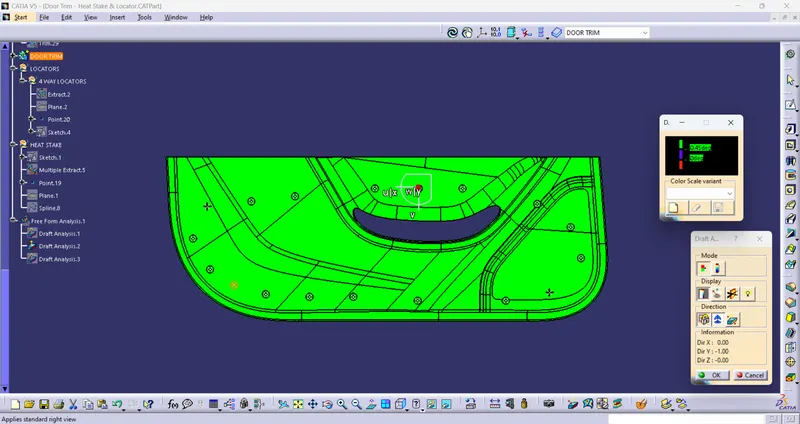
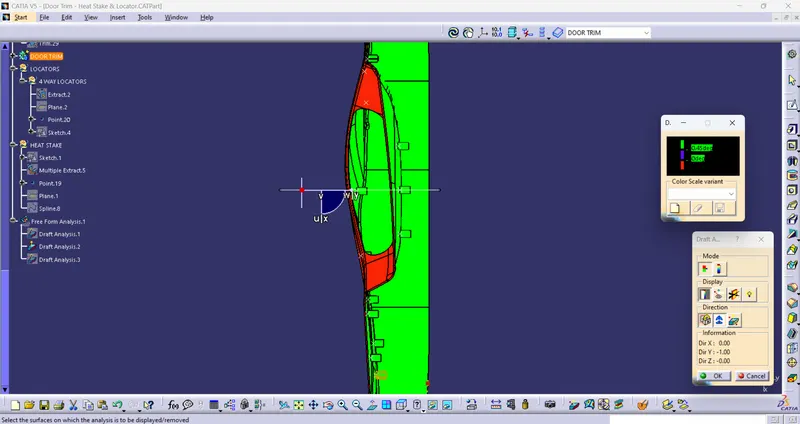
Draft analysis:-
1) select material in customize view paramater in View toolbar
2) select analysis in insert and in that select the feature draft analysis
3) In draft analysis select the compass and drag the compass to the tooling axis and lock the compass to tooling axis
4) click on the surface to see the draft analysis of the compoment