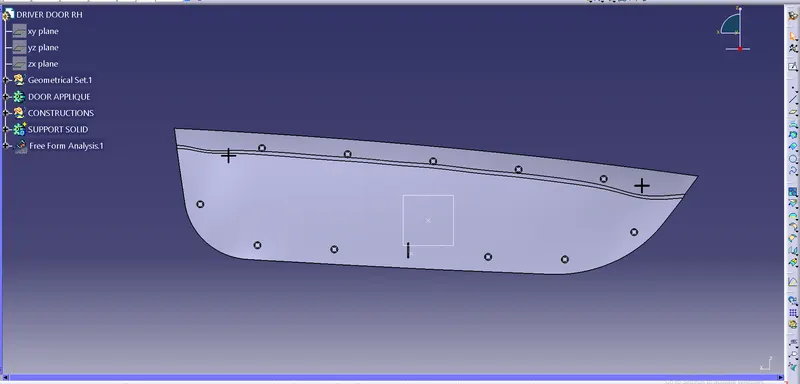
Week 9 - Project 1 - Door Applique Design with Engineering Features
DOOR APPLIQUE:
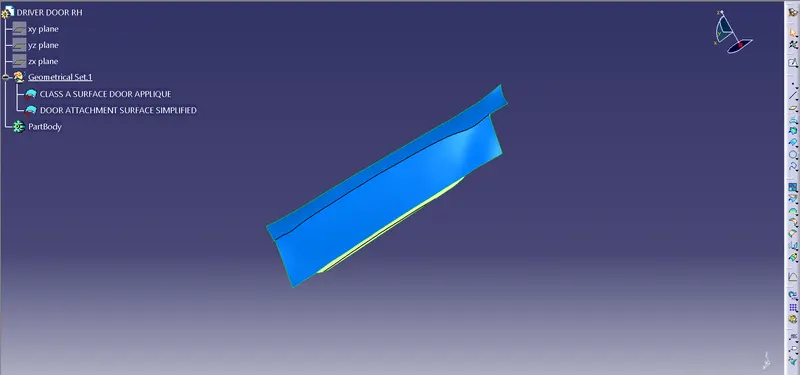
CREATING B & C SURFACE FROM A SURFACE:
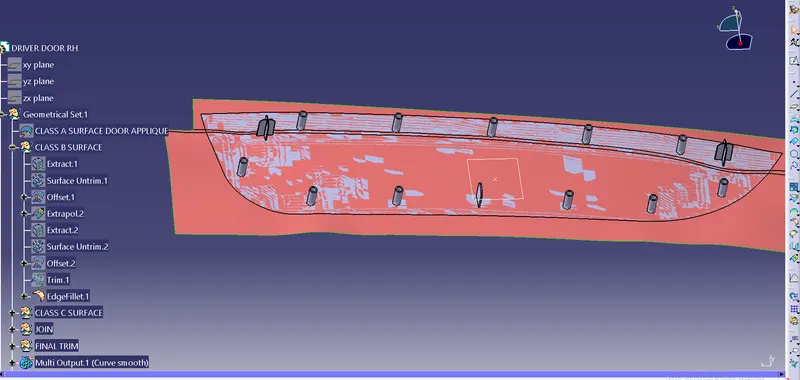
B SURFACE:
- Extract the A surface.
- Surface untrim the A surface.
- Extrapolate the surface.
- Offset the surface A.
- Repeat the all the 4 operations for the back side.
- Finally trim that the B surface will be formed.
C SURFACE:
- Intially Insert a boundary for Class A surface.
- Curve smooth the boundary.
- Sweep the the curve smooth.
- Extrapolate the surfaces.
- Finally trim the extrapolated surface so that Class A & Class C surface Joined.
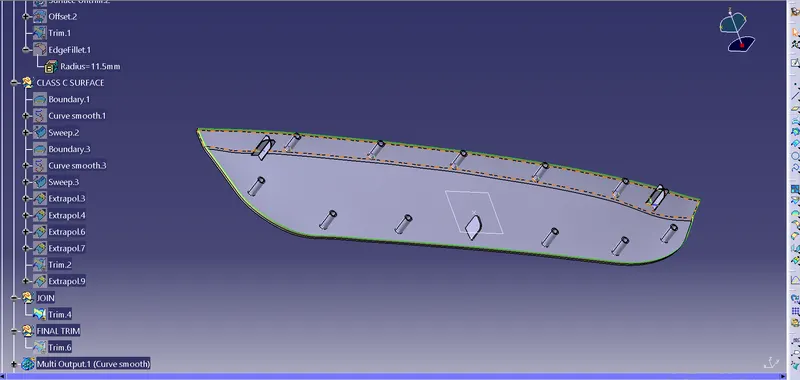
- Finally Trim the Class A & Class C surface with Class B surface.
- Then we will be getting Class A, Class B & Class C surface.
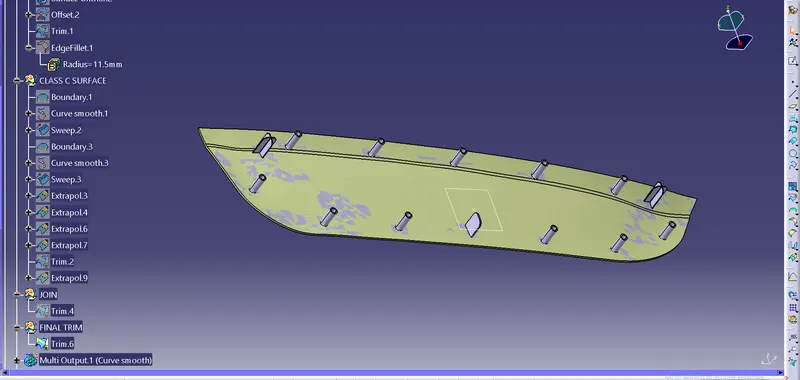
- Now we have to create the Locators & Heat Stakes.
- Insert a geometrical set & name it has Locators.
- Insert a point and a plane.
- Go to sketch draw a + sybol for 4 way Locator.
- Pad it for 28mm & also thick it 1.3mm.
- Insert a body.
- Thick the base surface.
- Name the inserted body as 4 way locator.
- Draft the 4 way locator.
- chamfer it.
- Insert fillets for all the edges as 0.3mm & chamfered faces asw 1mm.
- Copy Paste the 4 way locators and translate the locator so that we can get another locator on the opposite side.
- Go to new sketch
- Insert a body & name it as 2 way locator.
- Follow the same procedures for 2 way locator.
- Finally use the boolean operation for both 4 way & 2 way locators .
- The Locators are created.
- Insert a geometrical set and name it as Heat stakes.
- Insert 2 boundries.
- Parallel the 2 boundries.
- Then using Repetative point option insert points 7 points at the Bottom & 5 points at Top.
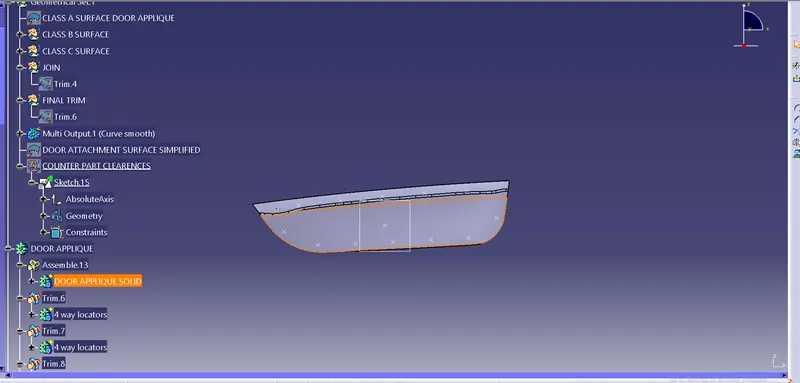
- Go to sketch Insert 2 circles of about Dia 7mm and Dia of 5mm.
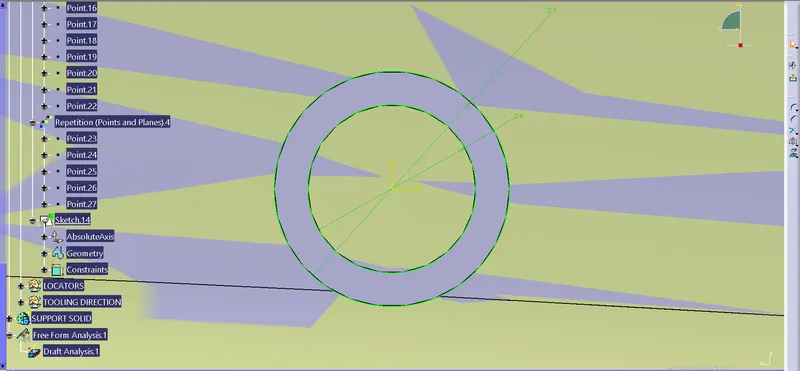
- Insert a body and name it as Heat stakes.
- Pad the circles of about 20mm.
- Copy paste the Heat stake body.
- Translate it for 11 times using point to point option as already point has been inserted.
- Insert a body and assemble all the bodies and name it as Heat Stakes Assy.
- Use Boolean operations Union Trim and trim the unwanted areas of heat stakes.
- Finally Locators & Heat stakes are created.
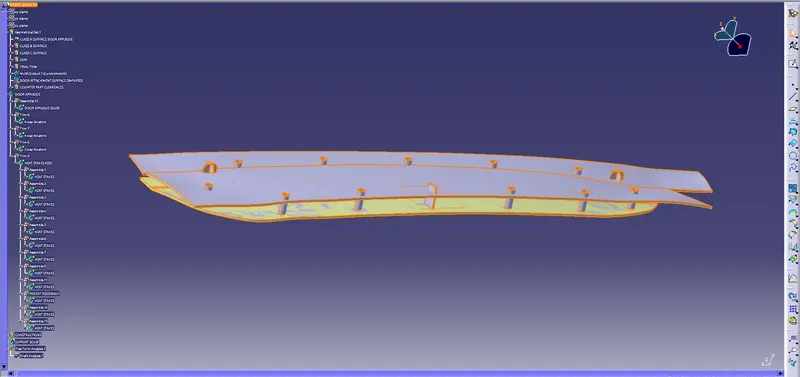
DRAFT ANALYSIS FOR LOCATORS & HEAT STAKES:
- Inserting a compass in in tooling axis.
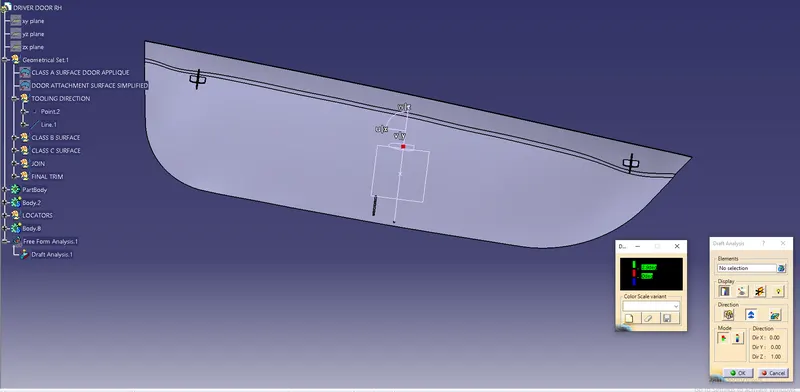
change the angle of draft analysis degree as 0.48
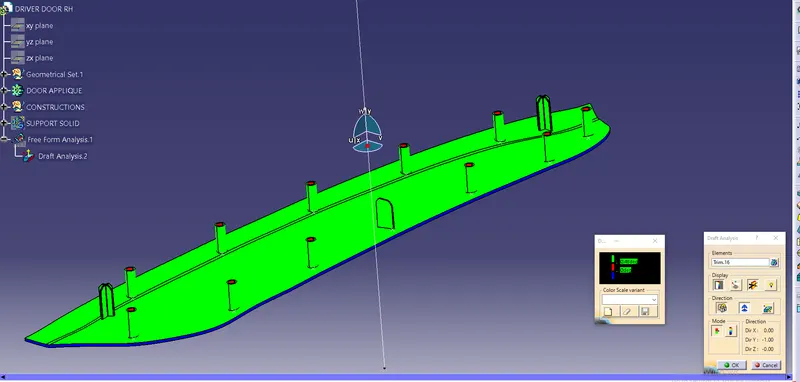
Types of views:
Isometris view-:
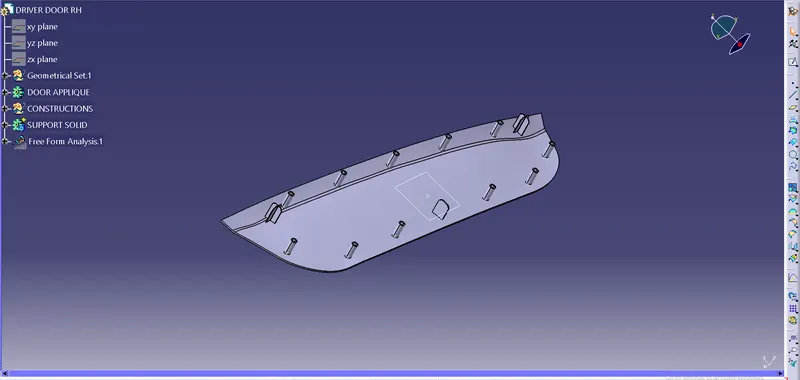
Front view-:
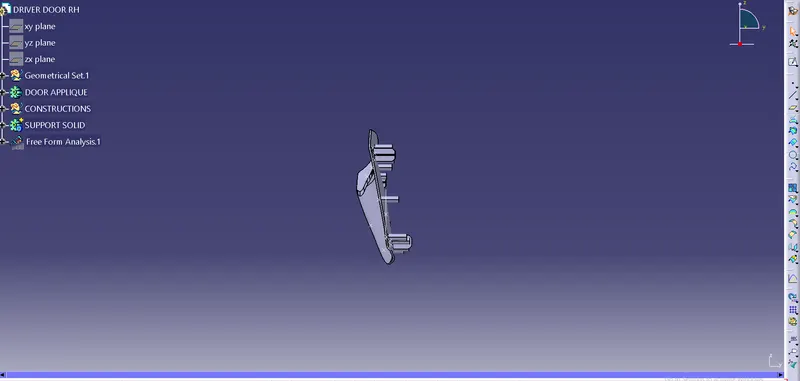
Top view-:
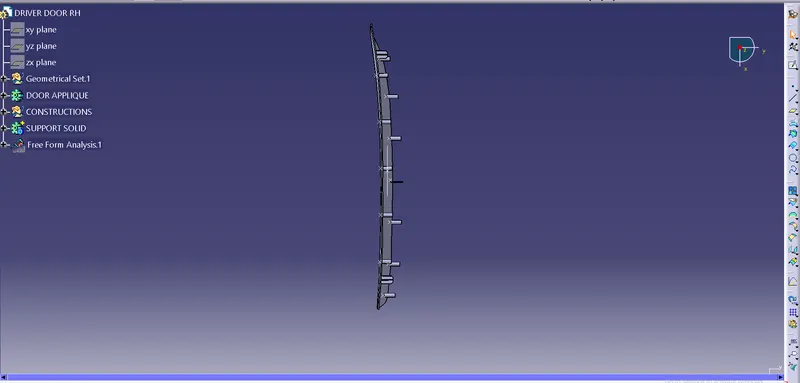
Side view-: