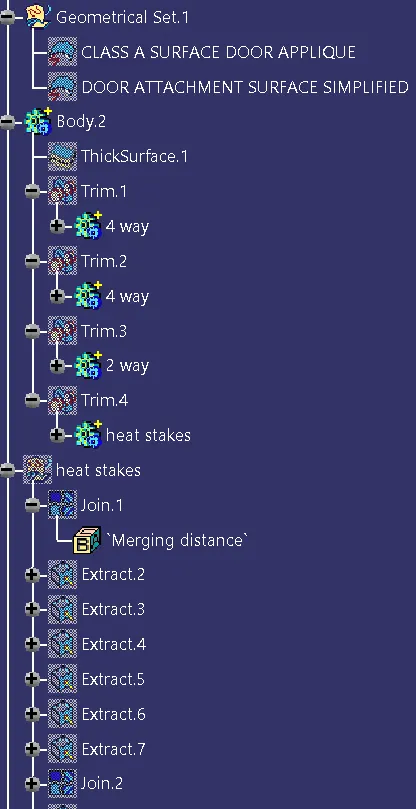
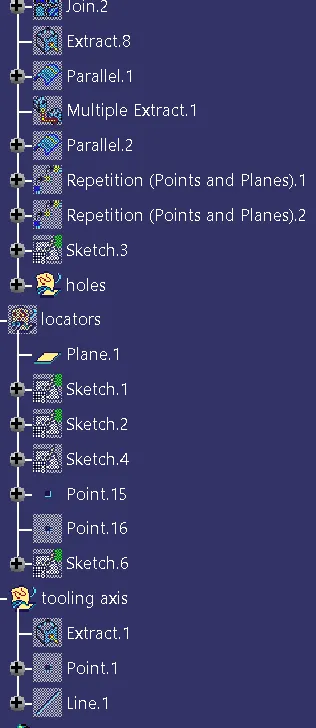
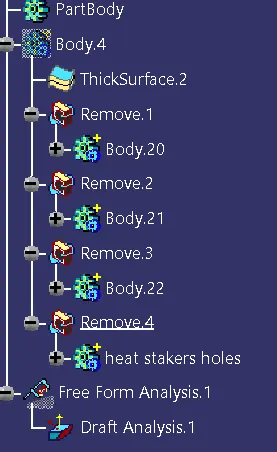
Week 9 - Project 1 - Door Applique Design with Engineering Features
AIM:
To create Plastic design and attach the Engineering features and generate the Draft Analysis for the given Door Applique Class A model.
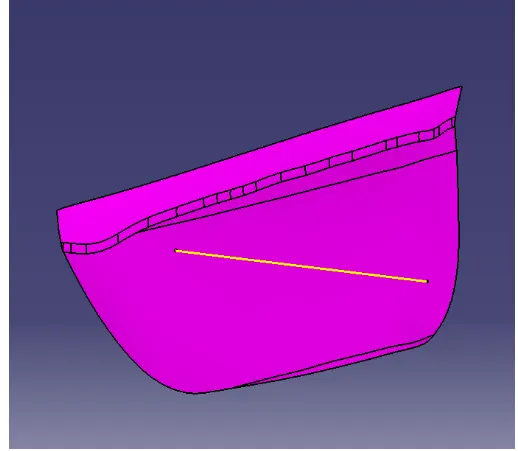
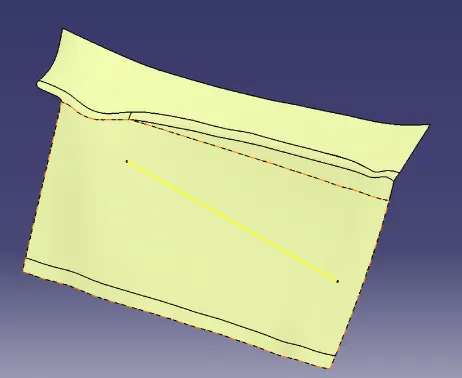
DOOR APPLIQUE
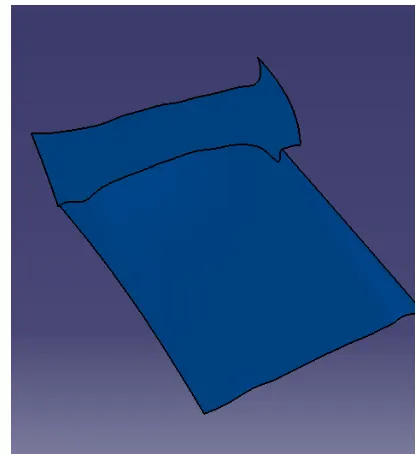
DOOR ATTACHMENT SURFACE
PROCEDURE:
1.Check for any openings in the given model Door Applique by using BOUNDARY. In BOUNDARY > select edges - select the surface to
create the boundary at the openings.
2.Create a point at the center of the surface by using Point Definition by : Point Type - on surface ,Surface - select the surface and Distance-0
3.By using the Line Definition option create a line in Y direction by : Line Type - Point-Direction, Point - select the point and Direction -
Y which will be the Main Tooling Axis(Yellow).
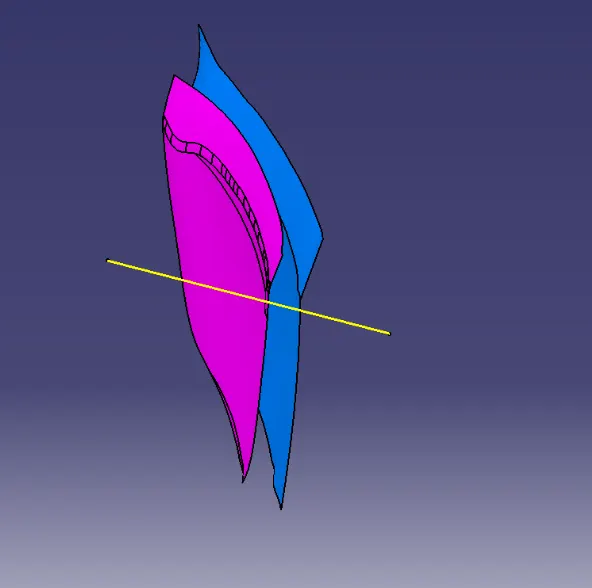
4.Do the draft analysis on Class A surface
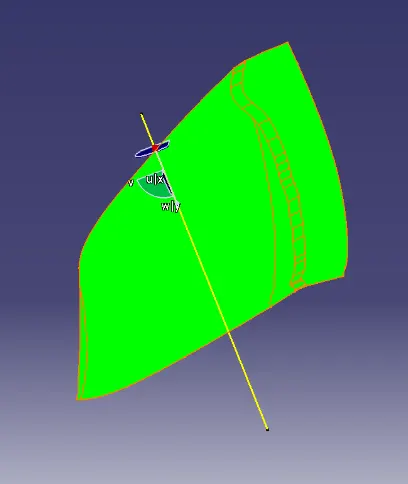
CREATING B-SURFACE FOR DOOR APPLIQUE:
5.Extract the Class A surfaces by selecting the surface to extract and Untrim the surfaces by selecting the surfaces which are
required and offset the untrimmed surfaces by selecting the surfaces to offset to a distance of 2.5mm and then trim the surfaces.
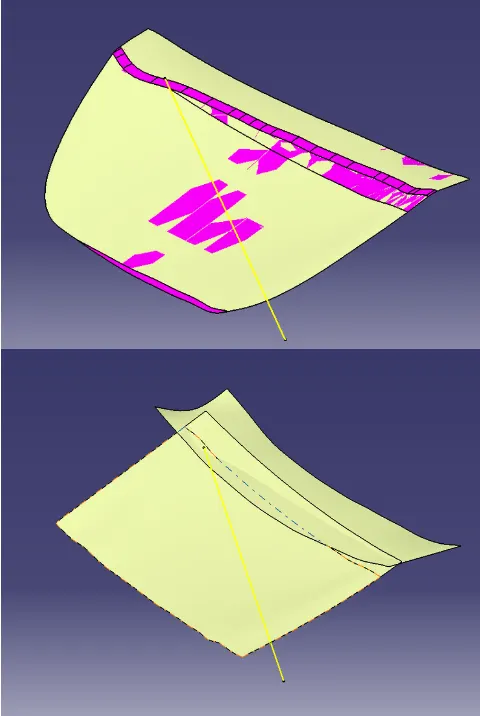
6.Fillet the surface with a radius and extrapolate the surface.
CREATING C-SURFACE FOR DOOR APPLIQUE:
7.Extract the Boundary of Class A by Extract option and Using Sweep option create the Class C surface.
8.Smooth curve the extracted boundary and then in Sweep option : Type - With draft direction , Guide Curve - Boundary and Draft
direction - Tooling axis and angle as 3 degrees.
9.Create the C surface for 2 boundaries separately
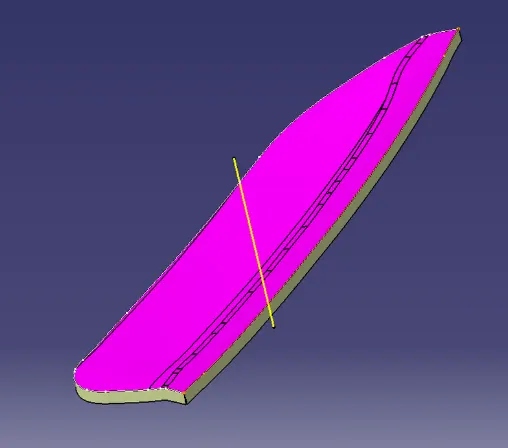
10.After creating the C surface,join the Class A and Class C surface by Join option and then trim it with the B surface.
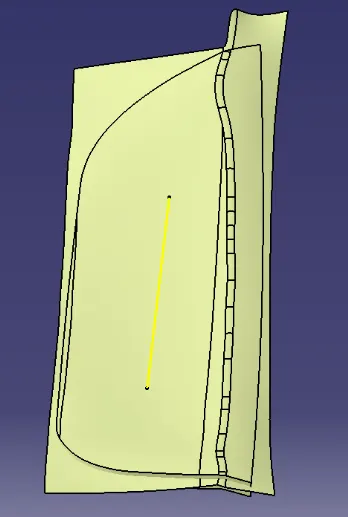
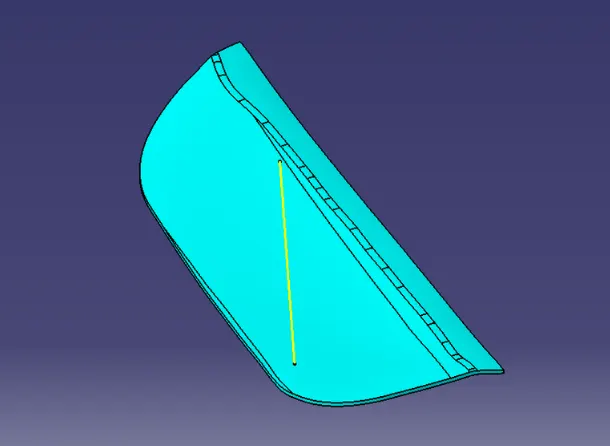
11.In Part Design,fill the surface body with the solid using Close surface.