Week 9 - Project 1 - Door Applique Design with Engineering Features
Aim:
To create a door applique of class B and class C with the given A surface. And to create an Locator and Heat Stakes in the given door applique.
Procedure:
B surface creation
To create an B surface first extract the surface from the given A surface and untrim the extracted surface and extrapolate it after that trim the extrapolated surface as in the image. And give the values for the edges.
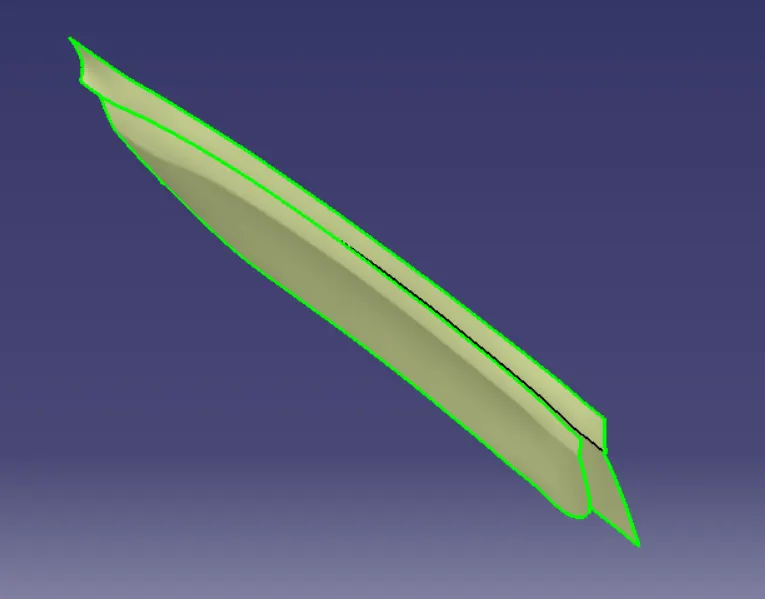
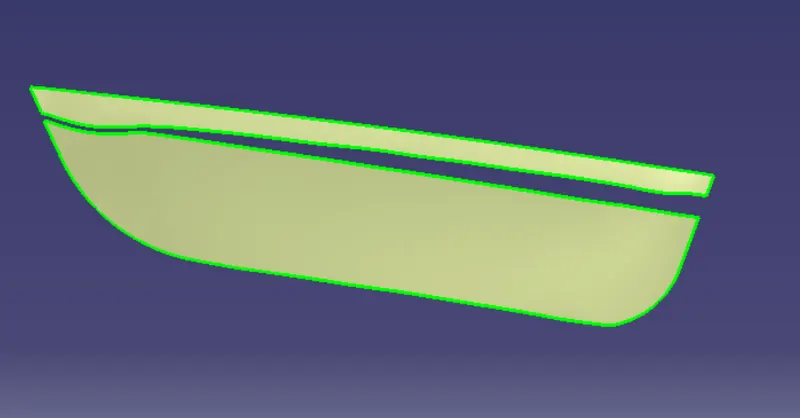
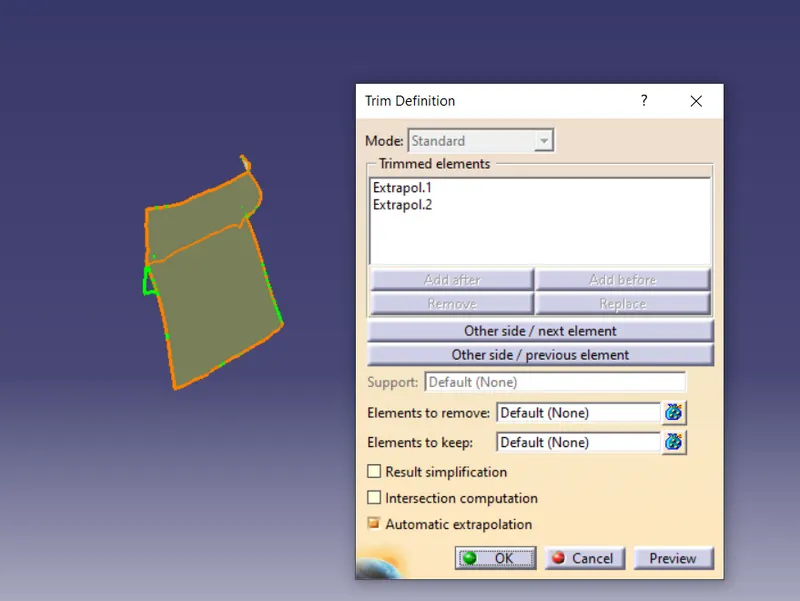
B surface
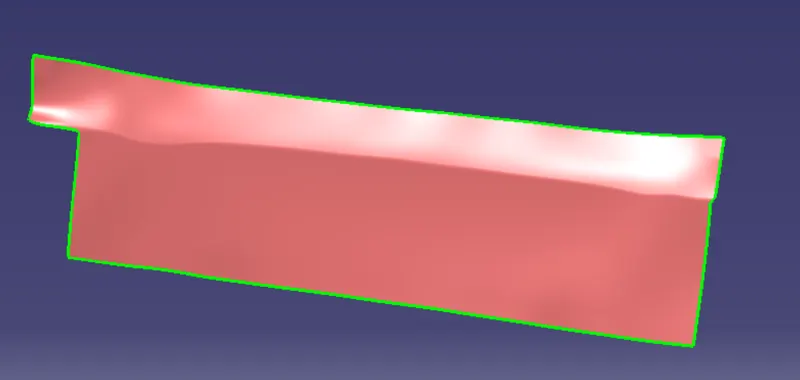
C surface creation
To create the class C surface, take the boundary of the class A surface and with the boundary select the limit 1 and limit 2 with the point and click ok. After that click on the sweep option and select the subtype as draft direction. Now make select every point like the limit 1 and limit 2. Now the class C surface is formed.
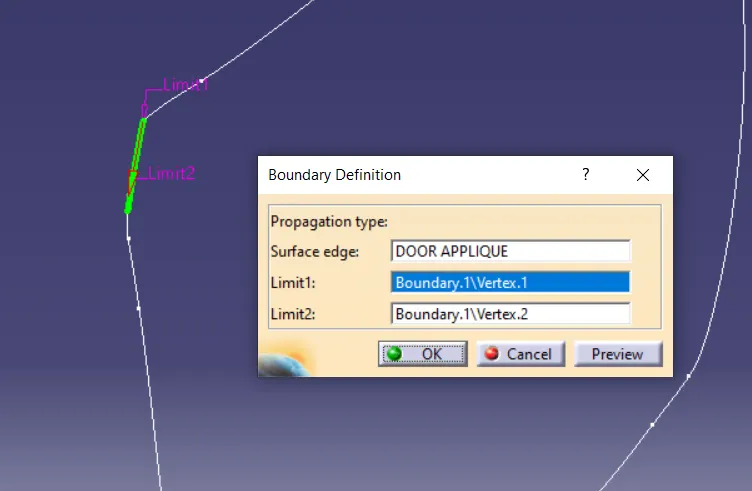
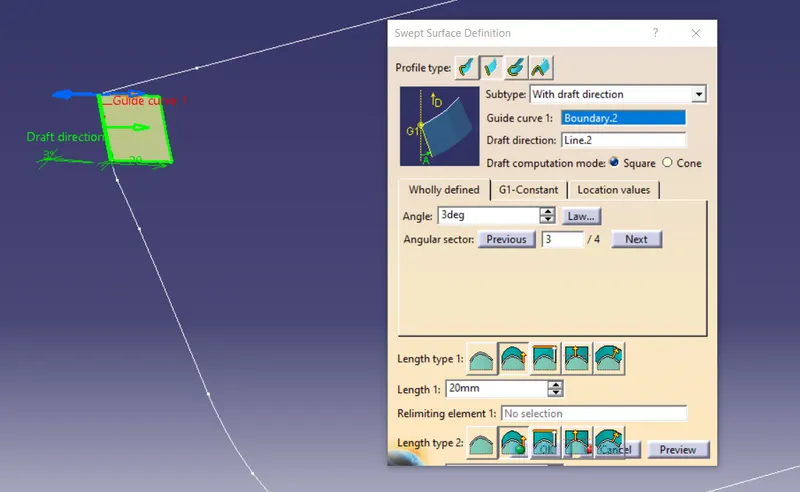
Class C surface
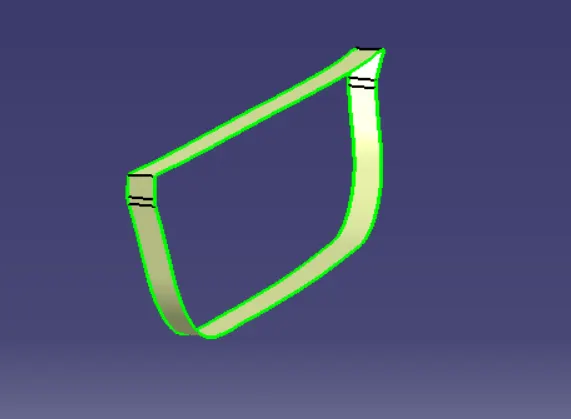
Now trim the class B and C surface.
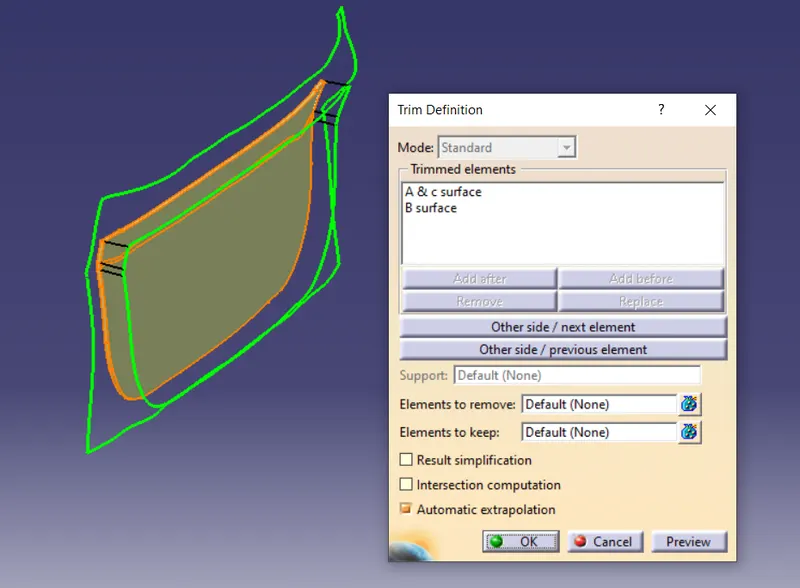
Creation of Locator
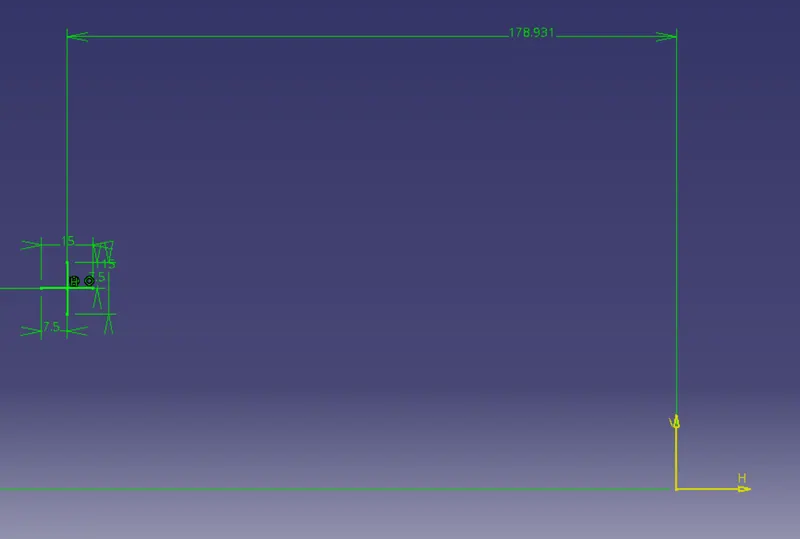
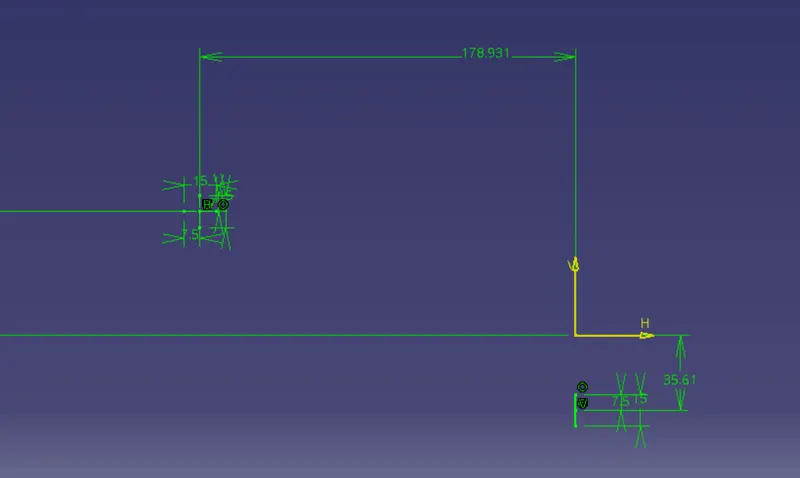
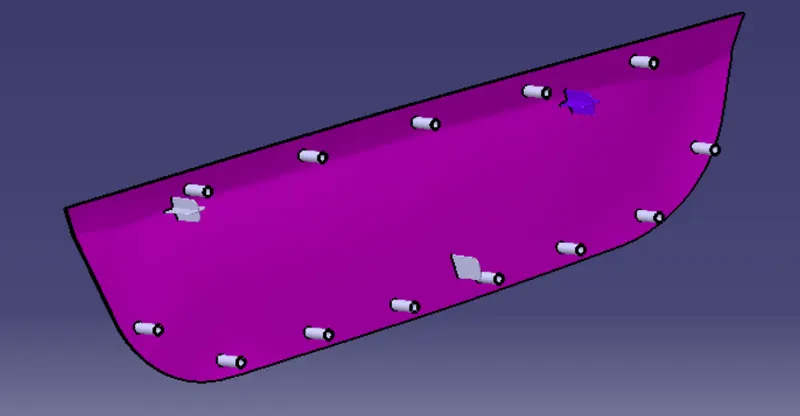
Now with the sketch draw the 4 way locator like the plus sign with the measurment. After that pad it. The next thing is to draw the 2 way locator and pad it.
Creation of Heat Stakes
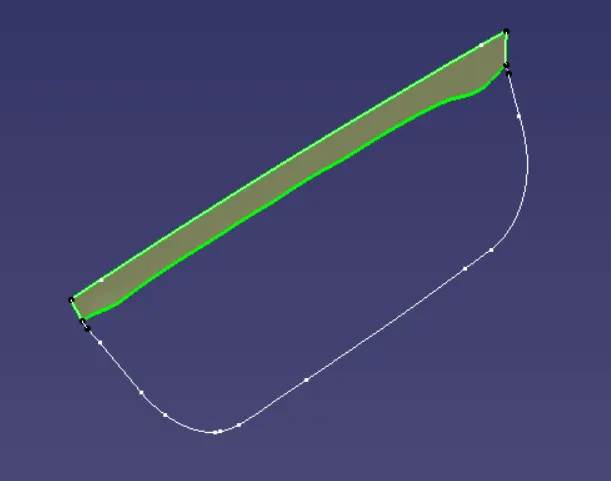
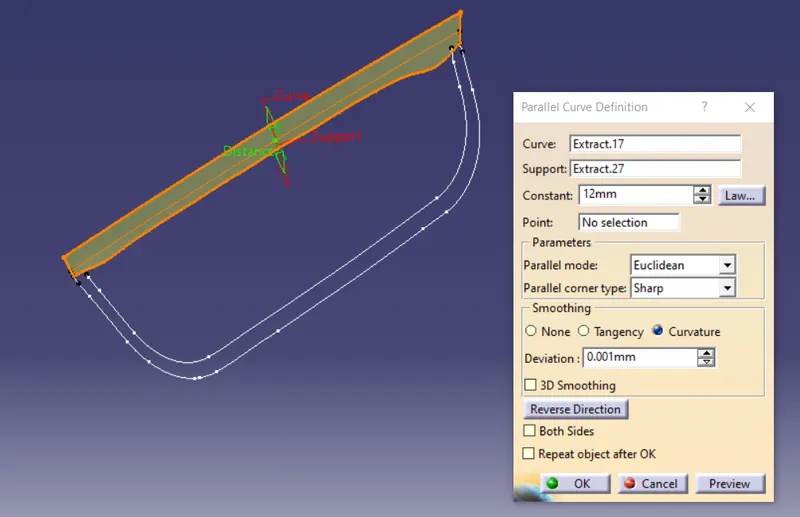
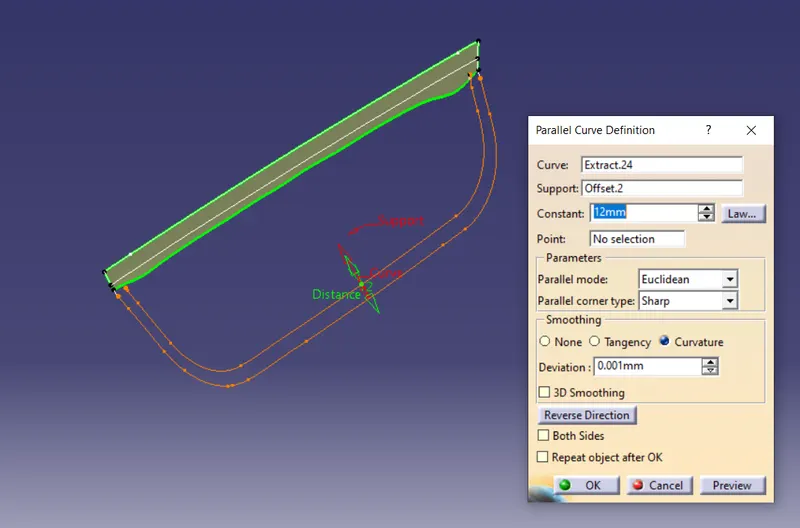
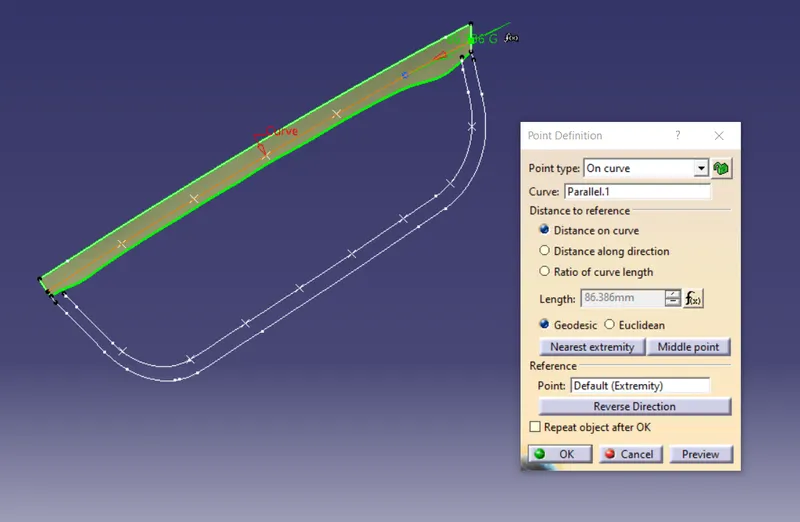
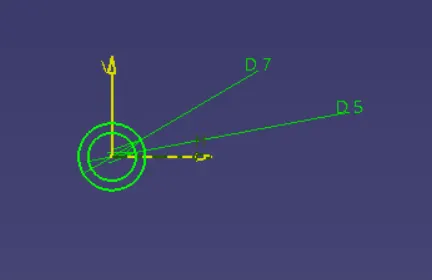
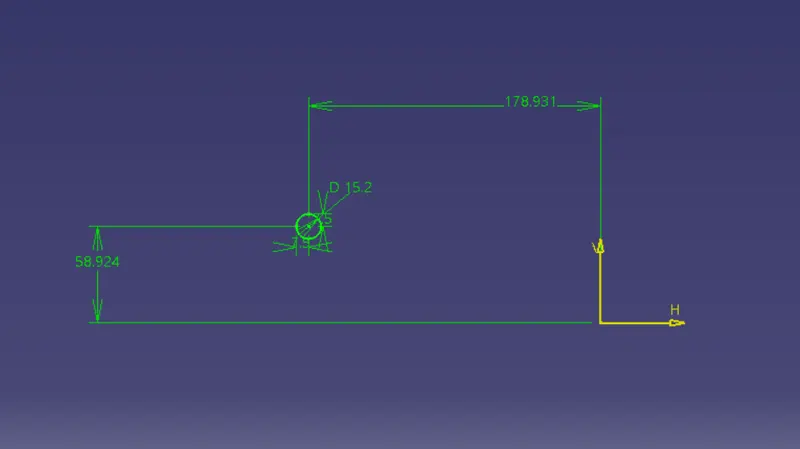
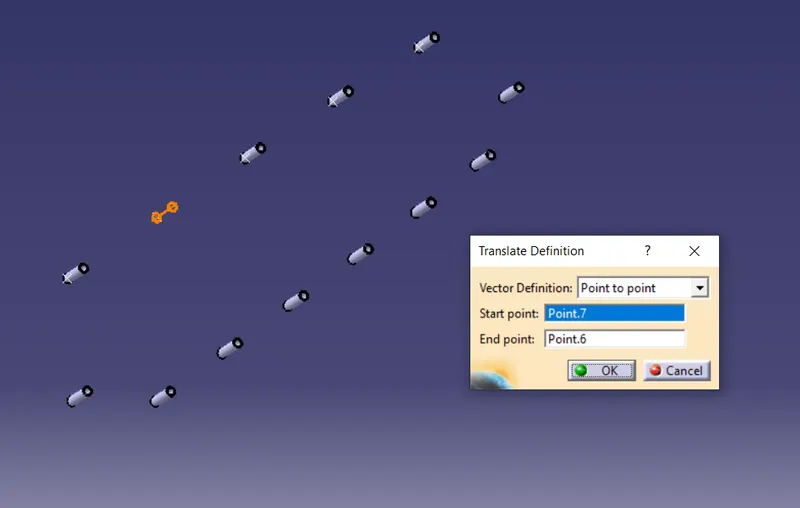
For creating the heat stakes take the boundary for the upper part and lower part separately. With the parallel curve option deviate the line with the 12mm by selecting the extract and the boundary created. With the point select the line and the paralle line and create the point. Now draw the circle with the given measurement with the screw size. After drawing the circle pad the circle.
With the translate option translate the heat stakes with the point to point option. After that union trim the surface which is created during the padding.
Draft Analaysis
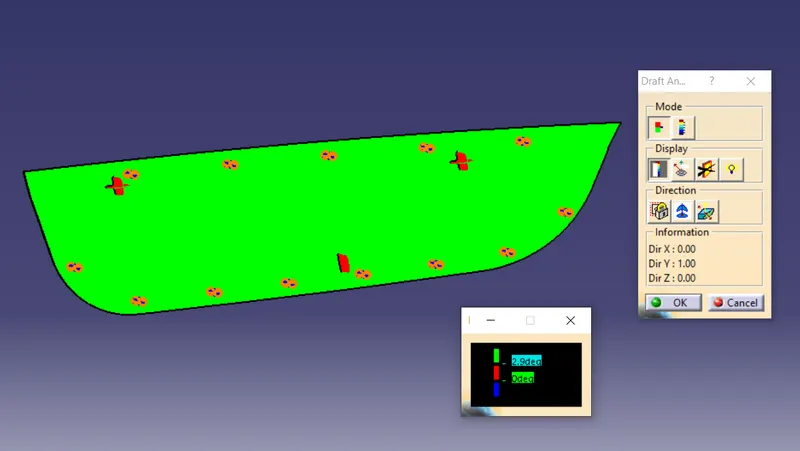
Result:
With the door applique created an 4 & 2 way locator and the heat stakes.