Week 9 Machining with Planer Challenge
Machining with planner model
Objective: To run the simulation using explicit dynamics & compare the results generated from two different cutting velocities.
Case Setup & Execution:
- Open ansys workbench, open explicit dynamics from analysis systems.
- Next click on engineering material & select explicit material. In that select steel 1006 for the below simulation.
- Now click on geometry, import the model, open space claim and check for all the faults.
- Next click on model & select edit. Once the model is open .Click on geometry rename it.
- Now delete all the generated contacts as in explicit dynamic we don’t require any. Let the body interactions be present.
- In the next step choose mesh, insert patch conforming method and select the cutting tool from body selection, choose method as tetrahedrons for tool.
- Insert an edge size select all the 4 edges of workpiece and chose no of divisions as 8 or as required.
- Now in explicit dynamics in analysis setting provide an end time of 7.5e-004.
- Insert a fix support and select the base surface of the workpiece. Provide a velocity of 15000mm/s & 20000mm/s to the cutting tool in various simulation.
- Now in results add various output results required & hit solve to run the simulation.
Results:
|
Sr No |
Cutting Velocity(mm/s) |
Equivalent stress (MPA) |
Deformation (mm) |
Equivalent strain |
Temperature (Deg c) |
|
1. |
20000 |
683.5 |
21.12 |
0.0032 |
435.5 |
|
2. |
15000 |
683.5 |
16.36 |
0.0032 |
347.37 |
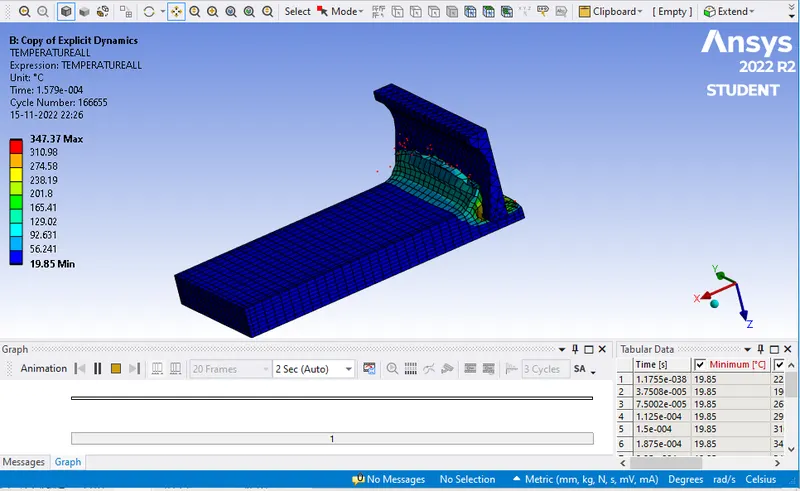
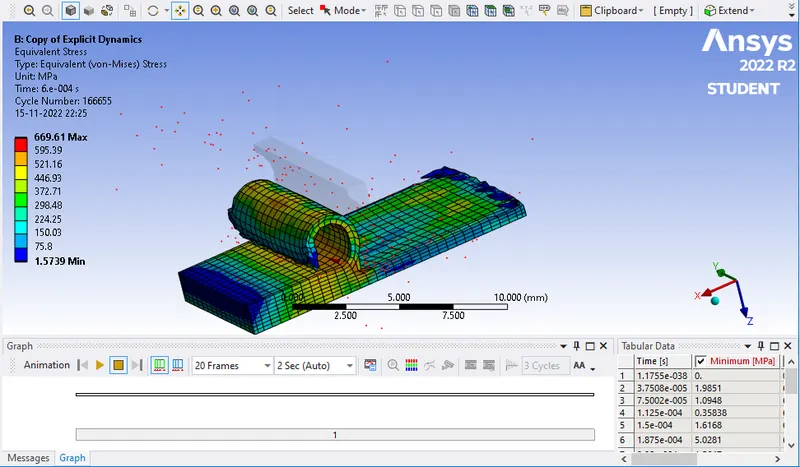
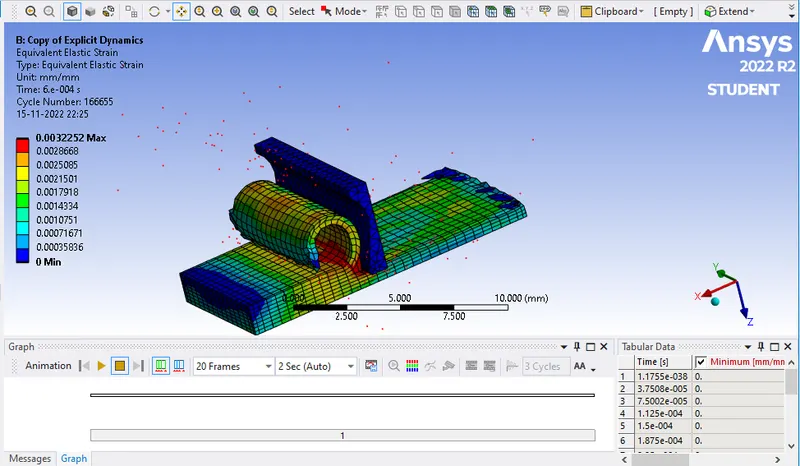
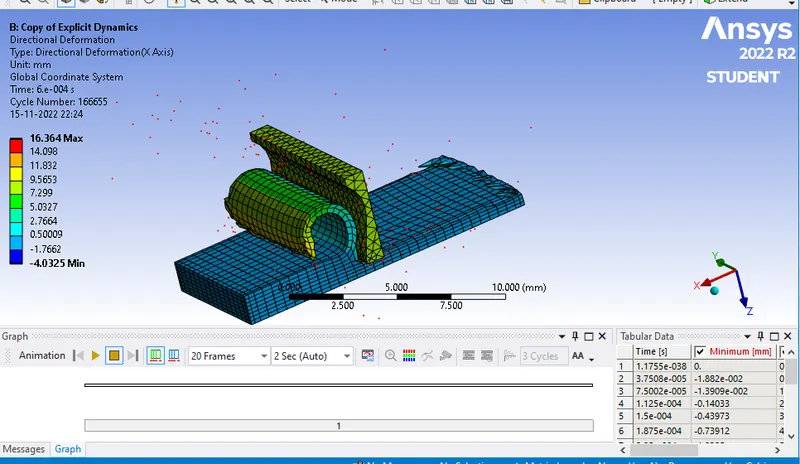
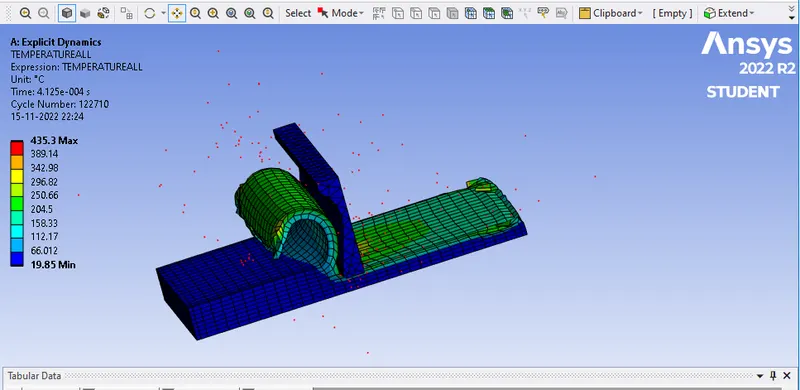
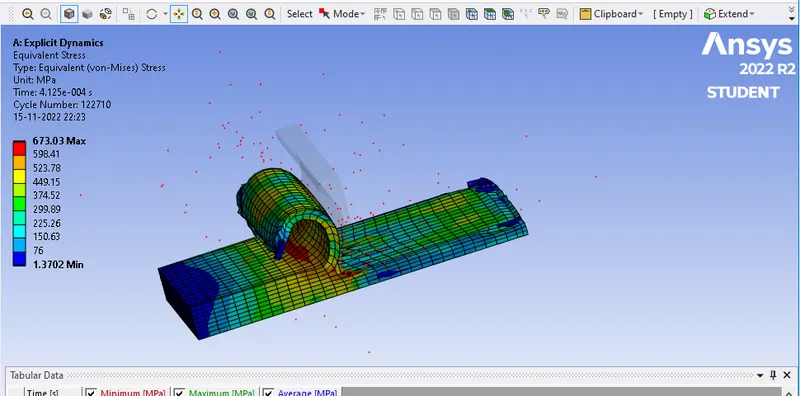
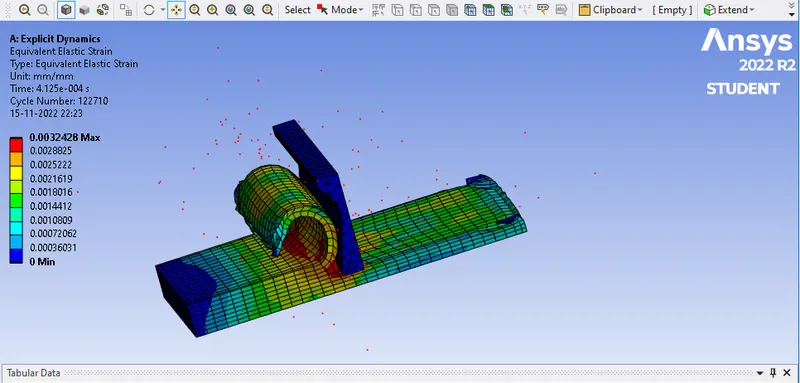
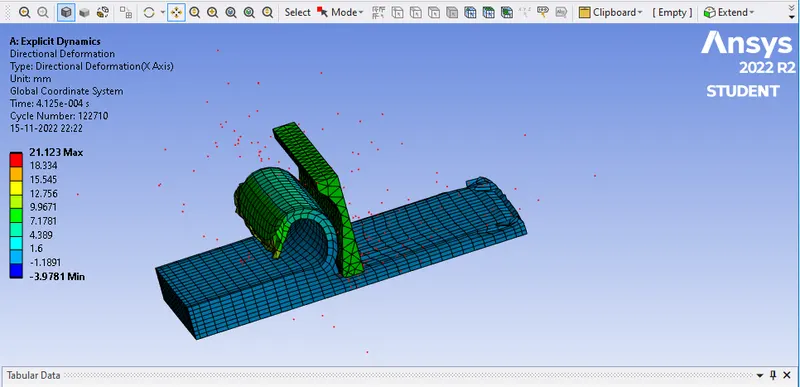
Case 1: In this case we have set the velocity of cutting tool as 20000 mm/s. We have obtained an equivalent stress of 683.5 Mpa, deformation of 21.12. Equivalent strain generated is 0.0032 & maximum temperature that the material went through is 435.5 deg c.
Case 2: In this case we have set the velocity of cutting tool as 15000 mm/s. We have obtained an equivalent stress of 683.5 Mpa, deformation of 16.36. Equivalent strain generated is 0.0032 & maximum temperature that the material went through is 347.37 deg c.
Conclusion: Comparing both the results it can be seen that as the cutting velocity is increased various parameter such as deformation & temperature also increases. As boundary conditions are same so stress generated & equivalent strain is equal. Varying parameter is the temperature and deformation. Velocity being high metal to metal contact increases and heat generation is also more. So this indeed increases the temperature of the material during simulation. To obtain smooth finish lower cutting velocity is required. Higher velocity is used when there is more material removal and rough finish is required. So from this we understand that cutting velocity is very important parameter as the finish obtained will impact the final assembly. We can check various finish by providing different velocities and various mesh sizes.