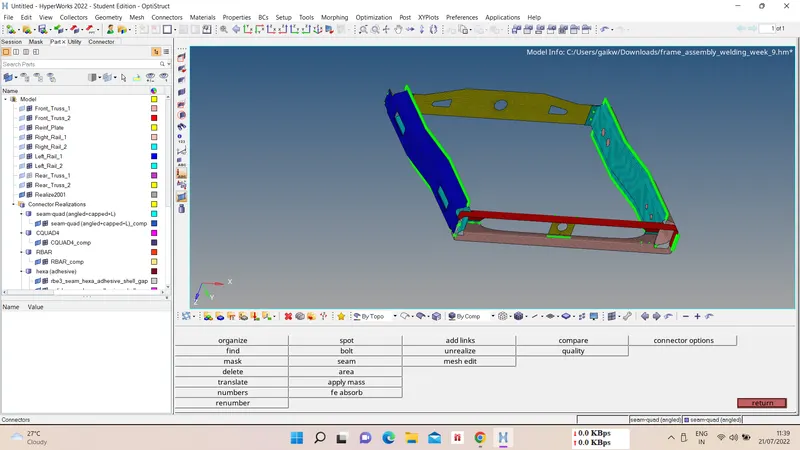
Week 9-Creation of 1D Connectors Challenge
Aim :- For this challenge, you will have to mesh the given geometry. Provided below are the quality parameters that you have to follow. Create connector and Attach the various parts of the given model .
Ans :-
I) Model Import and Geometry Cleanup :-
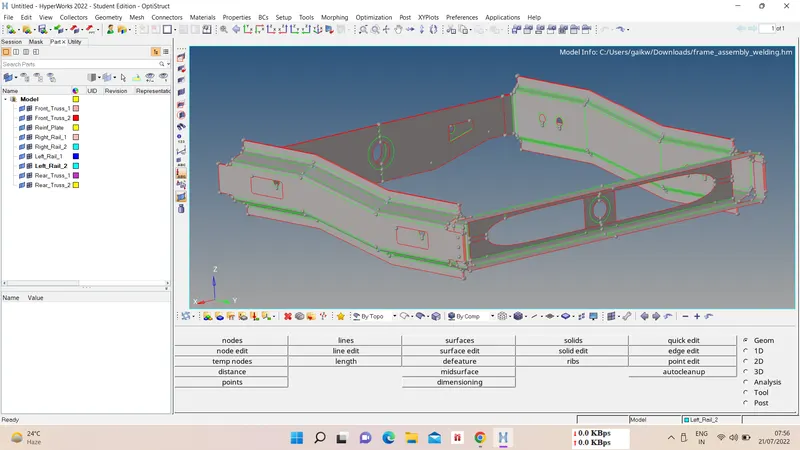
First import the model using import option, then we have to do geometry cleanup for 2D meshing purpose.
for geometry cleanup, Geom - autocleanup - edit criteria and parameters - select surfs - autocelanup.
II) 2D meshing :-
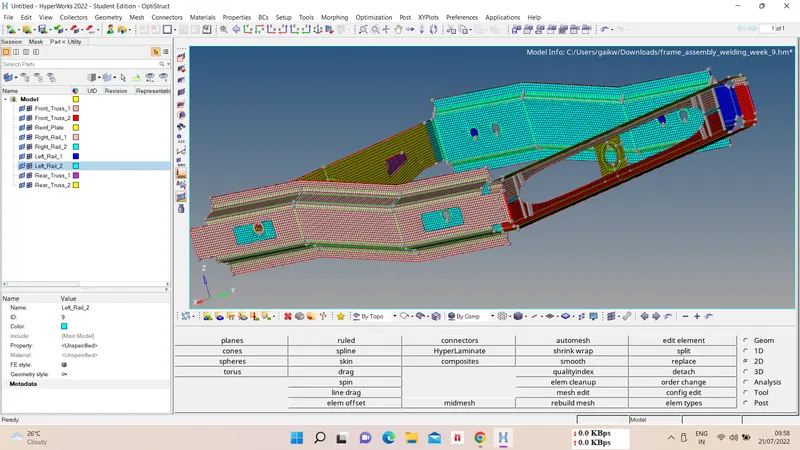
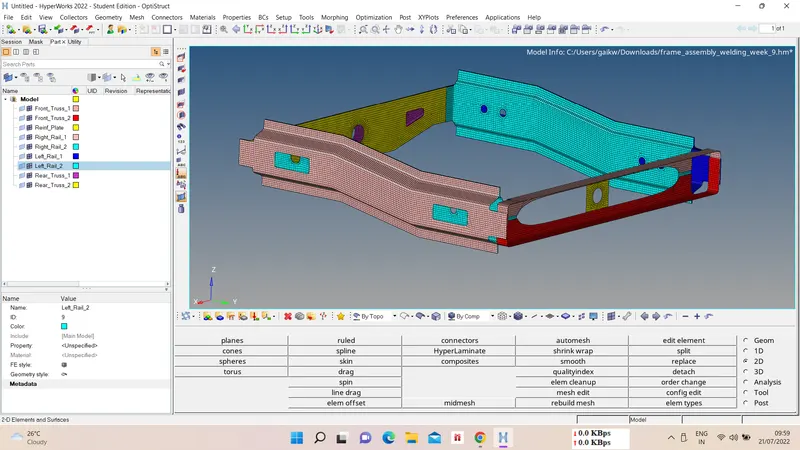
Given model consist of different components, so we have to do 2D meshing seperately of element size 5mm for good mesh flow qulity .
for 2D meshing, 2D - automesh - select surfs - mesh type - element size - mesh.
III) Quality criteria :-
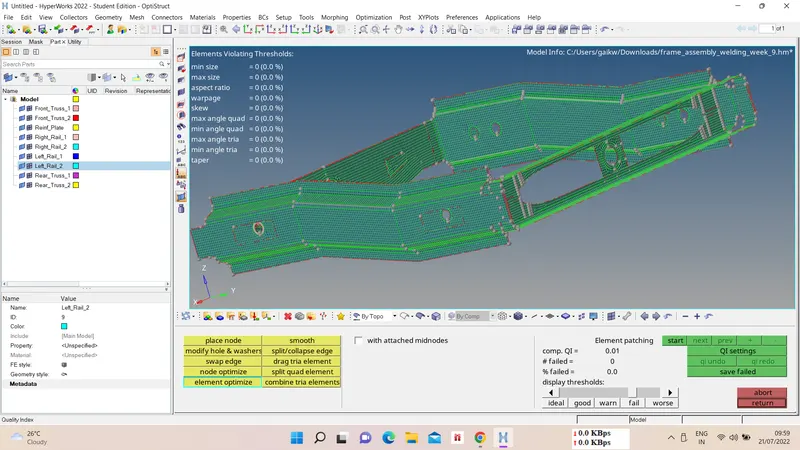
We have to give quality criteria for mesh as below
|
S.N |
Quality Criteria |
Value |
|
1 |
Aspect Ratio |
5 |
|
2 |
Skewness |
45 |
|
3 |
Warping |
15 |
|
4 |
Taper |
0.5 |
|
5 |
Min. Length |
2 Units |
|
6 |
Max. Length |
8 Units |
|
7 |
Min angle Quad |
45 |
|
8 |
Max angle Quad |
135 |
|
9 |
Min angle Tria |
30 |
|
10 |
Max angle Tria |
110 |
|
10 |
Tria % |
15 |
For given quality criteria we have to remesh or rebuild mesh for good quality of mesh.
IV) 2D mesh component :-
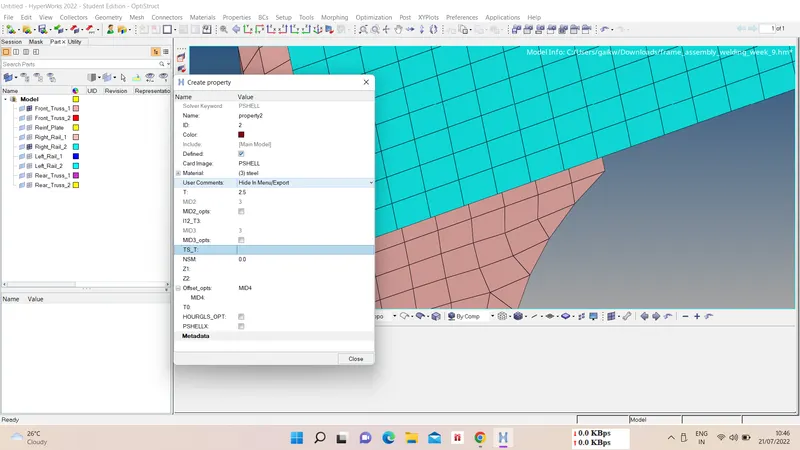
V) Property and Material Assigning :-
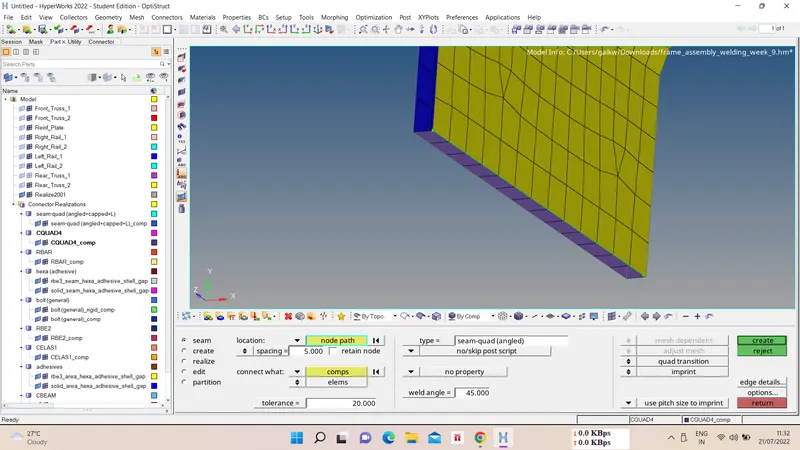
VI) Connectors :-
For connectors we have to open connector panel from view - utilities - hypermesh - connector.
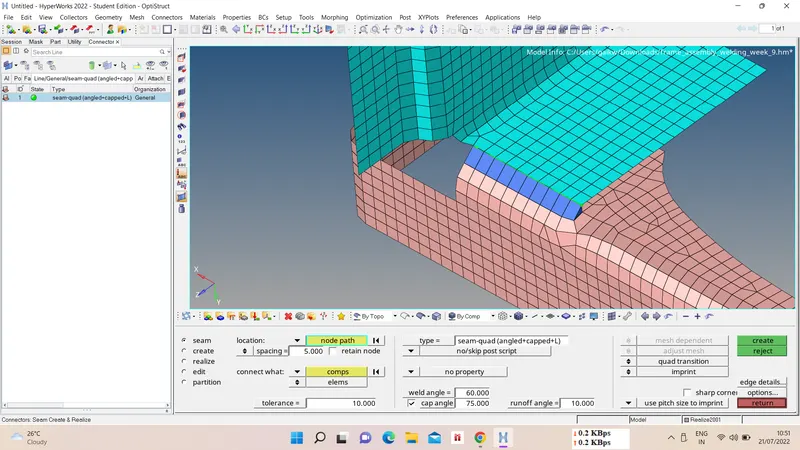
1. Right_Rail_2 & Front_truss_1_Seam-Quad(angled+capped+L) -
1D - connectors - seam - nodes (by path) - search tolerance - select comp. - seam type Seam-Quad(angled+capped+L) - spacing distance as 5 mm - create.
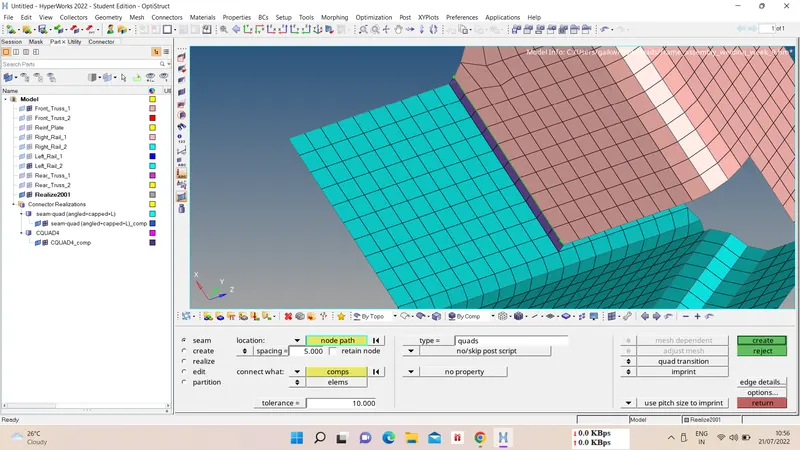
2. Left_Rail_2 & Front_truss_1 _Quad elements -
1D - connectors - seam - nodes (by path) - search tolerance - select comp. - seam type Quad elements - spacing distance as 5 mm - create.
3. Front_truss_2, Front_truss_1 & Right_Rail_1_Spot weld with 2 Layers and 5 mm Diameter -
1D - connectors - spot - nodes (by path) - search tolerance - select comp. - spot type Spot weld - diameter - spacing distance as 5 mm - num layers - create.
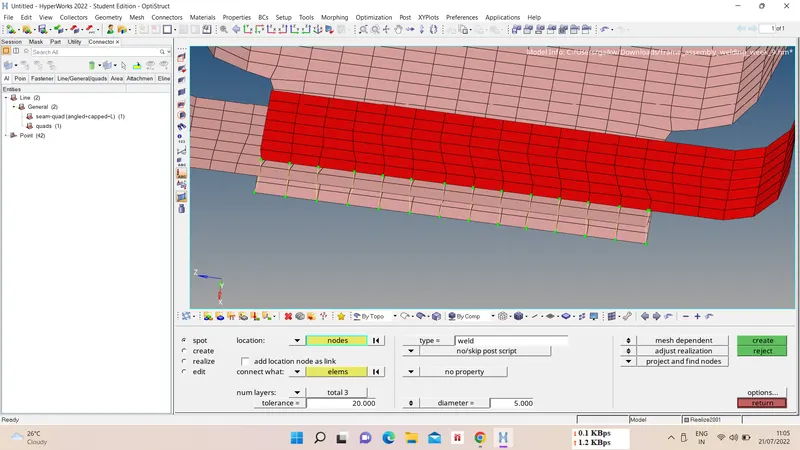
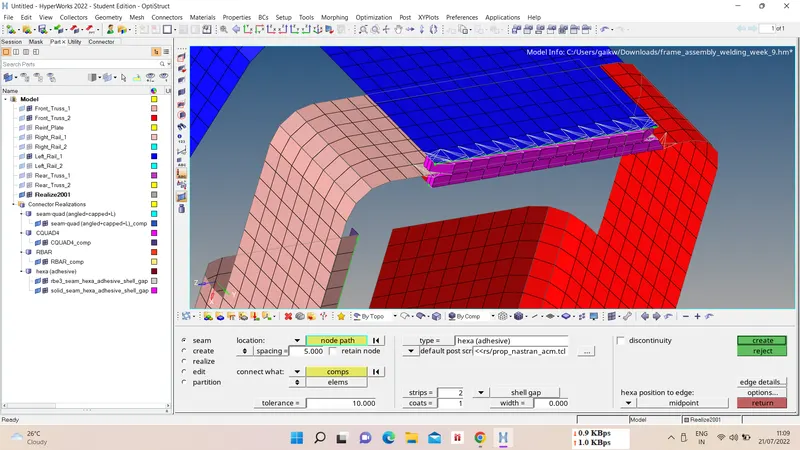
4. Front_truss_2, Front_truss_1 & Left_Rail_1_Hexa (Adhesive) -
1D - connectors - seam - nodes (by path) - search tolerance - select comp. - seam type Hexa adhesive - strip and coat - create.
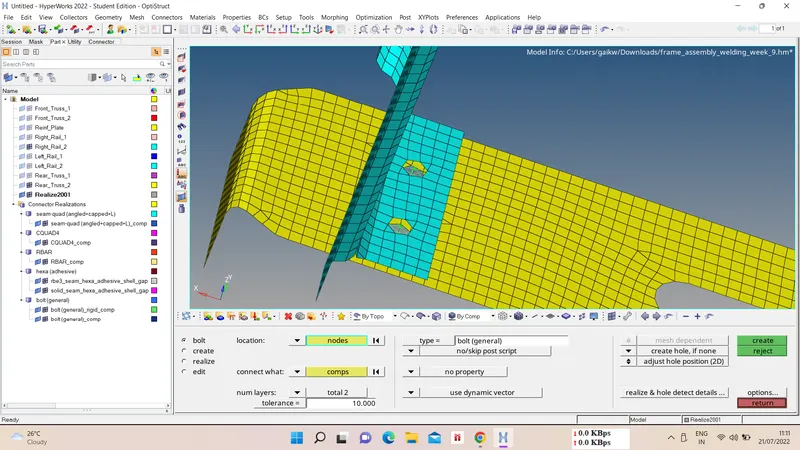
5. Rear_truss_2 & Right_Rail_2_Bolt Connector -
1D - connectors - bolt - select 2 nodes - select comp. - search tolerence - bolt type general - create.
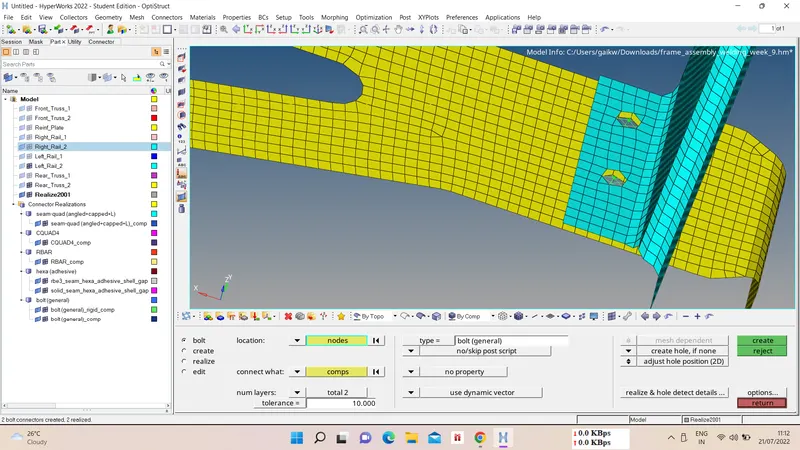
6. Rear_truss_2 & Left_Rail_2_Bolt Connector -
1D - connectors - bolt - select 2 nodes - select comp. - search tolerence - bolt type general - create.
7. Right_Rail_1 & Right_Rail_2_Spot-weld with Rigid Elements -
1D - connectors - spot - nodes (by path) - search tolerance - select comp. - spot type Rigid - diameter - num layers - create.
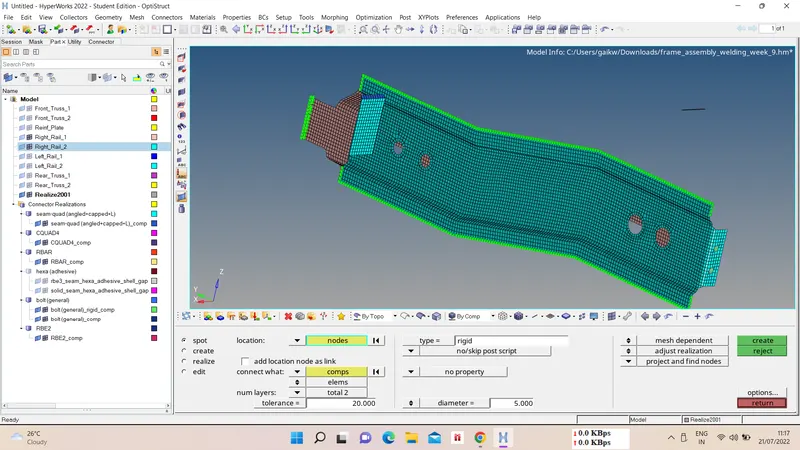
8. Left_Rail_1 & Left_Rail_2_Spot-weld with Spring Elements -
1D - connectors - spot - nodes (by path) - search tolerance - select comp. - spot type Spring - diameter - num layers - create.
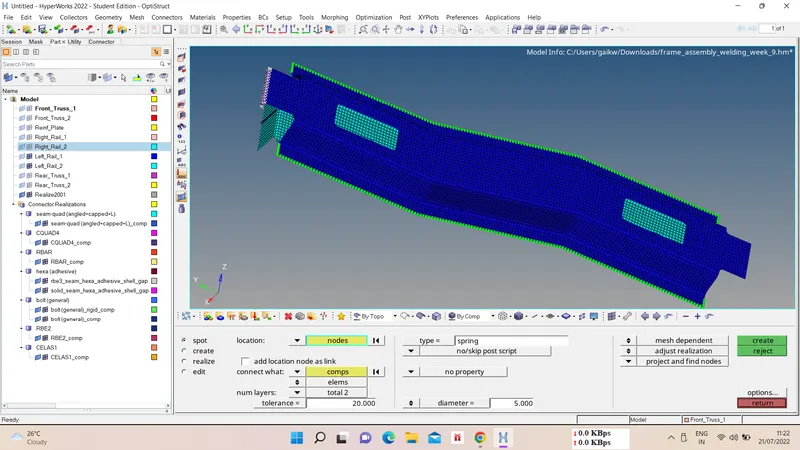
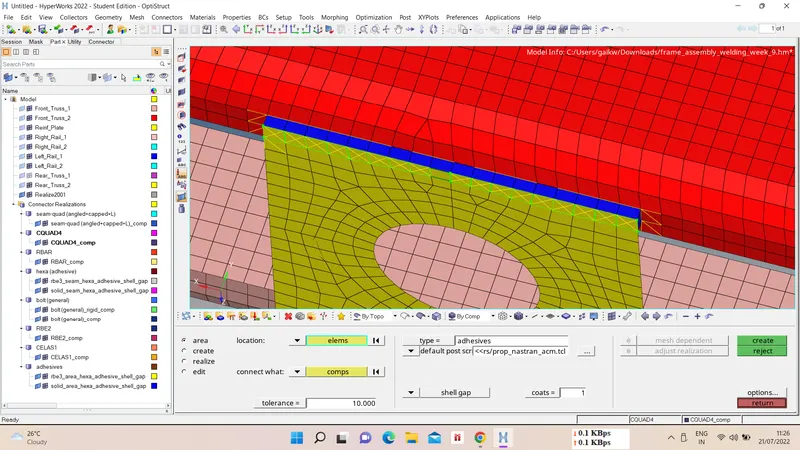
9. Rest all the component left Join them with suitable connectors -
i) Adhesive type -
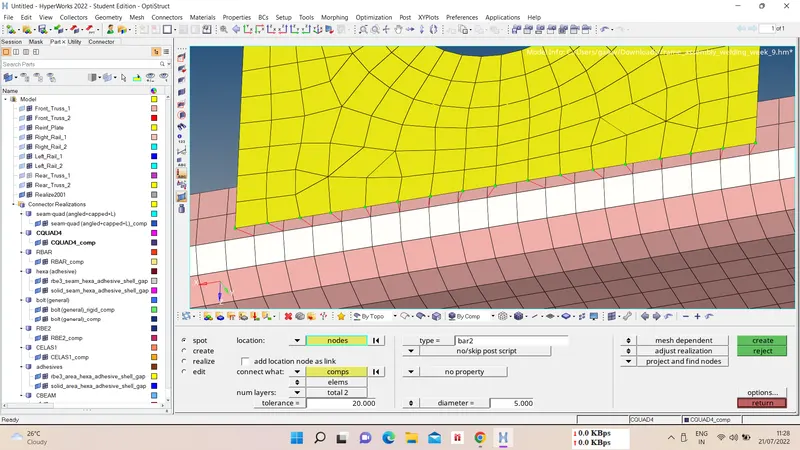
ii) Bar type -
iii) Seam quad angled type -
VI) Final Result :-