Week 9 - Challenge 3 - Bumper
Report -
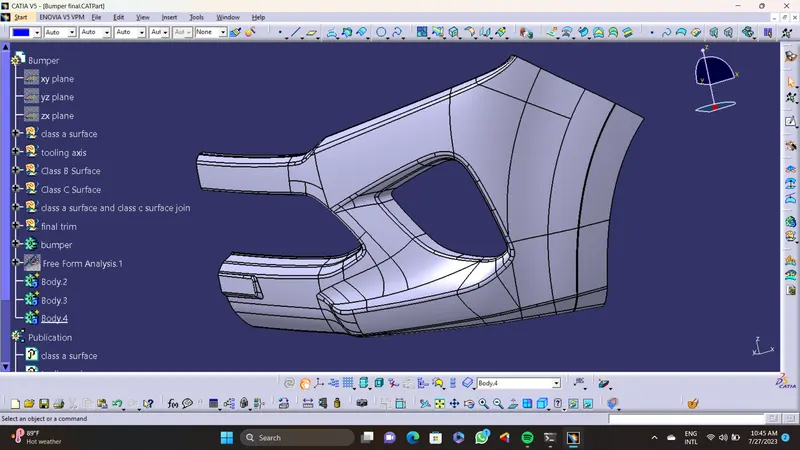
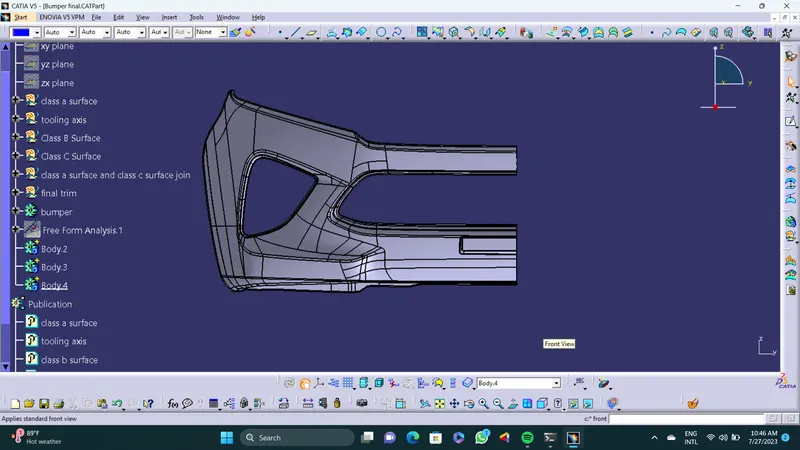
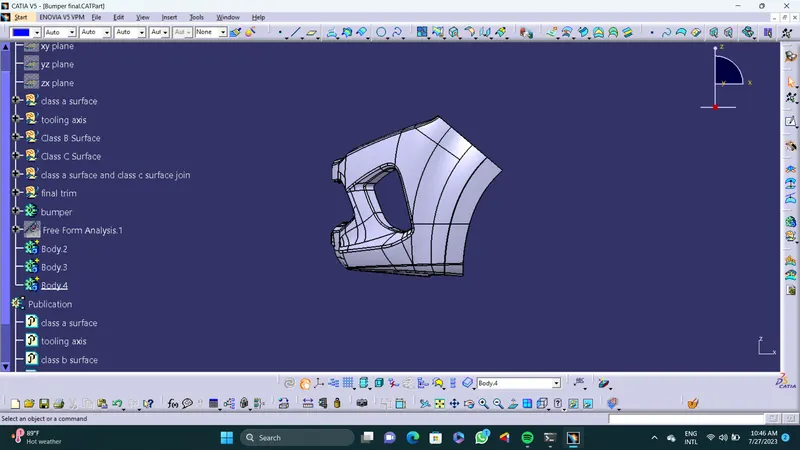
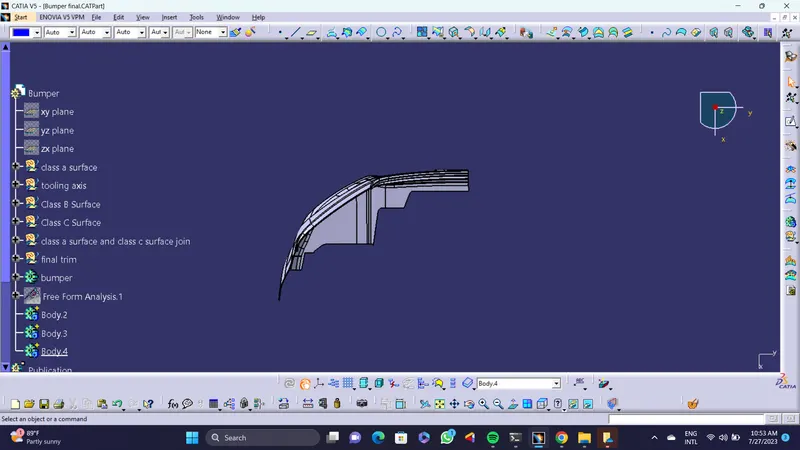
In this challenge i have created close body of a component named as bumper. With the help of given class a surface.
steps -
1. Create tooling axis - Crete a geometrical set and named it as a tooling axis.
First i have create a Tooling axis. For a molding operation first we need tooling direction for core and cavity movement with minumum draft angle. This axis helps to do that.
For that i have create a point on a curve that is in a center of a class A surface.Than create a line that passing through point 1, and give a direction as a X component. The line is a tooling axis for a bumper.
2. Creation of B surface - Create a geometrical set and named it as a class b surface.
Fisrt i did a offset operation in class a surface by 3 mm, because i have to create a bumper of thickness 3 mm.
Than by using multiple extarct,join to remove unwanted surface, than extrapolate the surface with boundary creation to trim the unwanted surfaces. After that i have a surface that i want for class b surface.
Do a fiilet operation as required by check the dimenssions.
Than respectively trim all the surface ,the result is a b surface. Save it as a class b surface geometrical set.
3. Creation of C Surface - create a geometrical set name it as class c surface.
To create a c surface we can create a boundary or either we can give a multiple extract definition to the boundary of th class a surface. To do a sweep operation. As a result there is a multiple surfaces in c surface extrapolet both sides of both surface than trim that surfaces result is a final C surace.
4. Join class a surface and class c surface - Before final trim i have joined class a surface and class c surface togethere.
5. Final trim - Before final trim check for boundary if there are any extra boundary that i don't want so i have to first remove that boundary. To remove that boundary first i have do join operation than curve smooth.
With result of join of class a surface and class c surface do a final trim with class b surface. The result is a final trim (bumper).
6. Publications - publish tooling axis,class a surfase,class b surface, class c surface, and final trim.
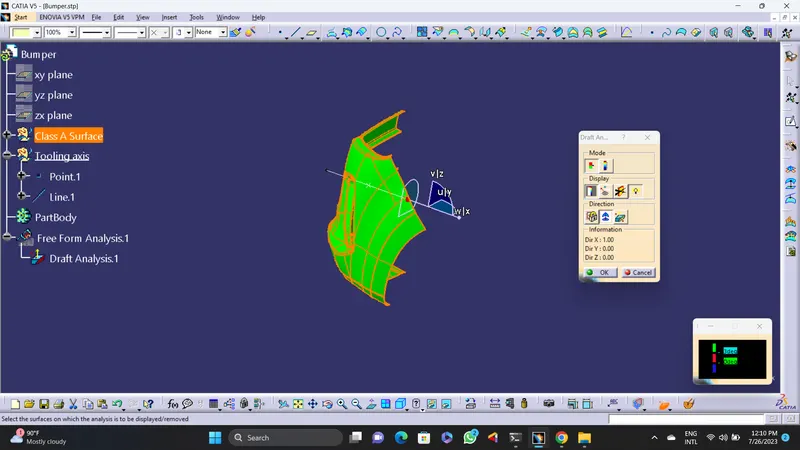
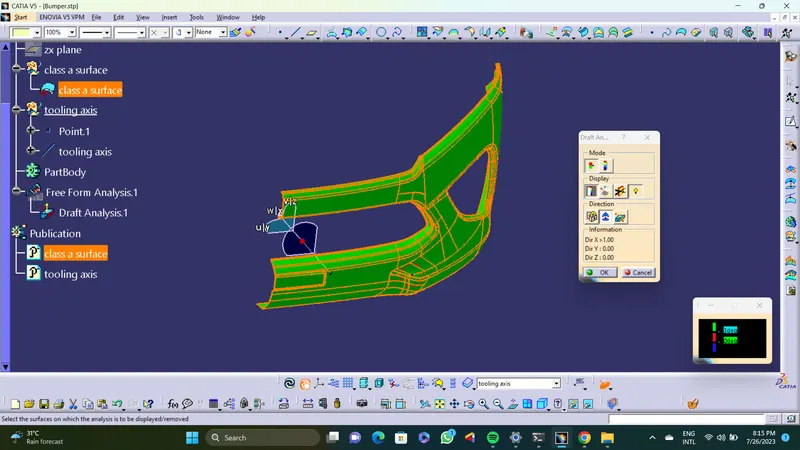
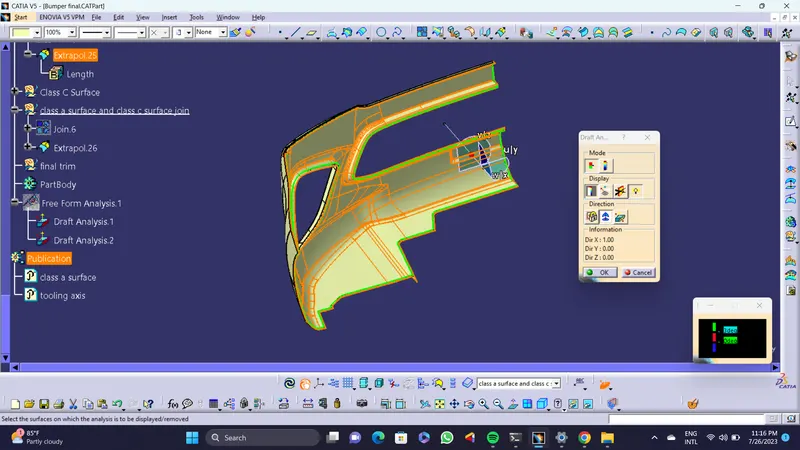
Screenshots of draft analysis of class a surface -
7. Solid model - To create a soild model use close surface tool bar in part workbench on a final trim, the result is solid model of bumper.
Screenshots of solid model -