Week 9 - Challenge 3 - Bumper
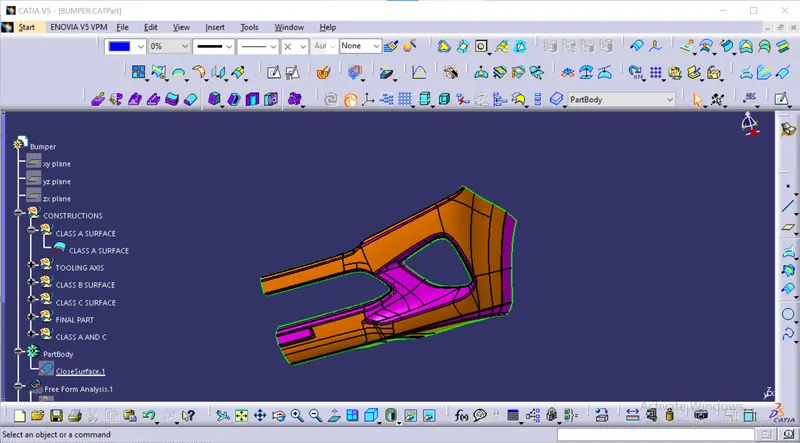
Creation of tooling axis
for the creation of tooling axis we need to see the class A surface in all the views (front view, top view, side view)
front view
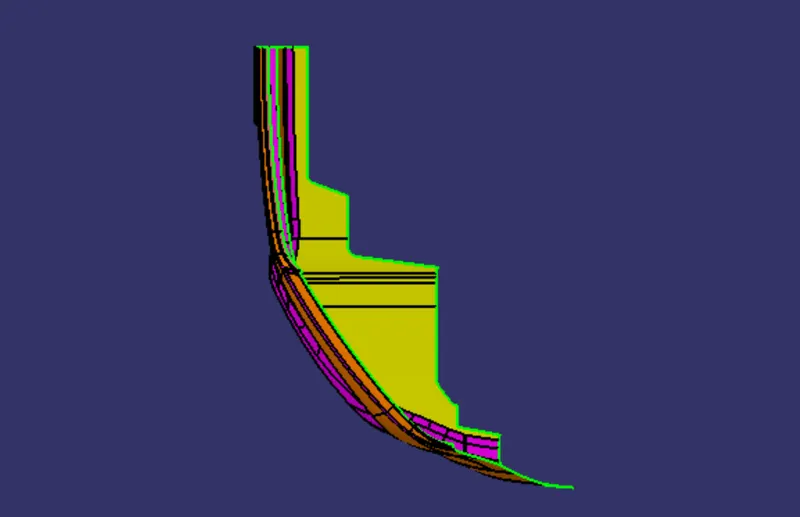
side view
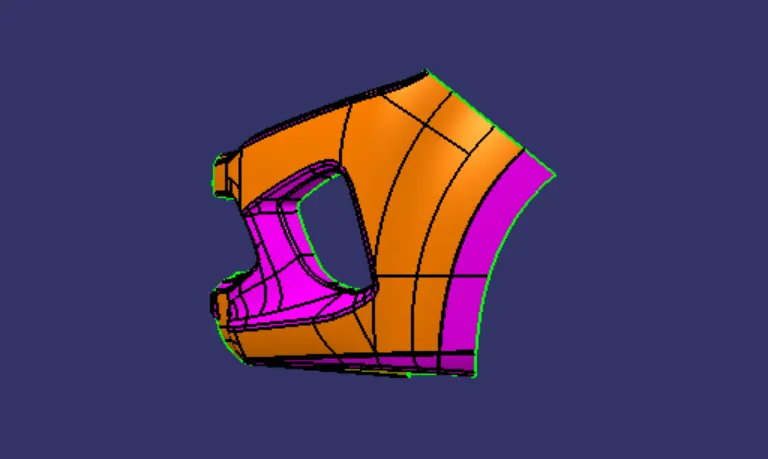
top view
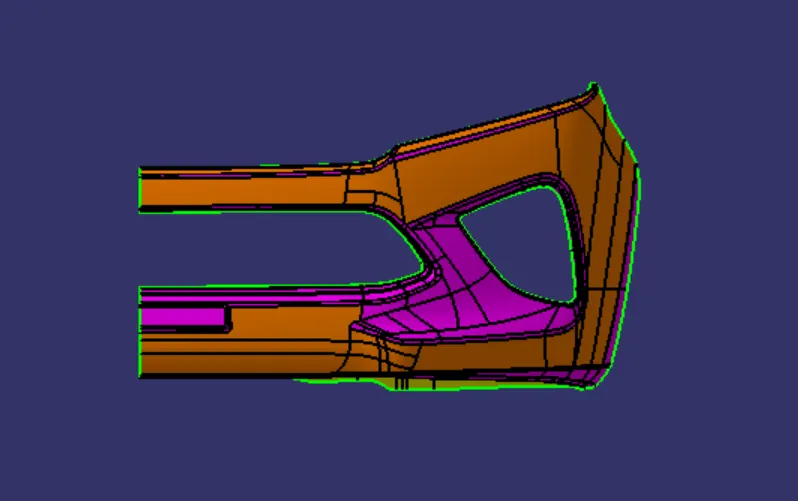
from all the views as shown in the above figures in the top view it clears the maximum flat faces from that we need to create the tooling axis in the top view
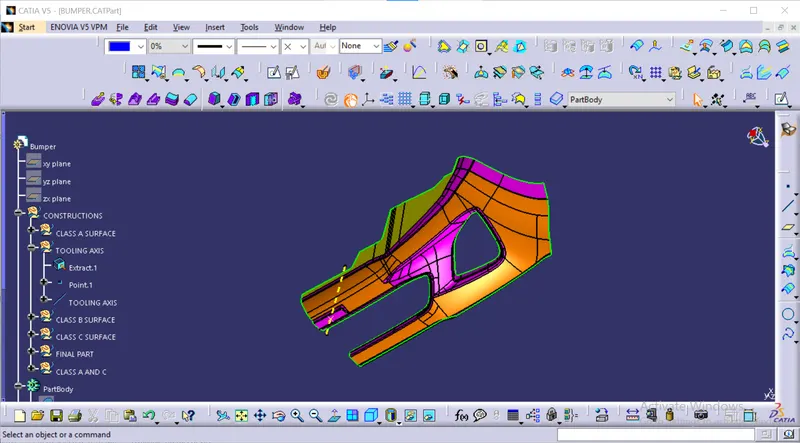
from that we extracted a flat face as shown in the above figure after that i have placed a point in the middle of the extract as shown in the above figure after that we need to create a line which is normal to the extract tat we have created as shown in the above figure.
draft analysis on the class A surface
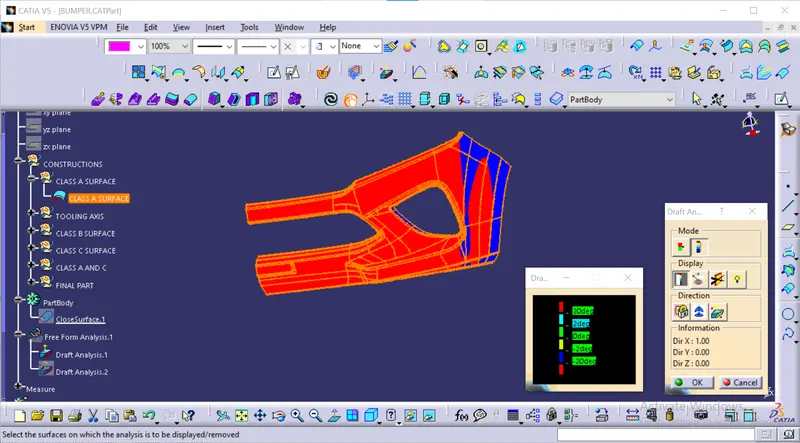
draft analysis on the class A surface as shown in the above figure for that we need to open the draft analysis then we need to select the class a surface after that we need to make it into material mode after that we need to place the axis system on the tooling axis then lock the movement of the axis system after that need to click on the class A surface then the surface colour changess as per the criteria as shown in the above figure.
class A surface
class B surface
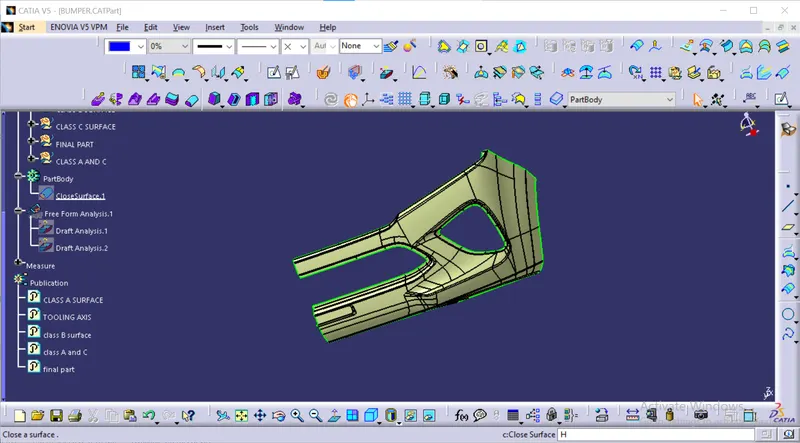
class B surface as shown in the above figure.
class C surface
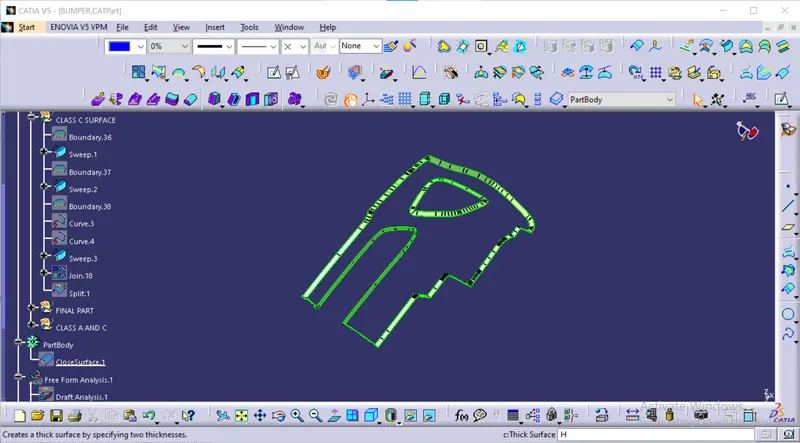
the above figure shows the class c surface for that we need to do sweep command with respect to the reference surface with an angle of 90 degrees.
class A and C