Week 9 - Challenge 3 - Bumper
Use the "Create Reference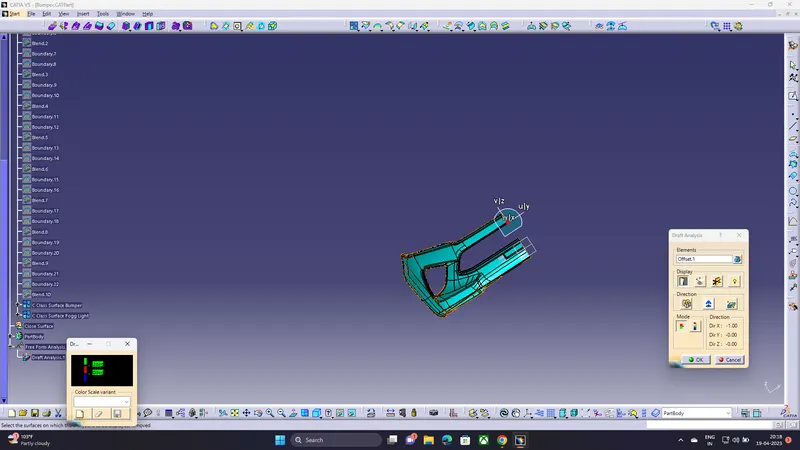
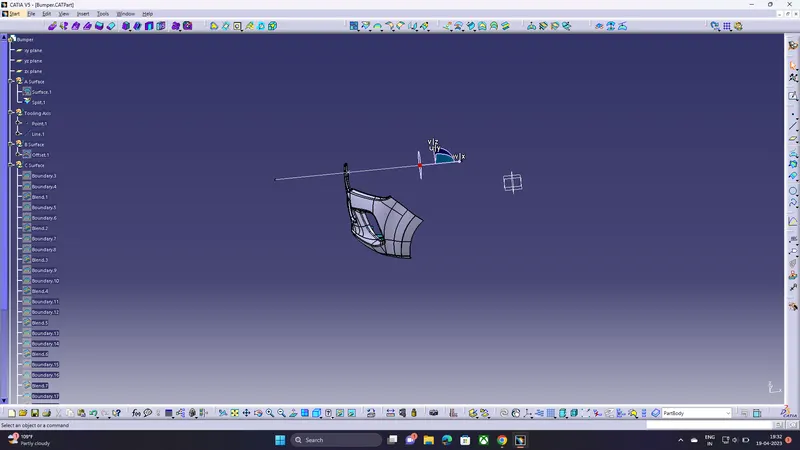
Element" command to create a reference line that bisects the bumper into two halves.
Use the "Create Axis" command to create a rotational axis that runs along the reference line.
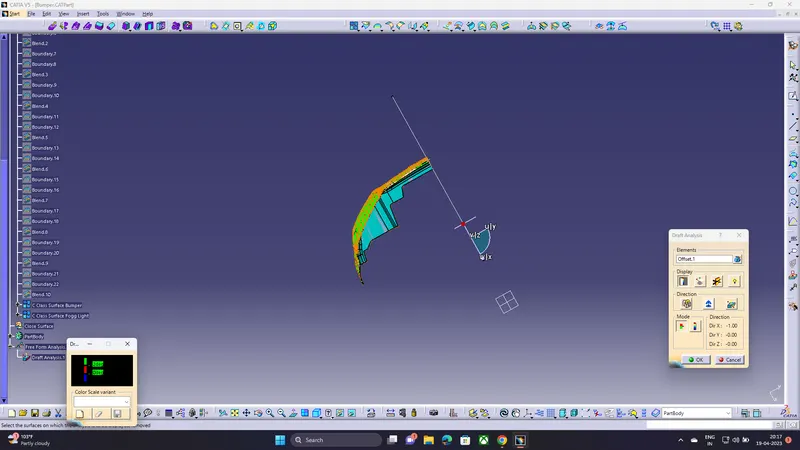
Adjust the axis orientation and position until it aligns with the draft angle required for the part.
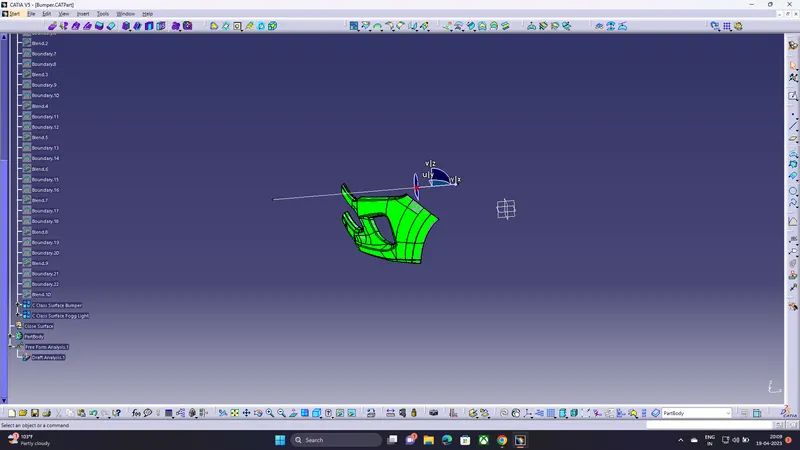
Modify the design to add more draft in the highlighted areas until the entire part is green,
indicating that it meets the draft requirements.