Week 9 - Challenge 2 - Switch Bezel Design
SWITCH BEZEL DESIGN
Creating Tolling Axis :-
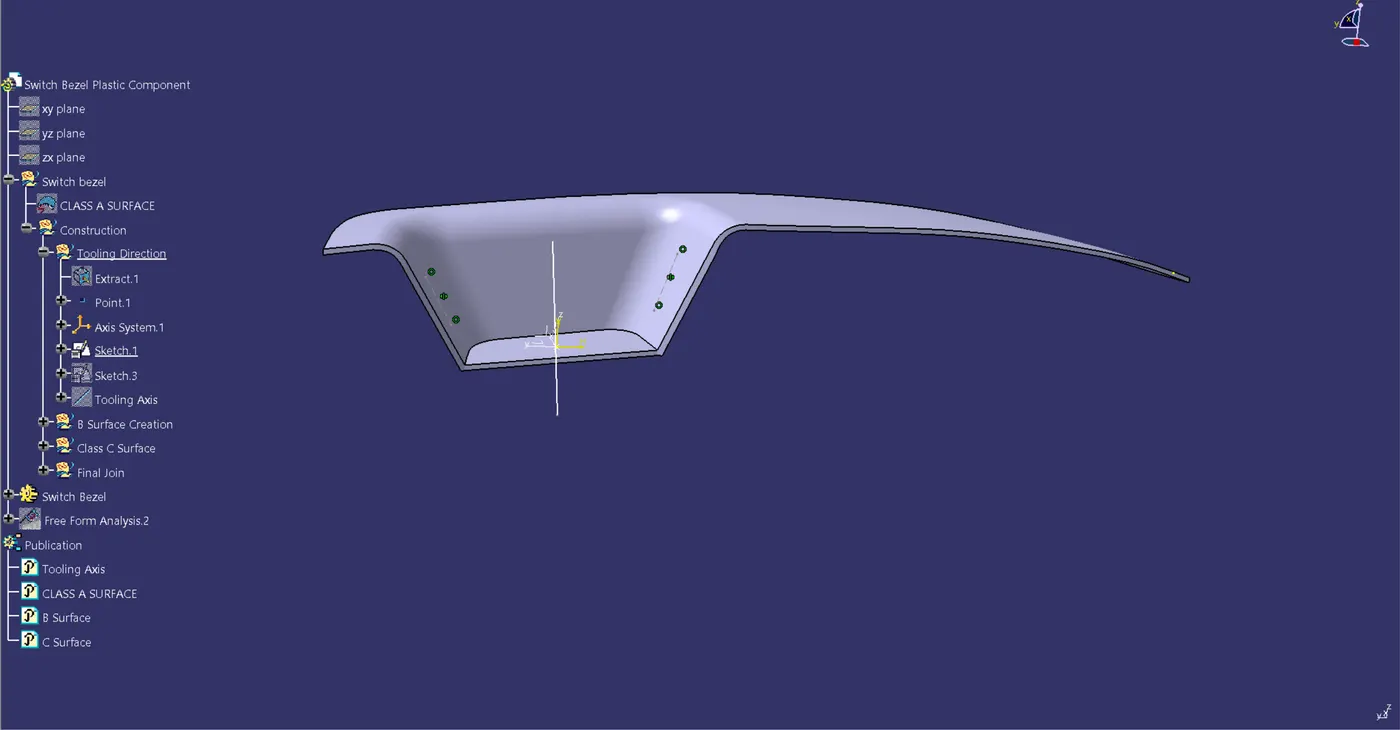
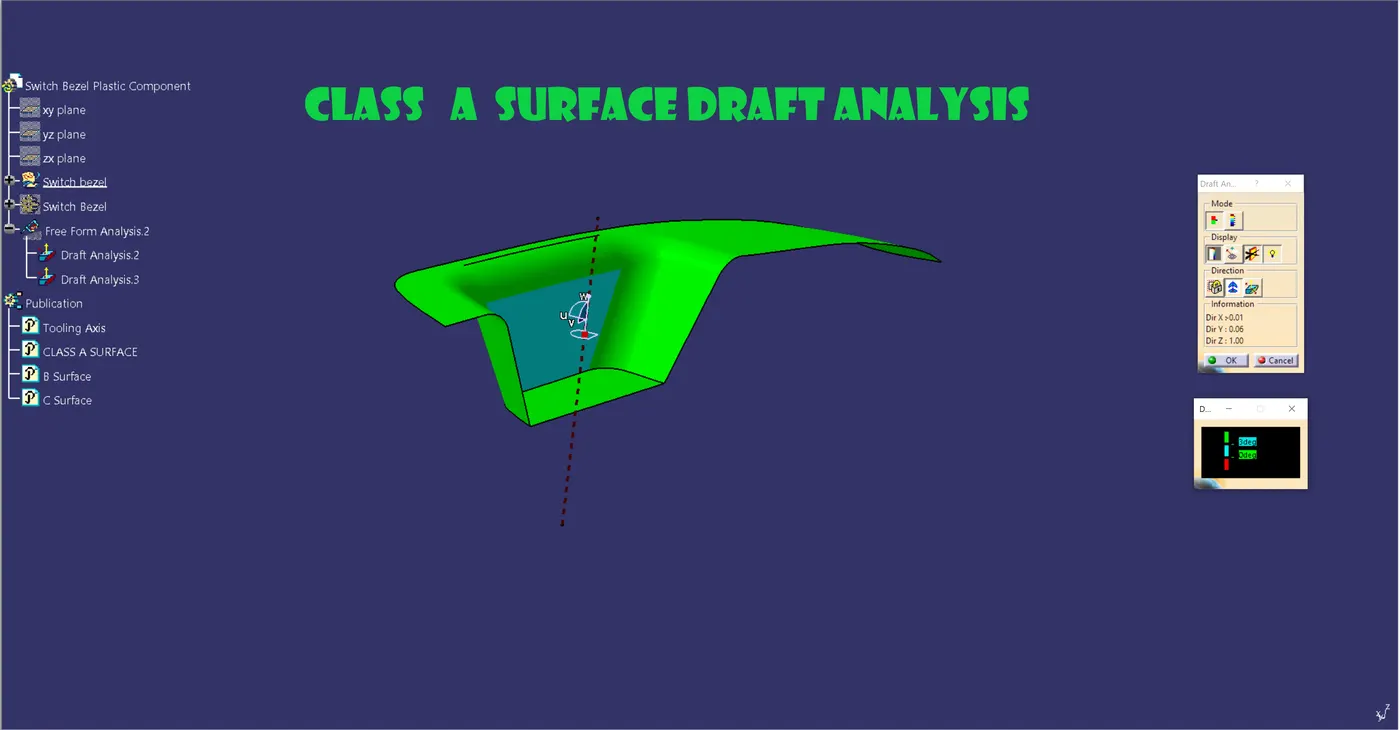
Consider the class A surface.
Create the Origin Point by extracting the lower face.
Make the axis normal to the extracted surface by selecting the Line command.
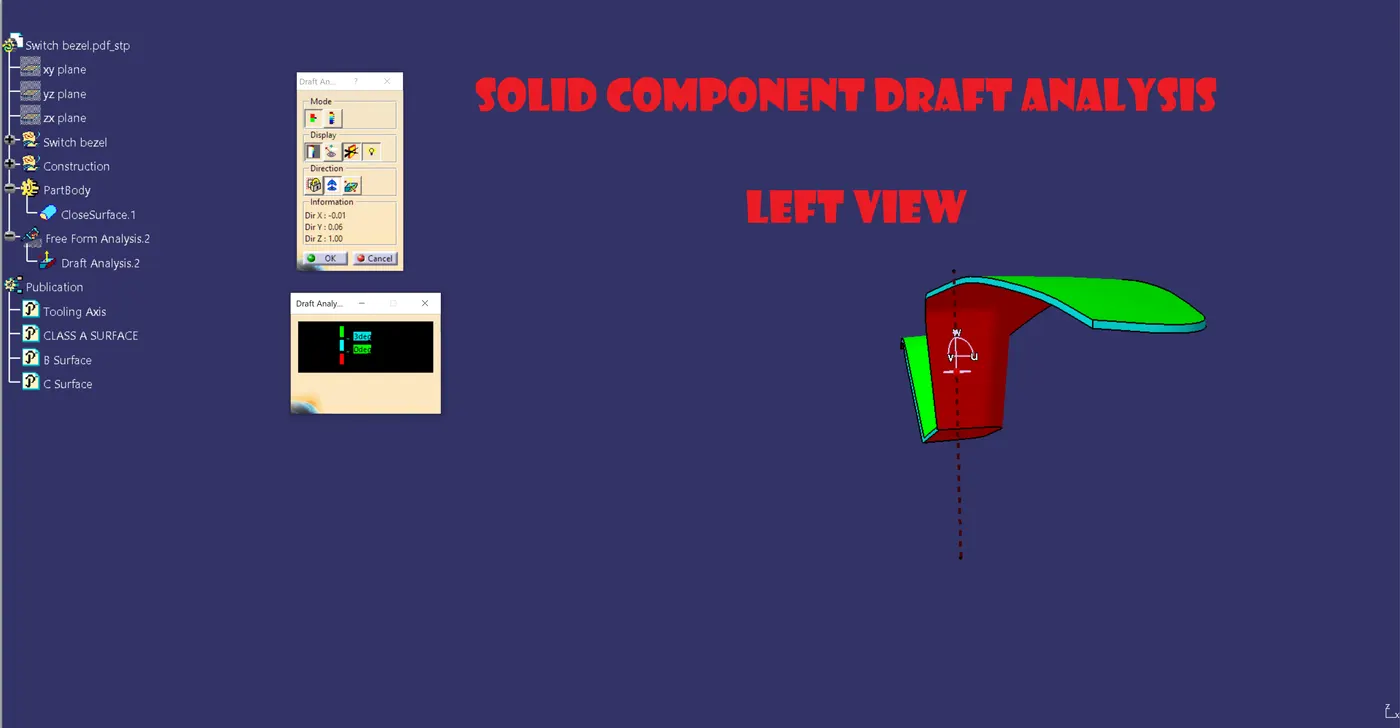
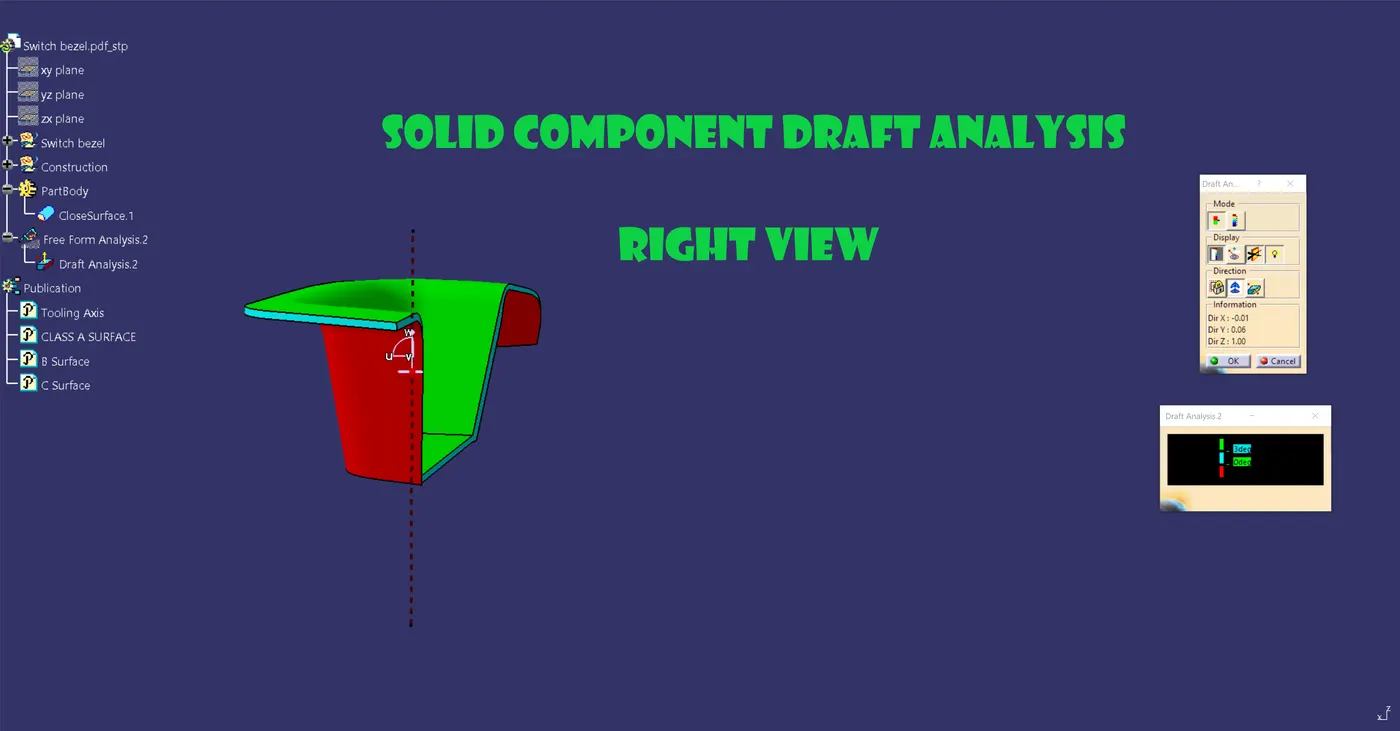
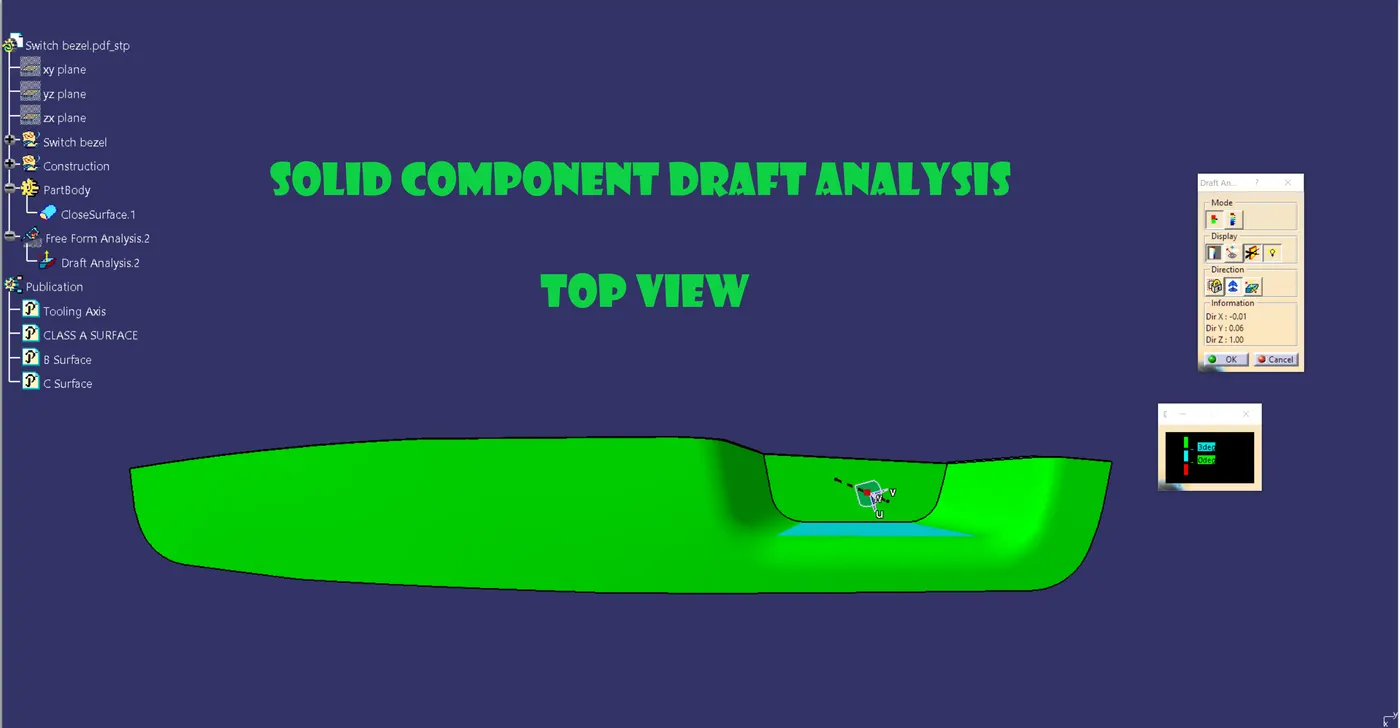
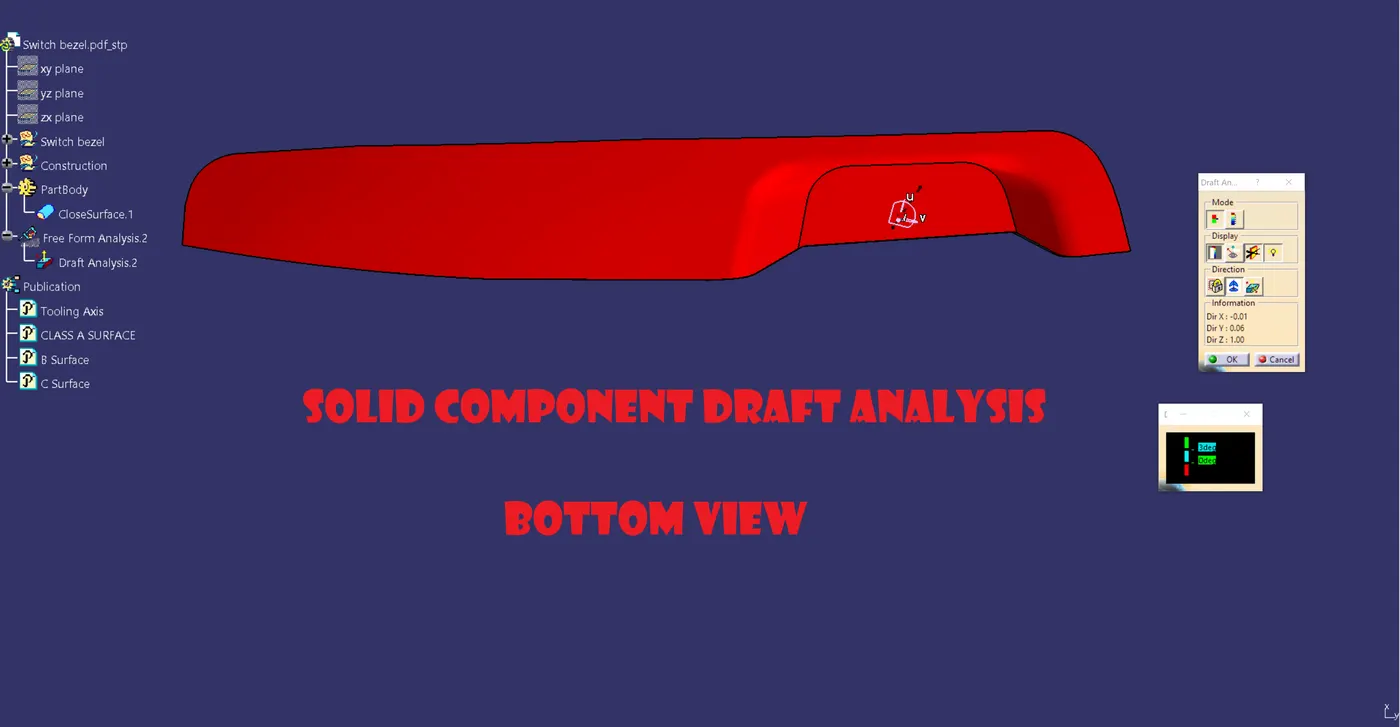
However, there are a few mistakes in the bisection method's sidewall draft analysis.
Choose the YZ plane and its location.
Choose an Intersect 3D element in your sketch, then touch the class.
A horizontal intersecting line will form a surface.
Project the starting point onto the surface that was removed.
To create the draft angle, click the line command (point to point) and touch both sides of two points.
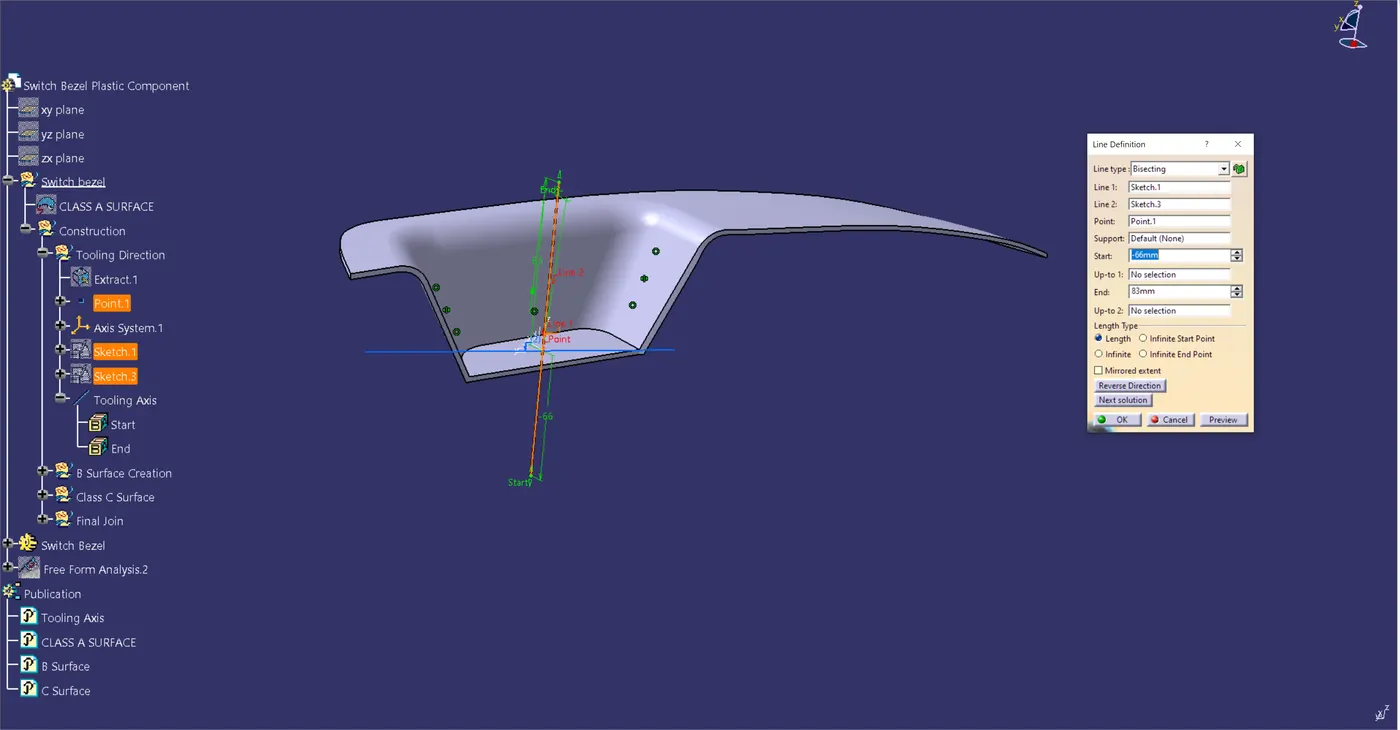
Select the command for cutting a line in half, then touch each line.
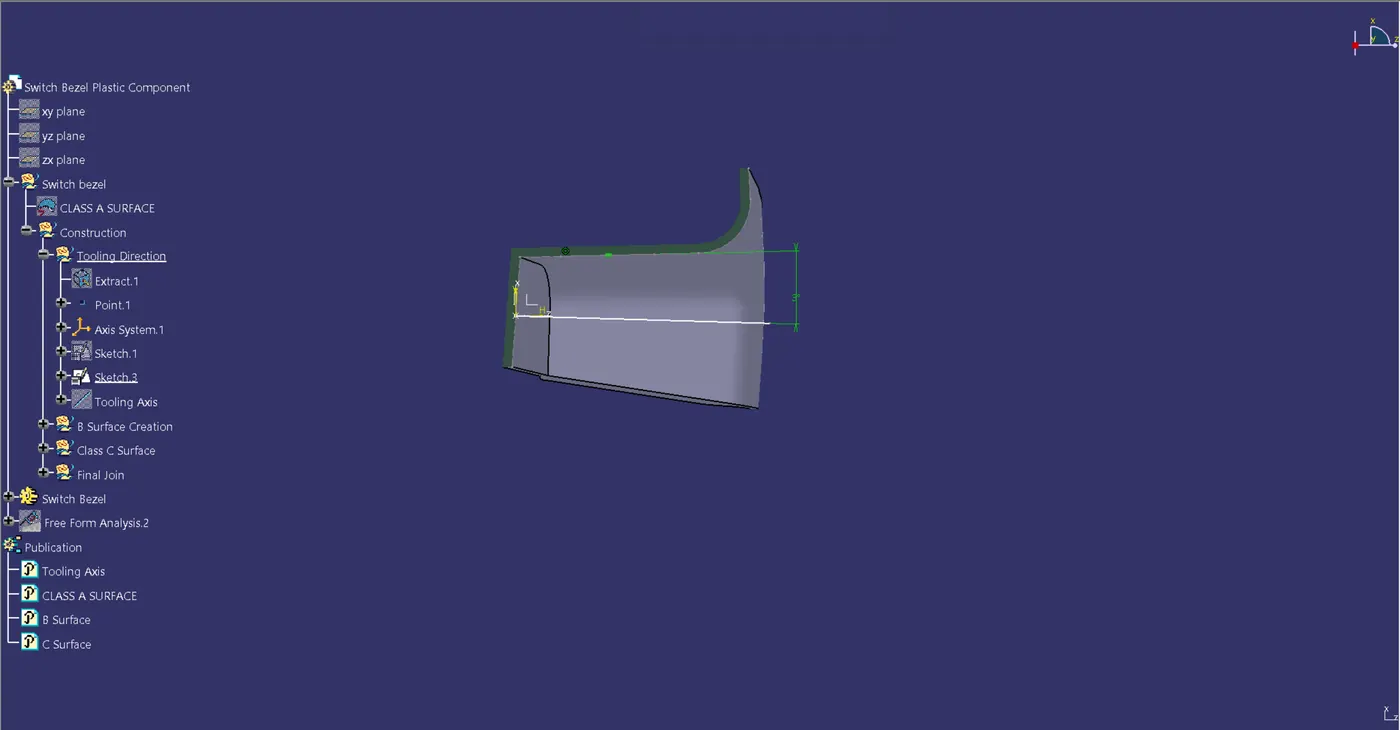
Now, click the XZ plane, position the sketch, select Intersect, and use the XZ plane to touch the class A surface.
The class A surface will produce an intersecting line.
To perform a draft analysis, click the line command (point to point) and touch the wall's required side.
To draw a line in the XZ plane that forms a 3 degree angle with respect to the side wall, click the line command.
We currently have two tooling axes.
Thus, we will apply the bisection line method to get the exact tooling axis.
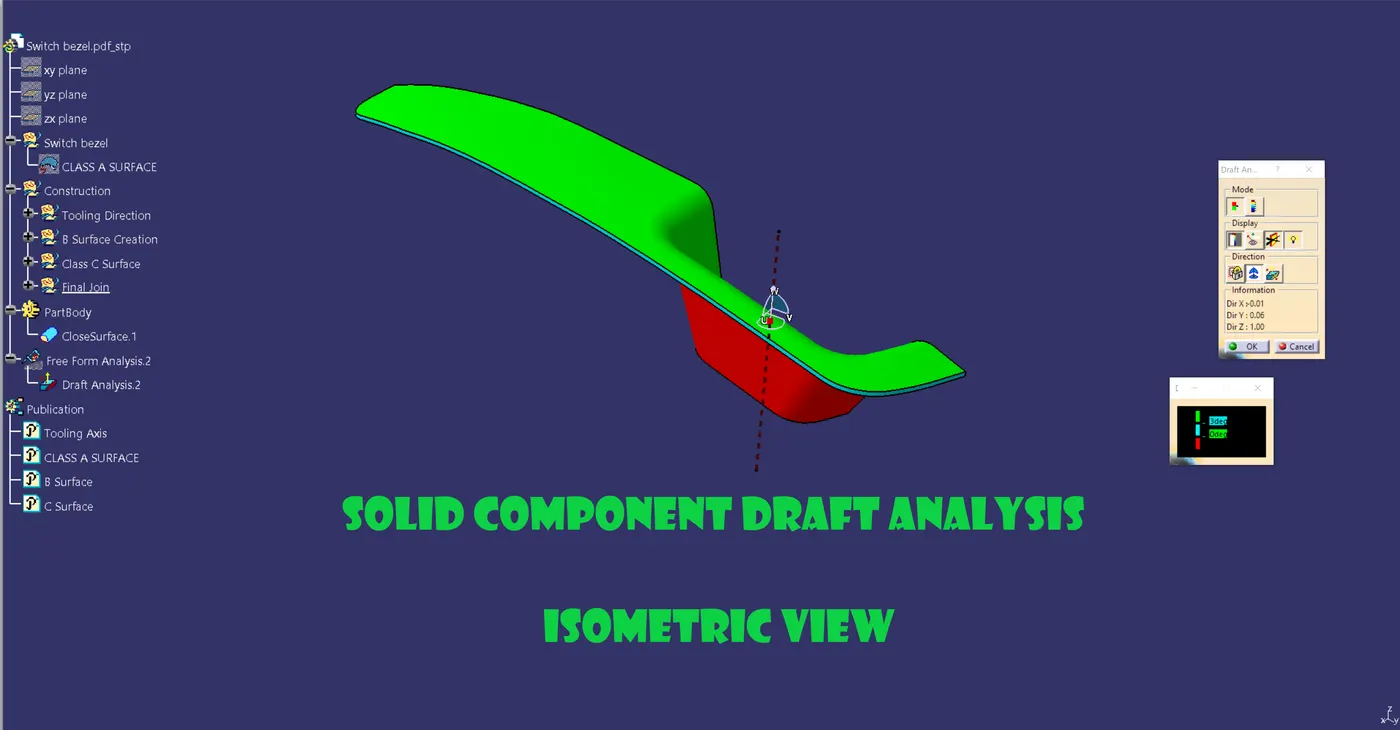
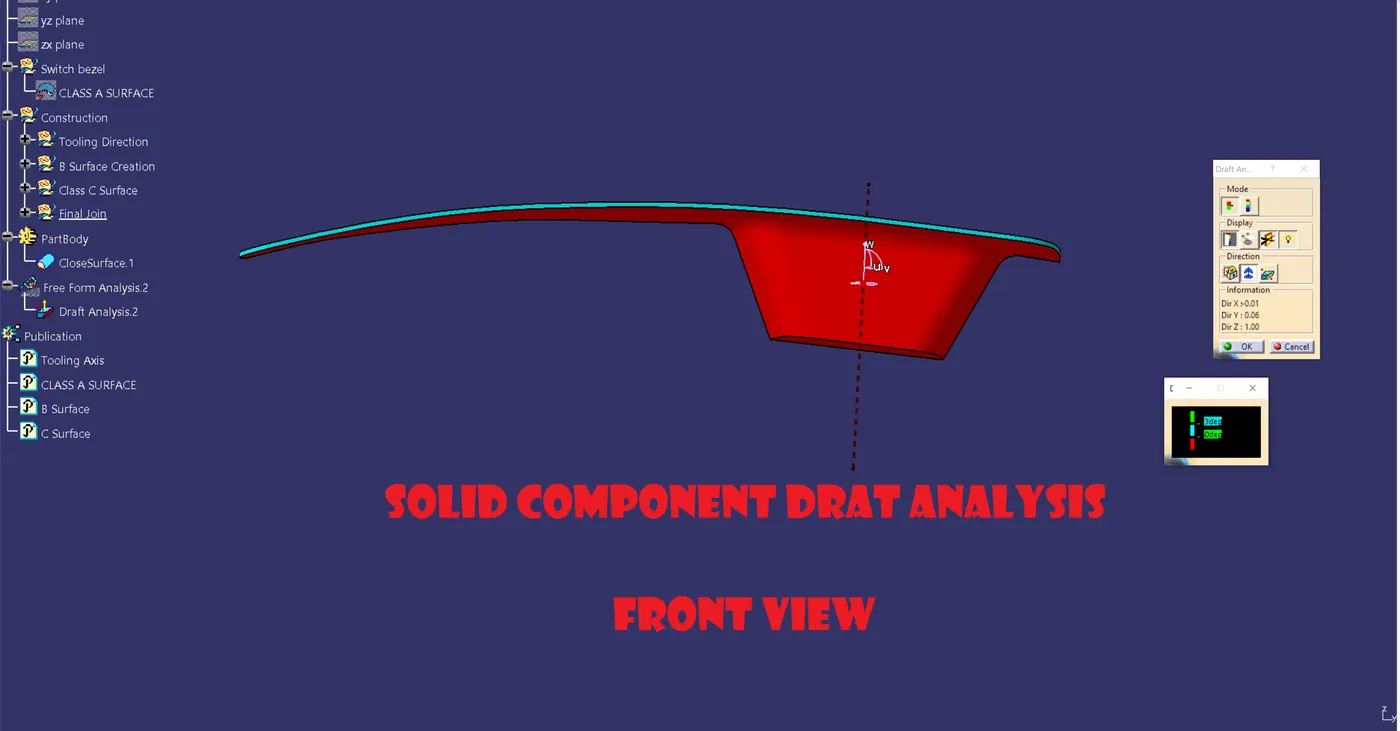
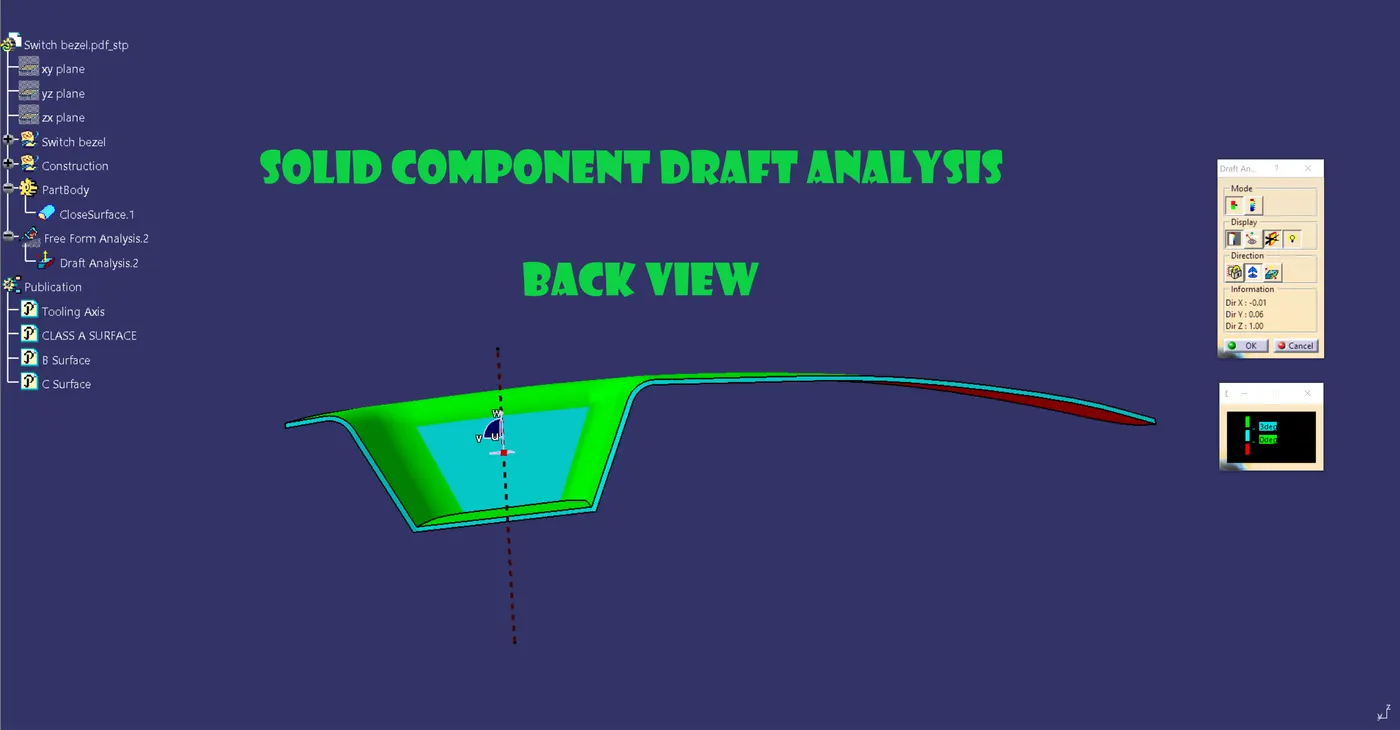
Draft Analysis :-