Week 9 - Challenge 2 - Switch Bezel Design
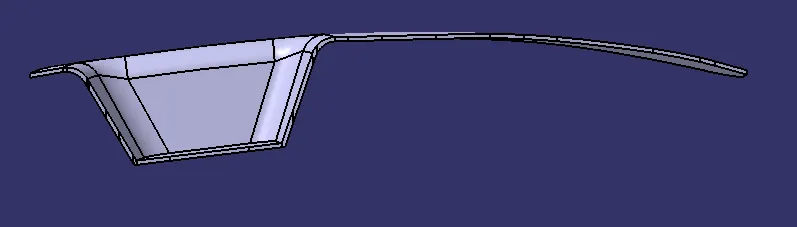
Q: Create the Switch Bezel Plastic component through the given Class-A surface. To begin with, the tooling axis for the given Class-A Surface should be created meeting the requirements of the draft angle and at the end perform the Draft analysis on the model.
ANS:
OBJECTIVE:-
The objective of the project is to design the switch bezel and to do a draft analysis for it by creating the required tooling direction with the help of Bisecting method.
INTRODUCTION:-
The control panel bezel is the frame part of the window switch that holds its switch covers and buttons into place. Molding is the method used to manufacture the plastic trims of an automotive by most OEMs, hence by considering the manufacturing consideration the switch bezel is designed.
DESIGN CONSIDERATION:-
- Class – A surface should be aesthetically smooth and good.
- Class – B surface should have all the supporting features like ribs.
- Class – C surface should also pass the draft analysis.
CREATION OF TOOLING AXIS:-
- Considering the Ejection from the cavity of the mold after manufacturing the interior trim (switch bezel) must have a nominal 3-degree draft angle.
- Hence the tooling direction is created by considering the above factor and bisecting method is used.
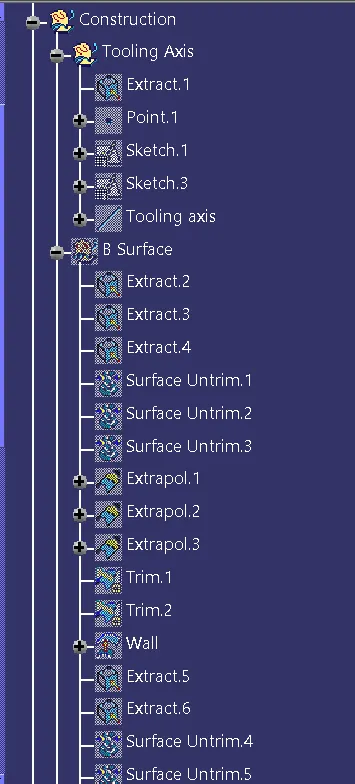
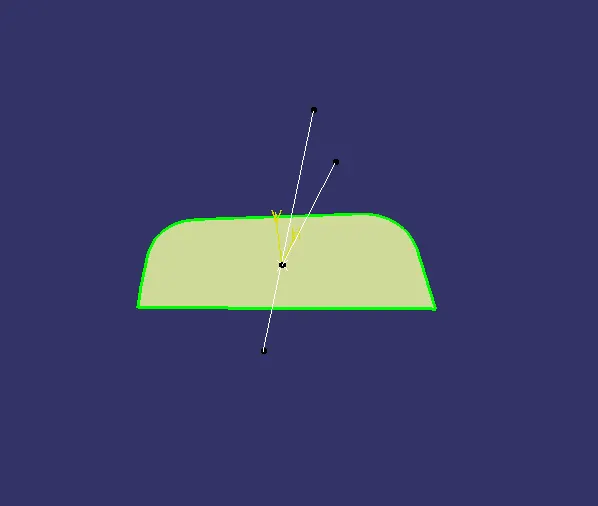
- The base surface of the class – A was extracted and a point at the center is created and an axis system was inserted into the topic with the current feature disabled.
- Then, using project intersection along yz plane is created and the two inclined lines were drawn inside the positioned sketch.
- Then bisecting lines with the two inclined lines were drawn.
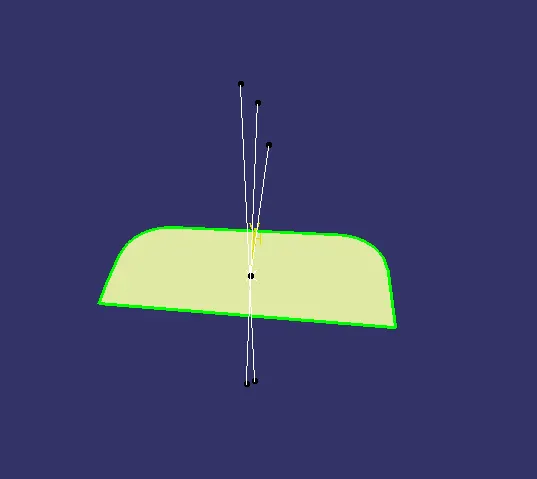
- Now the same procedure is done along the xz plane but on one side we don’t have inclined lines so the center point is used to extrude a line along the z-direction and gave a measurement of 6 degrees (Tentatively).
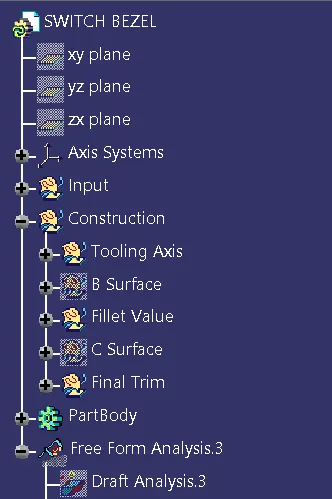
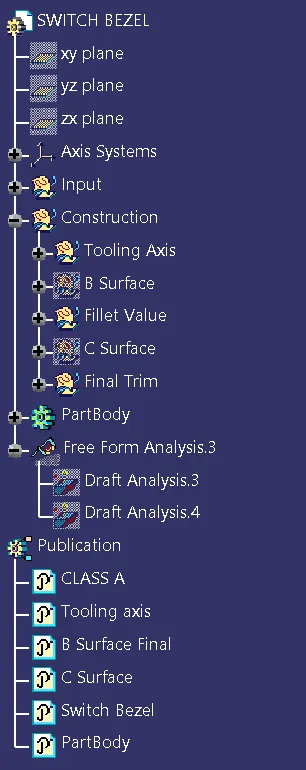
- With these two lines from sketches 1 and 2, the bisecting line is created and published as Tooling Axis(tooling direction).
CREATION OF CLASS B SURFACE:-
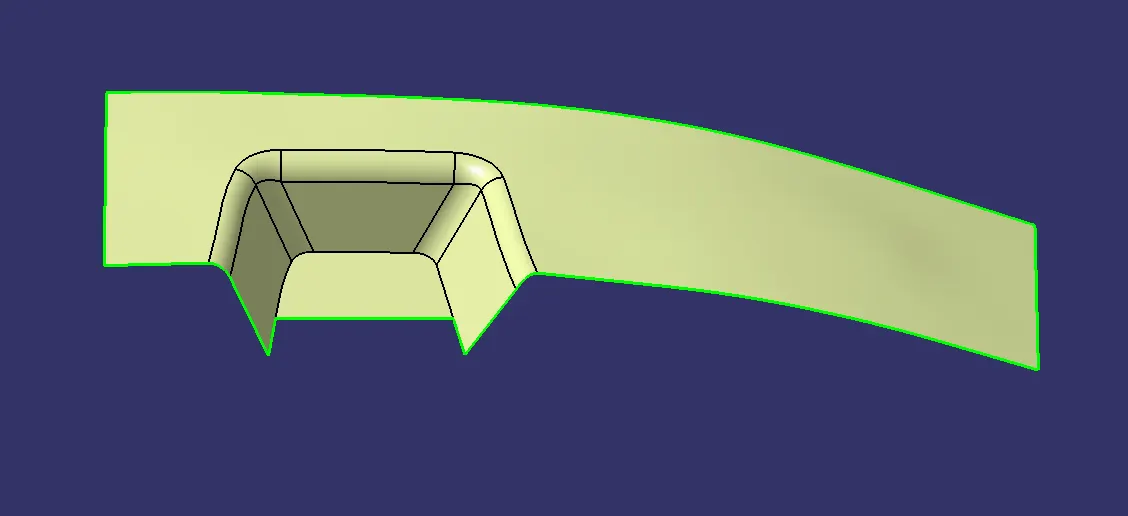
- For creating the class-B surface the required surface except the offset surface have been extracted and then untrimmed all the surface.
- Then all the surfaces have been extrapolated to get intersections between them.
- Since the thickness of the Switch bezel is 2.5mm the B-Surface was offset to 2.5 mm and the required trim operations must be carried out.
- To get the radius of fillets the filleted surface is extracted and untrimmed the surface and then the radius is measured.
- Finally, the required corners have been filleted to 12.5mm (15mm-2.5mm)[ 15mm - fillet value of the A-surface, 2.5mm – Thickness of the component ].
CREATION OF CLASS C SURFACE:-
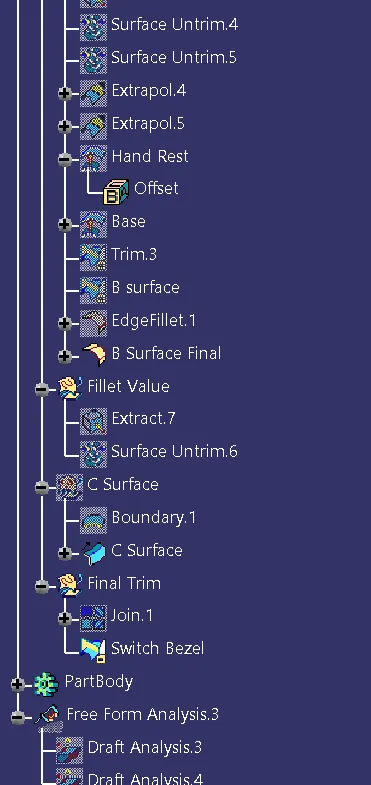
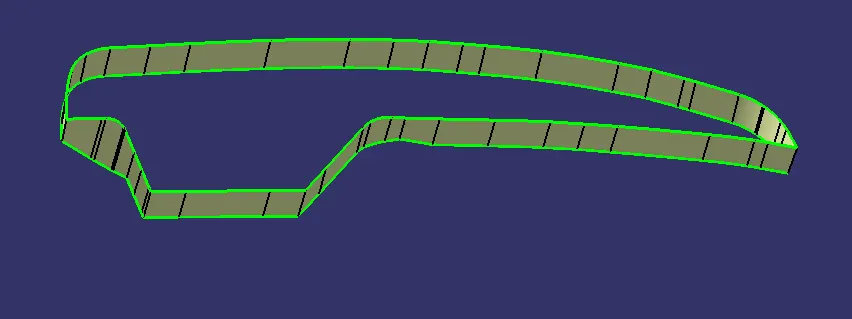
- Extract the boundary of Class A surface.
- Use Sweep command with draft direction by taking boundary aas profile and tooling axis as direction and draft angle as 3deg to get a Class C surface.
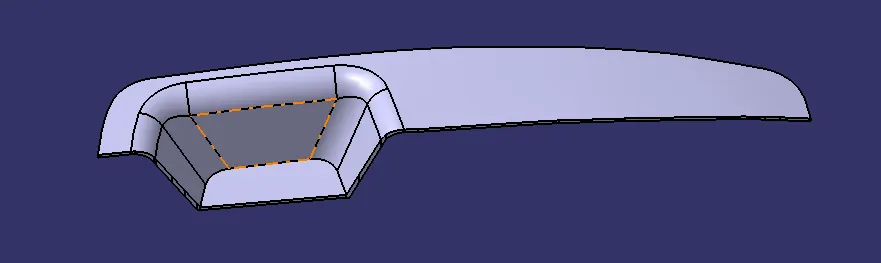
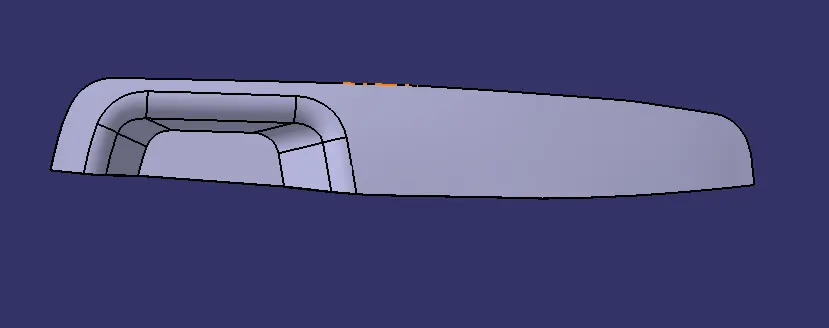
- Finally We join Class A surface and Class C surface and trimmed it with B Surface to get a closed surface switch bezel.
- Using the closed surface command we convert closed surface into a solid part.
PROCEDURE FOR DRAFT ANALYSIS:-
- First the class-A – Surface is checked before creating the Class –B&C surface and finally the solid body must be analyzed. Both can be done by following the below procedures.
- By changing the view mode to custom view parameters – Material mode then the feature draft analysis is enabled.
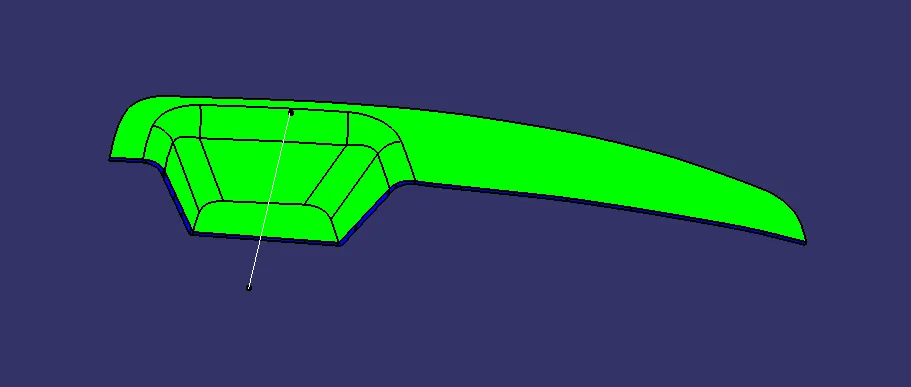
- Then the compass was activated and placed with the tooling axis by dragging the red pointer and then locking it.
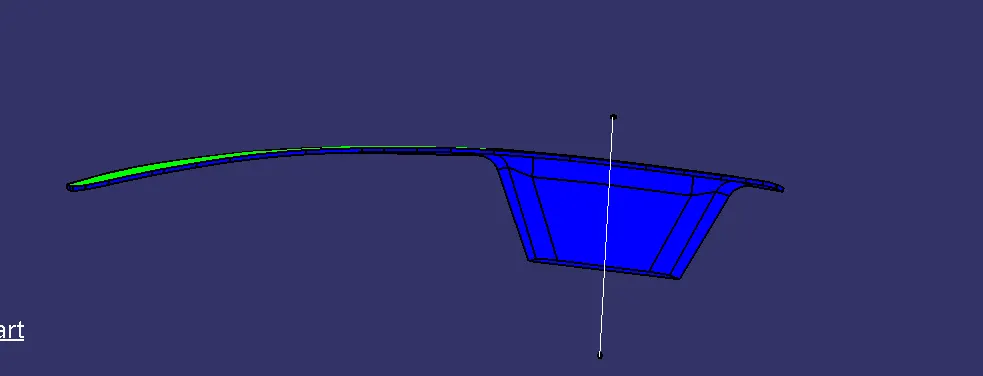
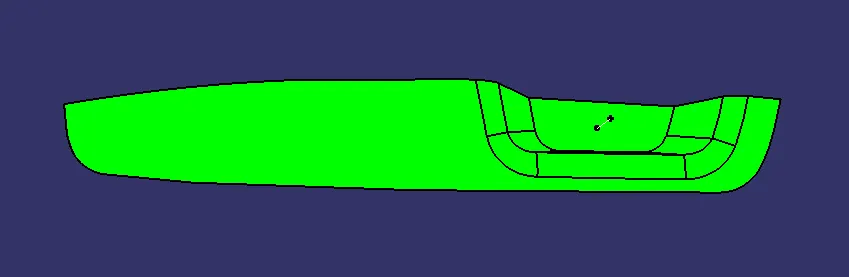
- Then, by selecting the quick analysis mode, the nominal value will be 3 degrees and checked for the component's draft angle.
- The green color area shows that it satisfies the 3-degree draft angle. If not satisfied then by using the Running point tool the area is measured and then altered to get a successful draft for the created tooling direction.
All Images are Given below.
-