Week 9 - Challenge 2 - Switch Bezel Design
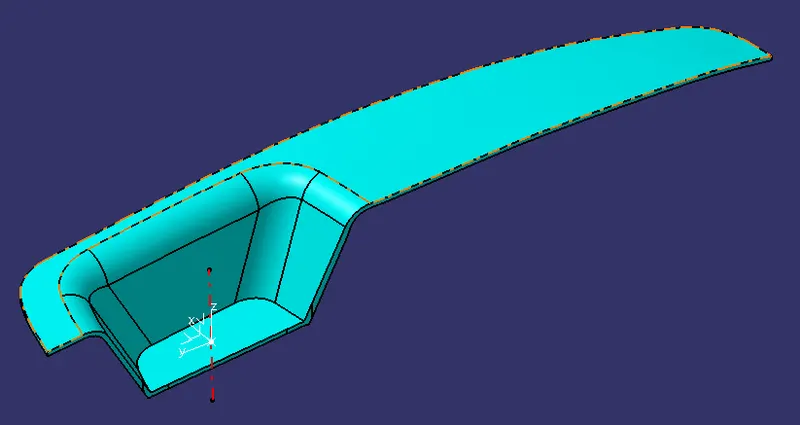
Switch Bezel
Isometric View
Front View
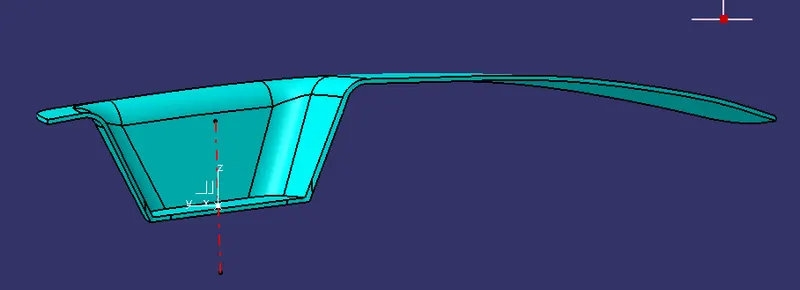
Side View
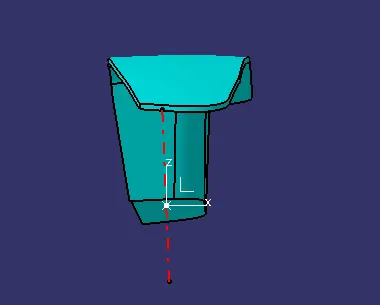
Top View
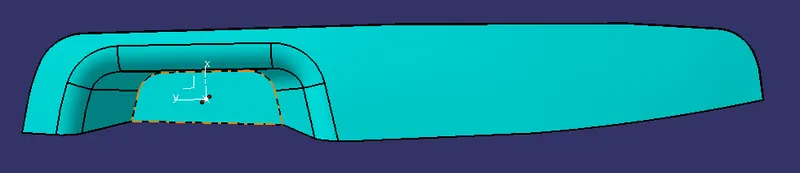
Draft Analysis Class A Surface
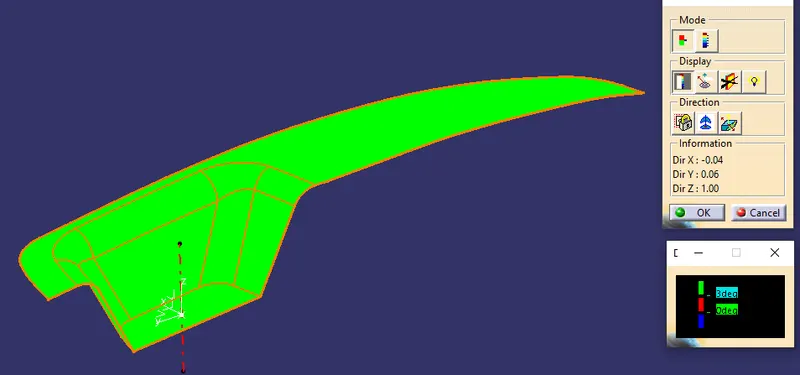
Draft Analysis Surface Model
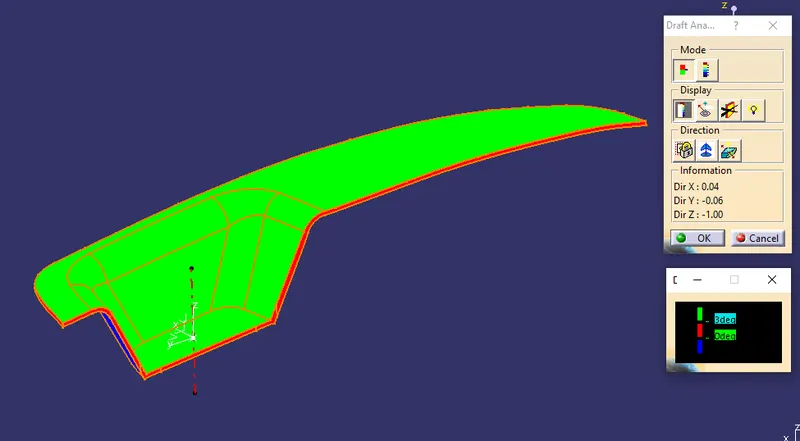
Draft Analysis Solid Part Model
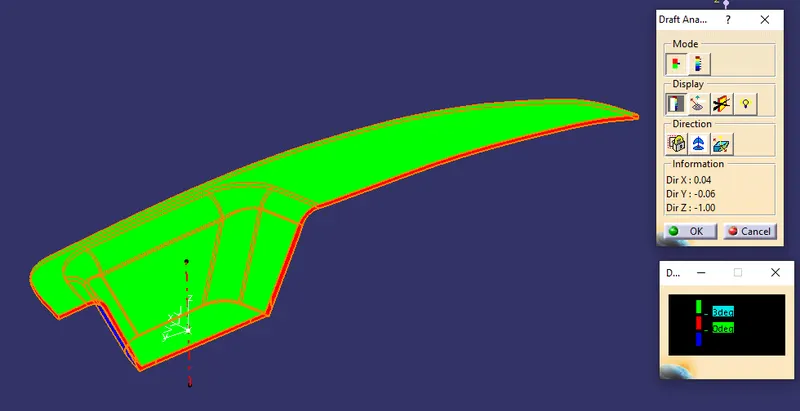
Set a Material Before starting a drafting analysis, Select the tooling axis and set the compass on the tooling axis and select the object for drafting. provided the Drafting angle on the Display colour scale
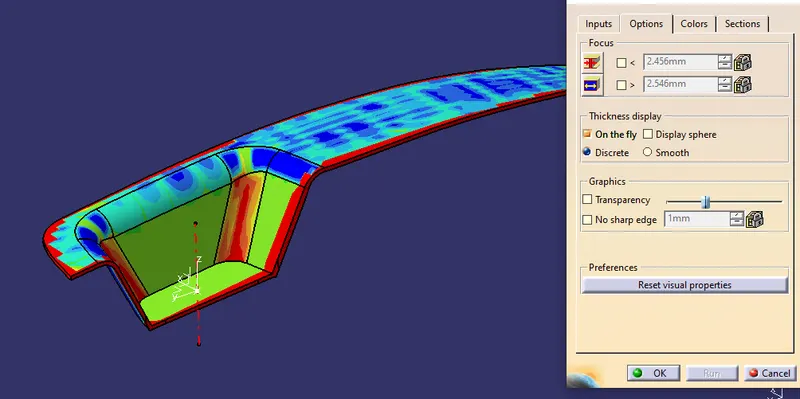
Wall thickness Analysis
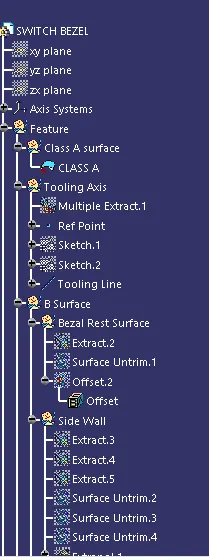
Creation of Tooling Axis
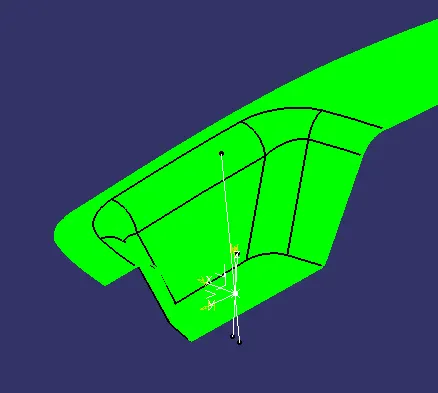
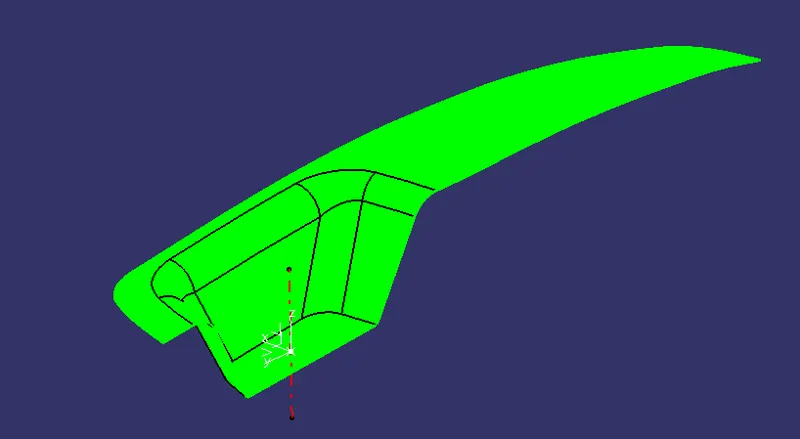
Extract the Bottom surface and create the point on the Surface, then make an Intersect curve with A surface. then, Create a Dummy refer to line 01 based on the Bisecting of two line from the intersection curve.
By the same method create a second Dummy reference line with 6 dregee. Finally create the Bisecting line based on the two Dummy line and reference Point.
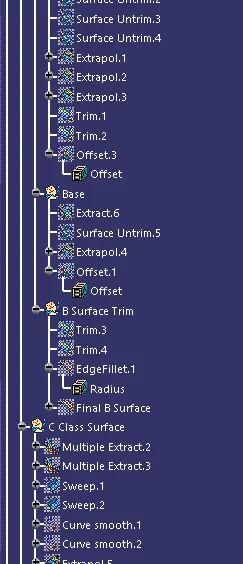
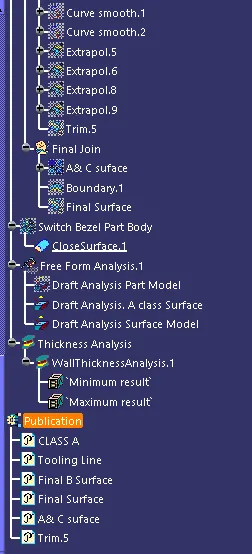
Geometrical Sets and the Part Body