Week 9 - Challenge 2 - Switch Bezel Design
: DESIGN AND DRAFT ANALYSIS OF SWITCH BEZEL.
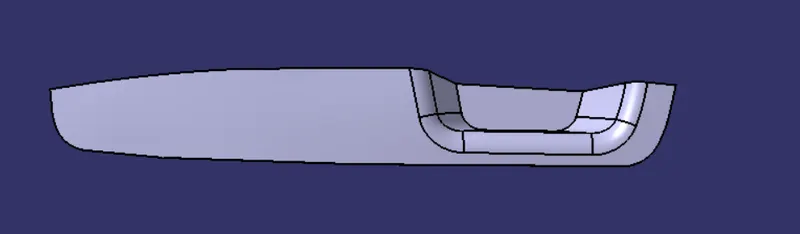
AIM: To create a switch bezel plastic components using the giving class (A) surface.
- create the plastic component using class(A) surface.
- draft analysis on class(A) surface.
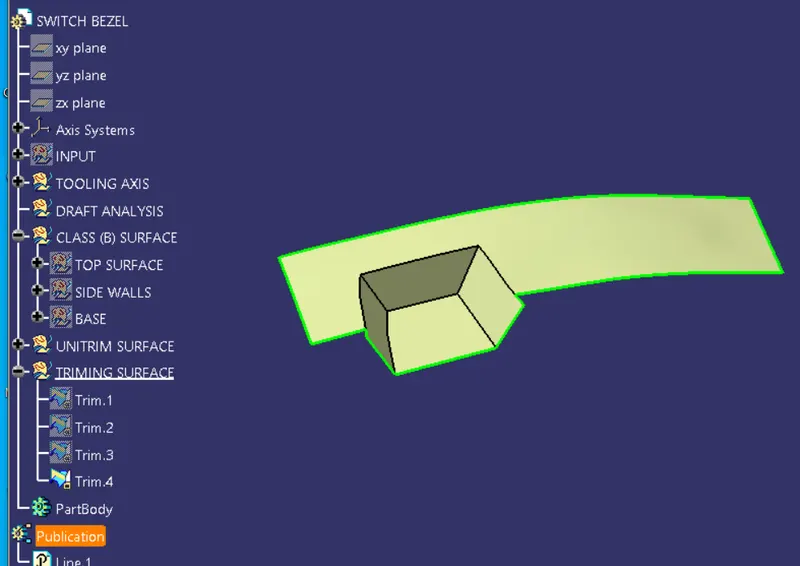
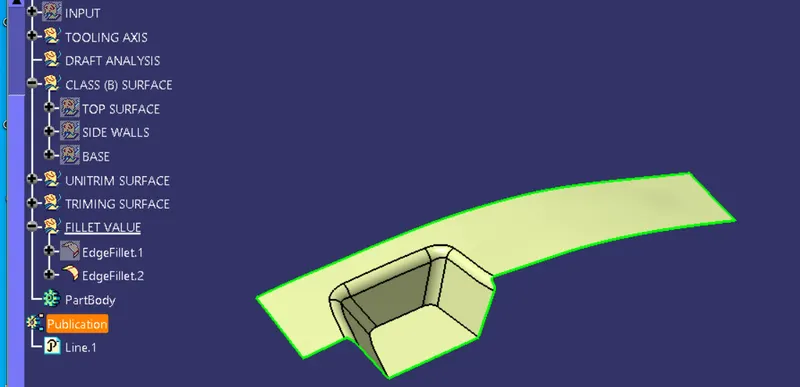
- creation of class(B) surface.
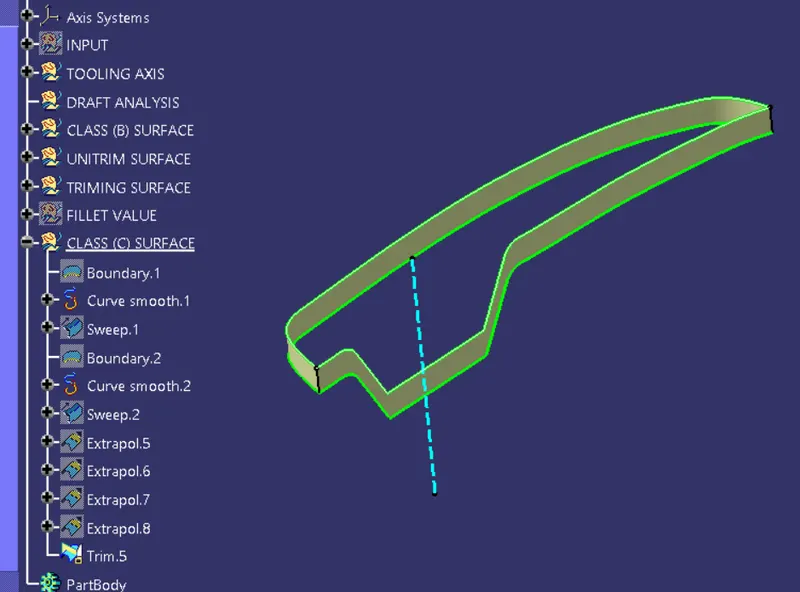
- creation of class(C) surface.
- draft analysis on final plastic components.
- using the close surface tool to make the solid body from the surface.
DESIGN METHODOLOGY:
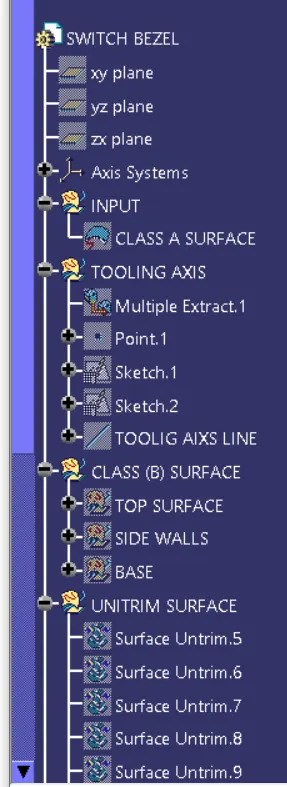
Insert the class a surface of switch bezel in catia software.
create the tooling axis of the switch bezel.
creation of class b surface.
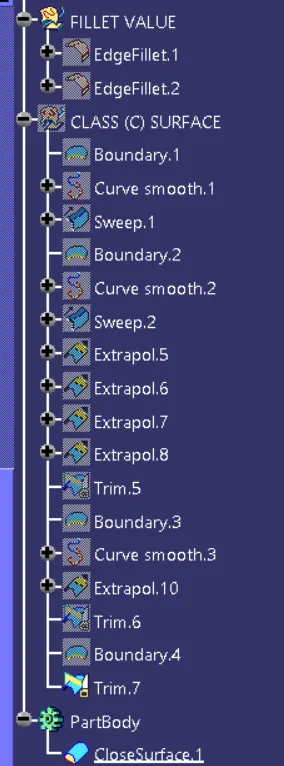
creation of class c surface.
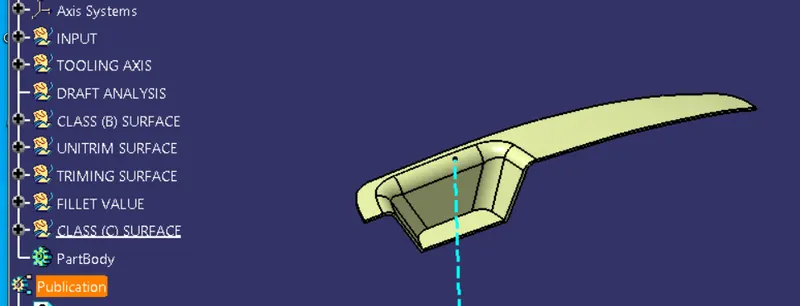
join the (A) (B) AND (C) Surfaces
and use the close surface tool for switching into solid body from surface body.
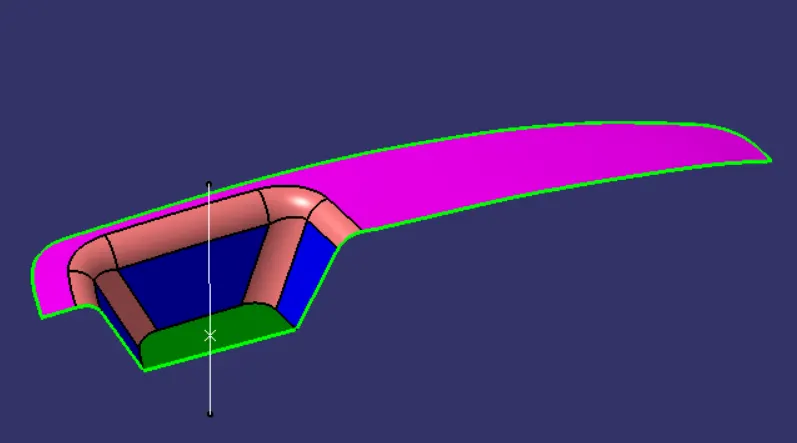
CLASS(A) SURFACE.
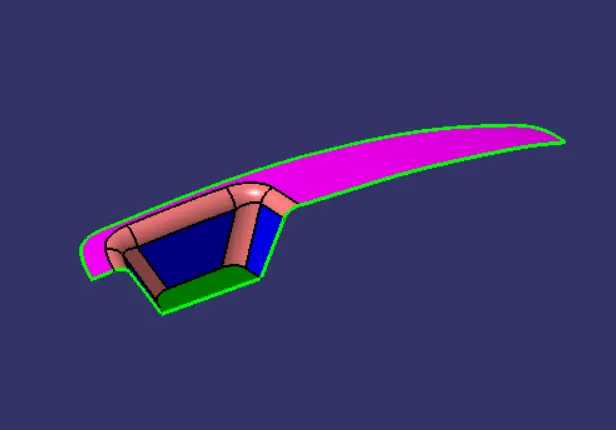
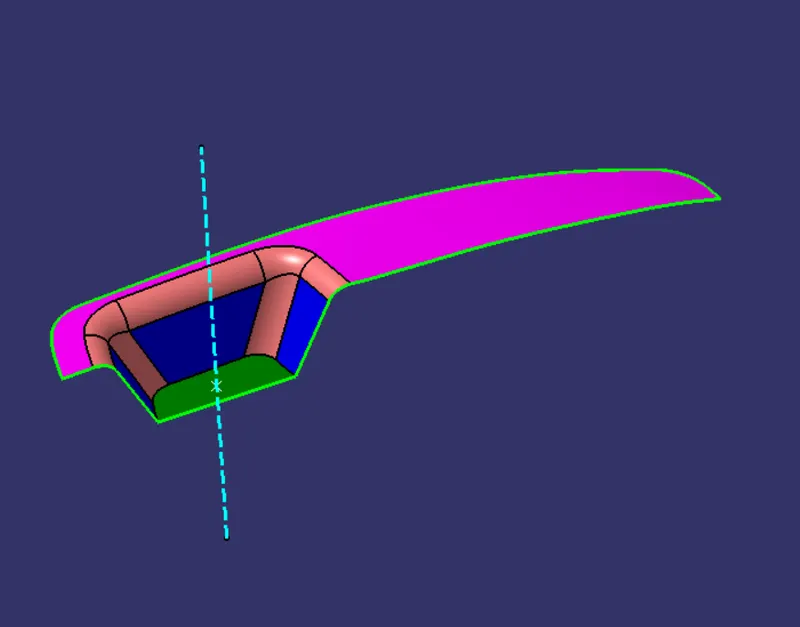
CREATION OF TOOLING DIRECTION:
- Considering the Ejection from the cavity of the mould after manufacturing the interior trim (switch bezel) must have the nominal 3-degree draft angle.
- Hence the tooling direction is created by considering the above factor and bisecting method is used.
- The base surface of the class – A was extracted and a point at the centre is created and an axis system was inserted to the point with the current feature is disabled.
- Then, using project intersection along yz plane is created and the two inclined lines were drawn inside the positioned sketch.
- Then bisecting lines with the two inclined lines were drawn.
- Now the same procedure is done along the xz plane but on one side we don’t have inclined lines so the centre point is used to extrude a line along the z-direction and gave a measurement of 5 degrees (Tentatively).
- With these two lines from sketches 1 and 2, the bisecting line is crated and published as Tooling Axis(tooling direction).
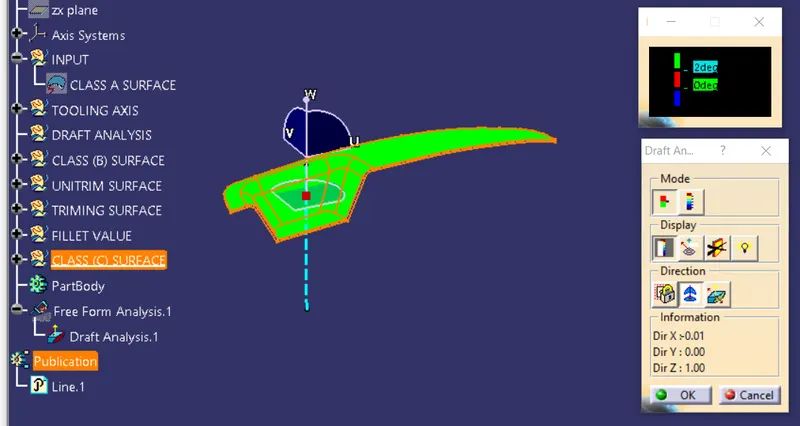
DRAFT ANALYSIS ON CLASS-A SURFACE:
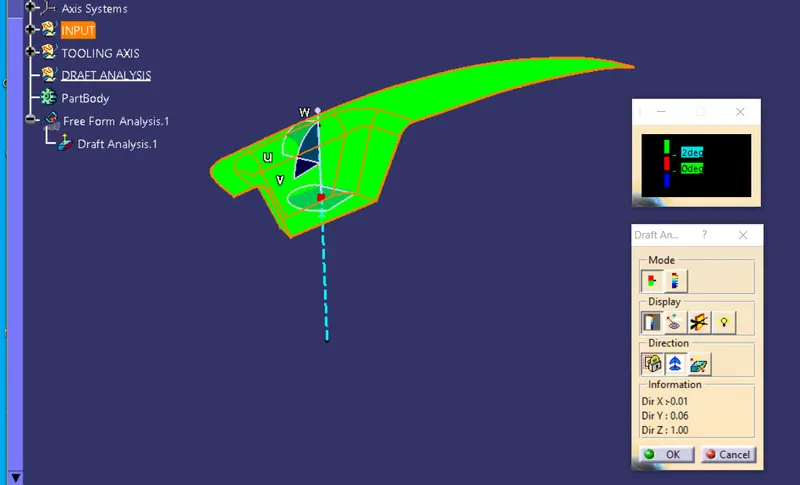
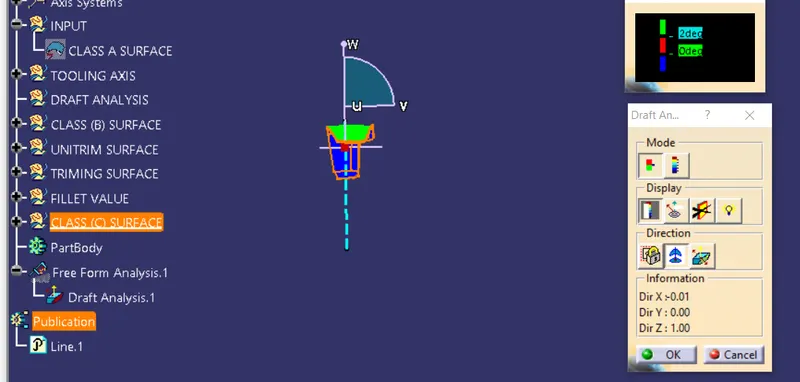
- Go to insert> analysis> feature draft analysis
- Align the tooling axis with the compass.
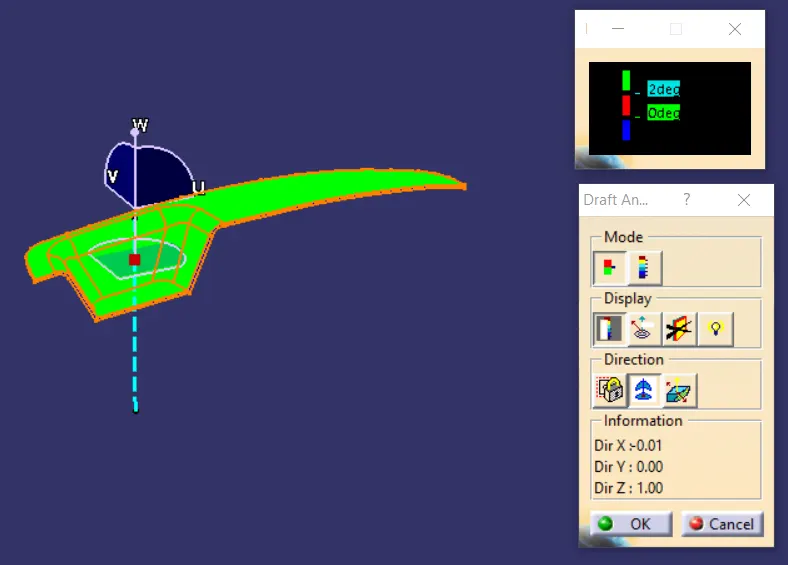
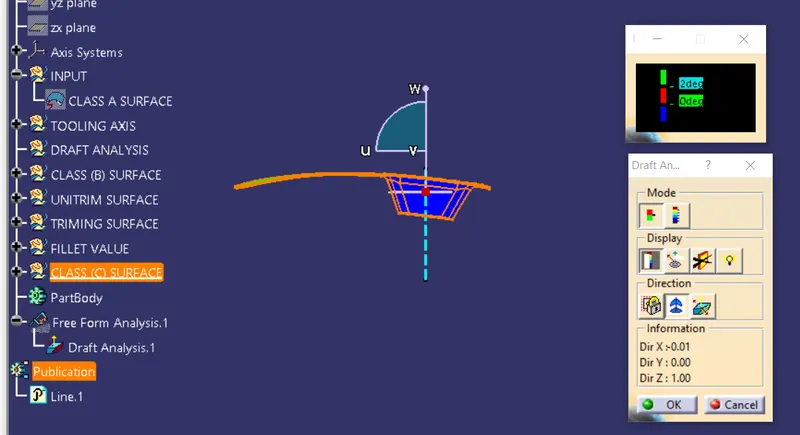
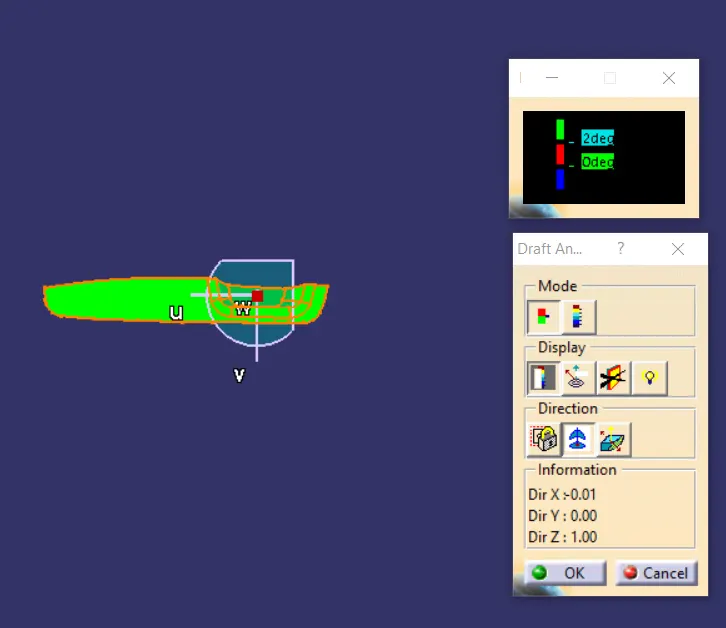
- Click on the surface and see that the surface is within the permissible limit of the draft values.
- The surface should be green and in the column nominal value 3deg given as input. hence the draft analysis on the class-A surface is successfully performed.
CLASS(B) SURFACE.
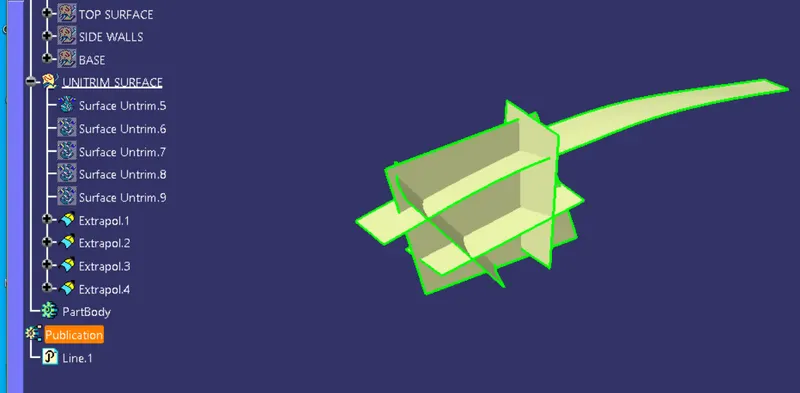
CLASS (C) SURFACE:
FINAL PRODUCT:
DRAFT ANALYSIS ON FINAL PRODUCT:
USING CLOSE SURFACE TOOL:
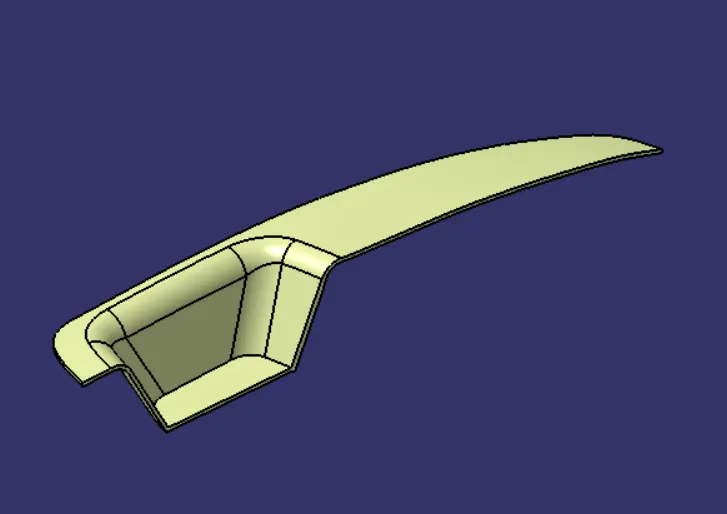
after using close surface.
ISOMETRIC VIEW:
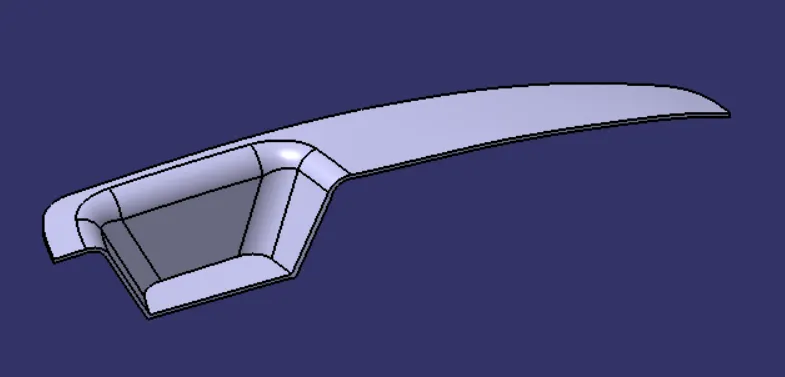
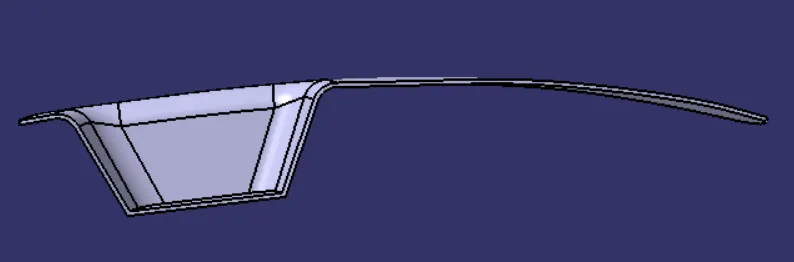
FRONT VIEW:
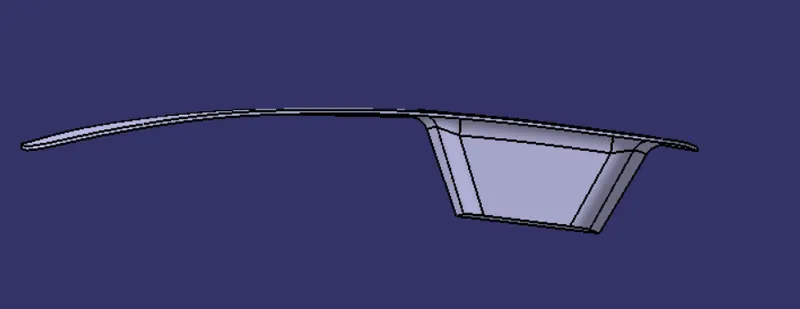
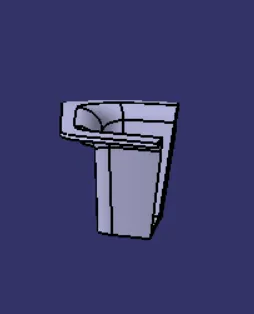
SIDE VIEW:
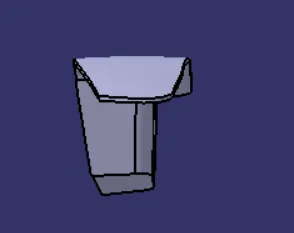
TOP VIEW: