Week 9 - Challenge 2 - Switch Bezel Design
Aim : - Creation of Plastic Component (Switch Bezel) Using Class A Surface
Theory: - Switch Bezels in car are parts which contains switches and controls for different functions like Window control, Door lock/Unlock,Media and Temperature controls.
Proceture:
Step 1. Tooling Axis Creation
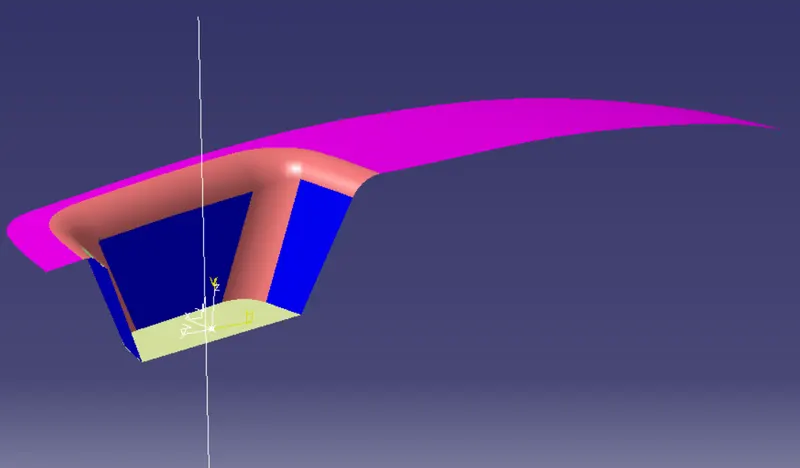
First anaylize the Given Class A Surface . Then To Create the Tooling Axis We need to First Draw X- Component then Y- Component
X- Component
Y- Component.
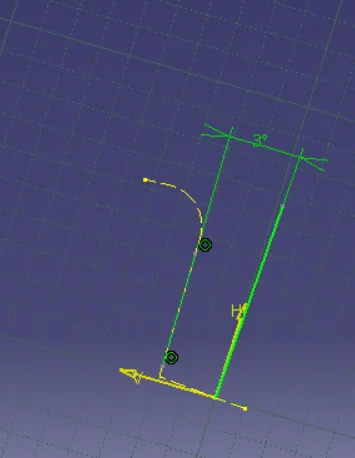
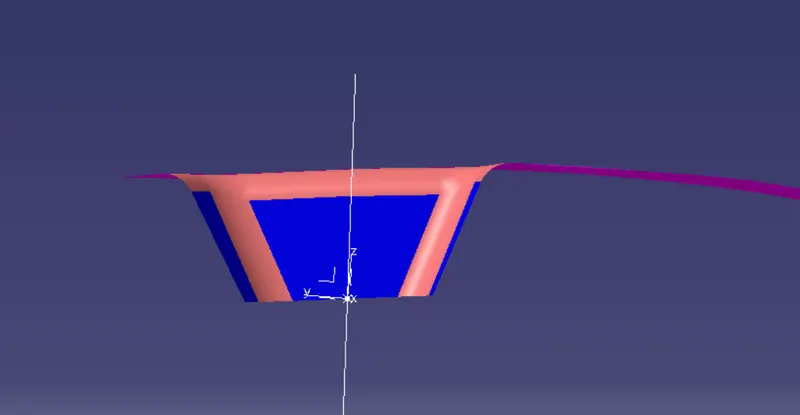
Then By Bisecting Both the line Create the Tooling Axis.
Step 2: - Class B Surface Creation
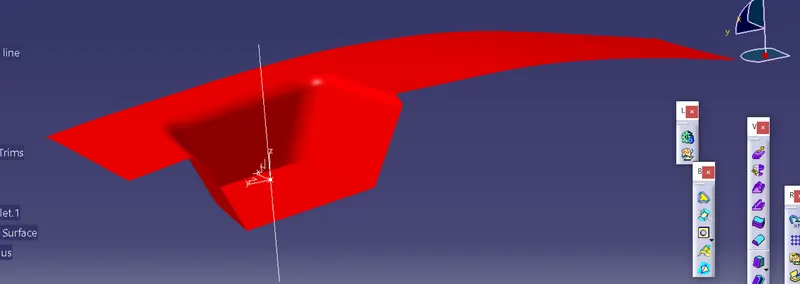
To make a Class B Easily. First Extract the Class A Surface Excluding the Fillets. Then Offset the extract 2.5 mm
then Trim the Surface and Fillet it. The Resutl will Look Like This
Step 4 : - Class C Creation
For Class C First use boundary function for Multiple Extract . then Sweep This Boundary Or Multiple Extract . If There is Gap then Extaplote the end and trim it the Final Result will look like this.
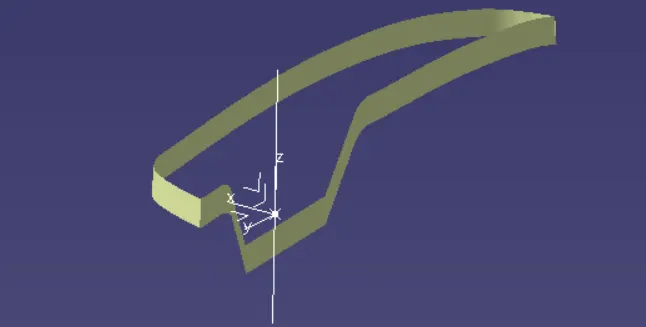
Step 5 :- Join Class A and Class C Surface. Then Trim that Surface with Class B Surface. the Final Product will Look like This
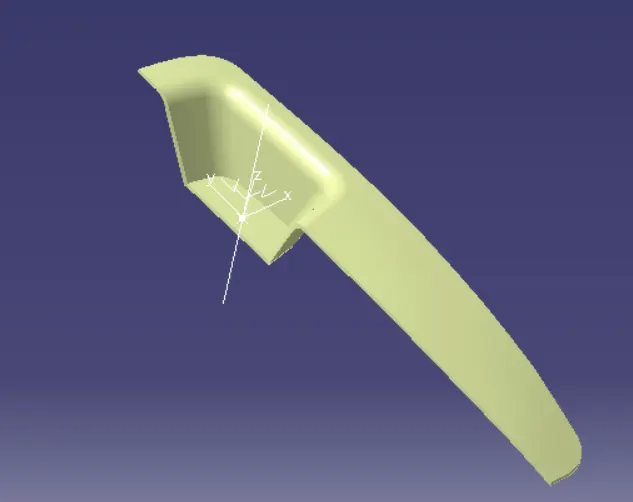
Then Using Close Surface create this product to part model
Step 7:- Draft anayliss
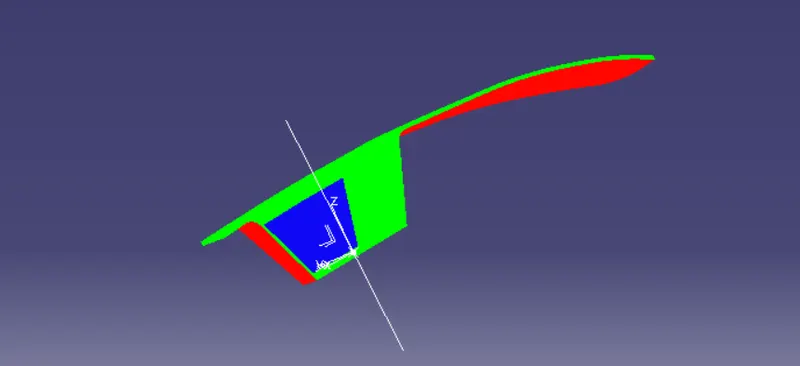
The Above picture There are tow Colour red and Green. The Green Surface mean it is Producable and the Draft angle is 3 deg or more. and red means the draft is negative.