Week 9-Challenge
ABSTRACT:
To create a connections for the various components and attach them eac other. FOr the connections the connectors like spotweld, seam, bolt connectors, rbe3 and rbe2 links are used.
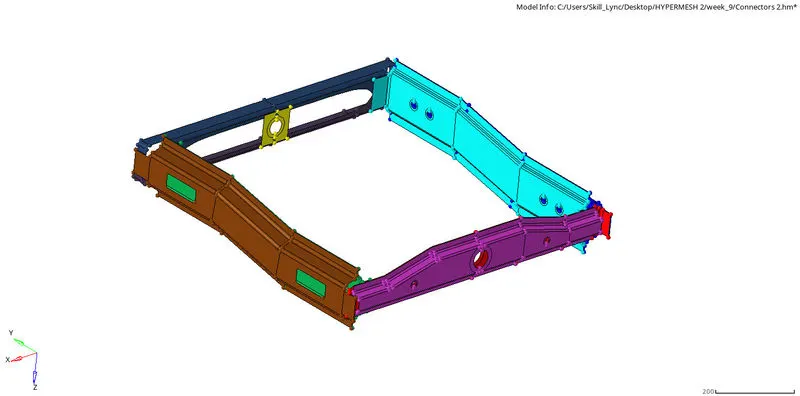
To give proper connections for the given components through the command view--->browser--->hypermesh--->connectors tab.

Another way to go to connectors tab is 1D--->connectors.
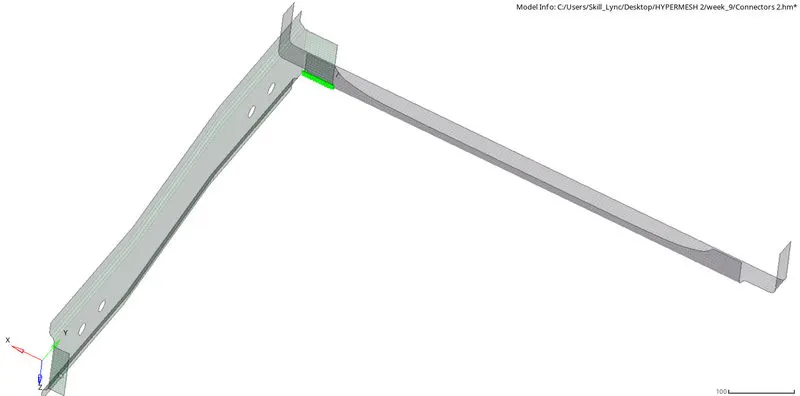
Right_Rail_2 & Front_truss_1:
The first connector is Seam-Quad(angled+capped+L).

The command used for the seam connector is 1D--->connectors--->seam--->type(seam quad).
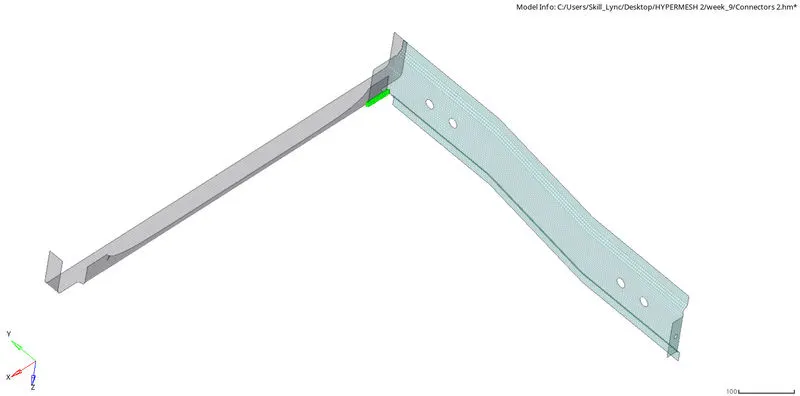
Left_Rail_2 & Front_truss_1:
The second connector used to connect the components are Quad elements.

The command used for the seam connector is 1D--->connectors--->seam--->type(quads).
Front_truss_2, Front_truss_1 & Right_Rail_1:
The third connector used is Spot weld with 3 Layers and 5 mm Diameter.

The number of layers is used for connecting number of components. In this three components are connected to the spot weld.
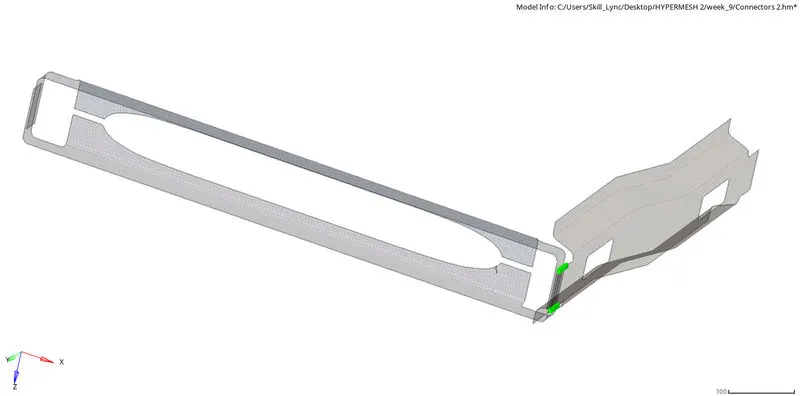
Front_truss_2, Front_truss_1 & Left_Rail_1:
The fourth connector used for the connection is Hexa (Adhesive).

The command used for the seam connector is 1D--->connectors--->seam--->type(hexa adhesive).
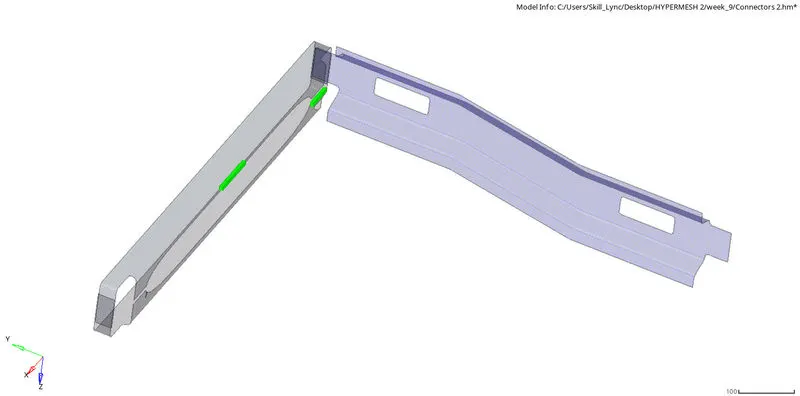
Rear_truss_2 & Right_Rail_2 ;Rear_truss_2 & Left_Rail_2:
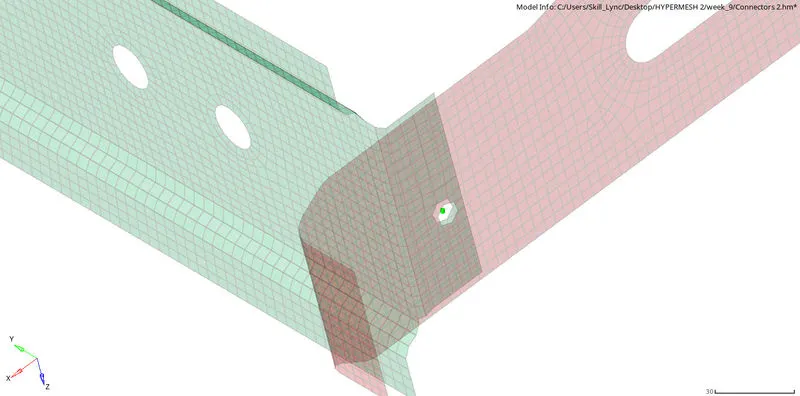
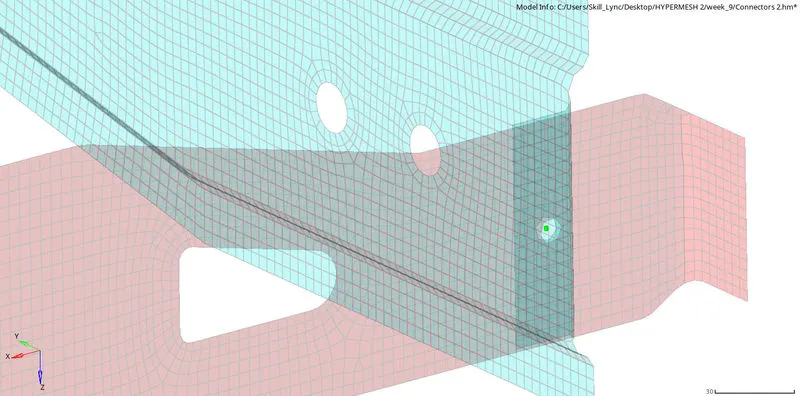
The fifth and sixth connection is Bolt Connector.

For 5th and 6th connection the general bolt connection is used. It is done through the command
1D--->connectors--->bolt--->type(bolt general).
Right_Rail_1 & Right_Rail_2:
The seventh connector used to connect two components are Spot-weld with Rigid Elements.

The command used for this connector is 1D--->connectors--->spot--->type(rigid element rbe2).
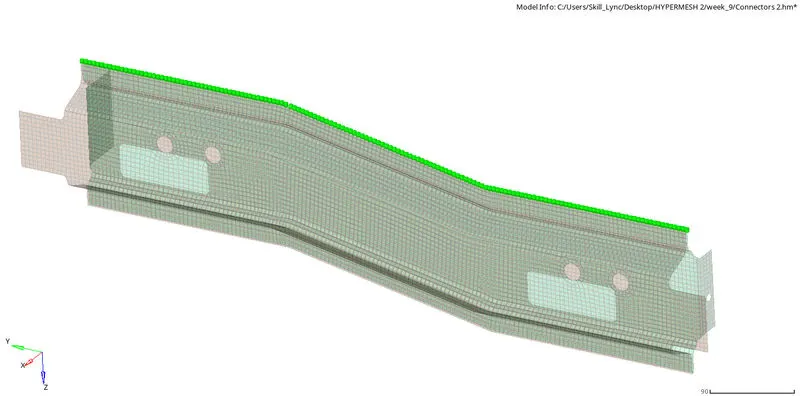
Left_Rail_1 & Left_Rail_2:
The eighth connector used to connect the components are Spot-weld with Spring Elements.

The command used for giving the connection is 1D--->connectors--->spot--->type(spring element).
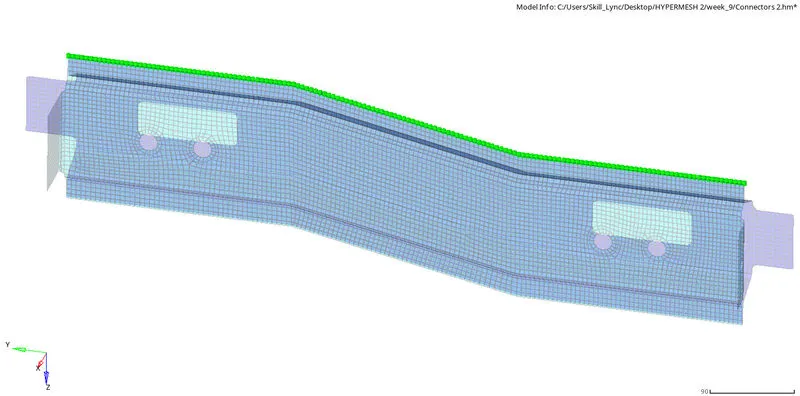
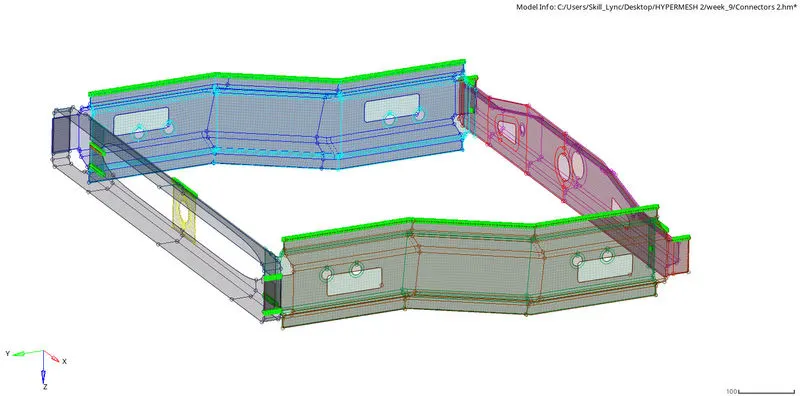
OUTPUT MODEL:
DRIVE LINK FOR THE MODEL:
https://drive.google.com/file/d/1kir6SGOA0GPpSNfELITVQCS87jYFUsXn/view?usp=sharing