Week 9 - Challenge 1 - Base Bracket Design
BASE BRACKET CHALLENGE
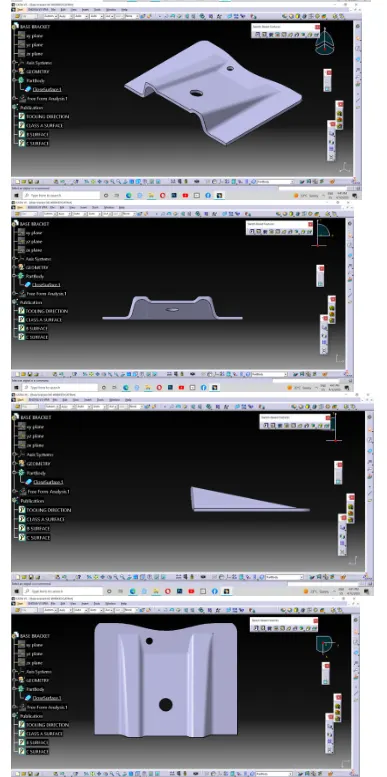
In the given challenge, with the help of the link given of the Base bracket step file, I have made my required surfaces firstly, I opened the stp file in the catia v5 and saved the converted file type. then i opened the file and start my work.
Firstly I created the geometrical set named class A and put the given class A surface into the geometrical set class A. then i created another geometrical set named tooling axis. then i start to create the tooling axis.
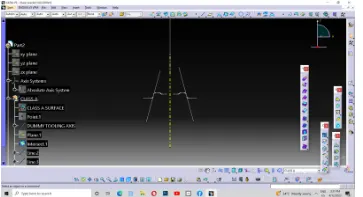
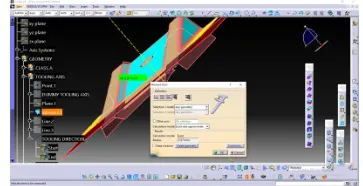
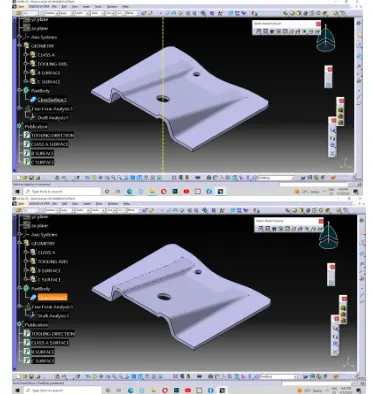
For the creation of the tooling axis I have visualised the part in X,Y and Z axis and found the result that, the tooling direction must be in the X at Z direction. then due to the absence of vision of the another hole in the X direction. I have made the confirmation of the tooling axis in the Z direction. therefore, i started to create a Dummy toolig axis. so i created a point in the middle of the circle of the hole which is in the base structure of the class A. then i drawn a dummy line in Z direction by changing the colour of the axis and type of the axis named it as dummy tooling axis. i got my required tooling axis and i confirmed it as the tooling axis and i published class A surface and the tooling axis.
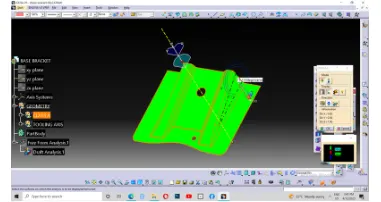
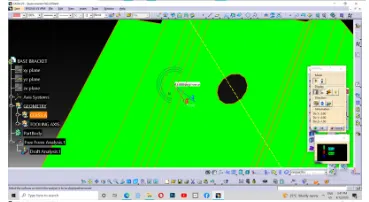
Then i analyzed the tooling direction with draft analysis and it shown the green colour in the nominal angle of 3 degrees and i checked the inclinations of the inclined surfaces.
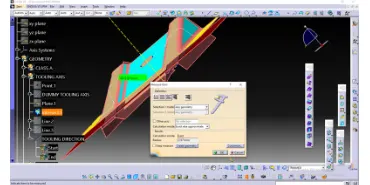
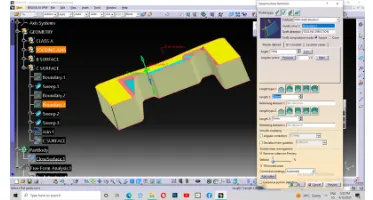
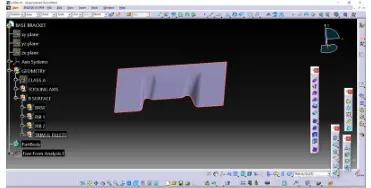
Then i made another geometrical set named B surface. Then i extracted the two ribs and base surfaces. then i untrimmed every extracted surfaces and extrapolated it point continully in curvature. i given the fillet values of 5.5mm to each edge( 3mm of class A and 2.5mm of thickness). thus i made my required B surface.