Week 9 - Challenge 1 - Base Bracket Design
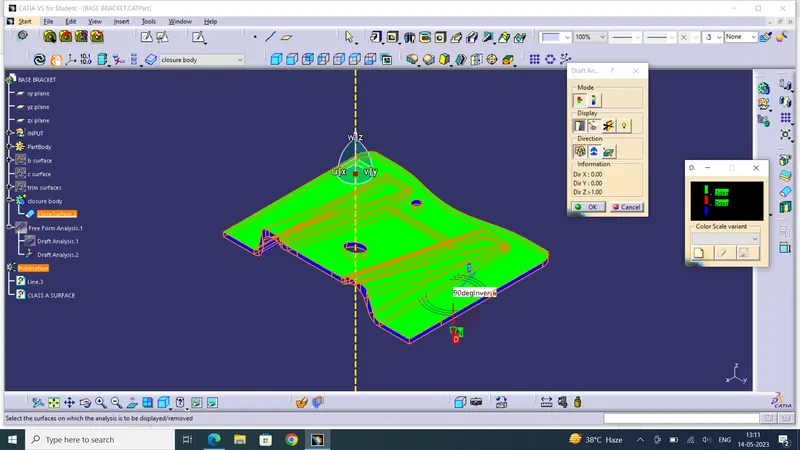
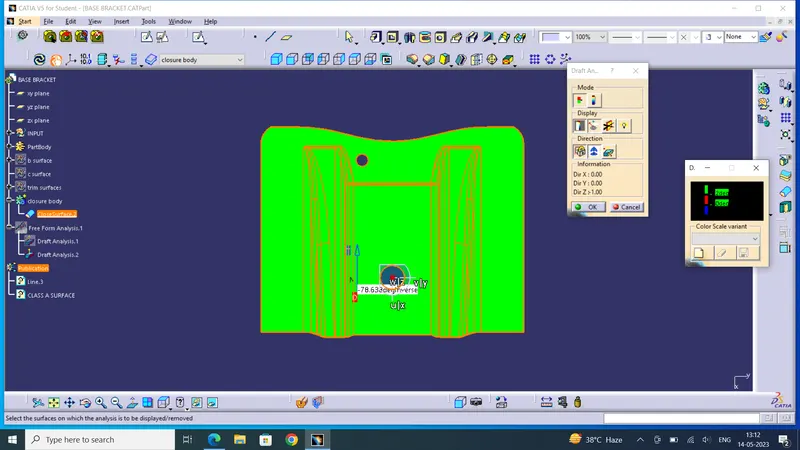
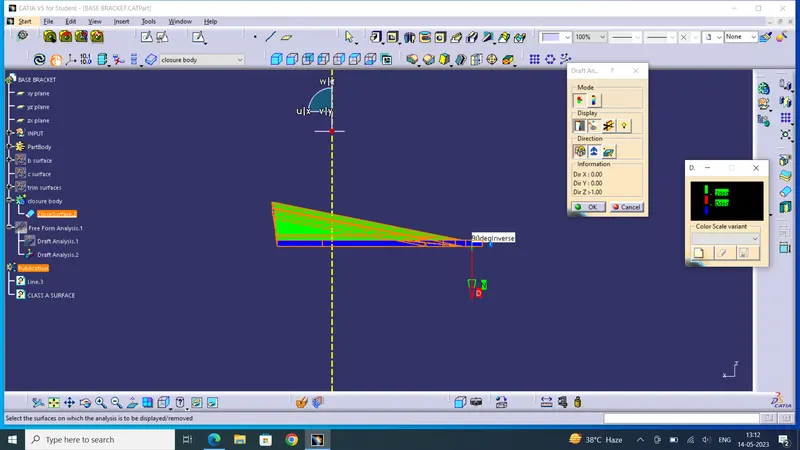
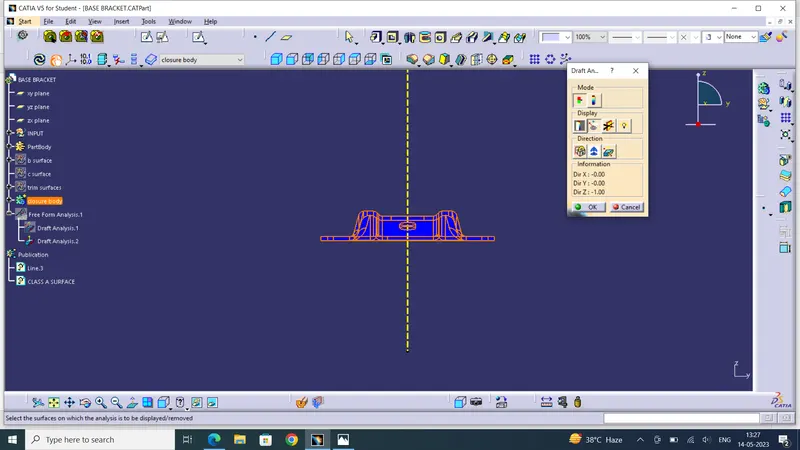
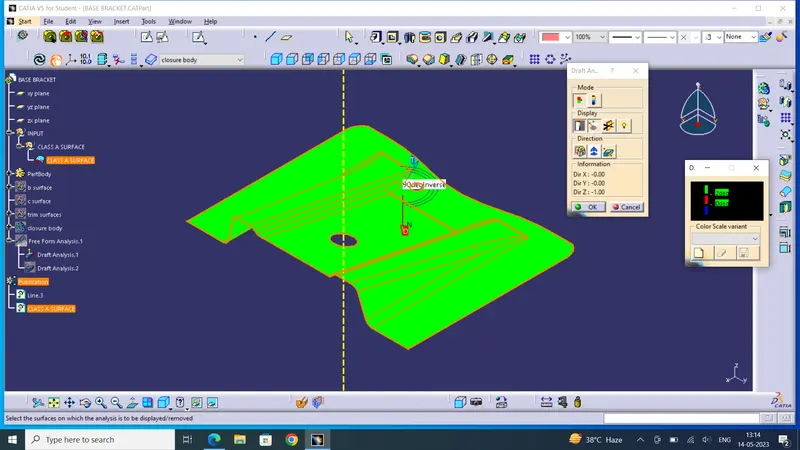
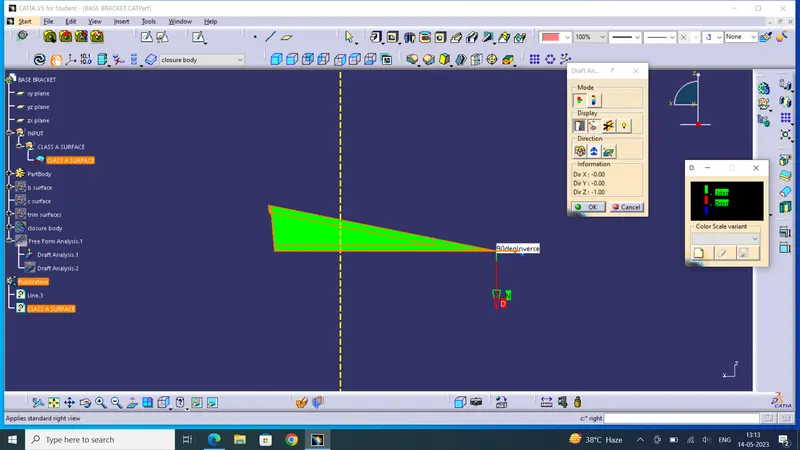
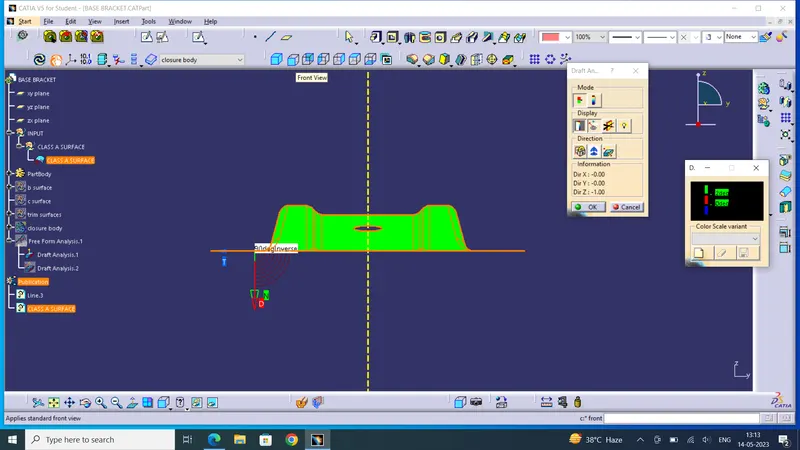
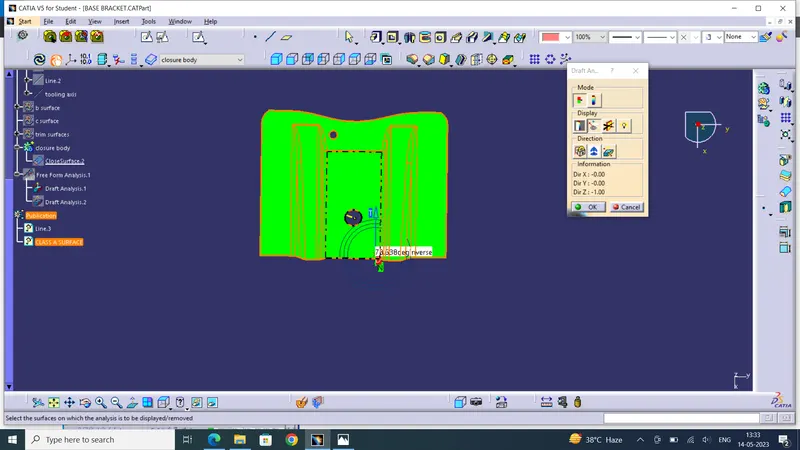
tooling axis
1.tooling direction is the direction of the mold which opens and closes
2.if our part has any holes it should be parrallel to the tooling axis.
3.create a plane middle of the hole and intersect the class a with the plane
4.in catia by using bisecting option we bisects to angular line of class a surface can create a intermideate line this will be our tooling line
5.create the tooling line for front view xy plane this will be called x tooling line
6.simmilarly create the tooling using yz plane
7.now using bisecting lines we can create the proper tooling axis
draft analysis
1.change the material mode using custom select material.
2. chane the color and thickness of tooling axis
3.place the compass on the tooling line and click the compas icon
4.click the lock symbol and click on the surface.
5.click on draft analysis tab he we can change the angle colors for the draft
6.using the analysing pointer place it on class a now it changes the color as per the angle with respect to draft analysis tab. this is called draft analysis