Week 9 - Attachment Feature Creation - Challenge 2
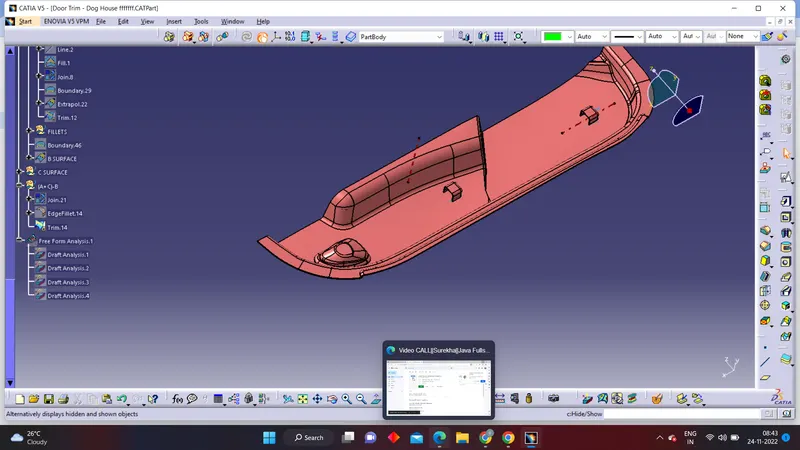
Tooling Axis-
The direction in which core and cavity open is tooling axis.
- So after visualising, we can say that Y-direction is tooling Axis direction.
- I have selected lower flat face of the Class A surface and extract it.
- MAke a point on extract surface.
- Make a line passing through point and normal to surface.
Draft analysis for CLASS A -Surface
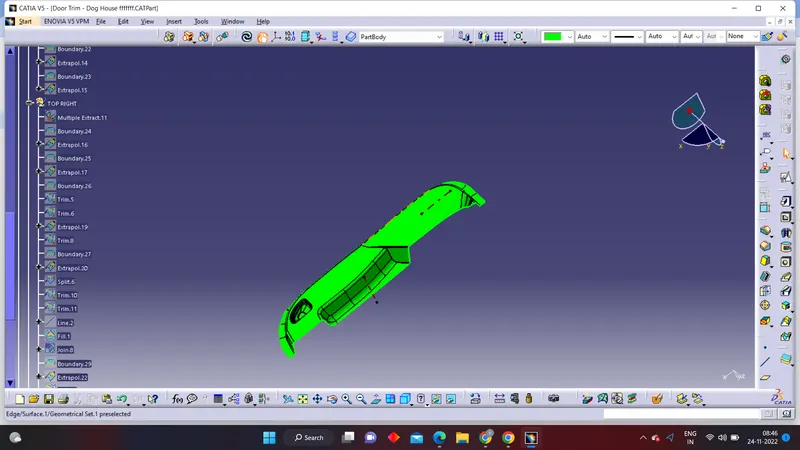
- Insert > Analysis > Features draft analysis
- Make sure view mode Customization to Material mode
- Now go to direction, and click 2nd option.
- Pick the compass and align it with the tooling Axis and click on the lock .
- Now click on the class A surface,here we notice there are some part when our draft angle is 2.9 degree.
FINAL PRODUCT:-
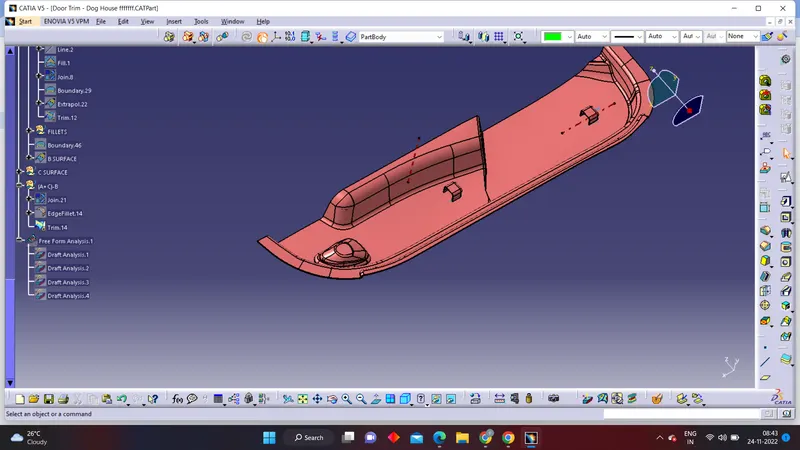
ANALAYSIS OF FINAL PART:-
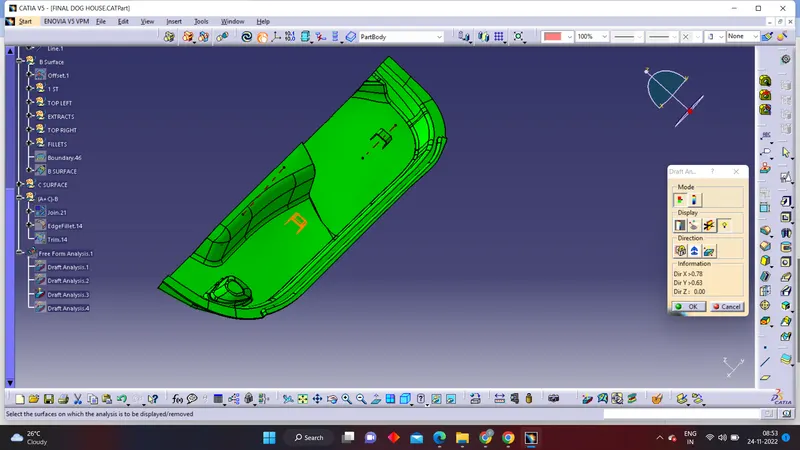
ISOMETRIC VIEW:-