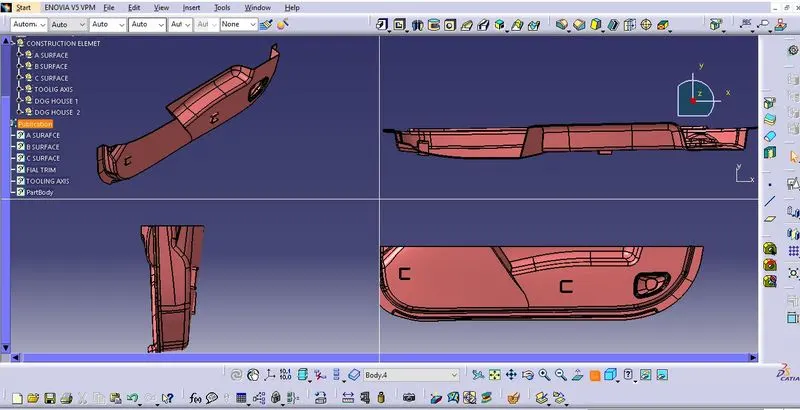
Week 9 - Attachment Feature Creation - Challenge 2
DOG HOUSE DESIGN ON DOOR TRIMS - Create the dog house for the centre console considering the design rules mentioned in the video. General Rules for Screw bosses. Draft of 0.5 degree on walls of boss Thickness is 40% of the nominal wall at the base. Height to diameter.
DOG HOUSE DESIGN ON DOOR TRIM
AIM- Create the screw boss and dog house for the centre console coin holder considering the design rules mentioned in the video.
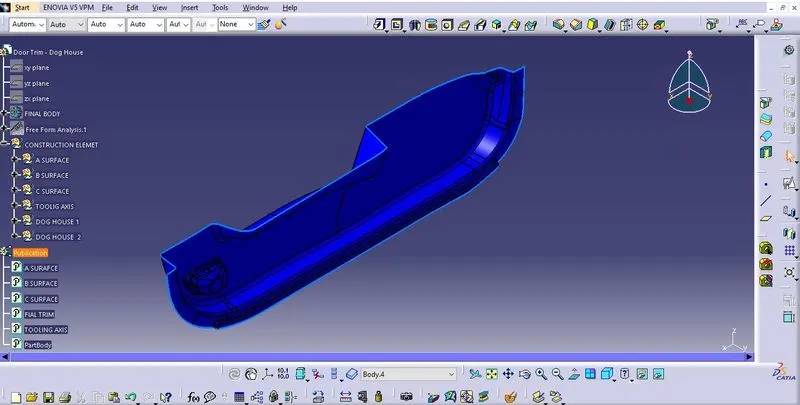
Creating Class B surface
1. Extract the surface from the class A using multiple extract and untrim them.
2. Use extrapolate to make sure that all the untrims are properly intersected to trim and offset the surface to 2.5 mm to create the thickness.
3. Trim the extra surfaces using trim command.
4. Insert them into new geometrical set and name it with respective part names.
5. Apply fillets to model after creating the entire surface .
6. If the edges are outside the fillet value will added to the thickness of the component and if the edges are inside , the fillet value will will be subtracted from the thickness of the component , for instance the thickness of the component is filleted is 2.5mm the fillet value is 15 mm so the outside portion value should be 17.5mm and inner eges should be filleted 12.5mm to get uniform thickness.
7. Perform trims one at a time so that it will be clear to understand.
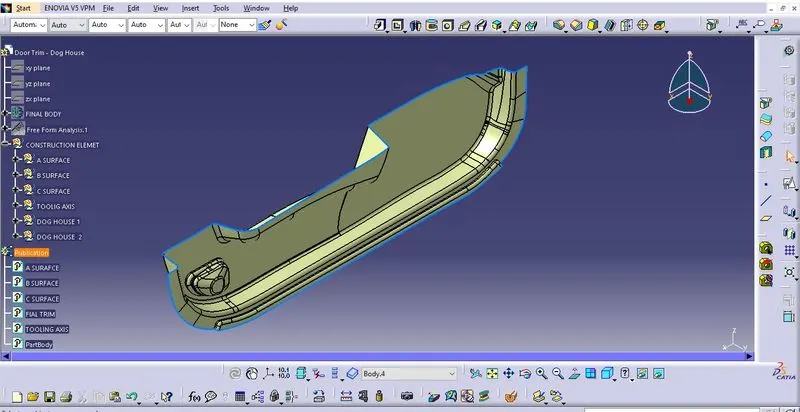
Creating Class C surface
1. Extract the boundary from the class A surface using boundary command .
2. Using disassemble tool to divide the boundary as the boundary contains domains.
3. Use sweep command> choose profile type line > subtype as with draft direction > choose guide curve and draft diretion > draft angle as 3 degree > preview.
4. After getting sweep them the output with class B surface to get final output.
5. Now open part design workbench and using close body surface create a solid of the component.
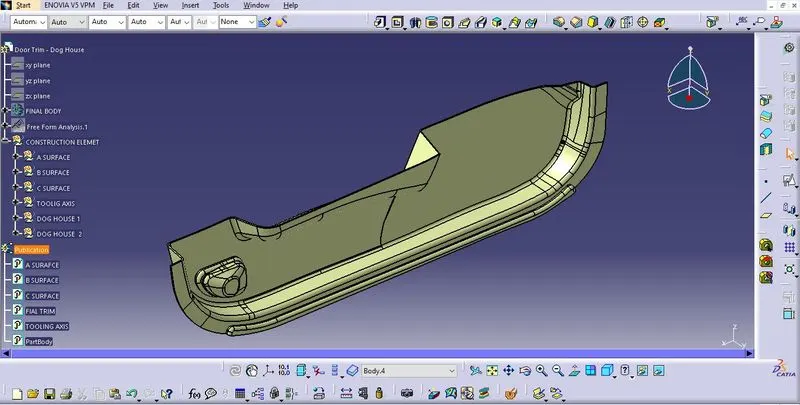
Dog house design-
Extract the base of Class A Surface and offset it with part thickness as 2.5 mm.
Draw sketch of rectangle and should be open from one side for dog house.
Using sweep with tooling direction and draft it at an angle of 1.5 degree for outer surface.
Close the upper surface face by offsetting the below extracted surface and then after trimmed it.
Now for the inside faces of dog house we need side core tooling axis created it in Z direction.
Now to create the C and B section as shown in design rules, offset the base surface in between 3 to 6 mm.
Extrapolate the surface to achieve desired length.
Switch to part workbench and split the C and B Section with thicken part.Again, provide draft to the inside surface as shown.
Give radius/fillet to inside as 0.4*T=0.4*2.5=1mm and for outer edges give fillet as inside radius + part thickness.
To cover the top surface,offset the extracted base surface to a distance of 20mm and then trim it and fillet the edges with 1mm.Pad the extruded surface to outside with the thickness of 2mm.Create the tooling axis for Side Core(Yellow).
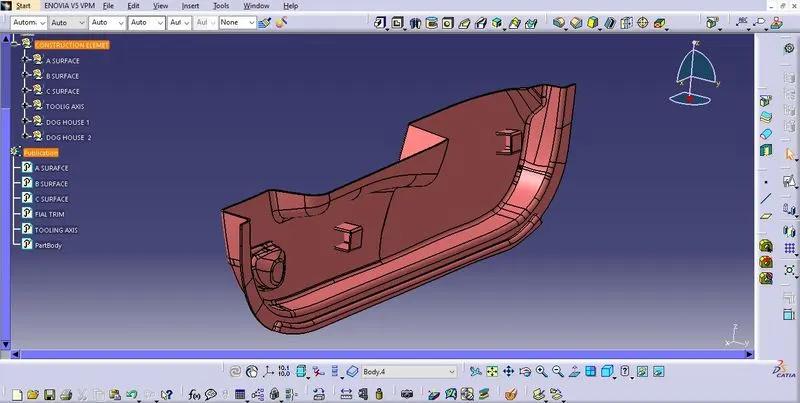
Cut the uneven surface at the open side by extracting the opposite surface and offset it to a distance towards the open surface and split the part in Part design by using the Split option.
Draft the inner walls with 0.5 degrees.Now create backside contact surface by offsetting the extracted base surface to a distance in between 3 - 6mm height (B) and Sweeped surface to a distance of 40% of the main wall thickness(C).Trim the surface.
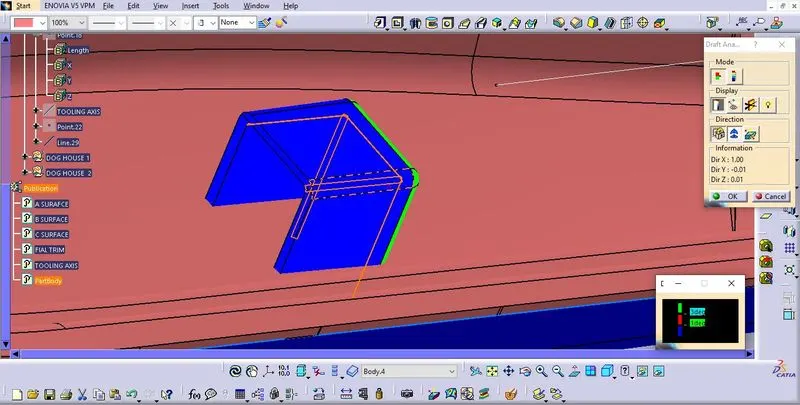
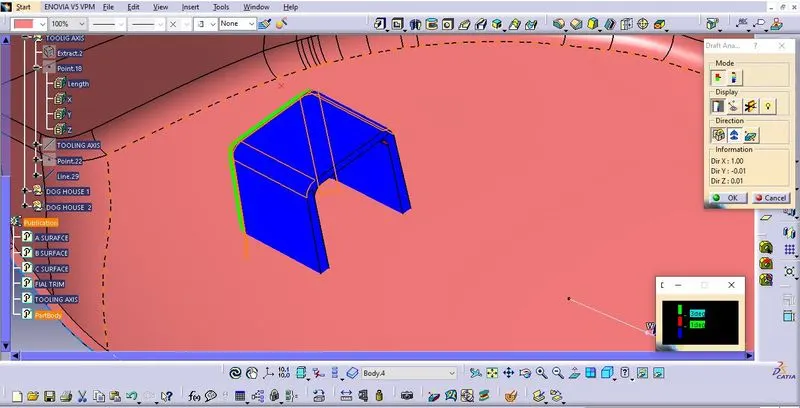
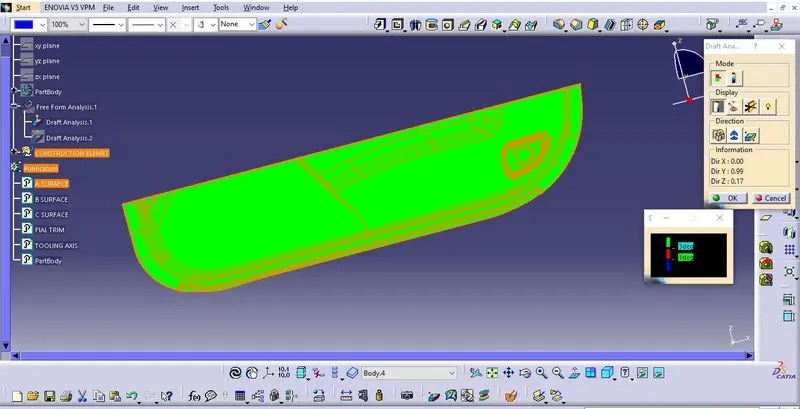
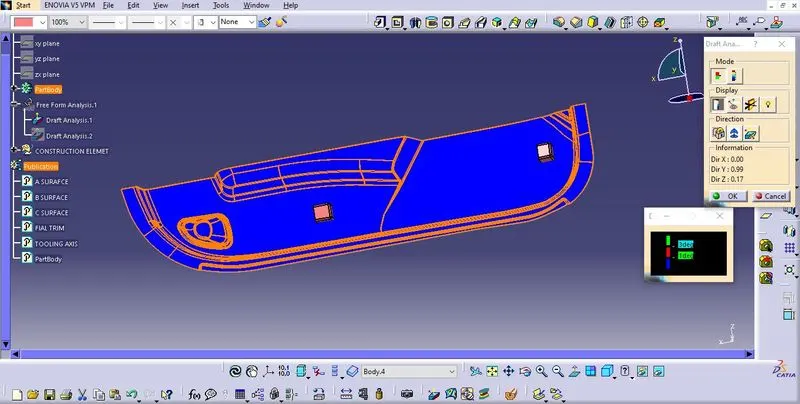
Split the offsetted Surface with the body to get the cut on backside of Dog House.Draft the Splitted area with 0.5degrees and fillet the surface with the radii of 1mm and then translate the the Screw Boss to the top of Dog House and Add it to the Dog House and Add then component to the Main component.Do the Draft Analysis on the final component in both tooling axis.
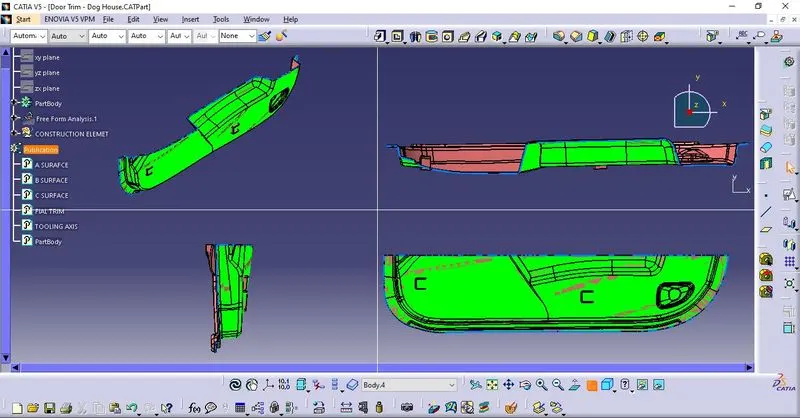
RESULT:
Created the Plastic design for Center Console Coin Holder and Screw Boss and Dog house and added thickness to it and generated the Draft Analysis on a solid surface for Final Component.