Week 9 - Attachment Feature Creation - Challenge 2
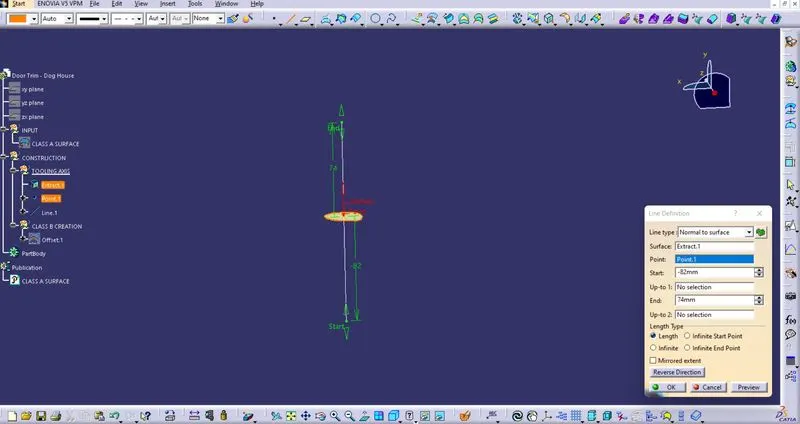
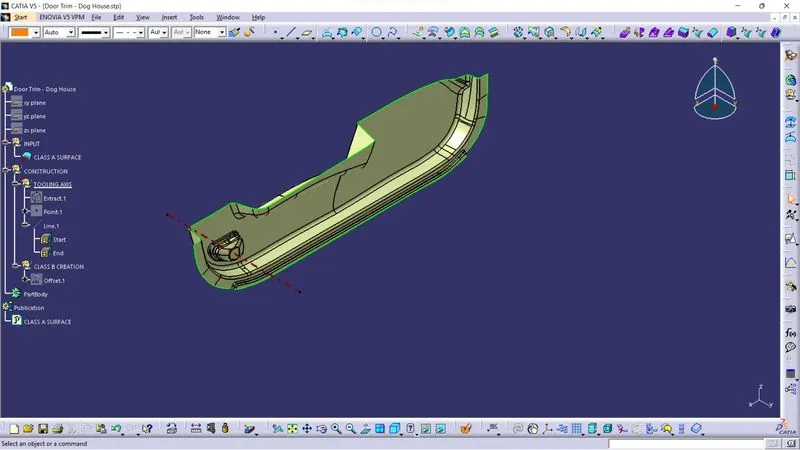
CREATING TOOLING AXIS - first view the model from all views and select that view in which max. faces are visible for the tooling axis creation, by using bisecting methode first select a point on the base surface and create a line using point and direction in the z-axis after that create an intersection of the model using point and create a line using intersection line and a line from the origin point in with 3 degrees of angle with that line and enter okay now we have two lines and then create a bisecting line using this two line and origin point and got a line that is TOOLING AXIS.
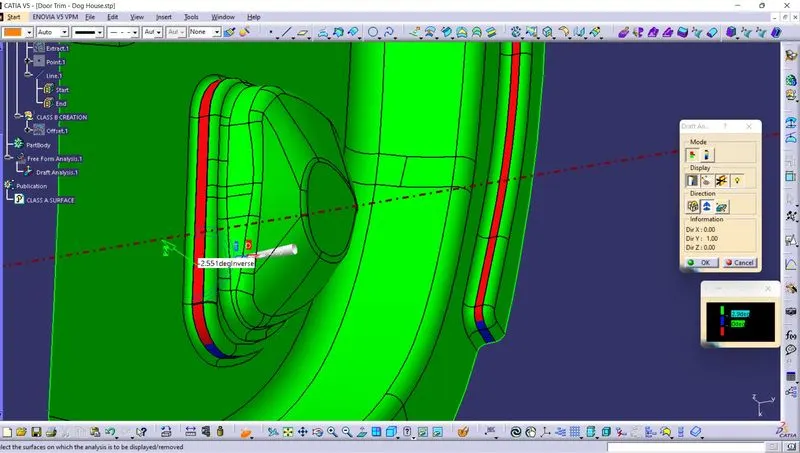
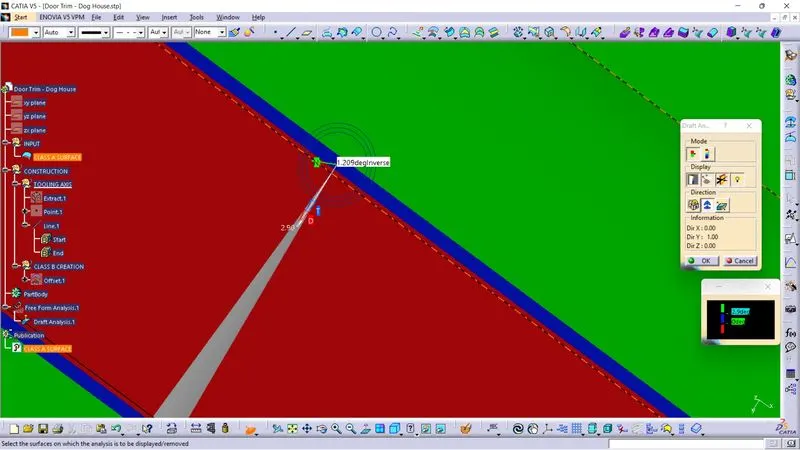
Class A draft analysis- after creating the axis and selecting material from the material selection and click on insert then click on analysis and select geometric draft analysis and drag campus on the top of the tooling axis and the select surface of class a and get the result in green color an also measure RIBs side angle. after that click okay.
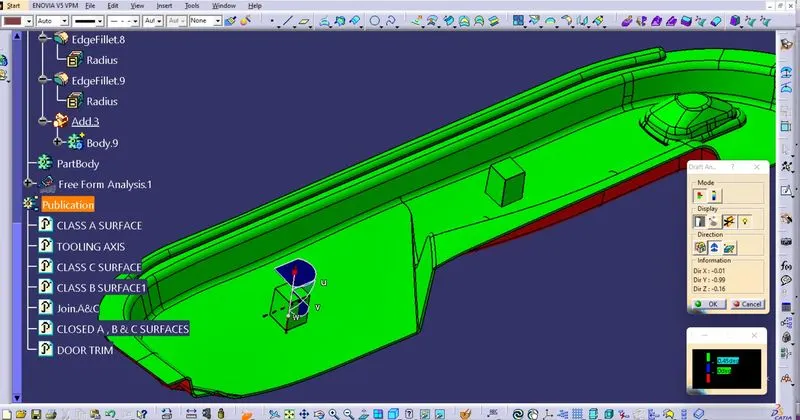
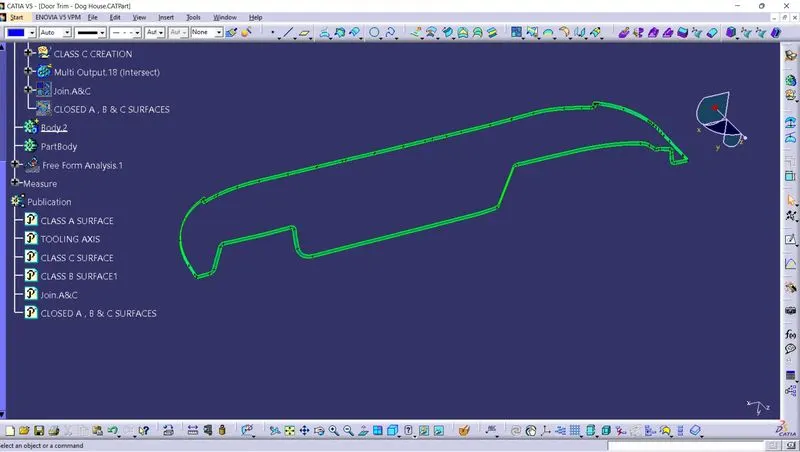
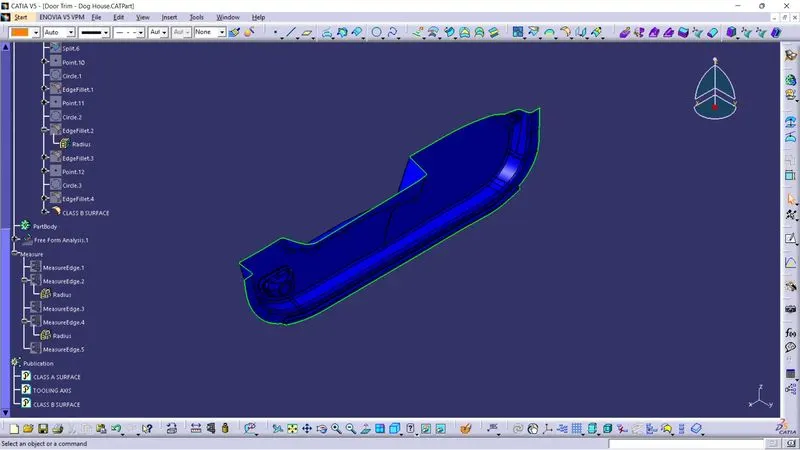
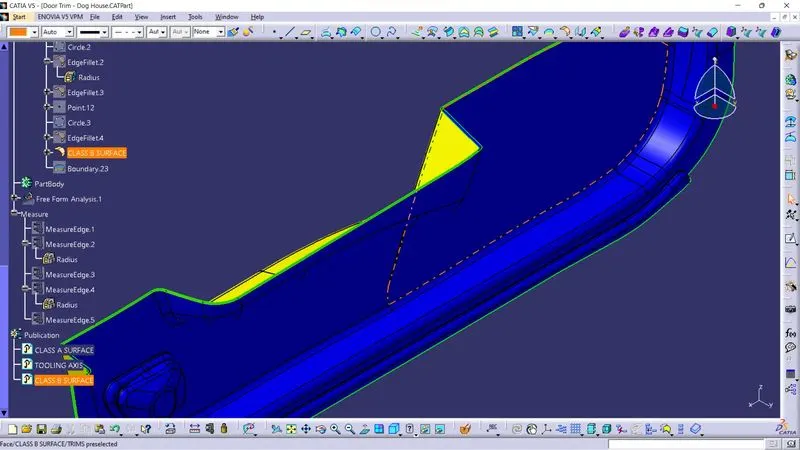
Draft analysis solid body - After trimming all surfaces class A, B & C and trimming all these surfaces got a closed surface Solid body take a draft analysis and the result is class A & C in green color and class B in red color. and same all thing for a dog house.