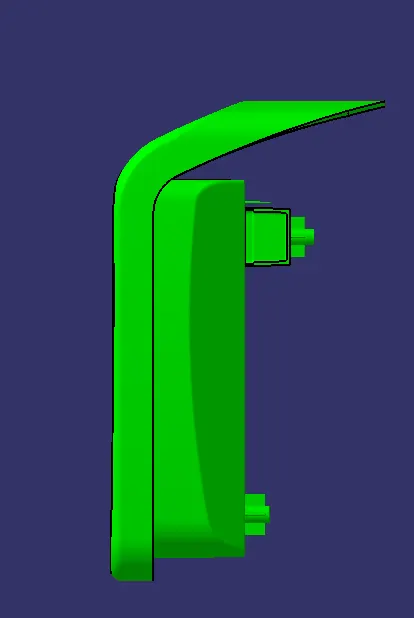
Week 9 - Attachment Feature Creation - Challenge 2
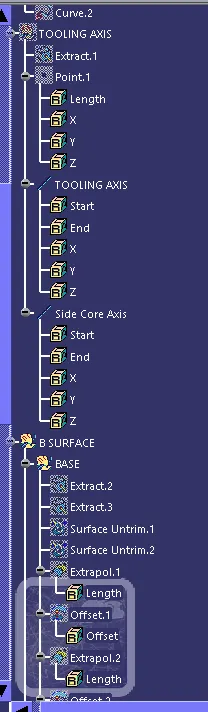
Tooling Axis creation :
- Extract the base surface.
- Create point on the middle sufrace.
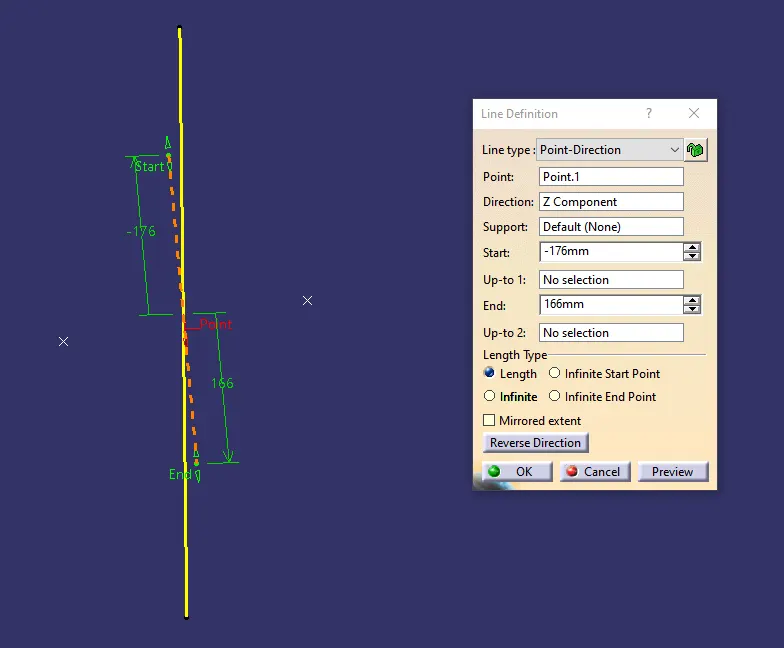
- On that point create a line and name it as Tooling Axis.
- Create a line in zaxis and name it as Side Core Tooling Axis.
Draft Analysis :
- In Drafting Analysis first have to check the given class A Surface joined r not.
- Next create a tooling axis as explained above.
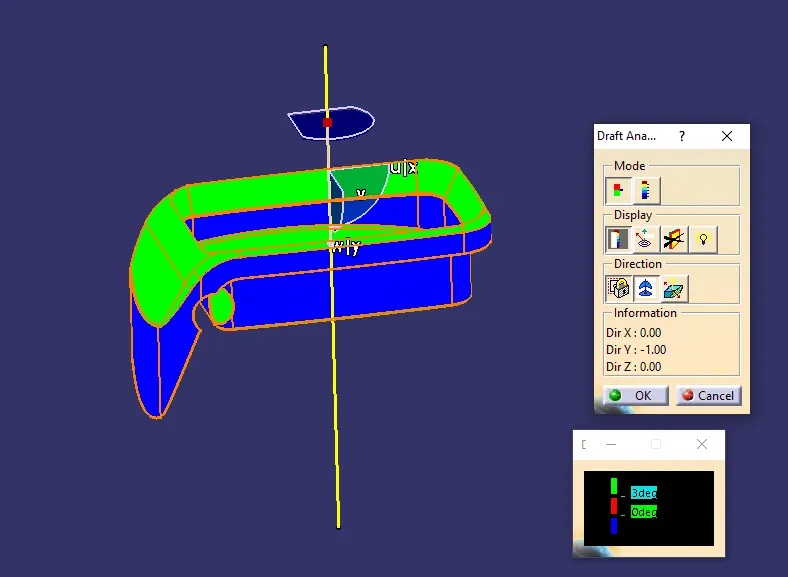
- Go to instert>>Analysis>>Feature draft analysis.
- Make sure that in customize view parameters command in shading it has to be in material status.
- Now drag the red coloured point on the compass to match the tooling axis which we have created.
- Then click on the lock icon under the display command and a point will appear on your screen and top the point on the surface of the fan cover.
- Change angle degree to 3 Degrees and click on ok.
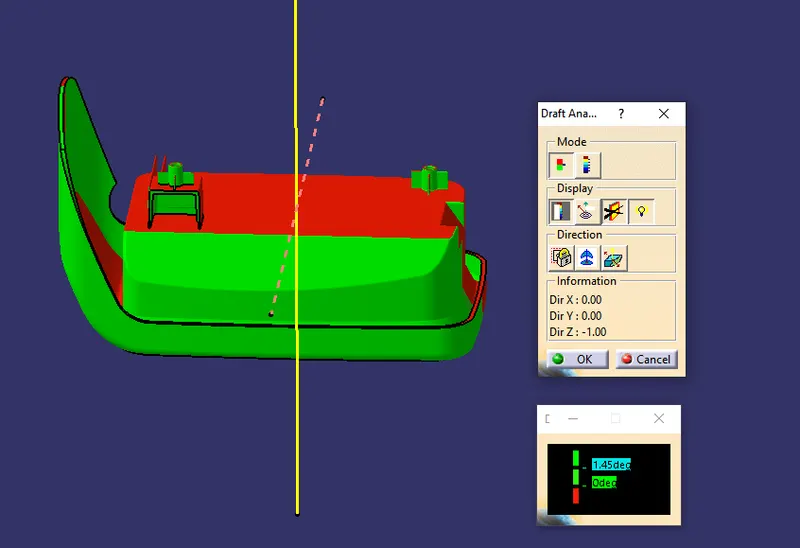
- For Side core change the angle degree to 1.45 Degrees and click on ok.
Side Core Tooling Axis :
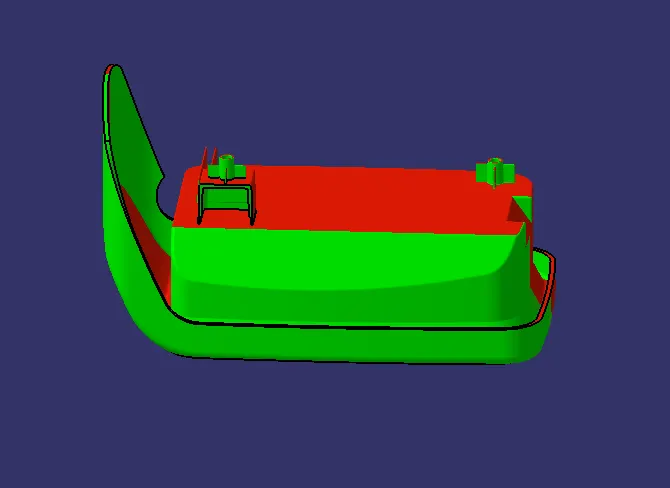
Draft analysis :
Class A-surface
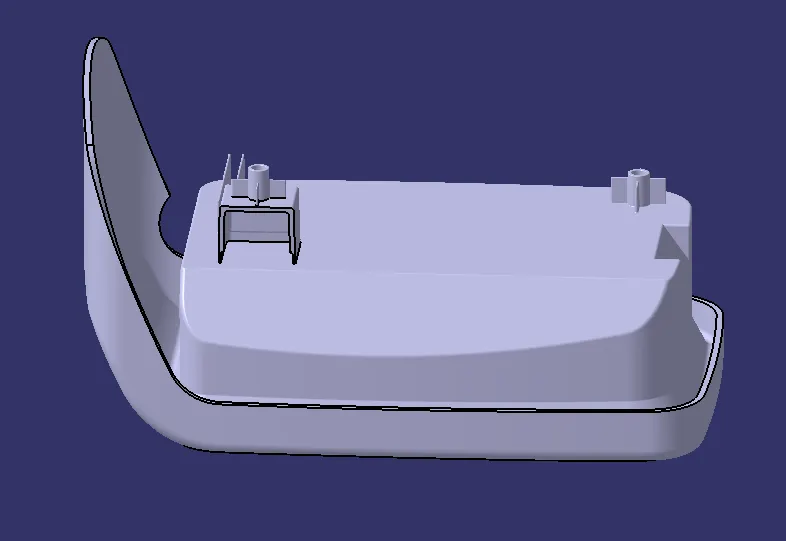
Final Component :
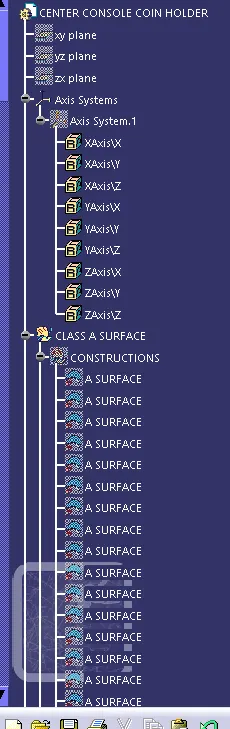
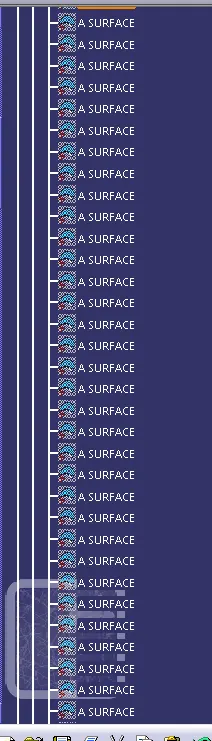
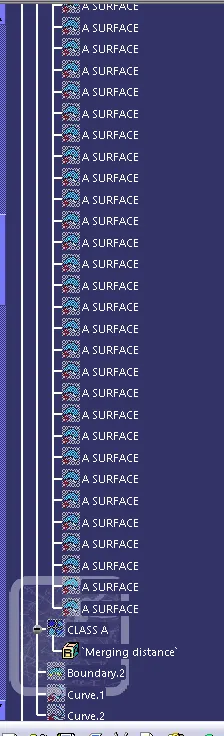
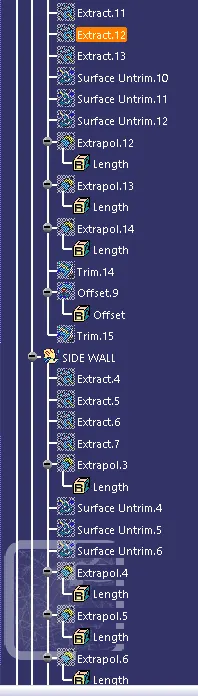
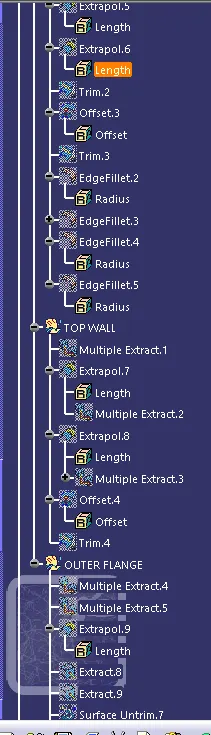
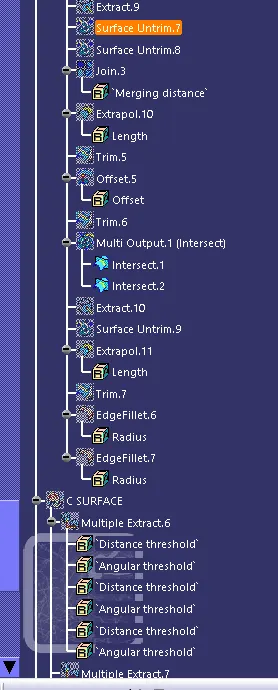
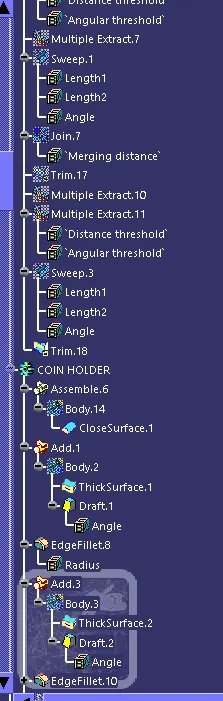
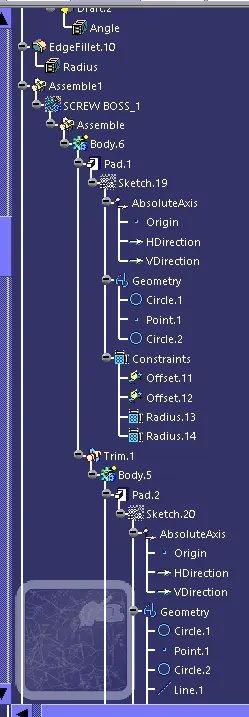
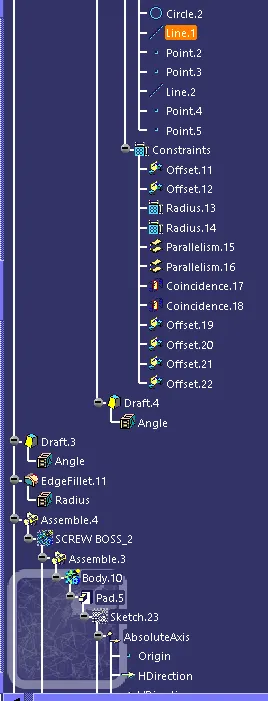
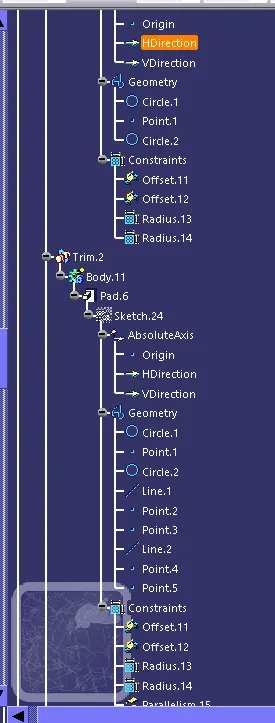
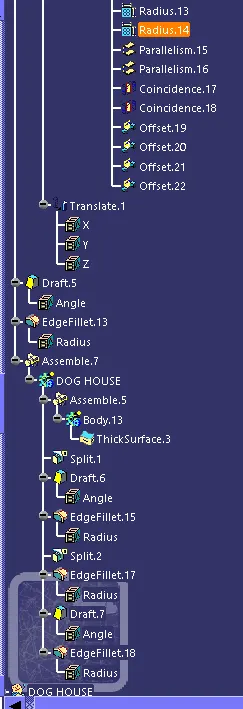
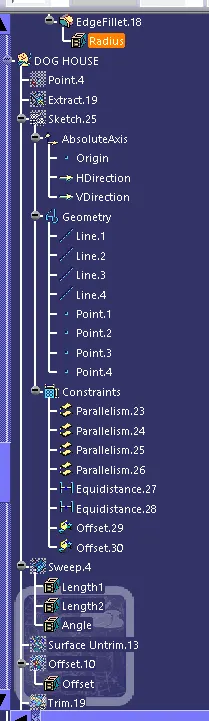
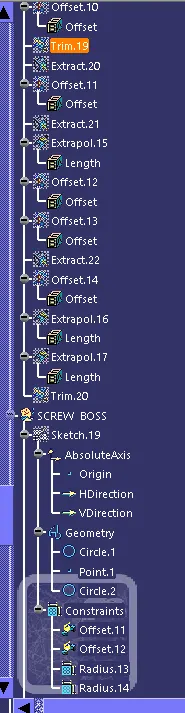
Tree Structure :
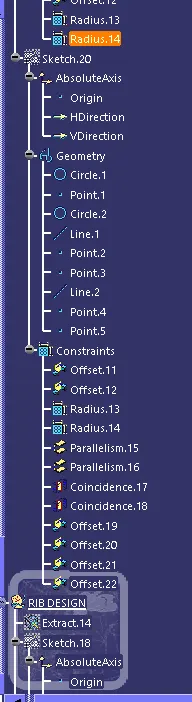
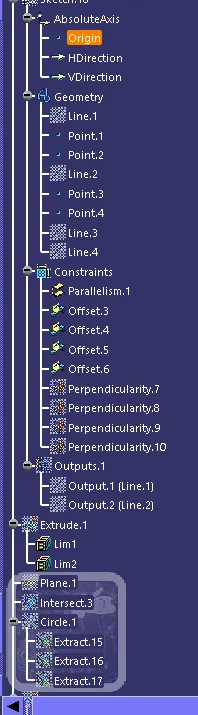
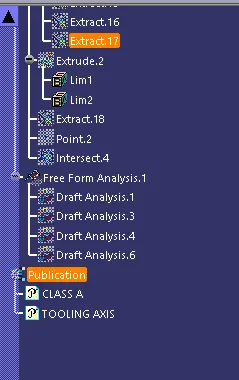
Views :
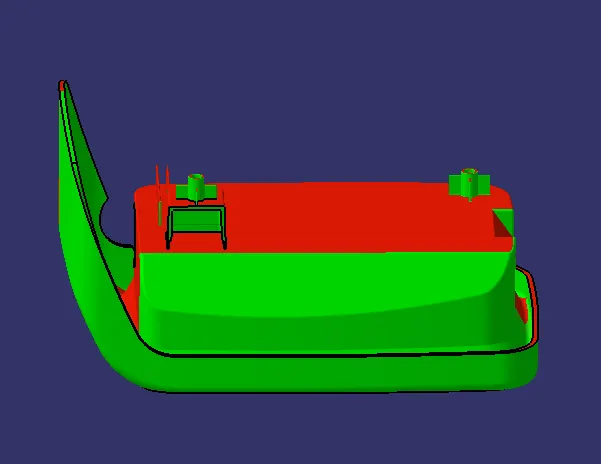
Isometric View
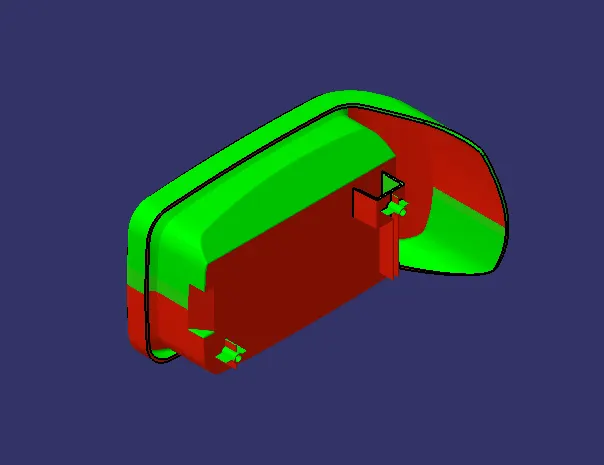
Front View
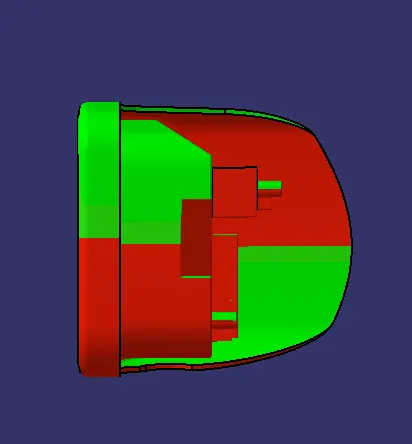
Side View
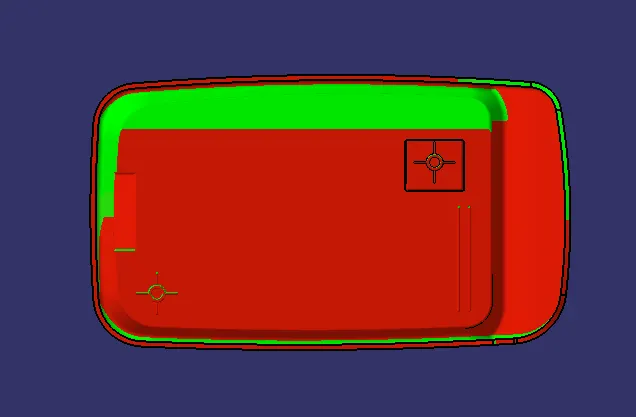
Top View