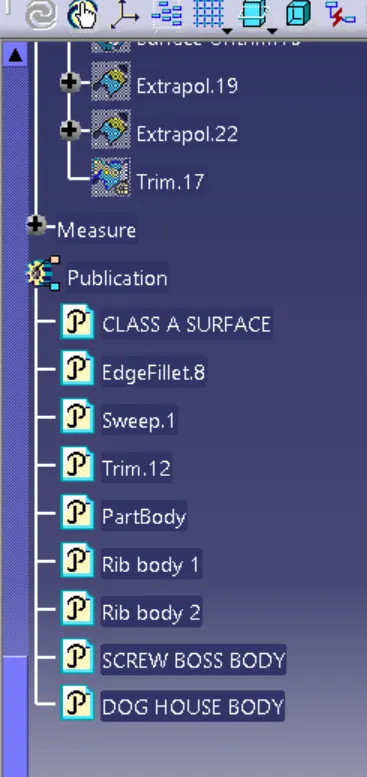
Week 9 - Attachment Feature Creation - Challenge 2
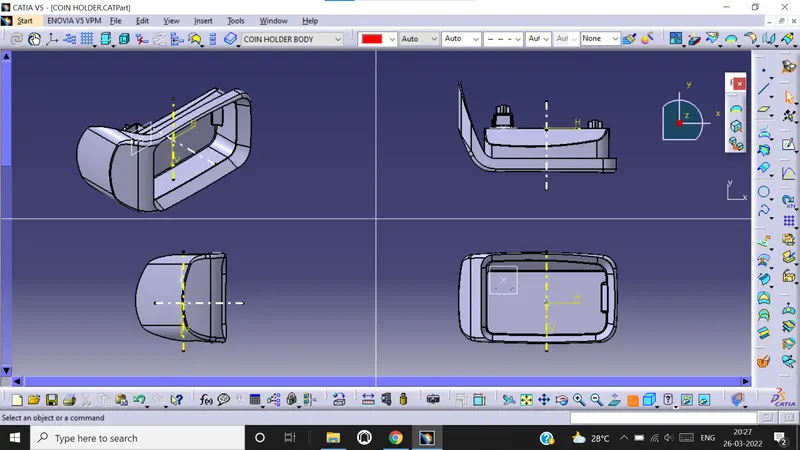
CONSTRUCTION and DRAFT ANALYSIS of COIN HOLDER SCREW BOSS and DOG HOUSE
Draft analysis technique is used to analyze whether our part model created in CAD is manufacturable or not. The part should get easily removed from the mould or die. No part can be ejected from the tool if it is having straight 90 degree angle from its base surface. A small draft angle is provided to each and every area of the component and we are providing a direction in which components should eject in order to easily remove the component from the tool.
Draft Angle is the amount of taper given to the molded parts perpendicular to the parting line. As the plastic cools it shrinks and sticks to the mould surface and therefore need draft angle while ejecting, and to avoid damage. Normal draft angle is 3 degree. Increasing draft value will increase manufacturing cost.
TOOLING AXIS
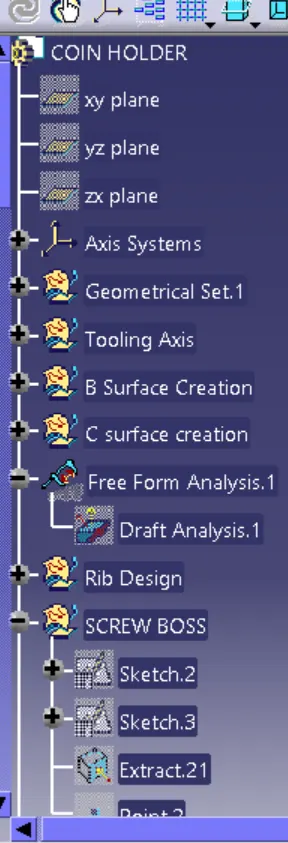
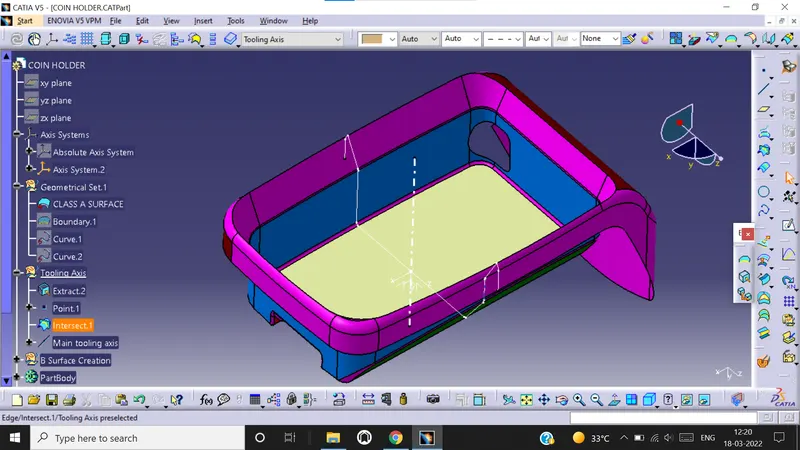
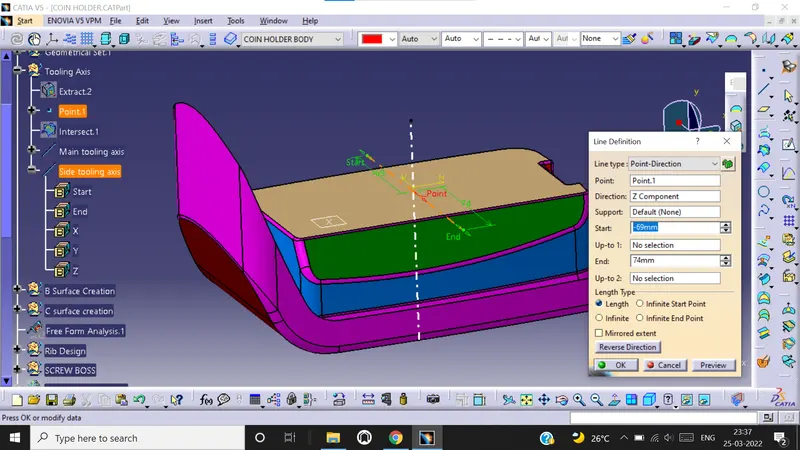
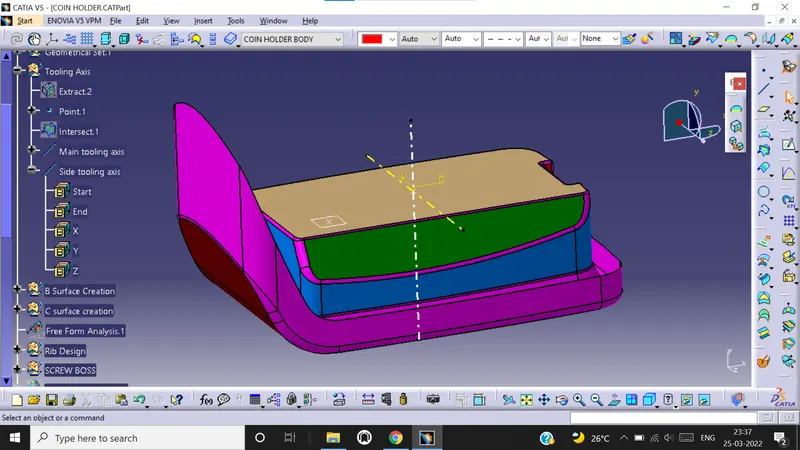
In order to perform analysis, we need to create tooling axis and in order to do that we need to check class A surface first. We need to check whether all the surfaces are closed or not using boundary option. Once inspection is complete, we need to create separate geometrical set for tooling axis. We need to choose the axis in such a way that all the pockets, holes, sections etc. should get covered. For example, once inspection is completed, we concluded that Z axis is the tooling axis. Now we first extract the base surface from class A surface.We than create a reference point at the centre of the surface. Now insert an axis system at that point. Create a line at that point. This line is our MAIN TOOLING AXIS.
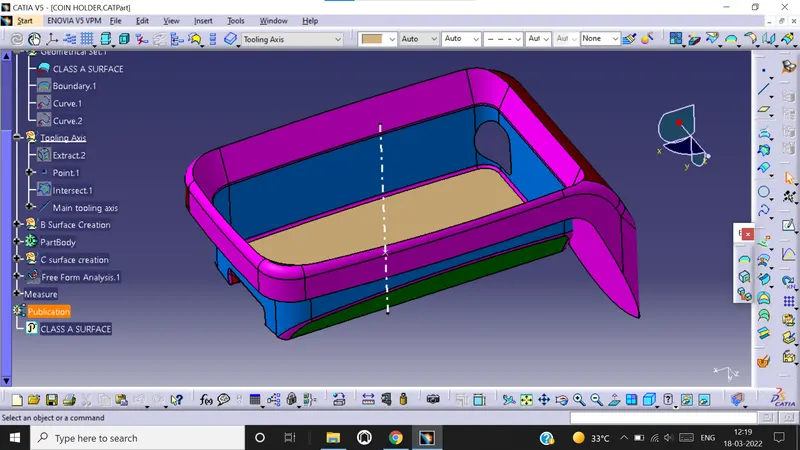
Now we create one more line in Z direction at the same reference point used to create main tooling axis, this is our SIDE TOOLING AXIS.
DRAFT ANALYSIS
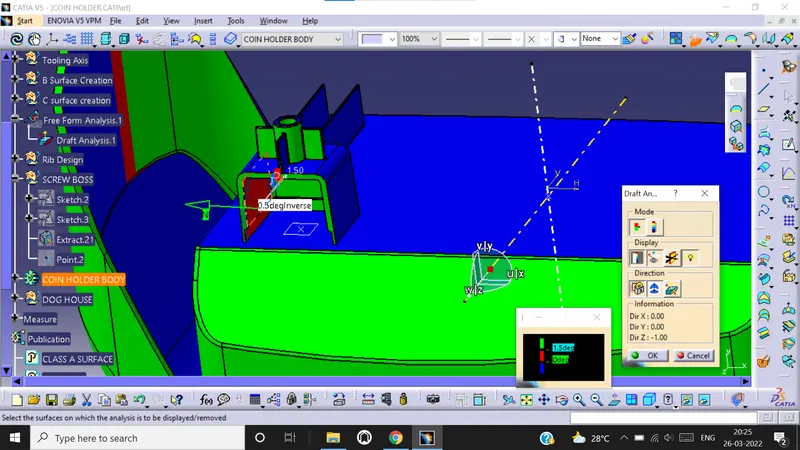
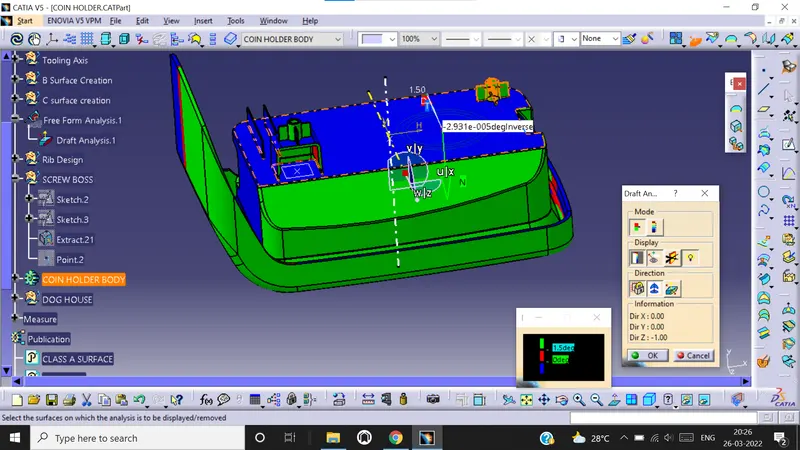
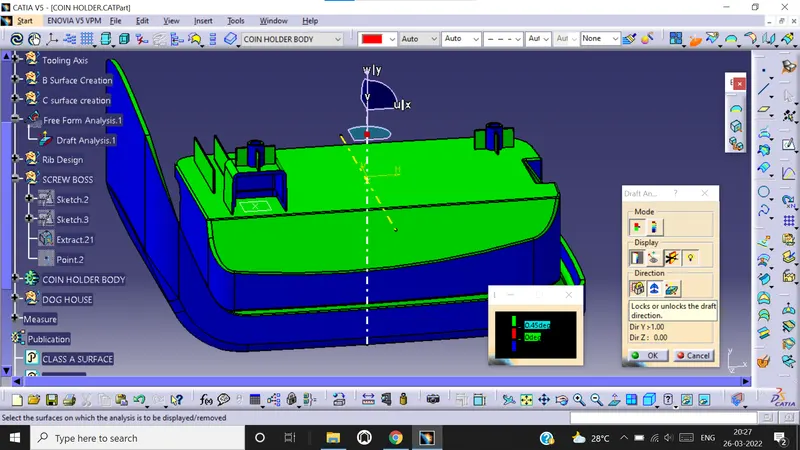
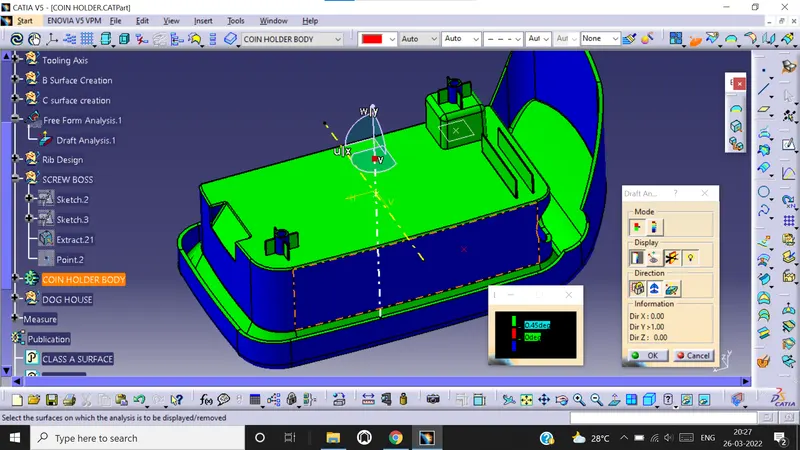
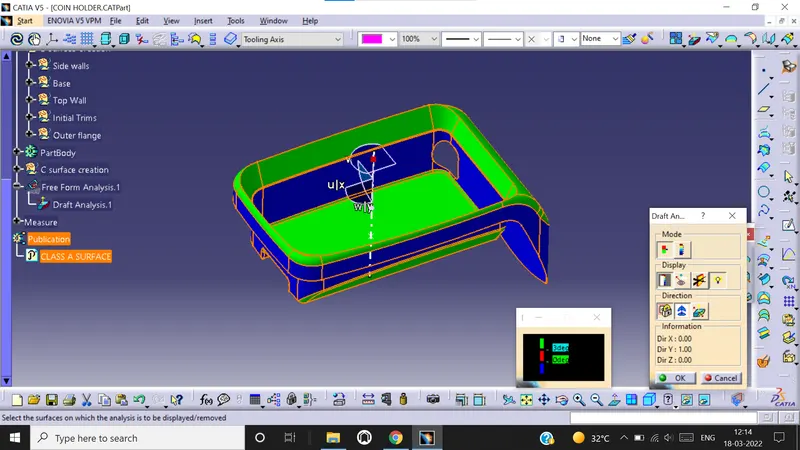
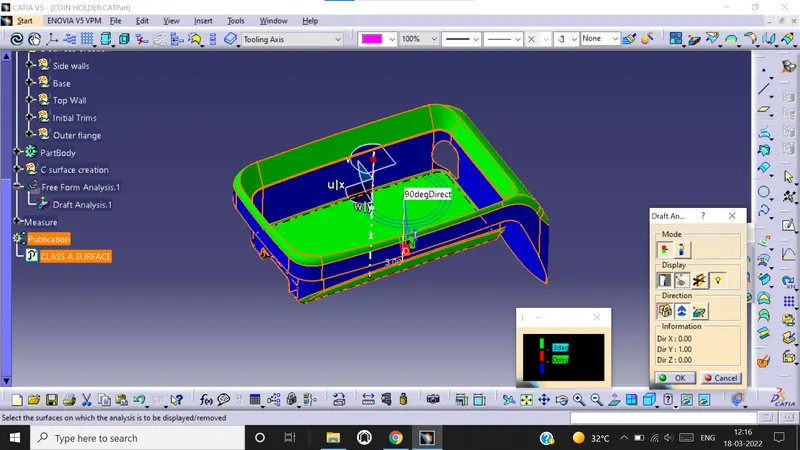
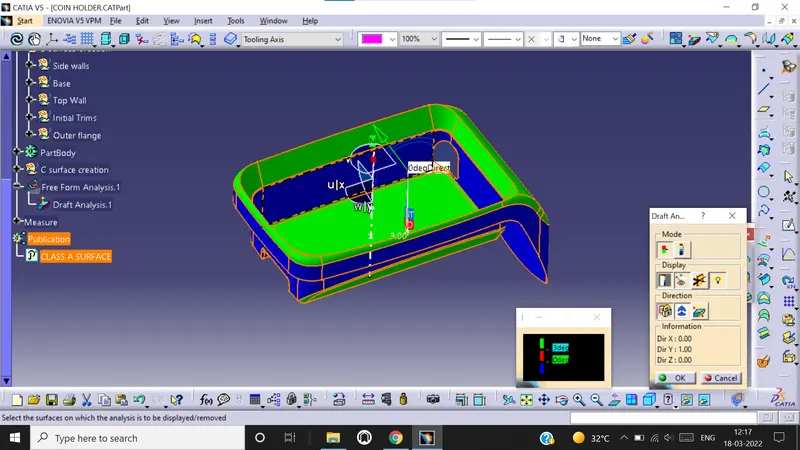
Now we need to check whether material mode of class A surface is in customize view parameters. Now go to Insert – Analysis - Feature draft analysis. Select the compass mode and drag the compass to the tooling axis of class A surface . Now select the surface to activate the surface and lock it using lock button. You can also do analysis during running point and move mouse all over the surface to check degree and draft angle. You can do analysis on full scale mode or quick scale mode. The color change shows change in draft angle.
Creation of SCREW BOSS
Now to make screw boss the draft angle should be 0.5 degrees
Wall thickness should be 40% of the nominal thickness.
Height to diameter ratio should be 3:1
Fillet radius should be 0.25mm
We now create a plane at the base of coin holder. Draw 2 circles . The inner dia is taken as 5.2mm and dimension of outer dia is = Inner dia + [(0.6 * thickness of component) * each wall side]
= 5.2 + [(0.6*2.5)*(1+1)]
= 8.2mm
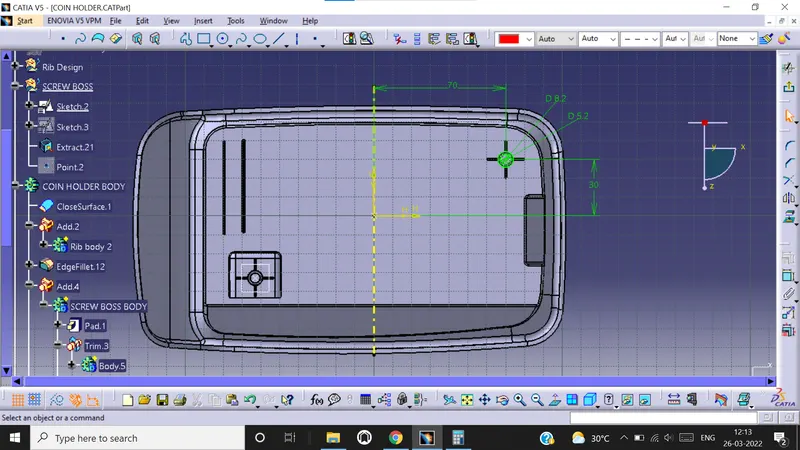
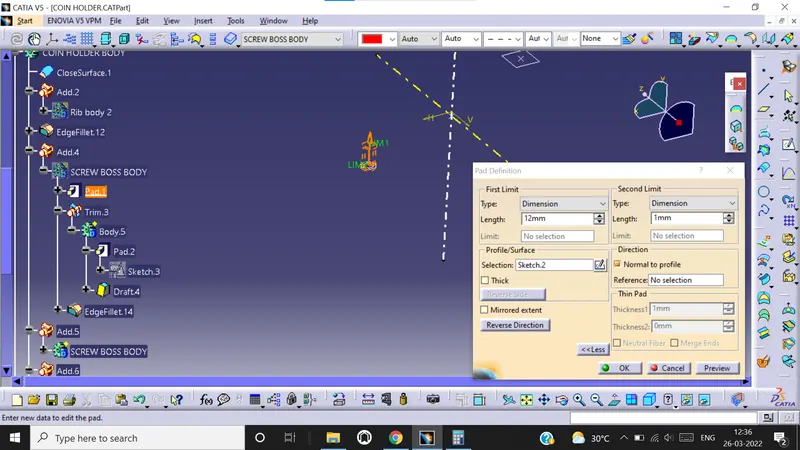
Now pad the sketch to a height of 12mm and second limit upto 1mm.
Now we create one more sketch with two line at same point for screw boss ribs.
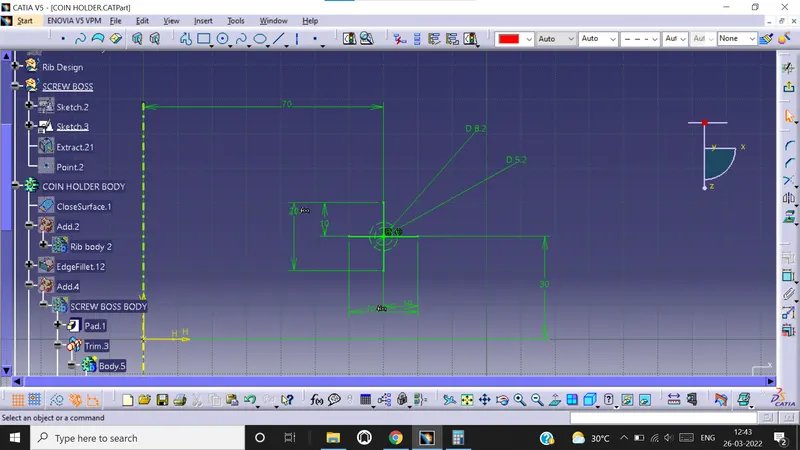
Now pad the sketch in part work bench and thickness of it = 0.4* thichness of part = 0.4* 2.5 = 1mm. Height of the ribs are taken as 10mm with second limit of 1mm.
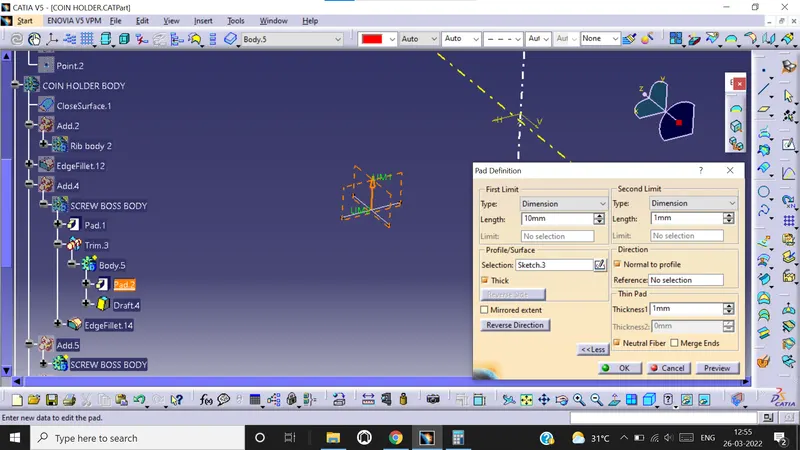
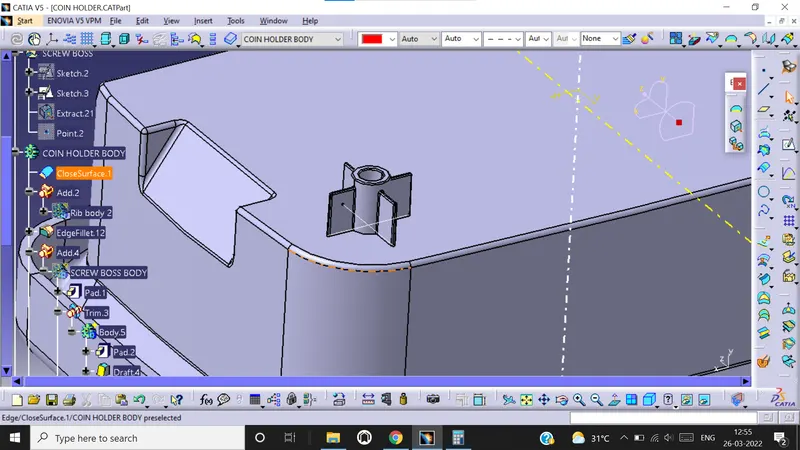
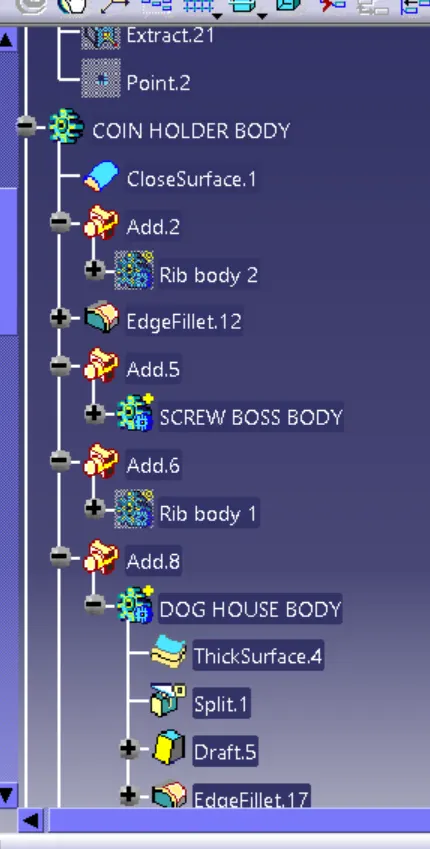
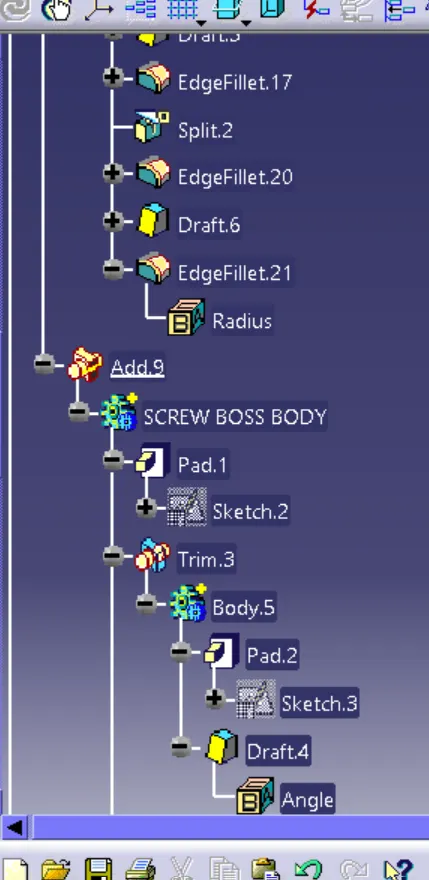
Now draft the ribs wall to 0.5 degree and union trim it with screw boss. Then later add it to main coin holder body. Fillet all edges to 0.25mm.
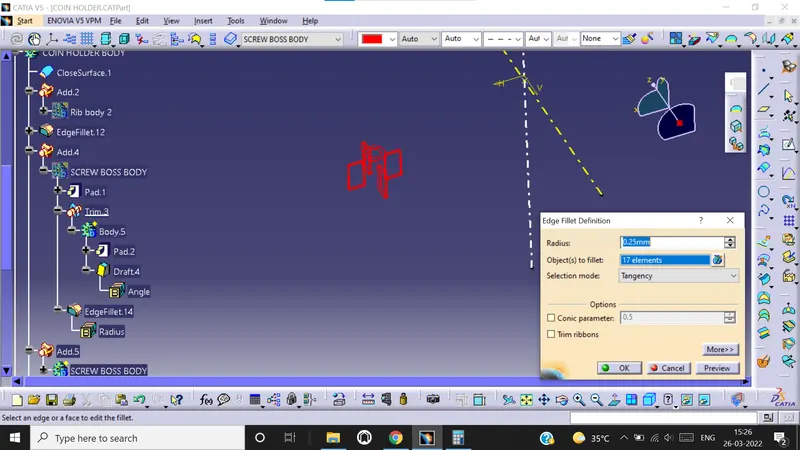
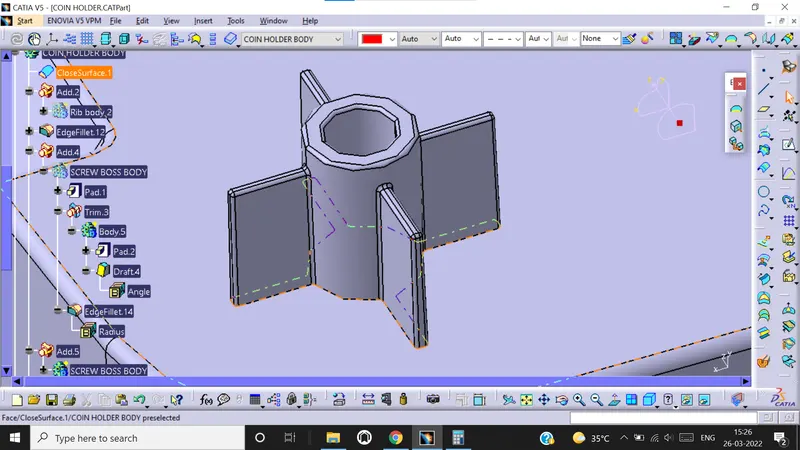
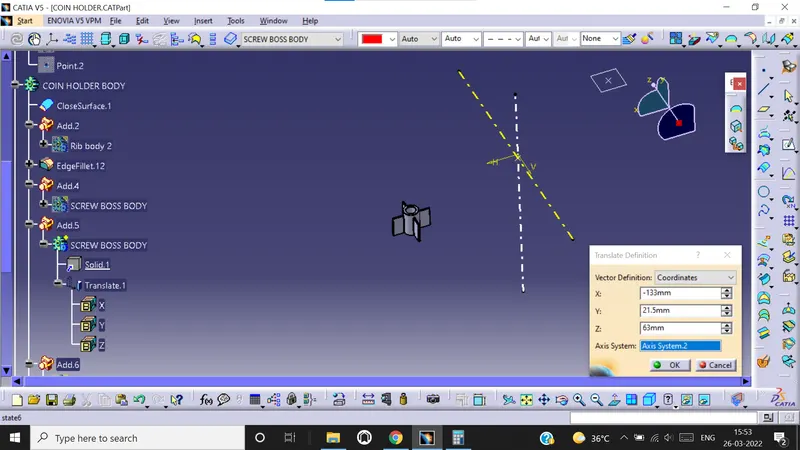
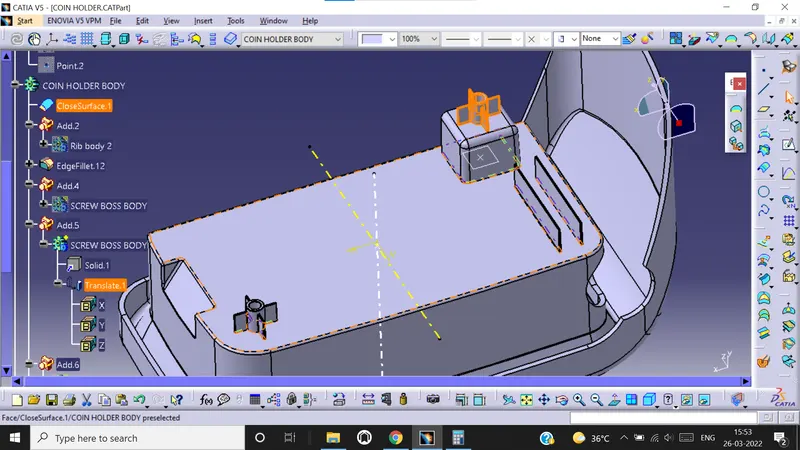
Now first copy the screw boss and paste it in coin holder specification tree. Now use translate option and move the screw boss to another point in the coin holder. Add the another screw boss to coin holder body.
Creation of DOG HOUSE
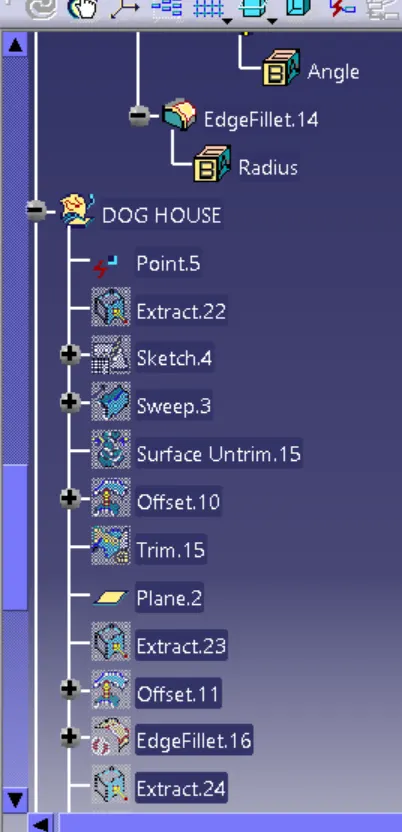
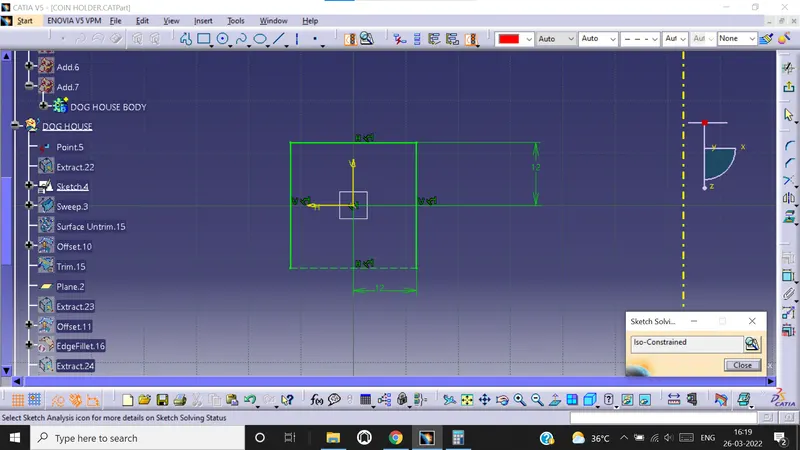
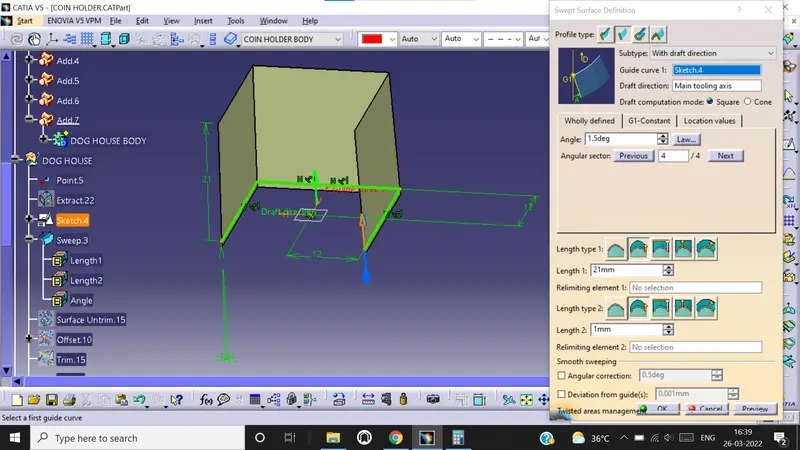
Sketch 3 lines in a plane and give the required dimensions. Now use sweep command to sweep the sketch with draft angle of 1.5 degree and sweep height of 21mm.
Now extract the base surface from class A, Untrim it and offset it to 20mm. Again offset it to 2.5mm on other side.
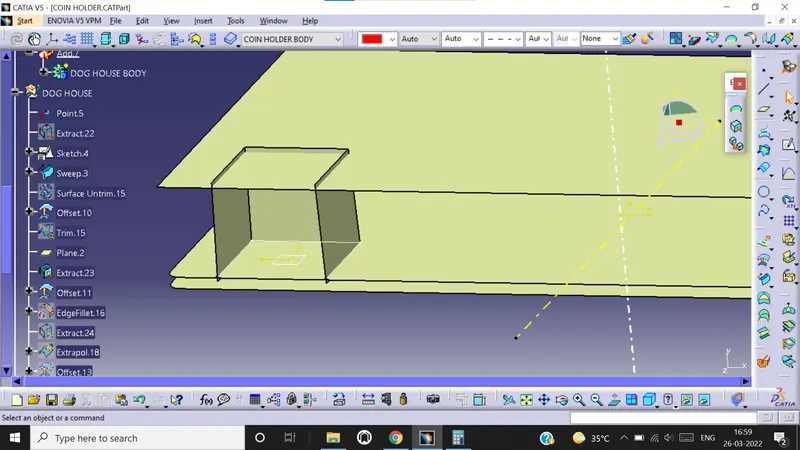
Now trim the surface to get the required output.
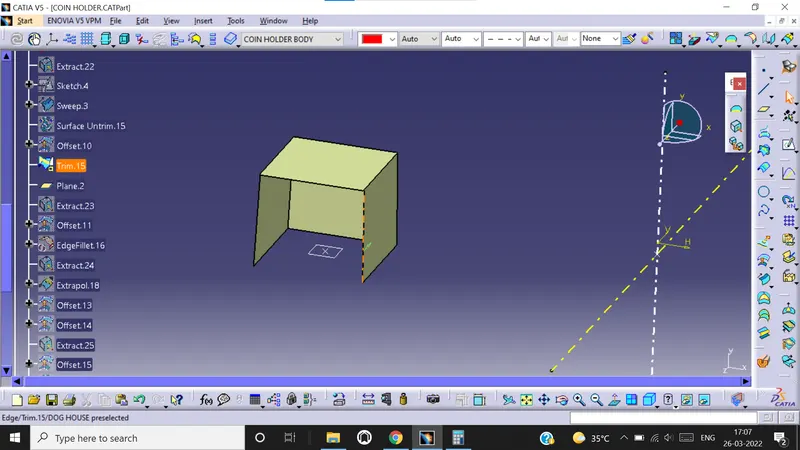
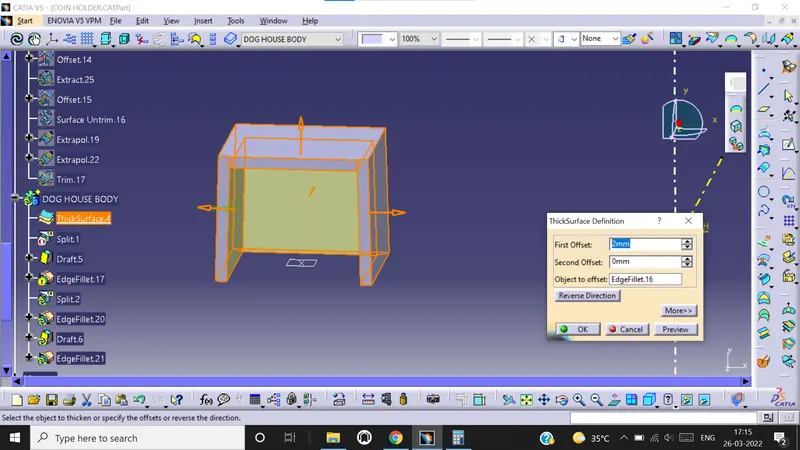
Now go to part workbench and use thick surface option to give it a thickness of 2mm.
Now we extract the back surface of dog house,extrapolate it and offset it to 22mm. Then we go topart work and use split option to split the solid part with the offset.
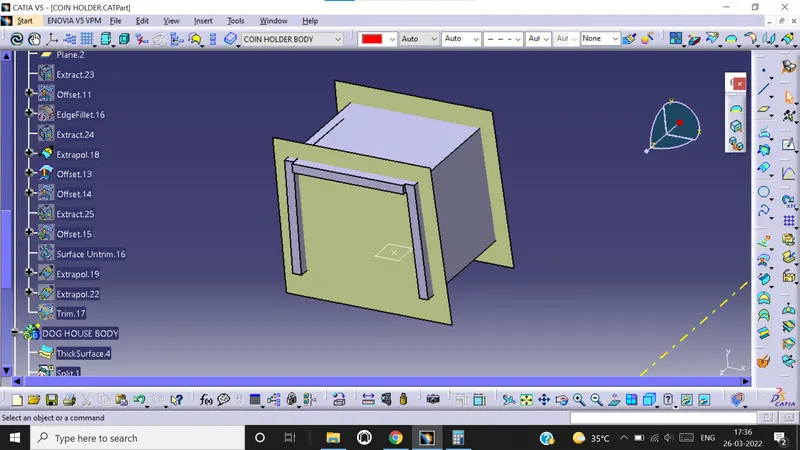
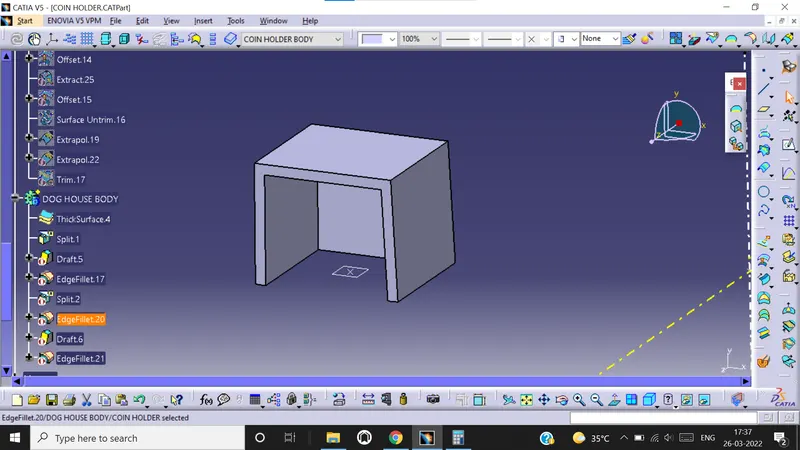
Now draft the inner surfaces of the dog house and give fillet of 1mm.
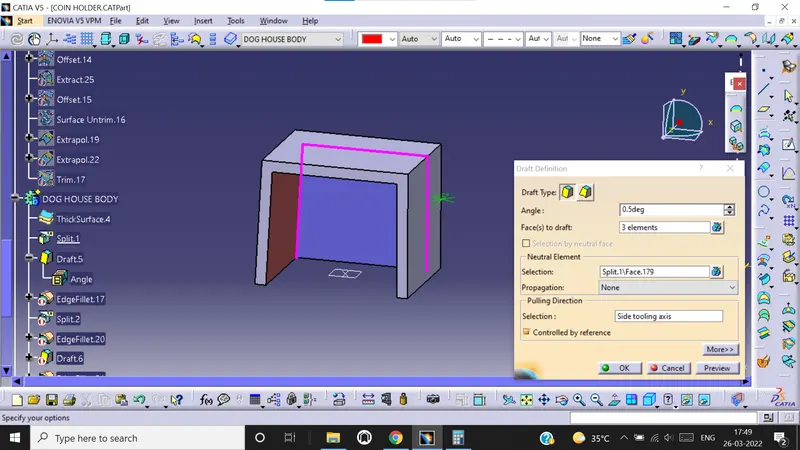
Extract the inside surface of dog house. Then offset it to 1mm. now extrapolarte it . Now extract the base surface and offset it to 4mm.
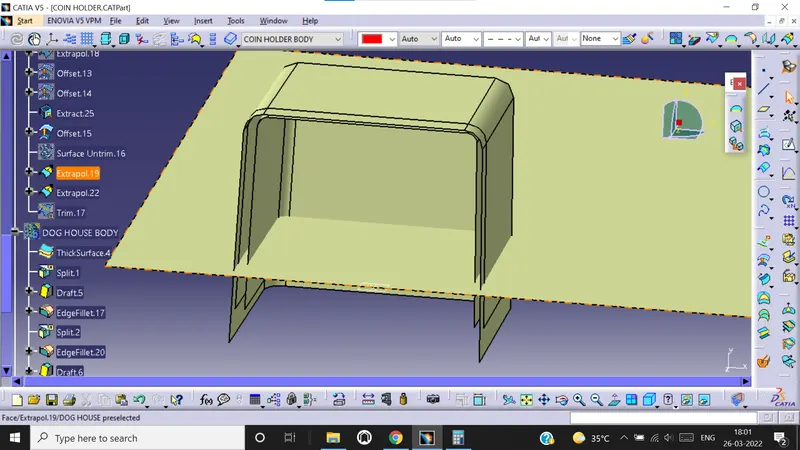
Now trim both the surfaces.
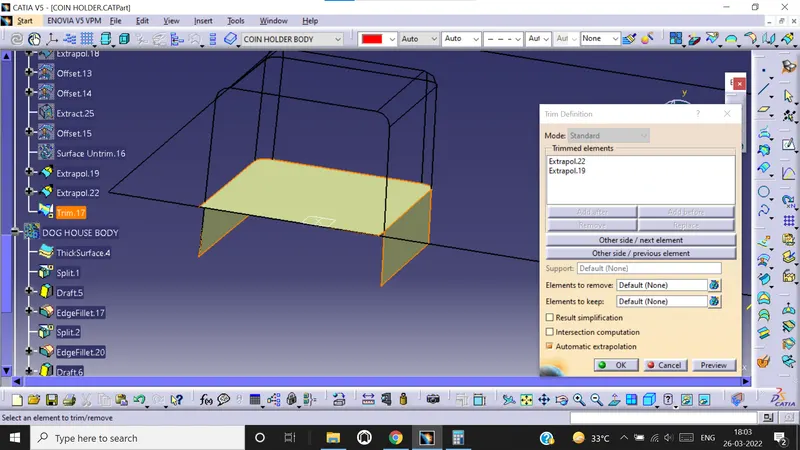
Now use split option and split the dog house.
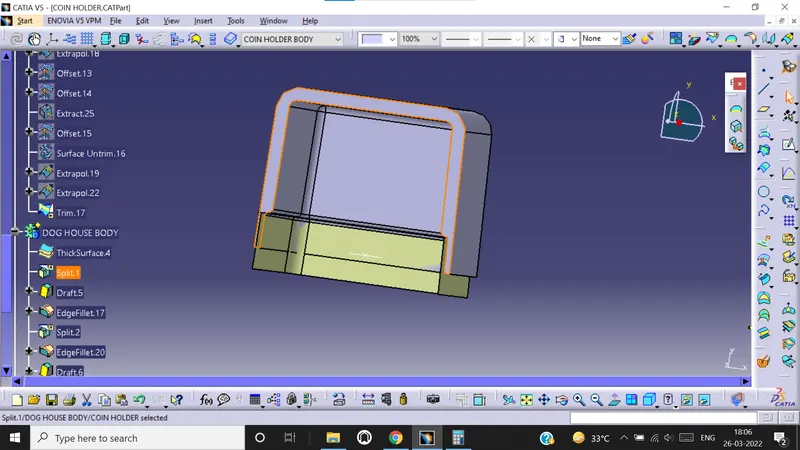
Now give outer edgefillet of 3mm. Inside edge+ dog house thickness = 1+2 =3mm
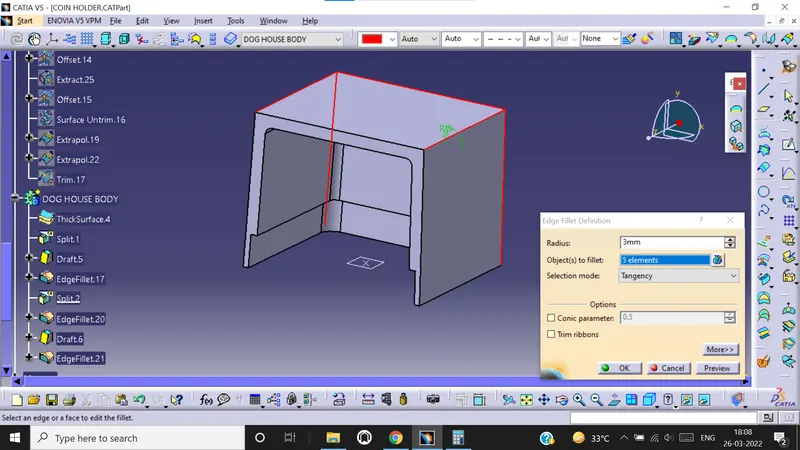
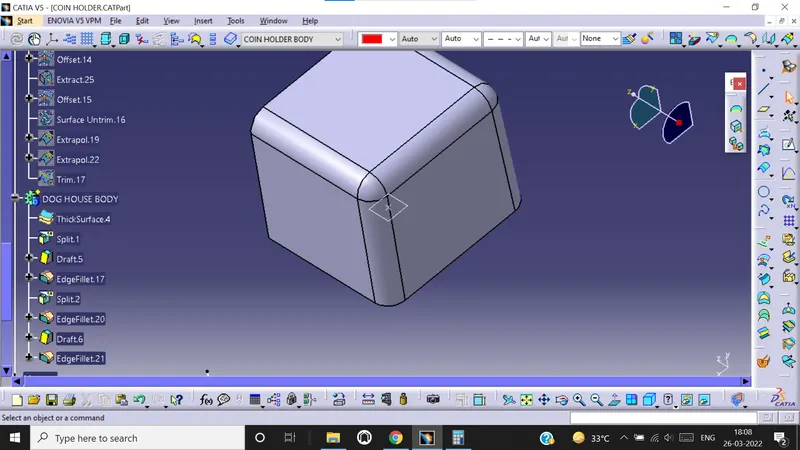
Give a draft angle of 0.5 degree to inner surface of split.
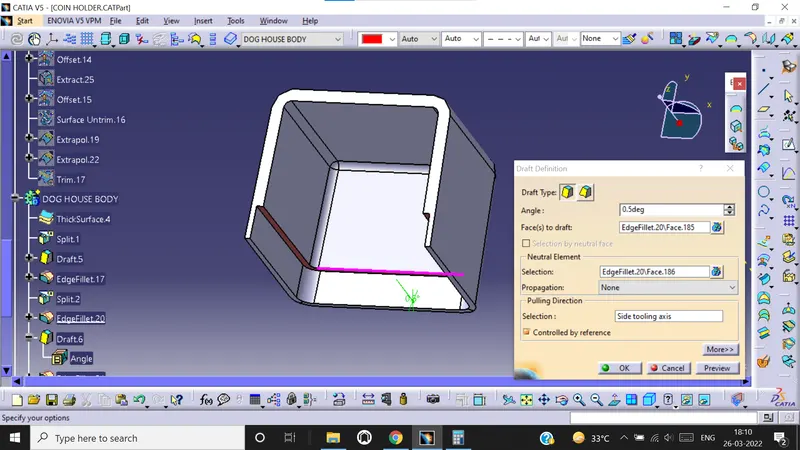
Provide a edge fillet of 0.5mm.
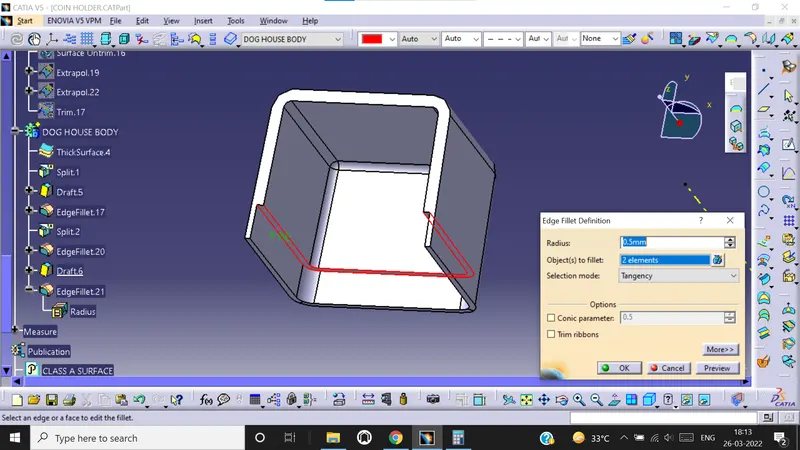
Now add the dog house to the coin holder body. Use translate option to move the screw boss to the top of dog house.
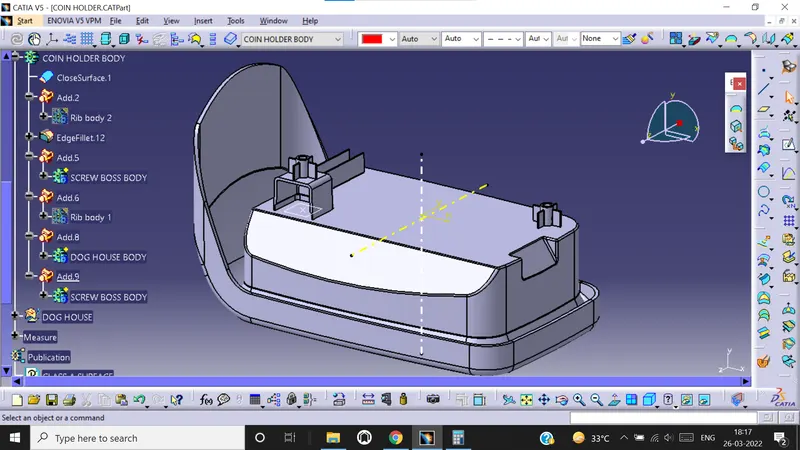
Now we do draft analysis using both main & side tooling axis.