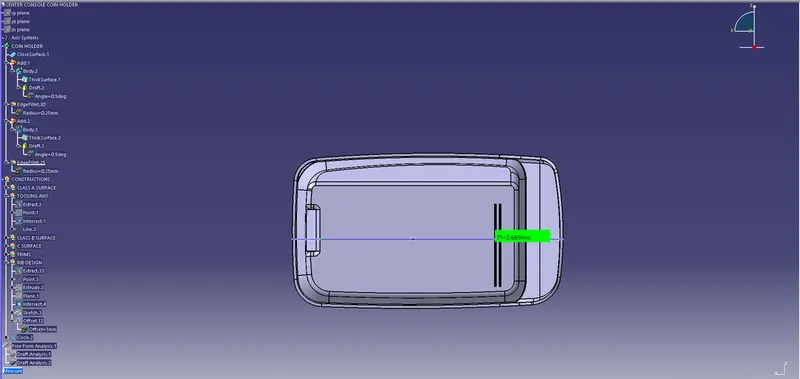
Week 9 - Attachment Feature Creation - Challenge 1
COIN HOLDER:
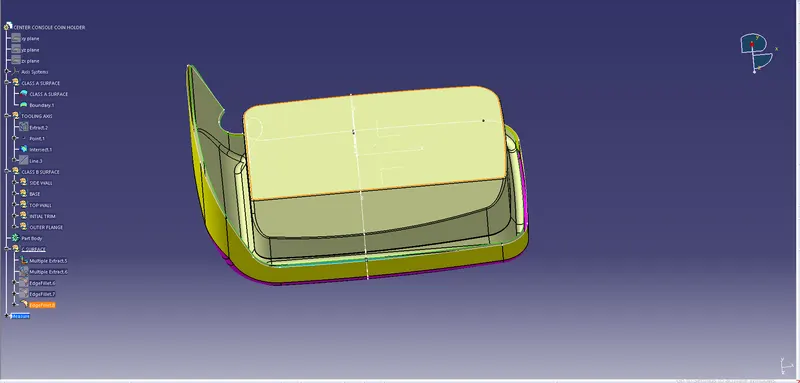
RIBS has to be created for coin holder & Creating draft analysis for RIBS.
Steps for creating ribs:
- Intially extrude the B Surface.
- Draw a sketch for Ribs.
SKETCH FOR RIBS:
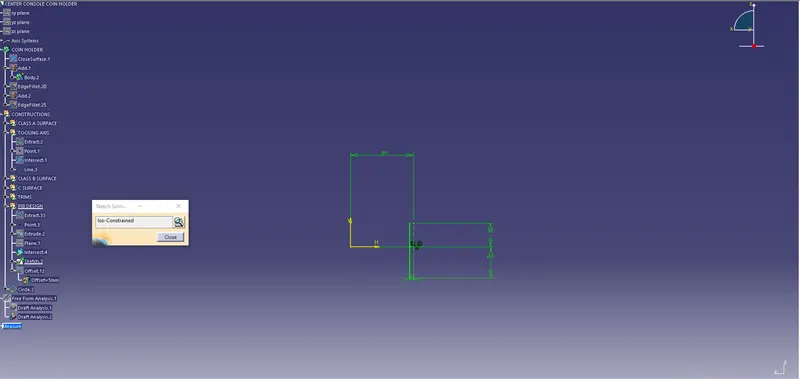
- Extrude the sketch.
- Thicken the extruded part as per given dimension.
- Click on draft command and draft the thickened part.
- Include the plane.
- Go to surface design.
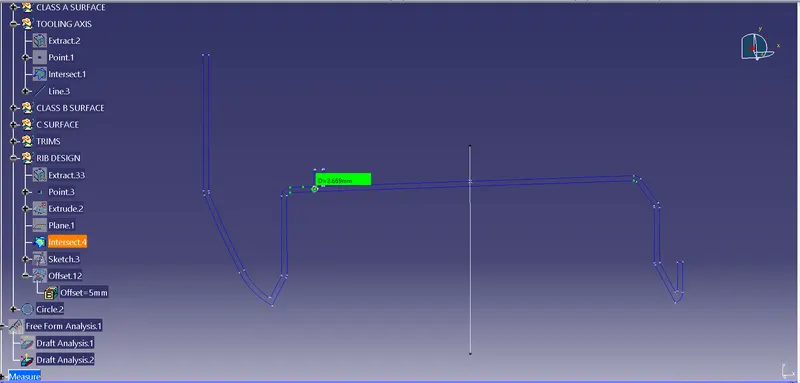
- Select the intersection command and intersect coin holder and the plane.
- Draw a tritangent circle.
INTERSECTION FOR RIBS:
- Create a fillet in the first Rib.
- The first rib will be completed
RIB1:
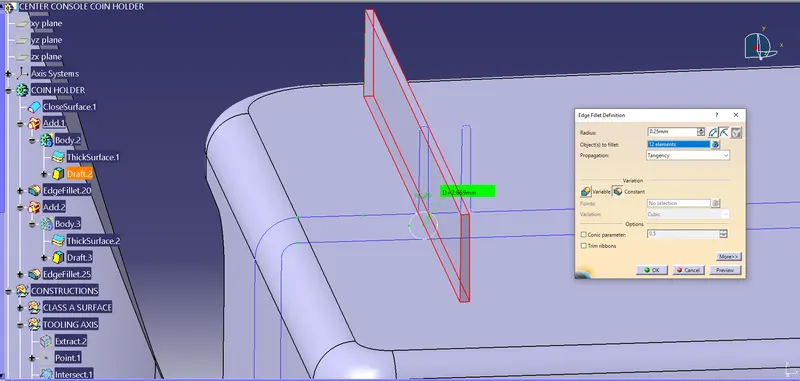
- The first rib will be completed
- For the second Rib take offset from the first Rib its 5mm as it's given.
- Then follow all the procedures for creating Rib2 as followed in creating Rib1.
- Finally create the fillet for Rib2.
RIB2:
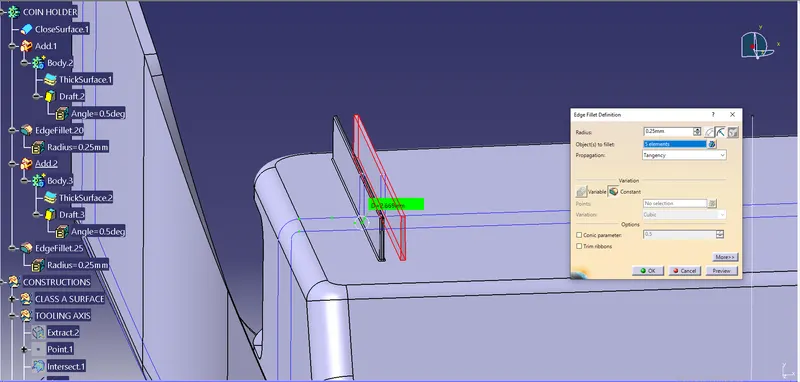
- Then finally draft analysis has to be followed for the Ribs.
- Select the compass in draft analysis and coincide with tooling axis.
INSERT COMPASS IN THE RIBS:
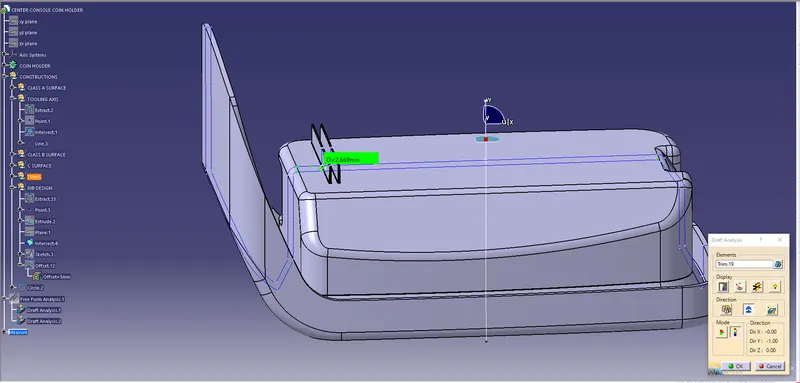
- The final step is full analysis mode for the RIBS
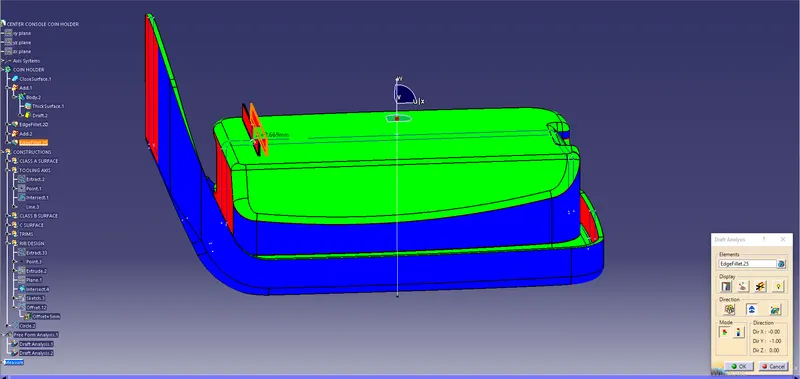
Types of Views of RIBS:
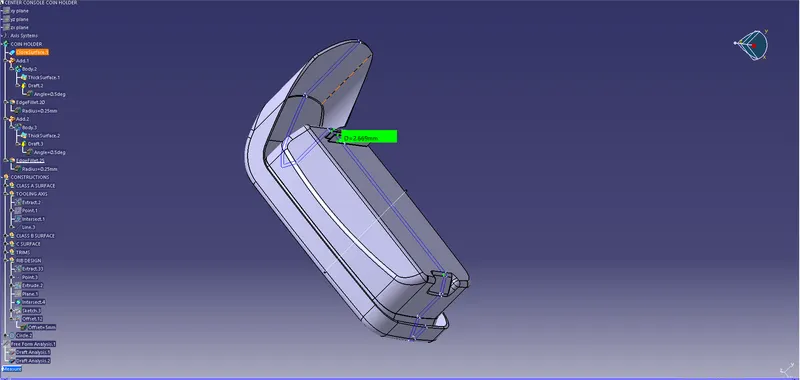
Isometric view:
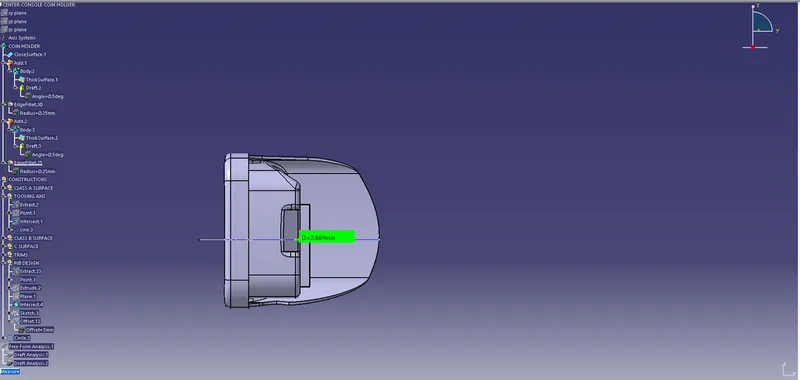
Front view:
Top view:
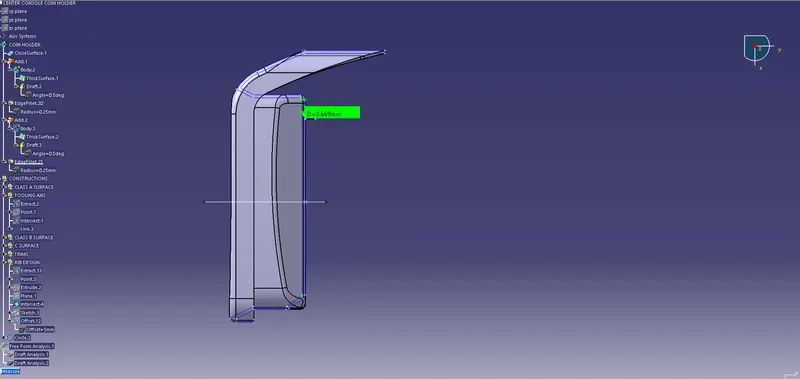
Side view: