Week 9 - Attachment Feature Creation - Challenge 1
AIM: Create a rib on the center console coin holder.
RIB: The rib is a type of thin wall and gives support and strength to the outer surface of the body, it resists the body from deformation and gives strength to withstand heavy loads. It is typically designed into the geometry of a part to add internal support to walls or other features like bosses. The rib height should not exceed three times the general wall thickness as deep ribs become difficult to fill and may stick in the mold during ejection. The draft angle should be applied to the ribs. the ribs are slightly tapered, becoming slightly thinner towards the top. This makes the ejection of the part from the mold easier. On low ribs and in exceptional cases, a smaller or even no draft angle is acceptable. Spacing between two parallel ribs should be at least two times the general wall thickness. This prevents the mold from developing a hot blade that is fragile and has cooling problems.
Procedure:
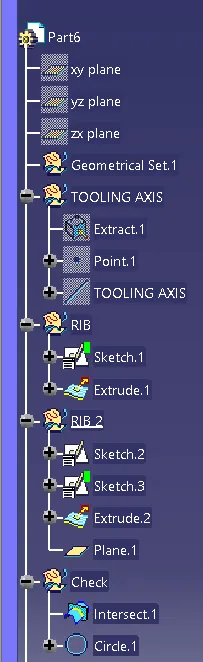
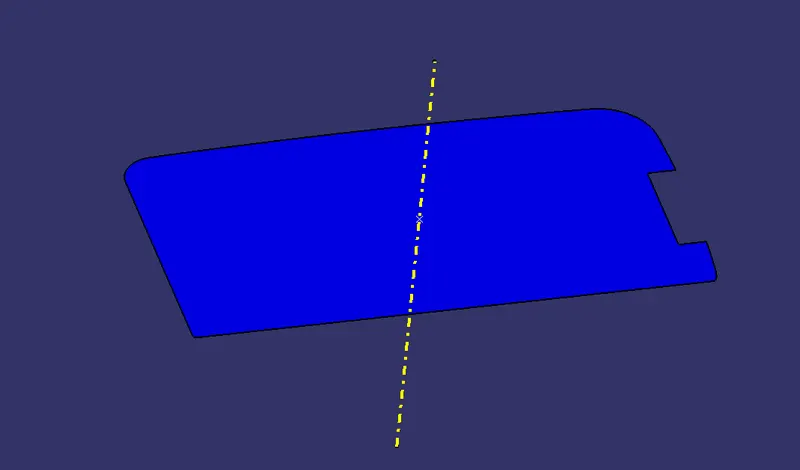
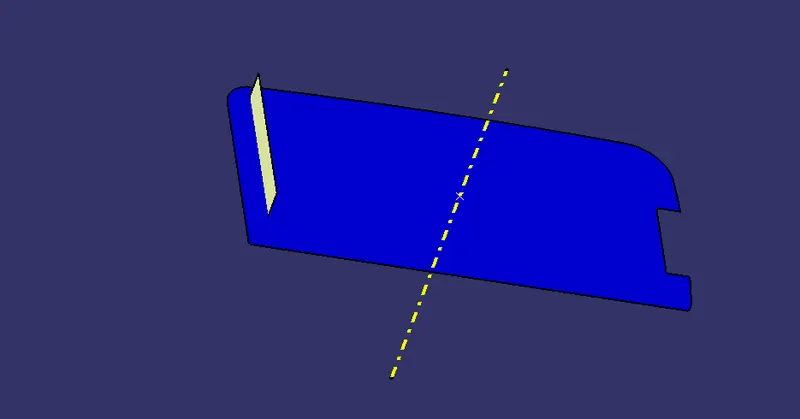
- Create the tooling axis by extracting the base surface and taking a center point and the center axis passing through that point concerning the surface in a geometric set and naming it as the tooling axis.
- Now go take a geometric set and name it as rib creation and take another geometric set and name it as rib1.
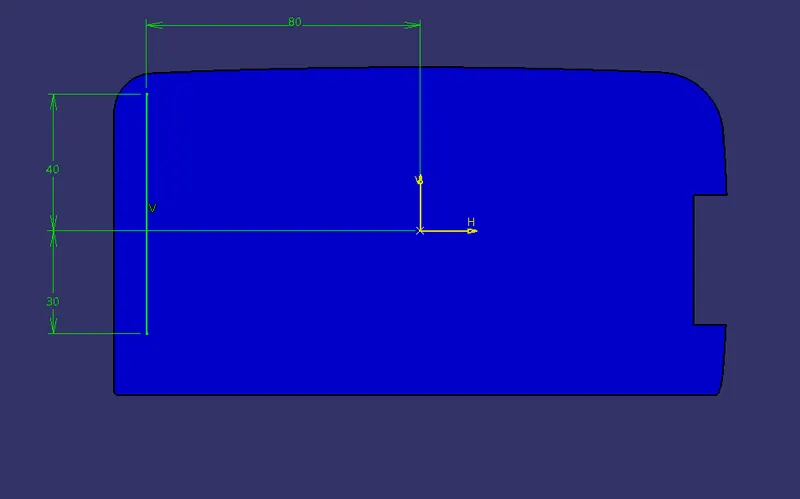
- now go to positioned sketch and draw a line on the base surface at a certain distance from the center.
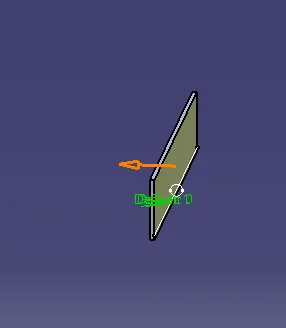
- now open generative shape design and give extrude to the line and go to part design and give thickness.
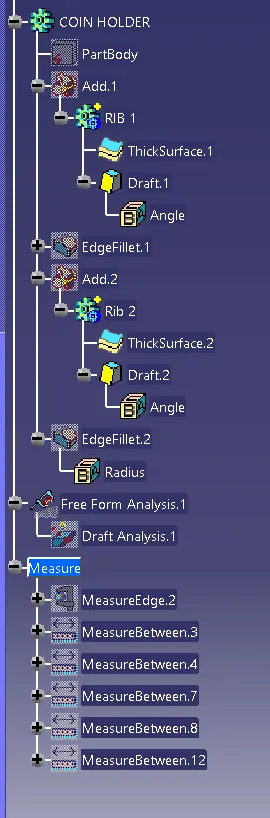
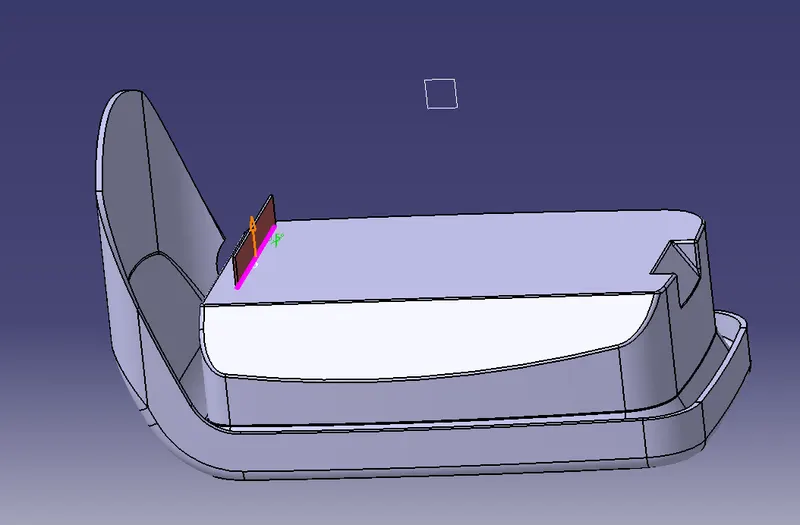
- now give a draft angle to the rib on all the sides of the wall surfaces of the rib and base surface as the neutral surface.
- Add rib to the coin holder by using boolean operation.
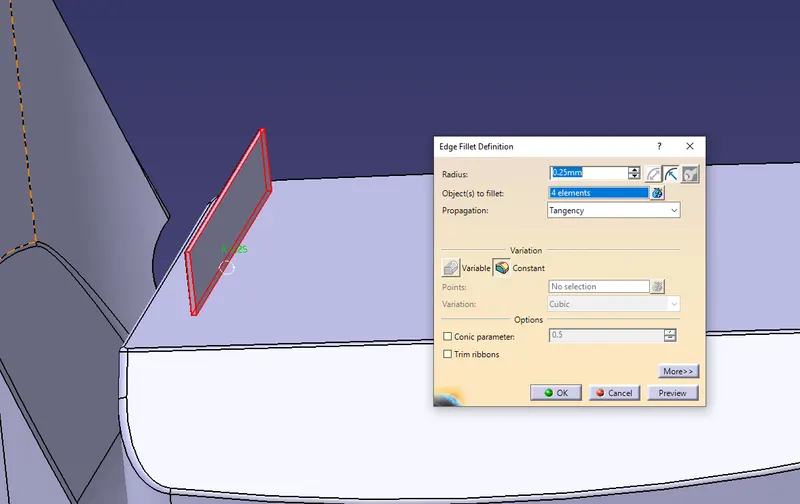
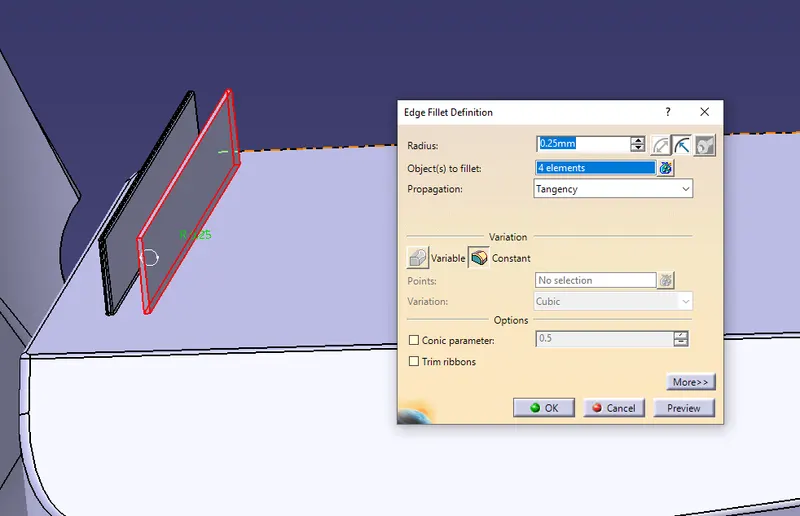
- now give the fillets to the edges of the rib.
- now create rib2 in a new geometric set and draw another line beside rib 1 with a minimum distance of the gap provided.
- repeat the same process for the rib2.
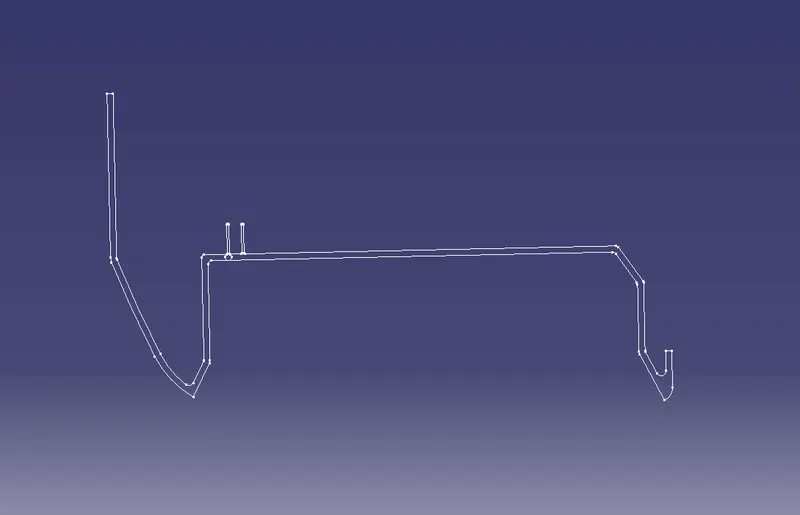
- Check the ribs whether are created with the correct dimensions are not by taking the boundary and drawing a tri-tangent circle. if the tri-tangent circle is created within the limits the ribs are created correctly.
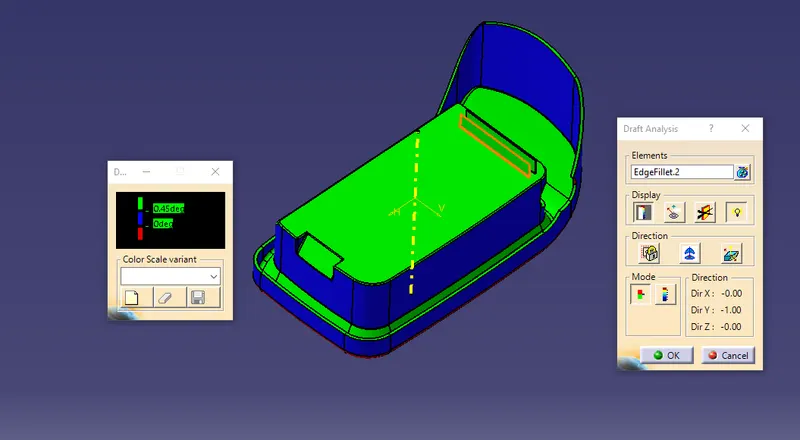
- now do the draft analysis to check whether the draft angle is provided correctly.
Tooling axis:
Sketch to create rib
extruding the rib
thickening the rib in part drawing
Draft angle:
Fillets:
Rib2:
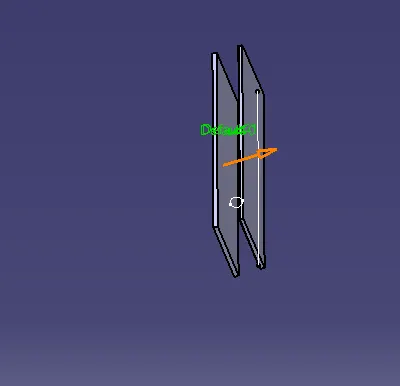
Draft angle:
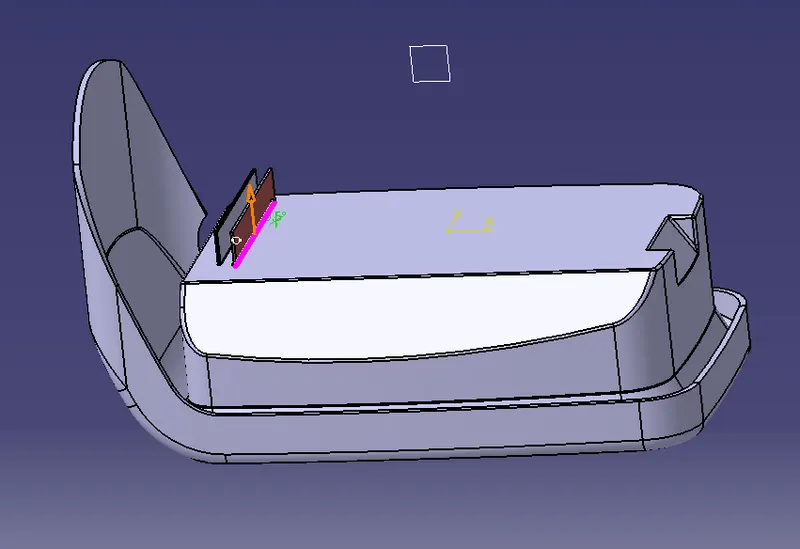
Fillets:
Checking ribs by using tri-tangent circle
Draft analysis:
Tree: