Week- 8 - Solid meshing
AIM :
To mesh the given rear view mirror assembly using 3d tetra mesh by given quality criteria and fix all the errors while meshing.
Quality criteria:
shell elements:
|
S.No |
Quality Criteria |
Value |
|
1 |
Target/Average length |
1 |
|
2 |
Minimum Length |
0.5 |
|
3 |
Maximum Length |
2 |
Solid Elements:
|
S.No |
Quality Criteria |
Value |
|
1 |
Tet collapse |
0.2 |
PROCEDURE :
- First import the cad model in ANSA software
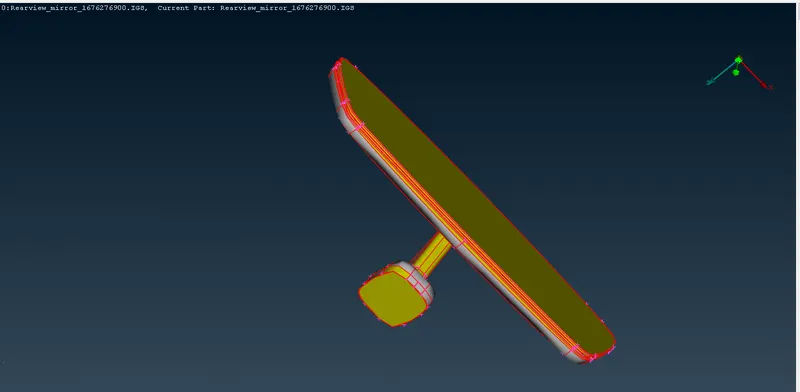
- Now use the topo tool in topo-faces-topo for connect all single cons into double cons.
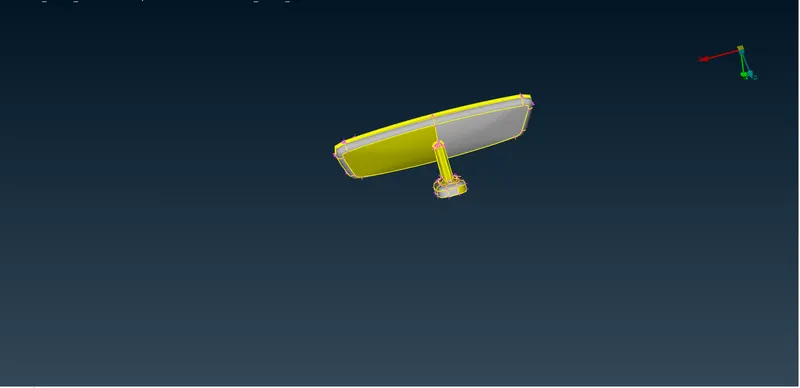
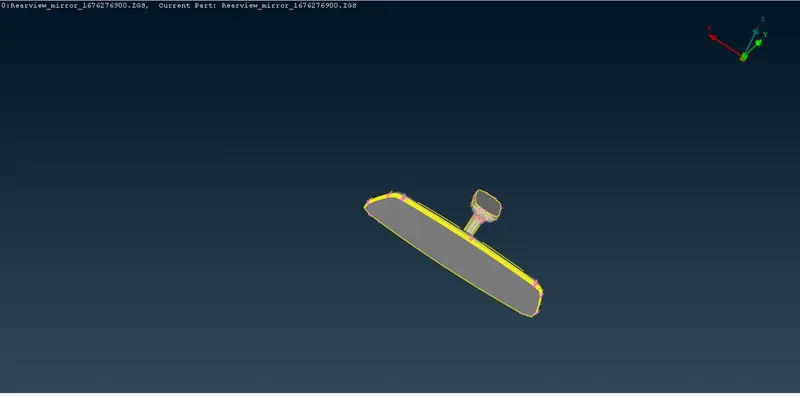
- After correct orientaion in single grey colour for all component
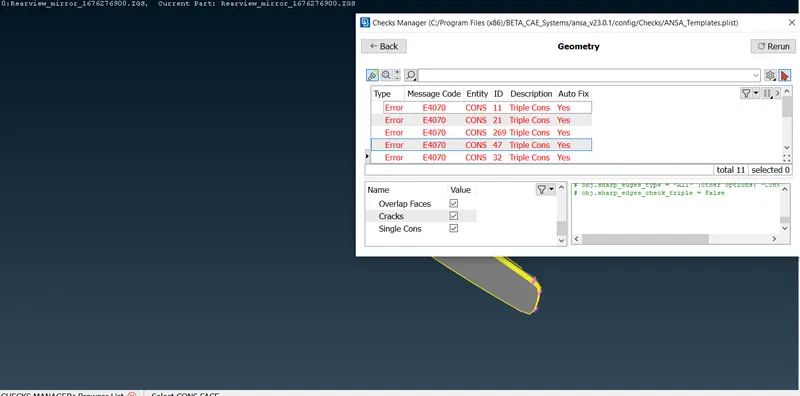
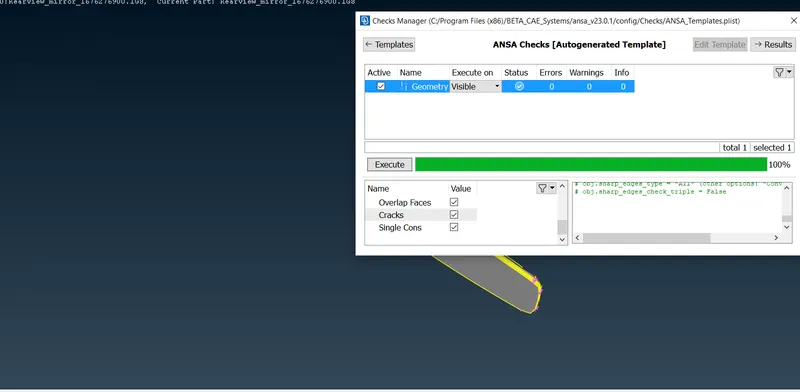
- Intially check the geometry for errors or sharp edges or single cons or crack faces using checks-geometry. select all the errors and auto fix some errors are fixed in manually
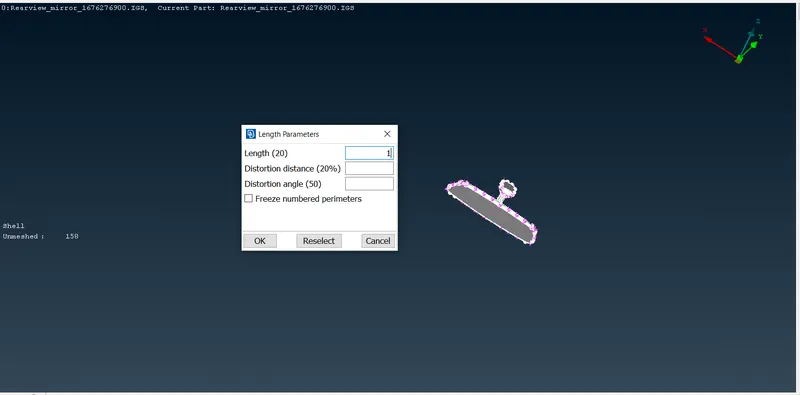
- Now change the tpo module to classic mesh and assign the length of 1mm for perimeters and macros for finer resolution using tool mesh-perimeters-length and it will be used for achieve the target length while meshing
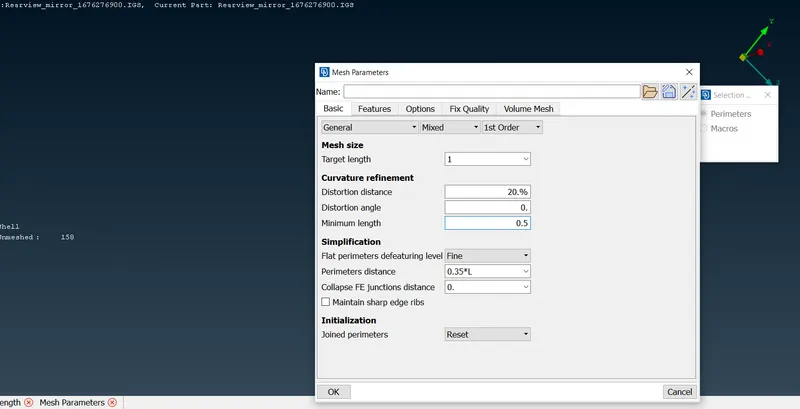
- now set the mesh parameter and quality parameter.
- this model is solid meshing, so i can switch on shell and solid in quality criteria
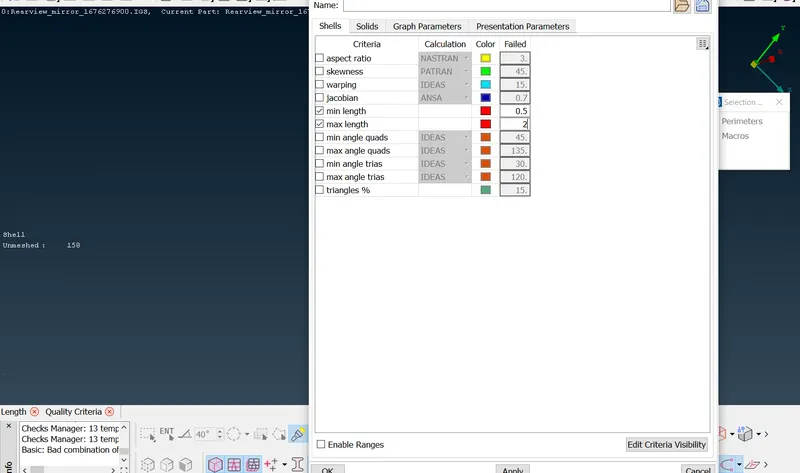
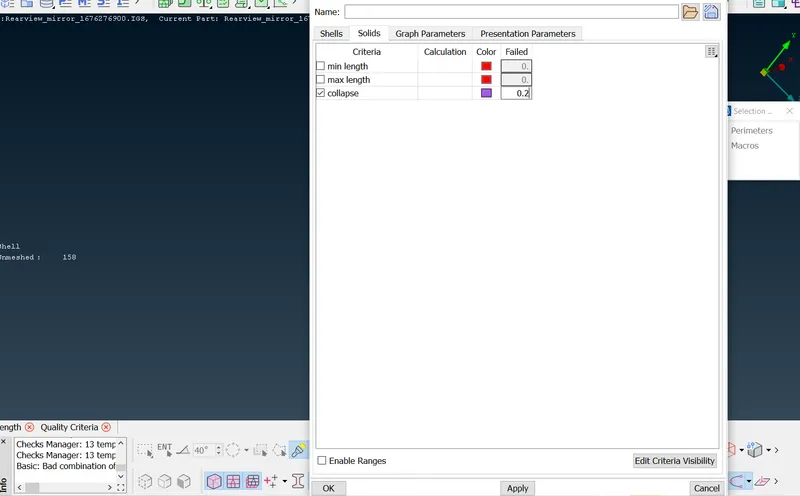
- If any fail for minimum while meshing we have to suppress construction lines.
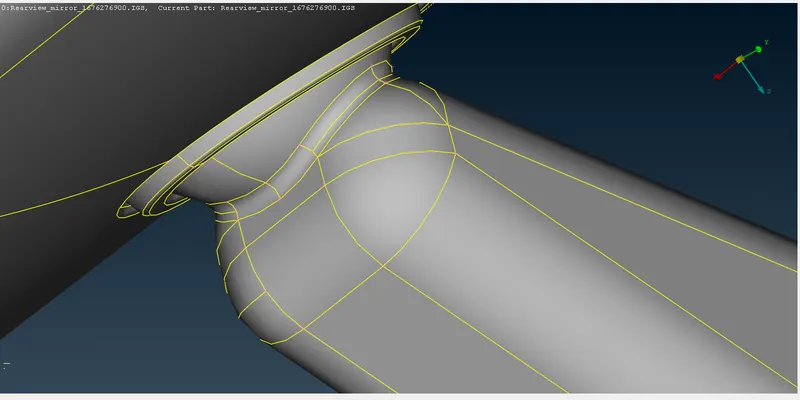
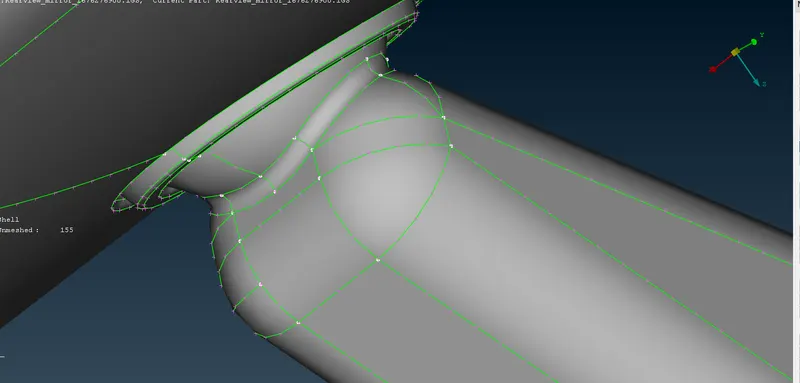
- Solid meshing is two different types of creating the element in ANSA, one trias and another one is ortho tria
- ortho tria is use for curved surfaces, and trias are used for surfaces
- first i will seperate and work on the each PID region
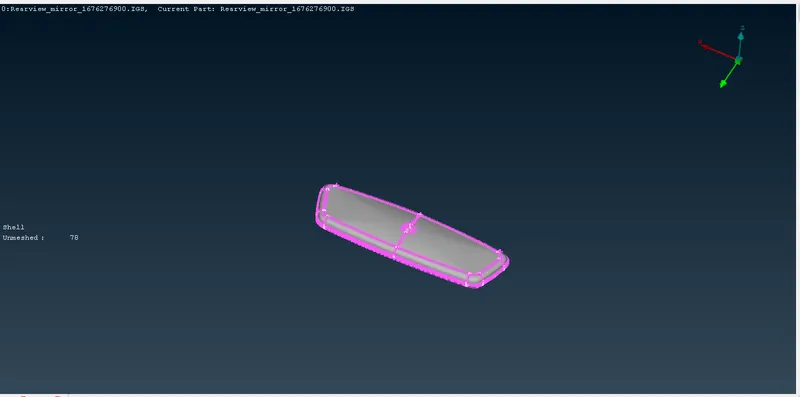
- first i will create element in the curve region in using the ortho tria
- Change the mixed to otho tria in mesh parameter and click the spot mesh and mesh the curve region, if he elements are not proper, then do the reconstruction
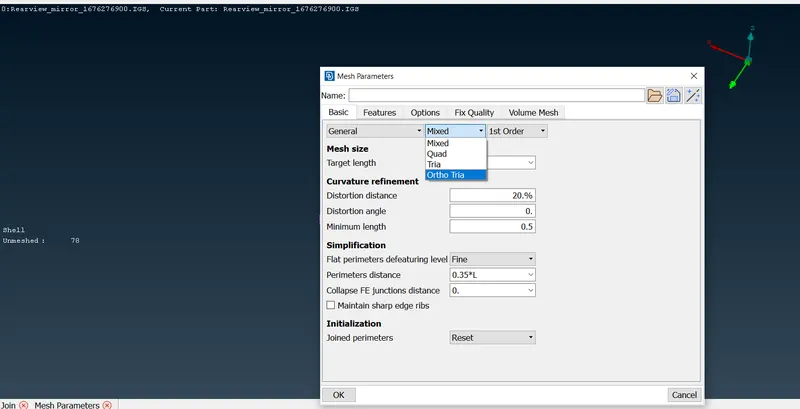
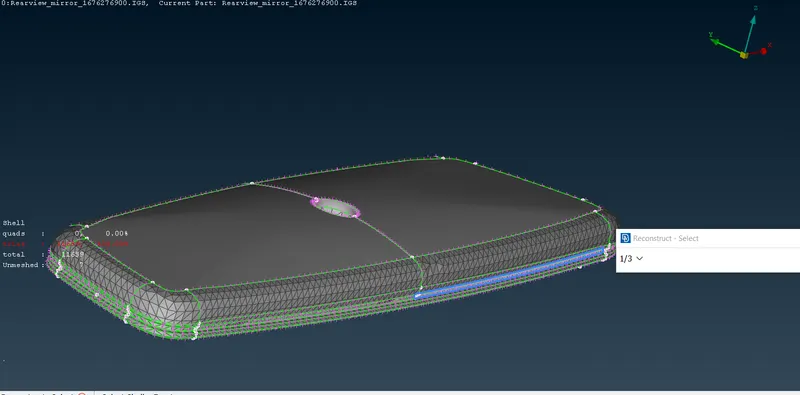
- after complete the curved region, now change the ortho tria to trias in mesh parameter.
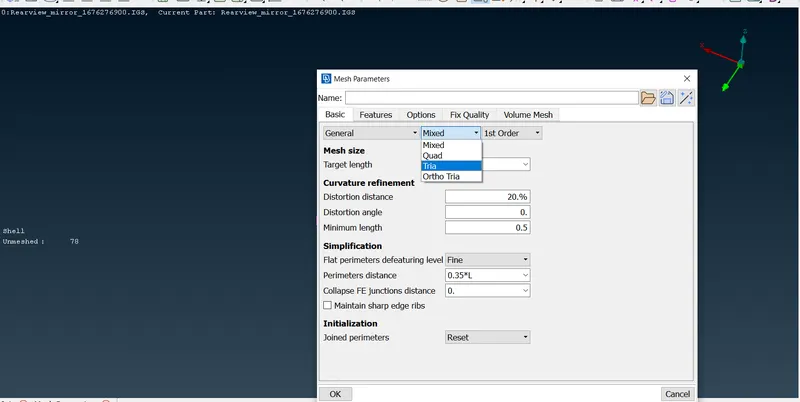
- Now start the flat region using spot mesh
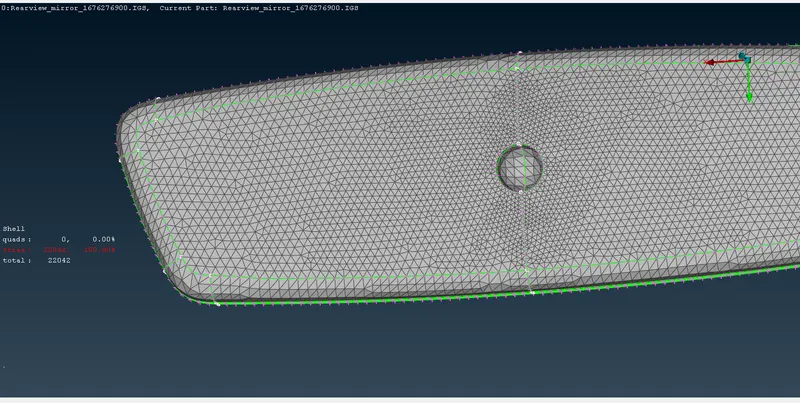
- after complete the mesh, now convert the 2d to 3d
- change the claasic mesh to volume mesh, and define the volume in visible
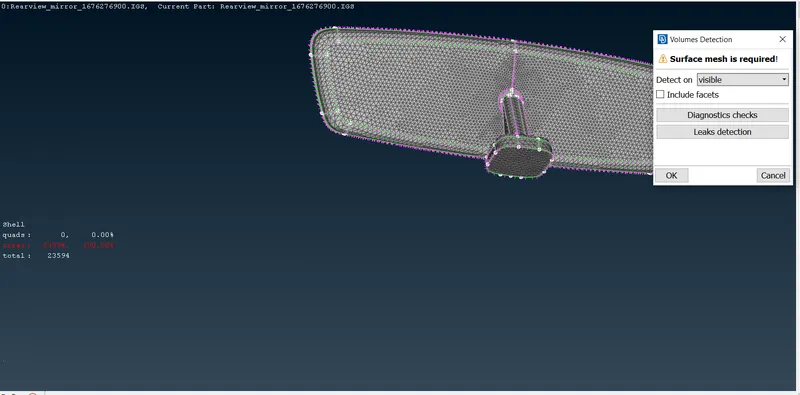
- this model is 4 volumes and 4 undefined and unmeshed volumes
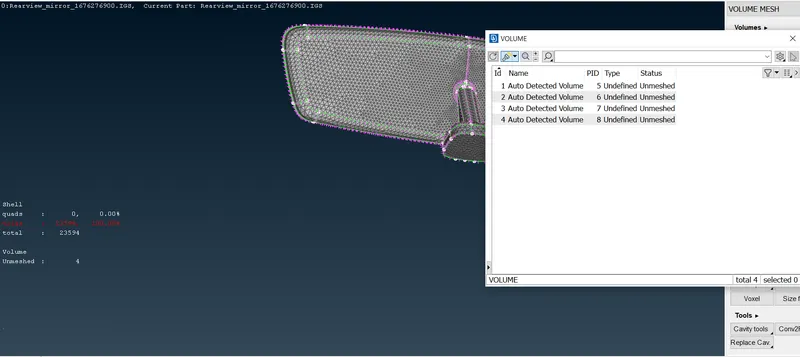
- now we mesh for undefined volumes in tetra rapid
- after mesh 4 undefined volume, now its created the 3d mesh
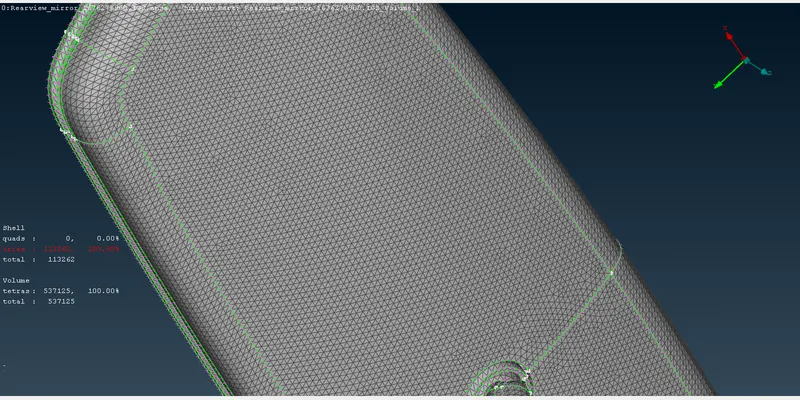
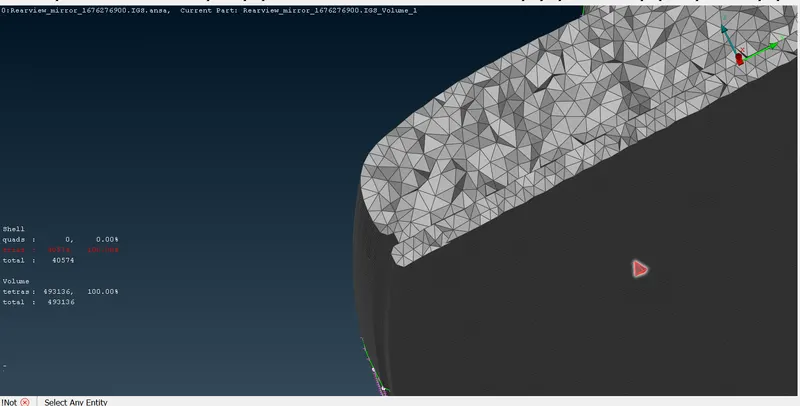
Learning outcomes:
- Properly learnt how to mesh the component for solid meshing, how to mesh the component with a lot of features using trias & ortho trias, how to change the 2D shell elements into 3D elements, how to clear the failing 3D elements for tet collapse.
Conclusion:
- The given rearview mirror assembly are meshed for the given quality criteria and assigned volumes for the 2D shell elements.