Week 8 - Simulation of a backward facing step in OpenFOAM
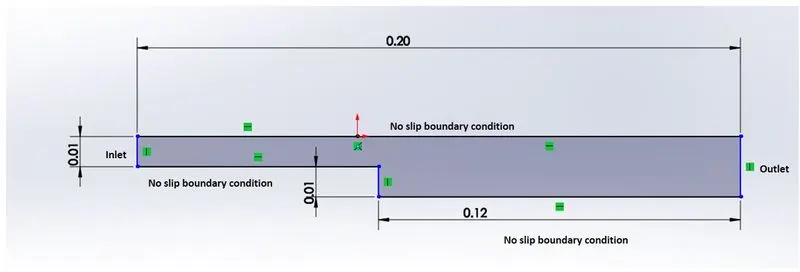
Aim : Simulation of a Backward facing step in OpenFoam
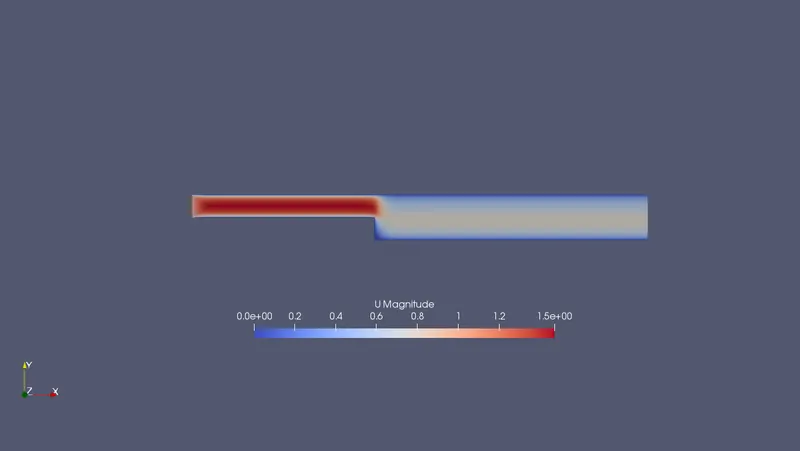
Objectives : Simulate an incompressible-laminar-viscous flow through the backward facing step geometry,perform a transient simulation. choose the inlet velocity shuch that the flow is laminar.
perform 2 case studies as described below and compare the results.
Case 1 - Simulate the flow without using any grading factor (i.e., GF = 1)
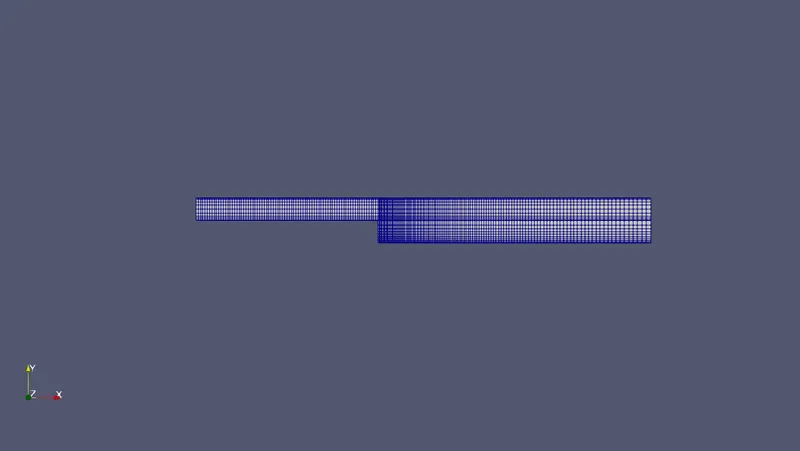
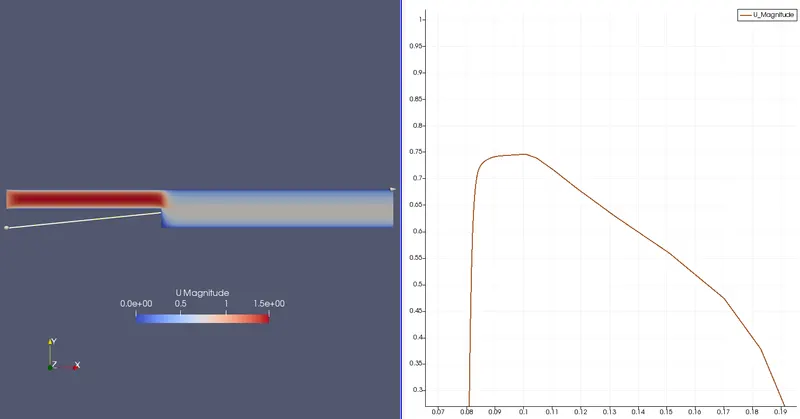
Case 2 - Simulate the flow with grading factor of 0.2. The cells should be finer near the walls (includig the step wall).
Mesh specification
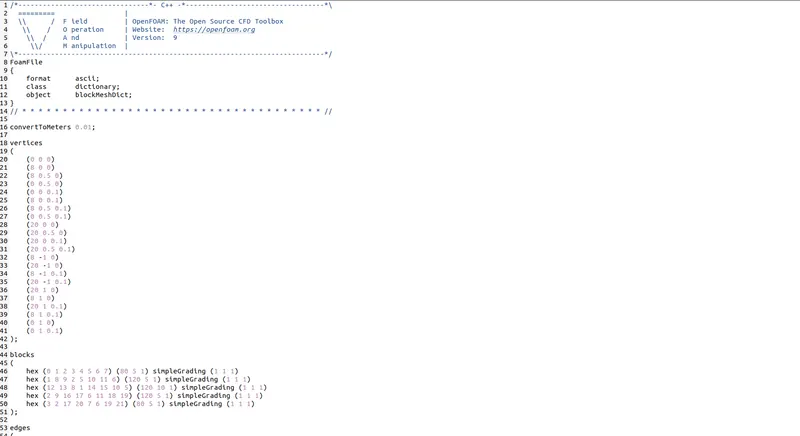
- Number of cells along the x direction (longer dimension) = 200
- Number of cells along the longer y direction = 20;
Procedure:
1 . Navigate to tutorials folder inside openfoam9 folder using 'tut' command
2.Navigate into incompressible flow folder using command "cd incompressible"
3. Navigate inside icoFoam folder using command "cd icoFoam", We see two folders in that navigate inside vavity folder.
4. Copy cavity folder to run folder using the command "cp -r cavity/ $FOAM_RUN"
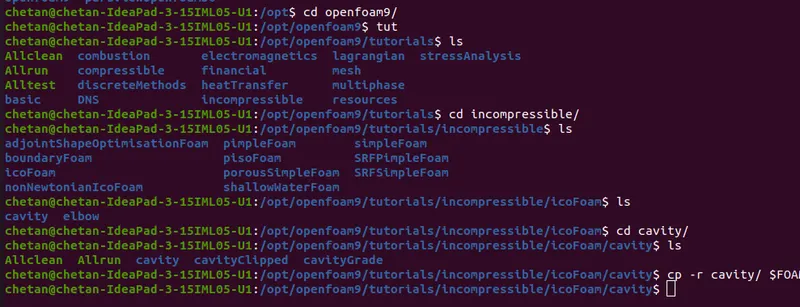
5. Navigate to run folder using "run" command, and then inside cavity folder. We now see three folders
6. First folder "0" contains initial values and boundary values of primitive variables P and U
7. Constant folder contains constant properties and mesh
8. System folder contains blockMeshdict,controldict,fvmScheme and fvmSolutions
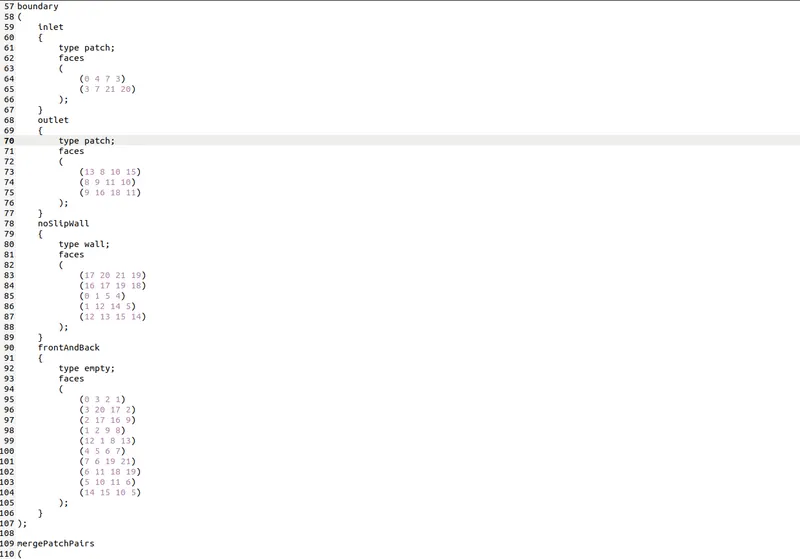
9 . We edit blockMeshdict file usinf command "gedit blockMeshdict"

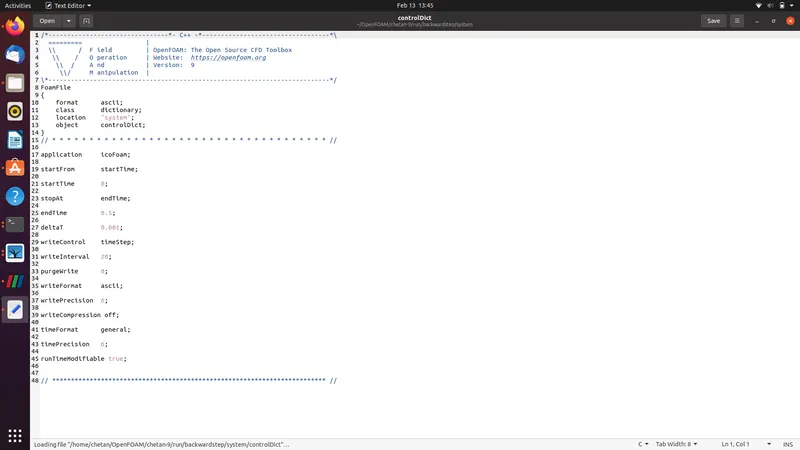
10. We can cahnge the simulation time by editing the controlDict file by command "gedit controlDict"
11. We naviagate back to 0 folder and set the boundary filed conditions for P and U by using "gedit p" and "gedit U" command, and we input initial conditions and bounday conditions.

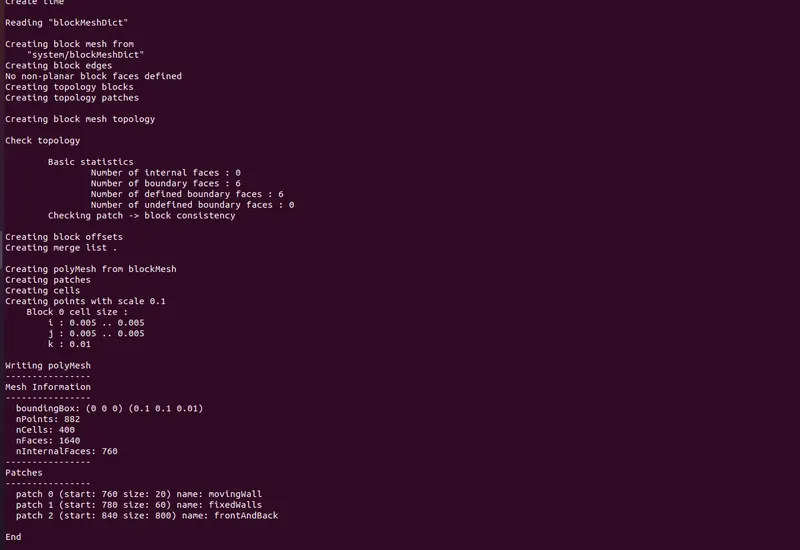
12. We navigate back to cavity folder by using "cd .. " command and generate mesh by typing "blockMesh"
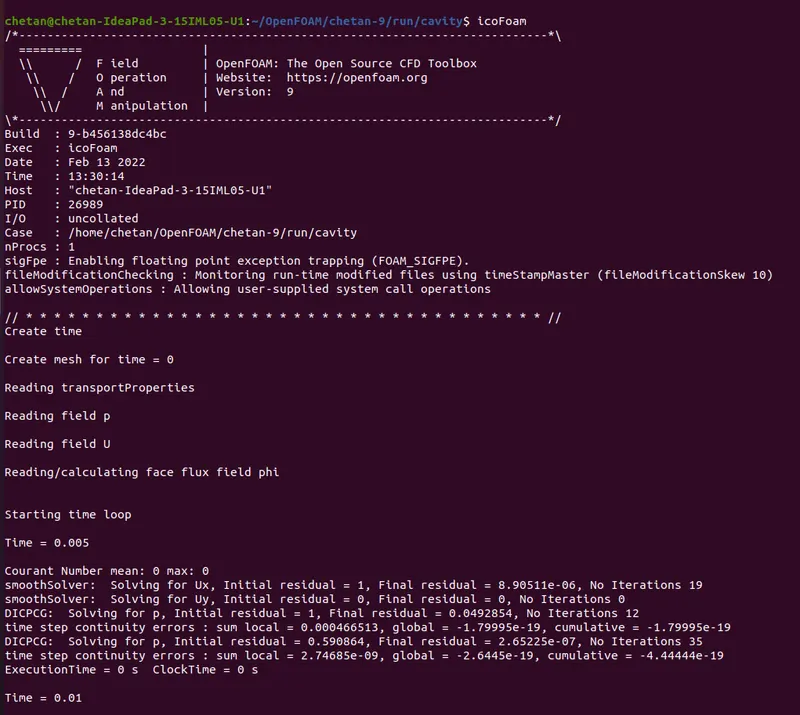
13. We then solve the case by using command "icoFoam"
14. View the simulation by using cammand "paraFoam"
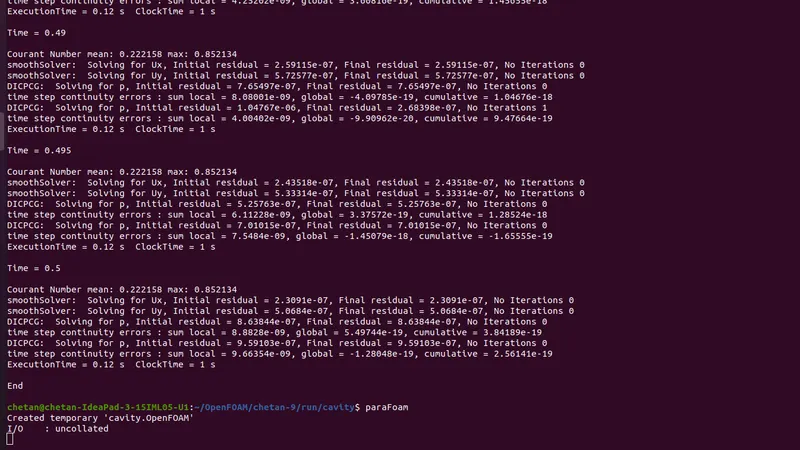
Files eddited for simulation :
1.blockMeshdict
2.controlDict
3. P and U
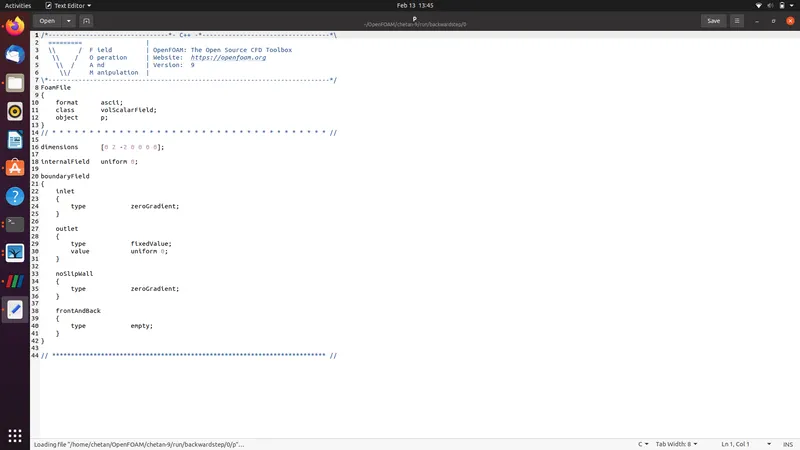
We setup two cases:
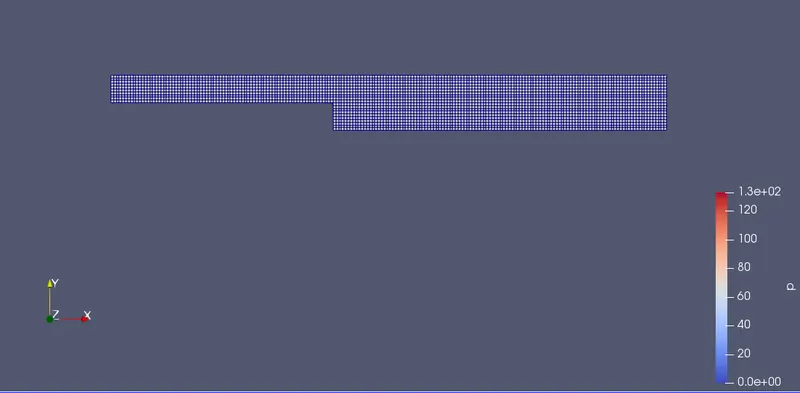
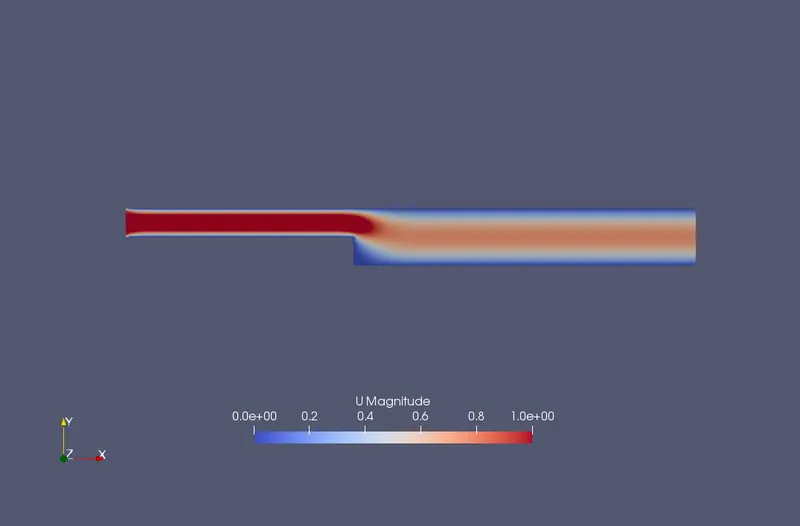
Case 1 .grading factor = 1

Results :
Mesh:
Simulation:
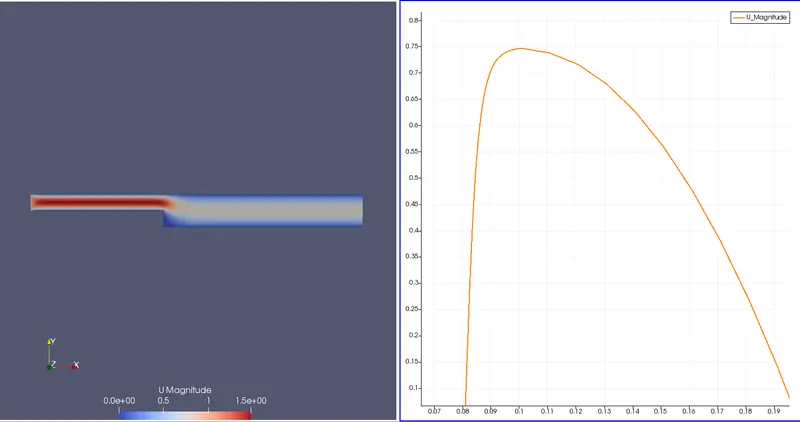
Case 2 : Grading factor = 0.2

Mesh:
Simulation:
Conclusion :
1. by lowering the grid factor the grid becomes fine and gives more accurate answers.
2. We can make the grids smooth at the walls by using grid Factor.