Week_8_Plastic Model_1
Aim
To mesh the given plastic component with the size of 5 mm following the quality criteria to generate the mesh using Hypermesh.
Procedure
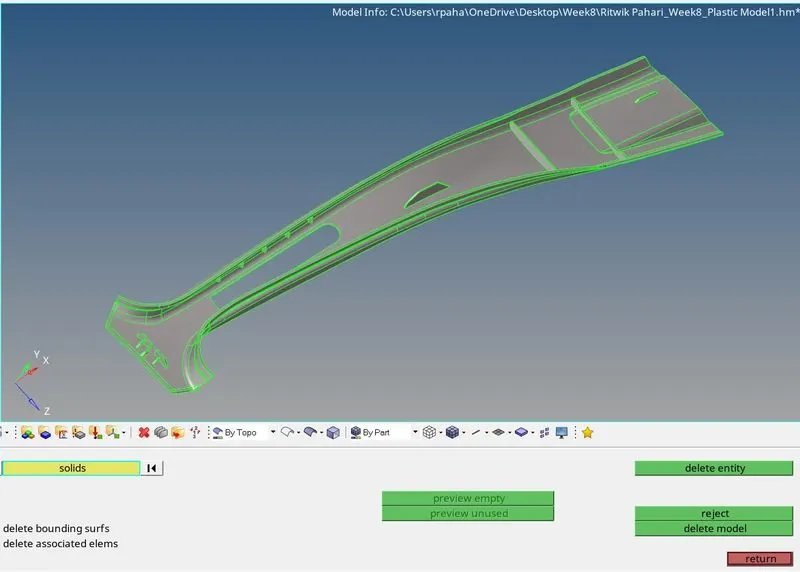
Imported the CAD geometry using the import geometry option on Hypermesh. As it supports the .stp file hence the challenge .stp file is successfully opened. Chose the optistruct profile to carry out the preprocessing. At first performed the solid deletion on the component. Used delete option with solid selection then clicked on delete entity.
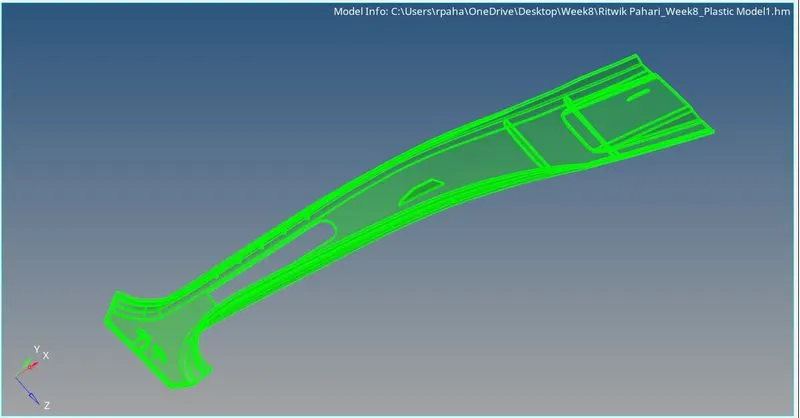
Measurements were taken for the plastic component (B pillar) and it was seen that the component is having multiple ribs with multiple differing thickness.
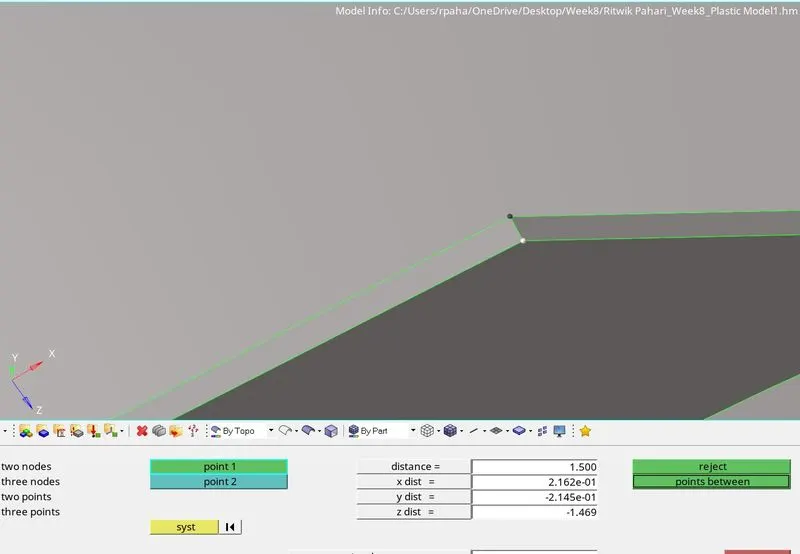
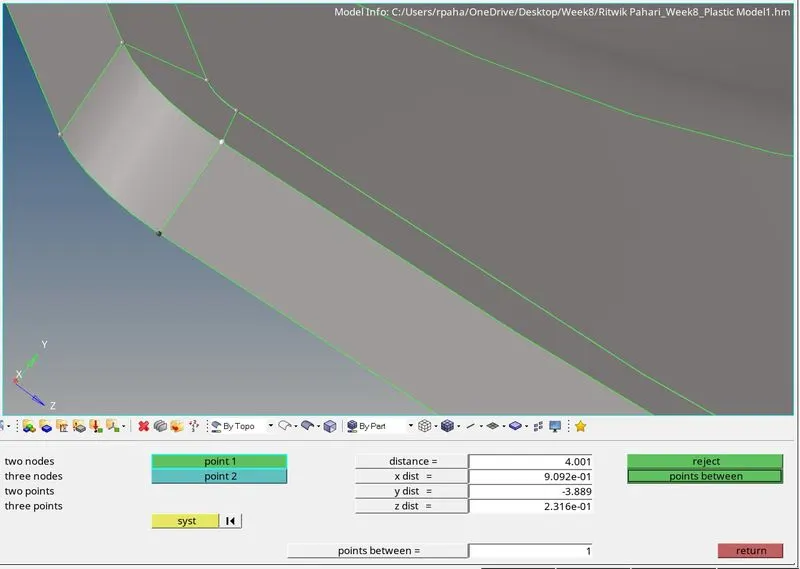
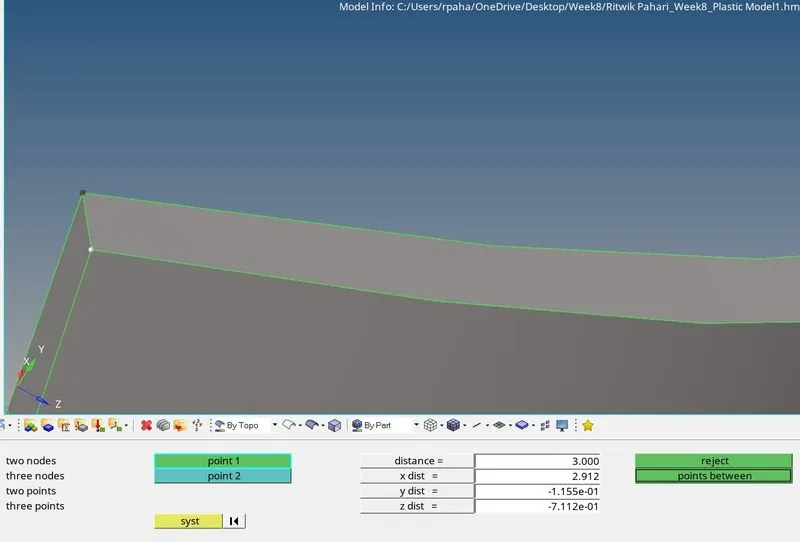
Hence tried the midsurface generation using skin offset and used final edit tools to extract the midsurface of the ribs.
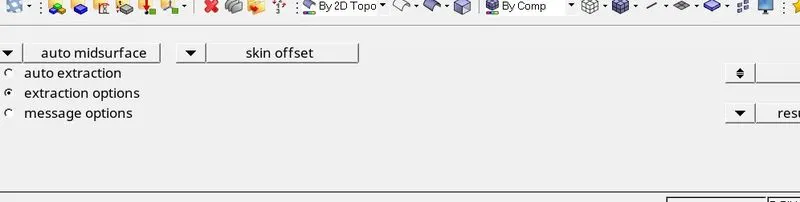
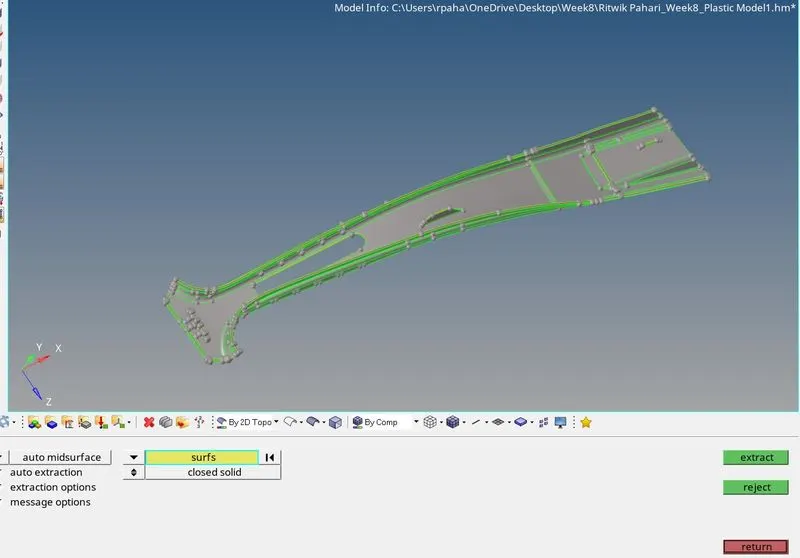
Deleted some small areas as those would result in the quality failure.
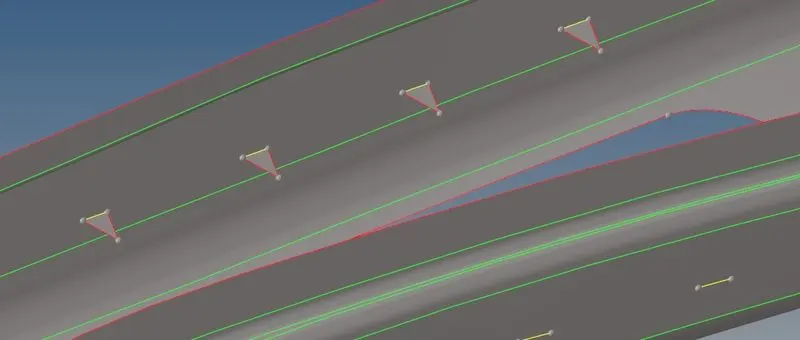
Generated Midsurface:
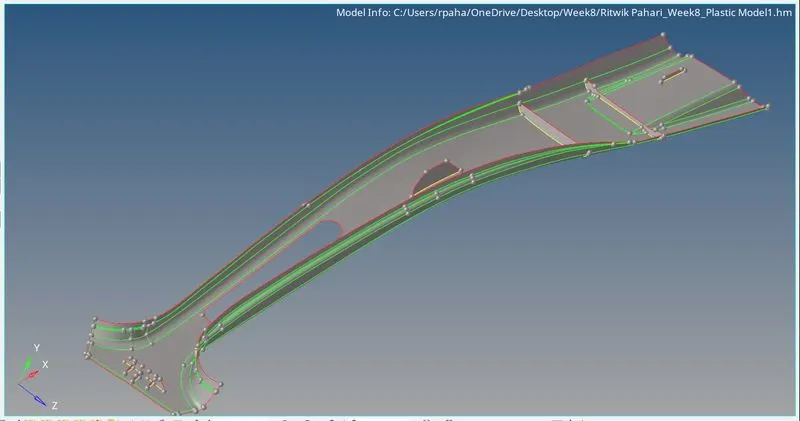
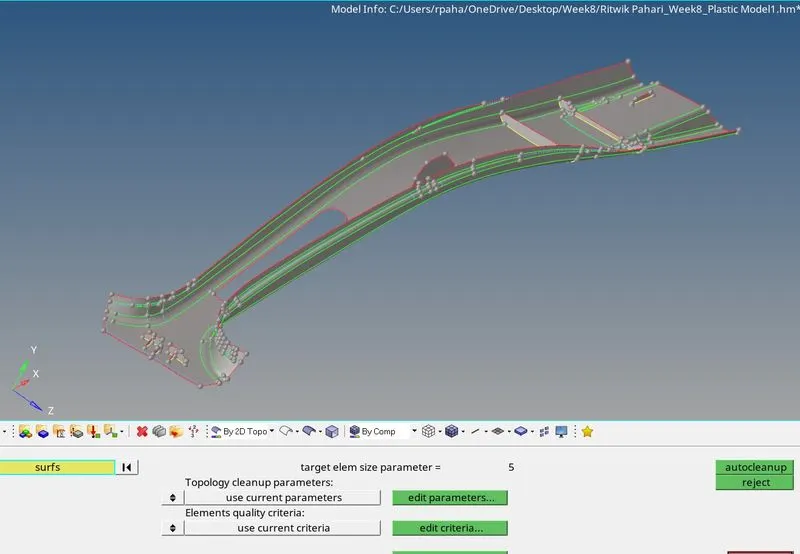
Geometry checkup for the whole component is performed using autocleanup by providing the target element size as 5 in both parameter settings and criteria settings.
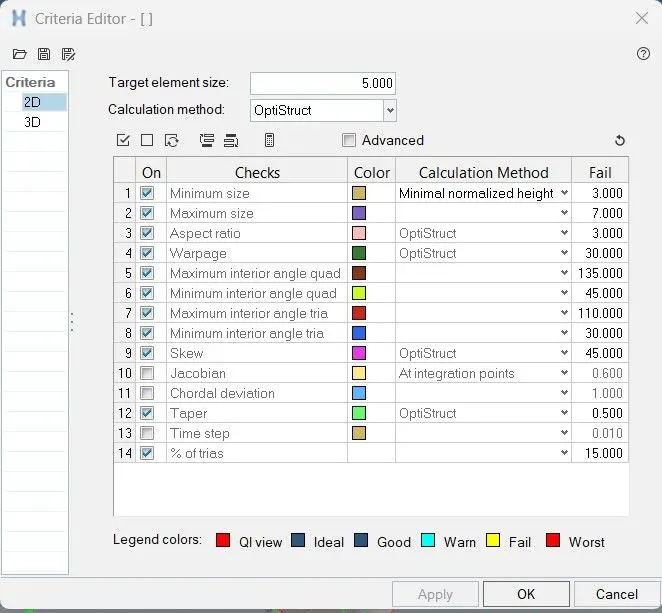
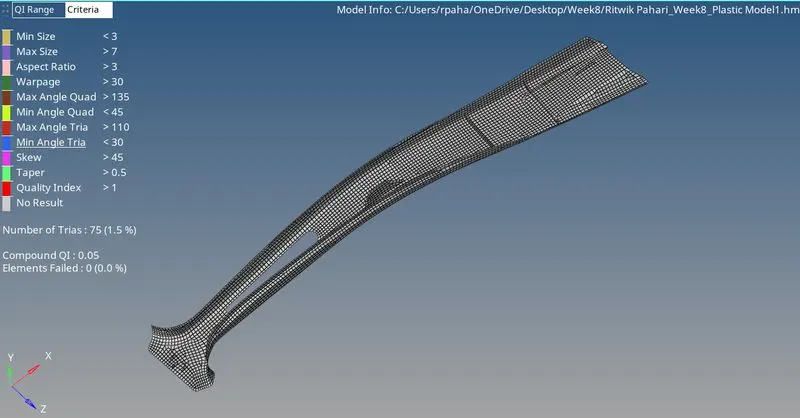
Now quality criteria is given in the question only which is as under:
|
S.N |
Quality Criteria |
Value |
|
1 |
Target Element Length |
5 mm |
|
2 |
Aspect Ratio |
3 |
|
3 |
Skewness |
45 |
|
4 |
Warping |
30 |
|
5 |
Taper |
0.5 |
|
6 |
Min. Length |
3 mm |
|
7 |
Max. Length |
7 mm |
|
8 |
Min angle Quad |
45 |
|
9 |
Max angle Quad |
135 |
|
10 |
Min angle Tria |
30 |
|
11 |
Max angle Tria |
110 |
|
12 |
Tria % |
15 |
Now quality criteria is provided for quality checks so that the component is devoid of quality issues so that boundary conditions and loads can be applied further.
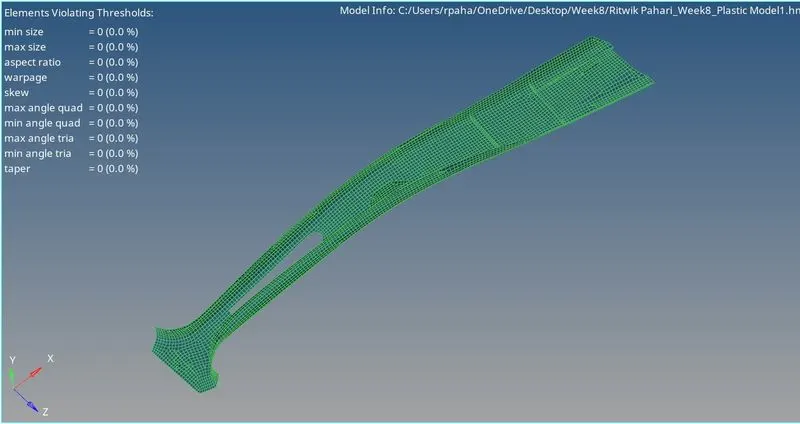
Then went to the 2D option and clicked on automesh. Given the element size as "5" units and selected the mesh type as "mixed", selected all the sufaces of the misurface using surfs>displayed and then meshed the component clicking on the mesh command.
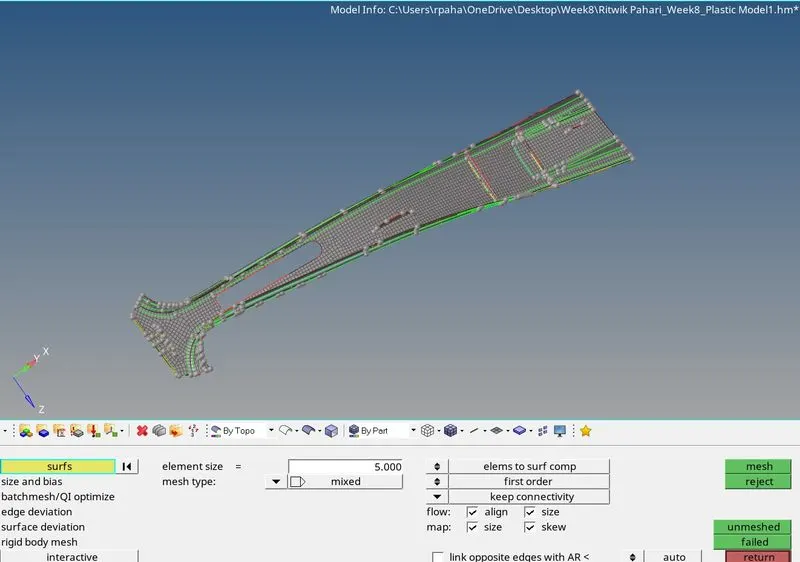
Used the automesh and rebuild mesh command to achieve better mesh flow, used qualityIndex>cleanuptools> drag tria element, Combine, Split, replace, swap to remove trias at the edges and the boundaries and also used this to combine opposite trias using combine option in the element edit option. After all these, viewed the component "By Quality Criteria" and used the quality index with Fail as a threshold and cleared the failed element quality using the cleanup tools>Element optimize, Place node, Node optimize, Replace nodes etc.
Learning Outcomes
At the end of this challenge I am more familiar with Hypermesh workflow, can perform cleanup, can perform auto and manual mid surfacing both, can perform defeaturing, can generate mesh with the given quality criteria.
Conclusion
Hence, the given component with target element length of 5 mm is meshed with the given quality criteria using Hypermesh.