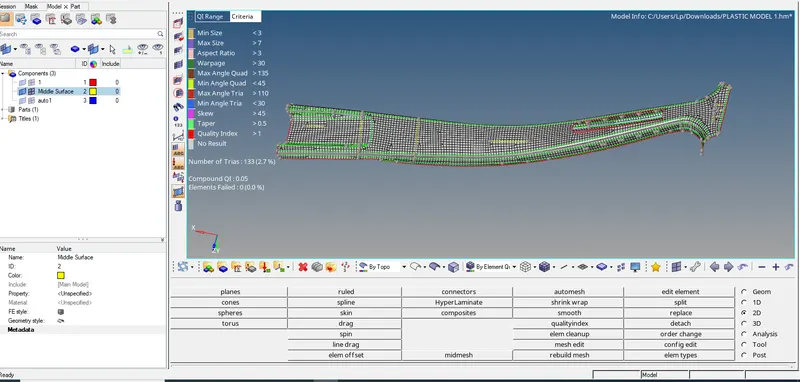
Week_8_Plastic Model_1
Week 12 - Plastic Model_1
OBJECTIVES: -
- In this project we have to follow the Quality Criteria and mesh the following component and assign thickness:
Target Element Length = 5 mm
Element quality criteria :
|
S.N |
Quality Criteria |
Value |
|
1 |
Target Element Length |
5 mm |
|
2 |
Aspect Ratio |
3 |
|
3 |
Skewness |
45 |
|
4 |
Warping |
30 |
|
5 |
Taper |
0.5 |
|
6 |
Min. Length |
3 mm |
|
7 |
Max. Length |
7 mm |
|
8 |
Min angle Quad |
45 |
|
9 |
Max angle Quad |
135 |
|
10 |
Min angle Tria |
30 |
|
11 |
Max angle Tria |
110 |
|
12 |
Tria % |
15 |
PROCEDURE:
- Import the plastic model geometry into hypermesh.
- Since the geometry is complex when we generate auto-midsurface from geom – midsurface – auto midsurface, many surfaces get generated.
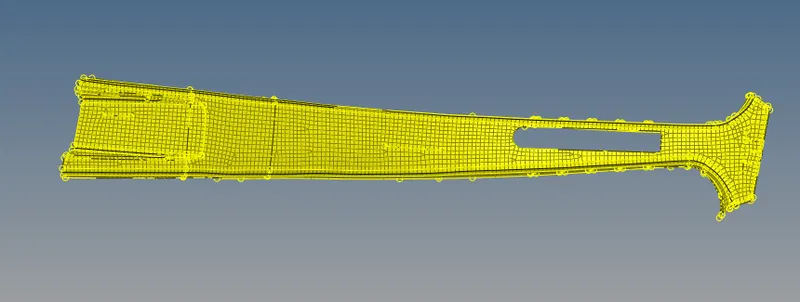
Extraction of Mid-surfaces
In order to extract mid-surfaces go to, Geometry -> Mid-surface -> select the extraction option as "skin offset"
then go to Auto mid-surface extraction and click on extract to generate mid-surface
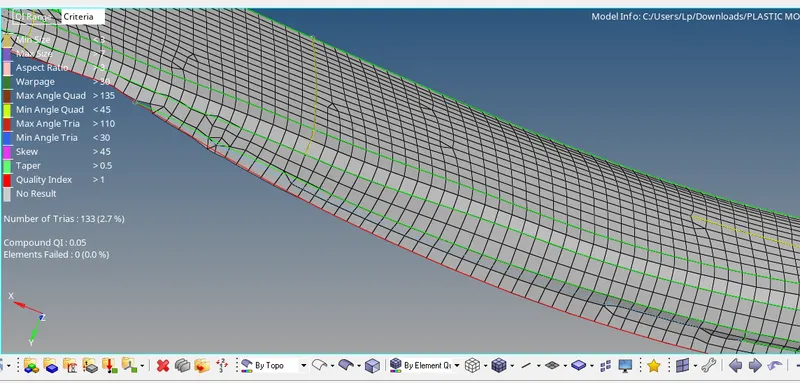
now we can defeature the edges which will fail for minimum element length using, Geometry -> Quick edit -> toggle edge -> select the edges to suppress.
similarly we created mid-surface for all components separately, figure below shows extracted mid-surfaces of components.
5) Meshing the component with given element quality criteria
a) First we need to enter the element quality criteria, go to Preferences -> Criteria file settings and enter the values.
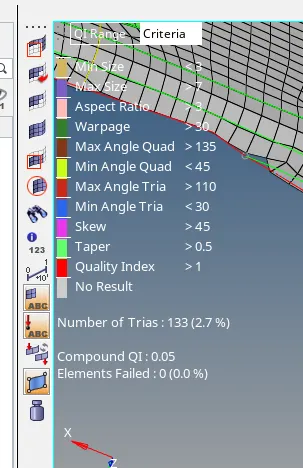
we can change the elemennt density by increasing or decreasing the number of nodes, left mouse click to increse and right mouse click to decrese.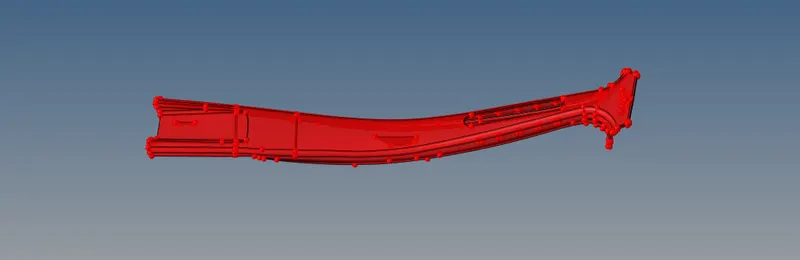
Result
Performed geometry cleanup and extracted mid-surface of plastic component and meshed the component with given element quality criteria and assigned thickness to the shell elements.