Week - 8 - Morphing
Aim - To practice morphing on the component and hand rest given
Procedure-
1 first all the necessary step apply topo on the model to avoid gaps, and then go to the perimeter<length in the mesh module and enter value 1 in length
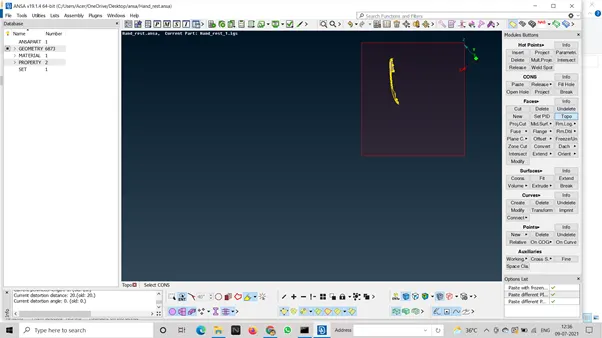
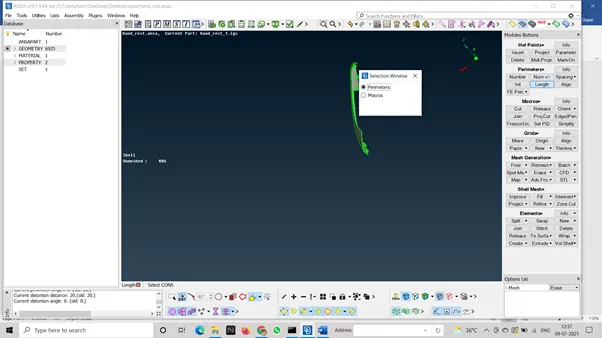
2 then shift to the morphing module and click on new option in the boxes menu and select the object which you want to do morphing on.
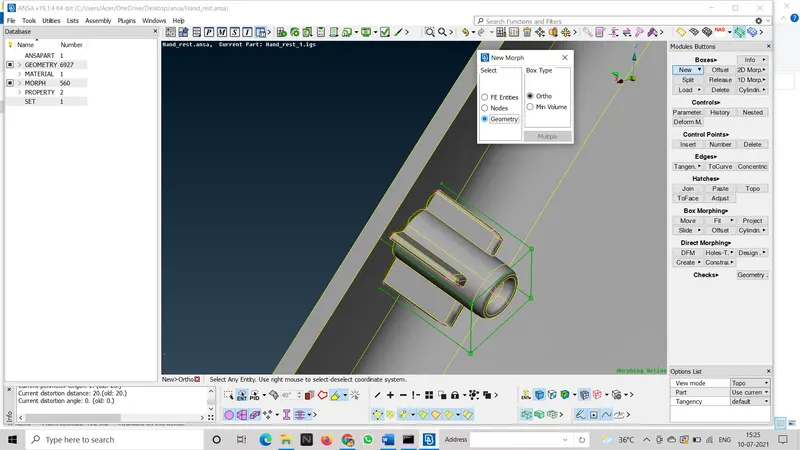
3 a box appears on the select entity
4 then go to box morphing and select the move option
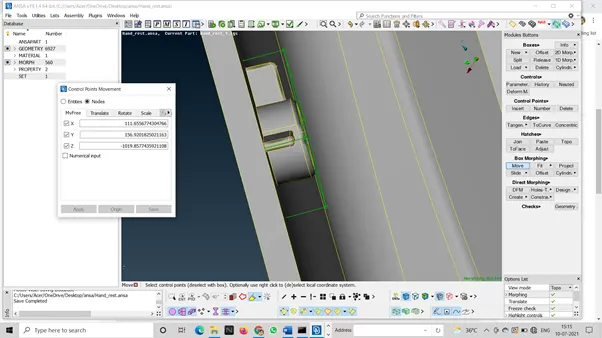
select the edges of the upper face
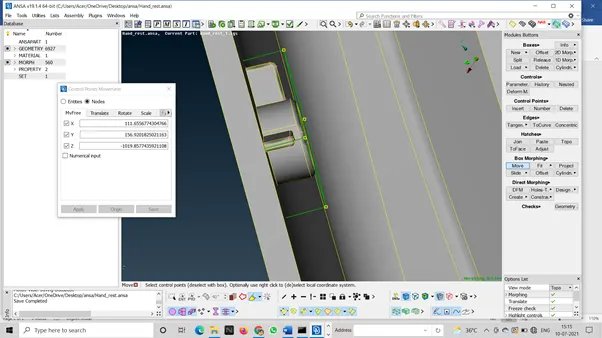
click enter and you u will be able to move the select entites and morph it
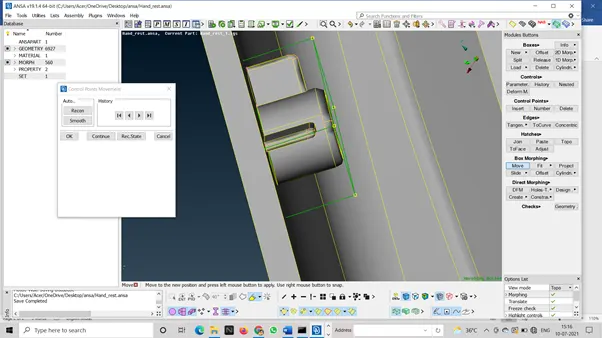
perform this same steps for every dog house and other entities
APPLICATION OF MORPHING:-
Morphing refers to the smooth transformation of images on screen. For instance, a rabbit can be transformed to a dragon, or simulations of machines can be shown in a smooth manner. It can also be used to blend two or more images into a new image. Morphing is essentially used in adding special effects in motion pictures and animation