Week - 8 - Morphing
AIM : To perform the Morphing of given models by using ANSA tool, the procedure consists of Morphing some features as mentioned in Challenge for both Models.
Model 1 :
- Import the given Model into the Ansa, carefully study and understand the model.
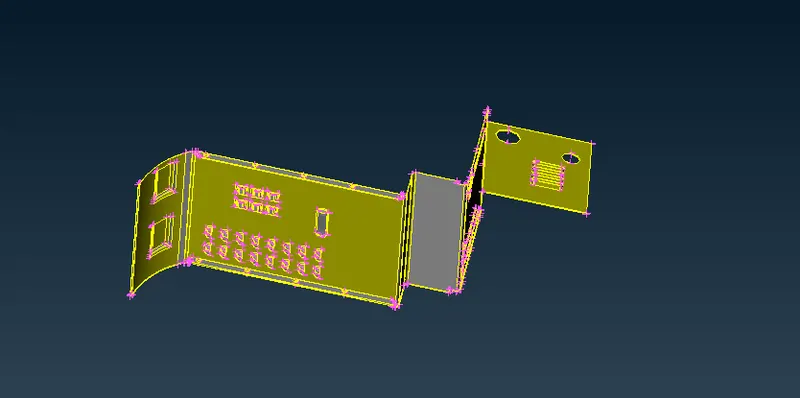
- Now check for the Geometry checkup which is available Tools --> Check --> Geometry for Sharp edges, Unchecked Faces, Triple Cones, Cracks, Single Cones(which are missed in Topo during selection and neglect the outer perimeter single cones) , Needle faces,Overlap Faces.
- Fix the errors automatically by the FIX option. If any errors are not fix during the automatic, fix them manually especially triple cones by using the commands release, INOT, OR, neighbor all, Cut etc. which is useful to resolve the errors.
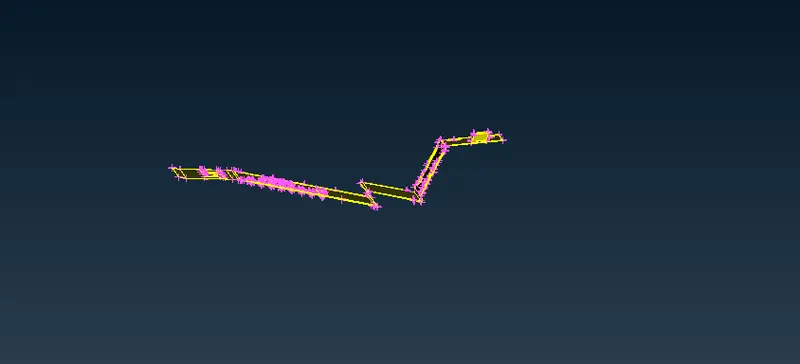
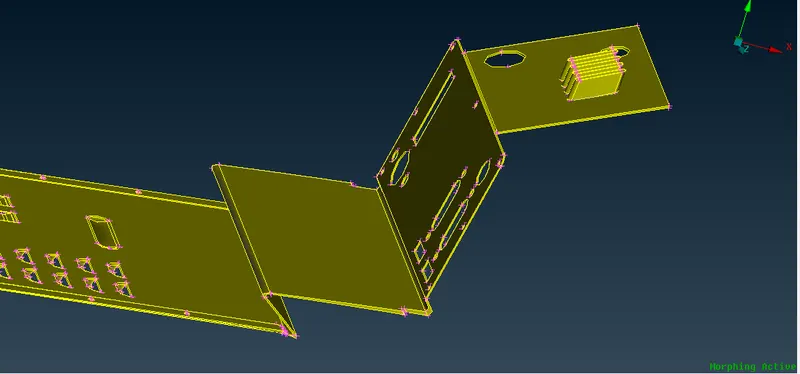
- Morph the given component of the feature mentioned in the video by creating morph box, using the commands New->Geometry+Ortho.
- Now, morph box is morphed by using the move commands ad per requirement.
Model 2 :
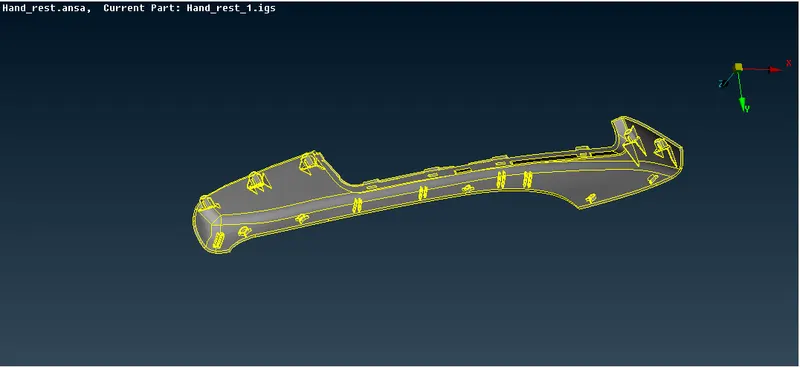
- Import the given Model into the Ansa, carefully study and understand the model.
- Now check for the Geometry checkup which is available Tools --> Check --> Geometry for Sharp edges, Unchecked Faces, Triple Cones, Cracks, Single Cones(which are missed in Topo during selection and neglect the outer perimeter single cones), Needle faces,overlap Faces.
- Fix the errors automatically by the FIX option. If any errors are not fix during the automatic, fix them manually especially triple cones by using the commands release, INOT, OR, neighbor all, Cut etc. which is useful to resolve the errors.
- Morph the given component of the feature mentioned in the video by creating morph box, using the commands New->Geometry+ Min. volume.
- Now, morph box is morphed by using the move commands as per requirement.
Learning Outcomes:
- A Clear understanding on Morphing by using Ansa tool in both models.
Application of Morphing :
1. In Automobile & Aerospace sector where enlarge or reducing the design without altering the design. It may be structures like seat, doors, back hood, Aerowings, etc and Engine parts like cylinder, Piston etc.
2. In Plastic Componets and steel utensils.
3. Components like Pressure vessels, Chemical Storage tanks, Valves, Instruments etc in Process and Power industries.
Result & Conclusion:
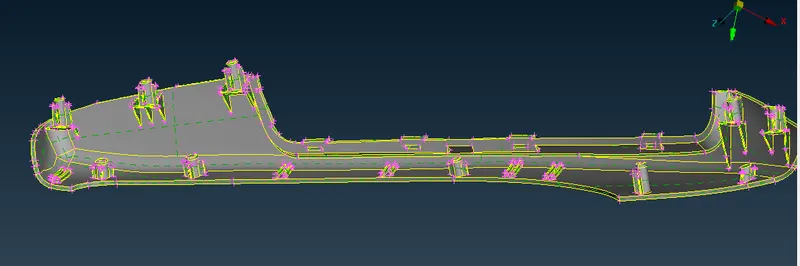
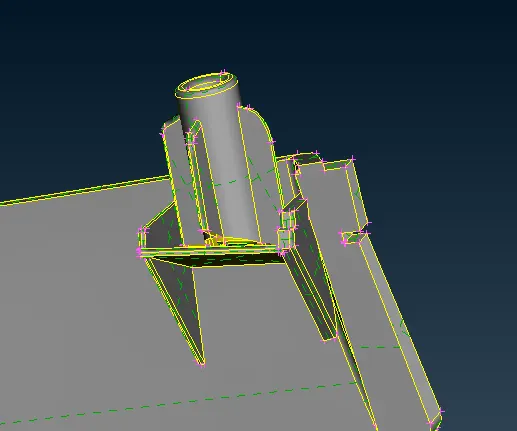
Attached Ansa file consists of final morphed as per requirement and images are attached here.