Week - 8 - Morphing
- AIM : perform morping process for given model.
- Objective : -
* practice all the morphing techniques that were show the video for model -1
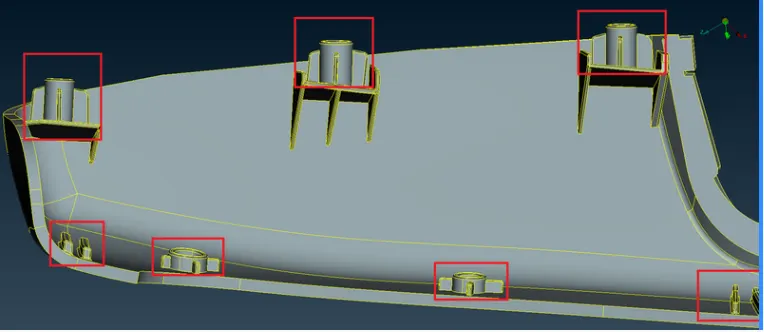
*Perform morphing for the Model-2 and Increase the Height of the Dog houses and Ribs.
* write a report on morphing of both model disucess applications of morphing in various industries.
- Procedure : -
For model -1
Import model ;
*First we have to import the model . ( file - open - import the model)
* done topo operation for remove all the red cons
* then we set the orient for the entire model.
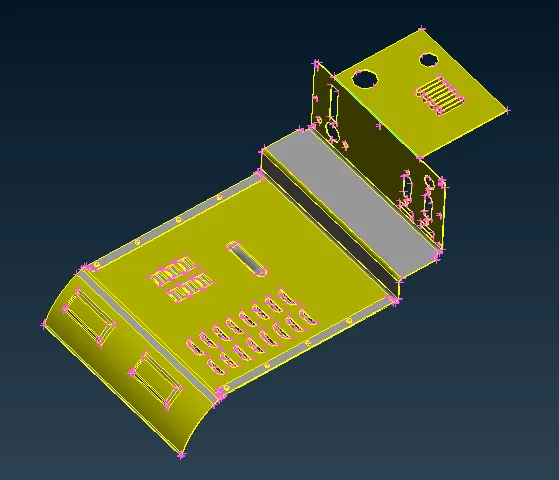
Morphing : -
* Before morping we have to crete the motphing box.
* for the model 1 we have separate the parts in which we use morping technique.
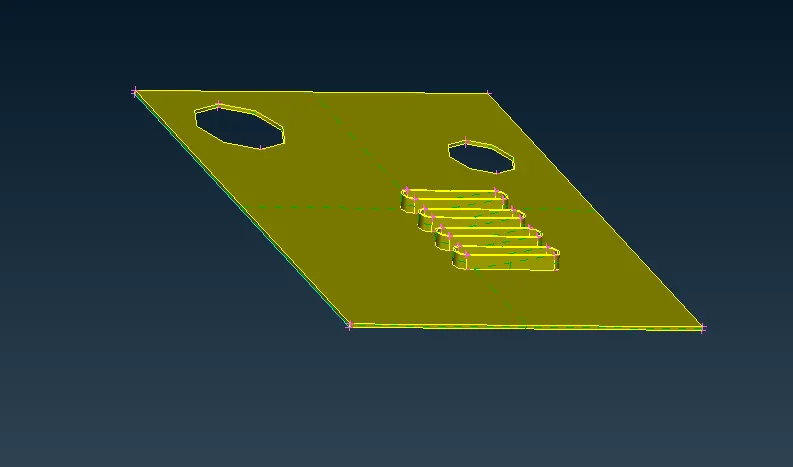
Create Hexa hedral morphing box : -
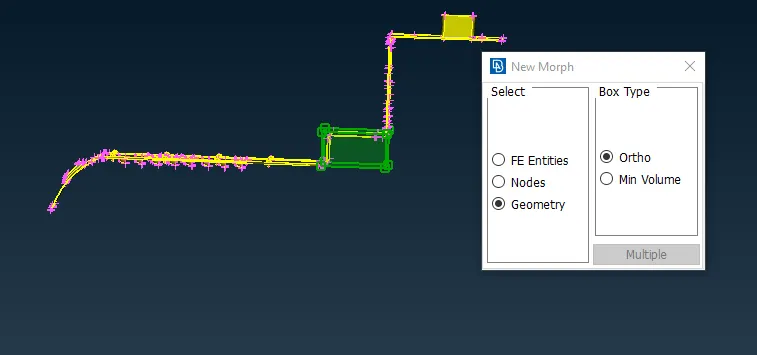
* for creating morping box we have to go to ( Morping deck - boxes - new - ortho ). select the region in geometry which is to be morph.
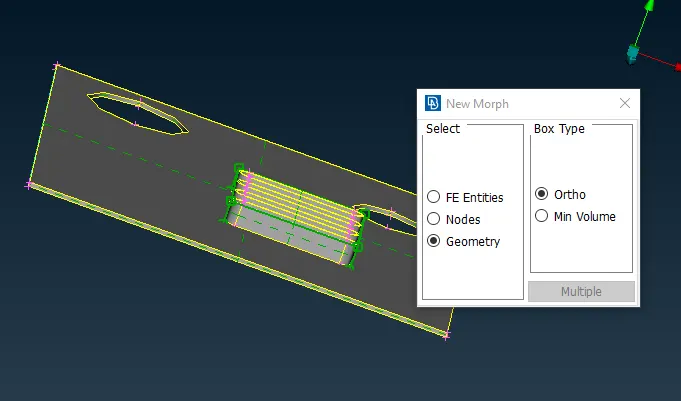
* as we can see that in above image the morphing box is created.
Move the morphing box :
* After created the morphing box so that we can morph the geometry in desire shape .( morphing deck - box morphing - move - mv free ).
* select the nodes of morphing box and do middle click a warning window is open and then we have to do geo check.
* after this we have to complete this geo check process.
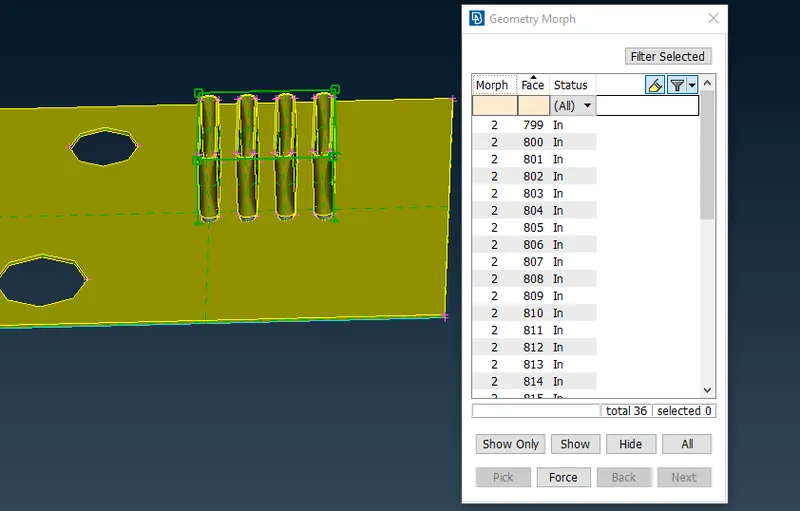
* now we can morphing the model and all three axis as well as perticur one.
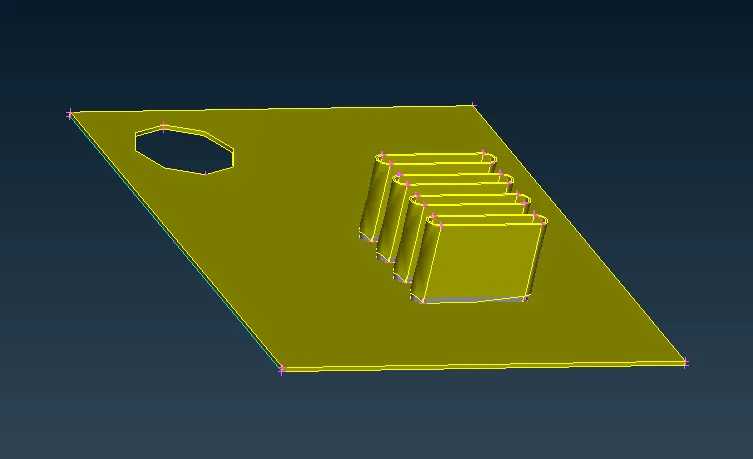
* next we have to work on other region.
* we can morphing the given region .
* then we morphing the other portion in geometry
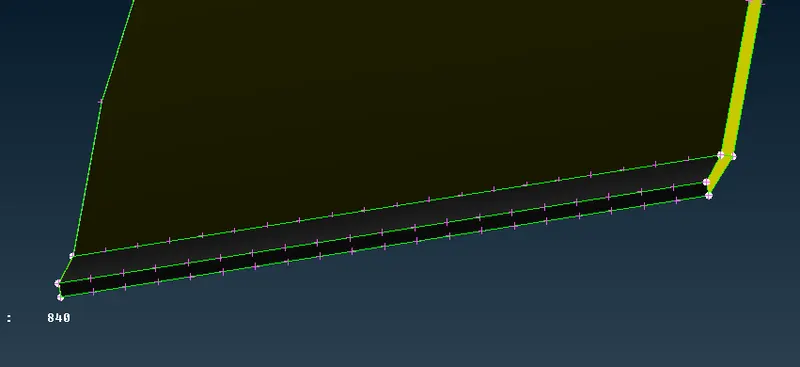
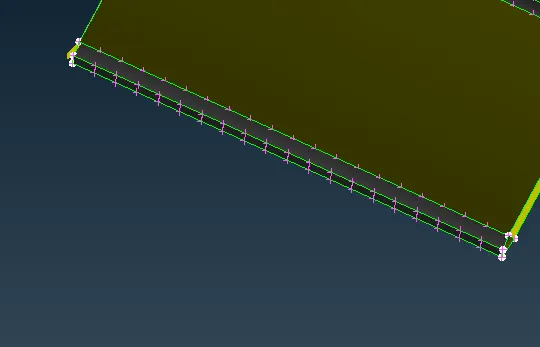
* once we are done morphing we can delect the morph boxes. ( morphing deck - boxes - delete).
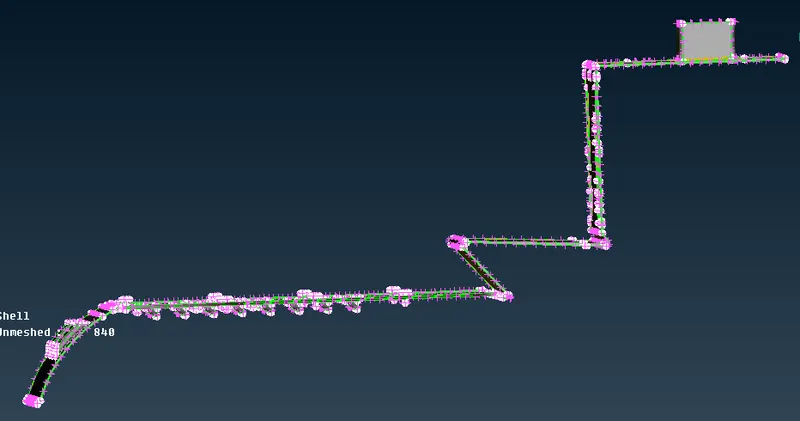
- For model -2
import the model :
* first we have to import the model. ( file - open - import the model)
* done topo operation for remove all the red cons
* then we set the orient for the entire model.
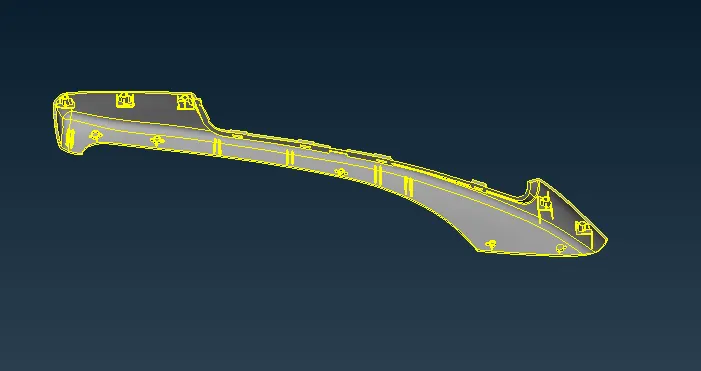
morphing ;-
* before morphing we have to create the mprphing box.
Create hexahedral morphing box :
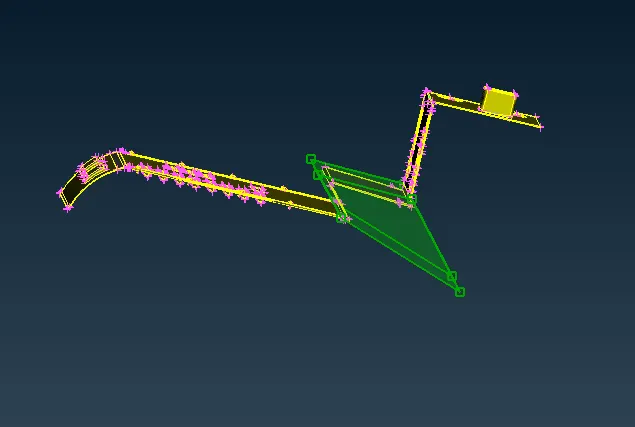
* for creating morping box we have to go to ( Morphing deck - boxes - new - min volume ). select the region in geometry which is to be morph.
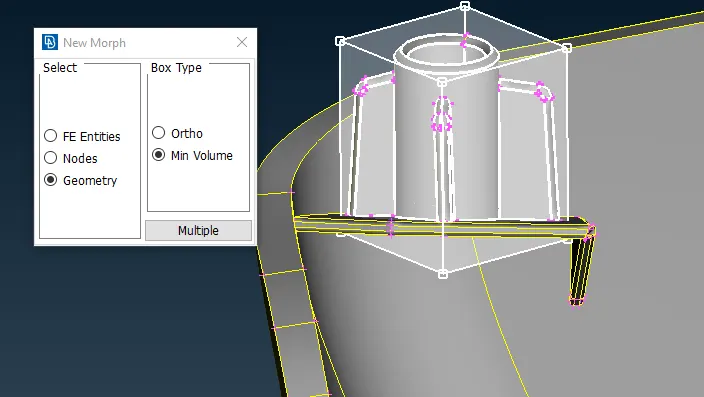
* for align we click on align and select handle as coordinate and align the box with 3 points.
Move the morphing box :
* After created the morphing box so that we can morph the geometry in desire shape .( morphing deck - box morphing - move - mv free ).
* select the nodes of morphing box and do middle click a warning window is open and then we have to do geo check.
* after this we have to complete this geo check process.
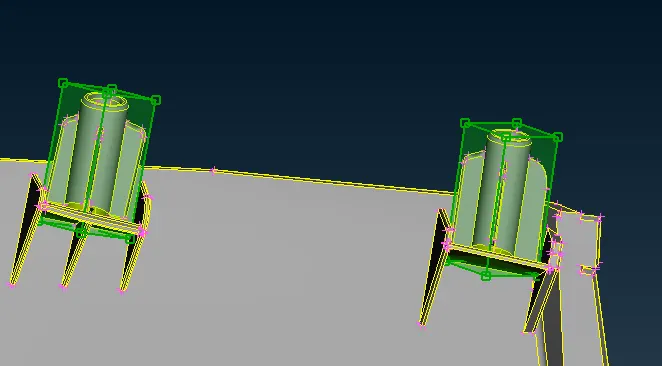
* then we give distance by selecting two points and morph the geometry in required shape and direction.
* once we are done morphing we can delete the morph boxes . ( morphing deck - boxes - delete).
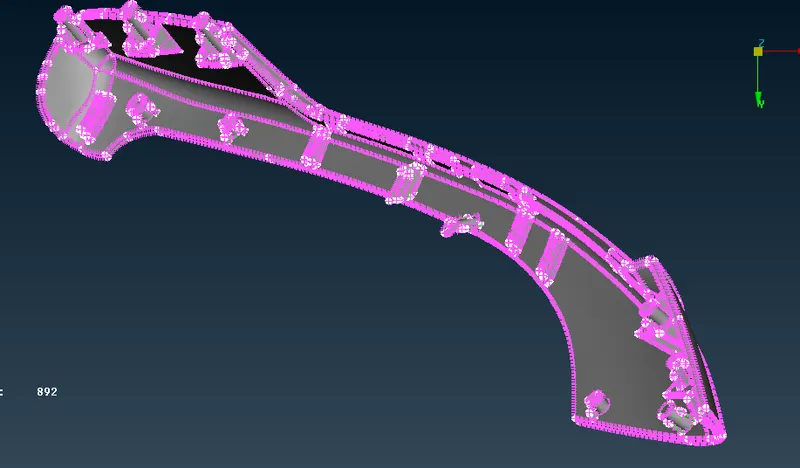
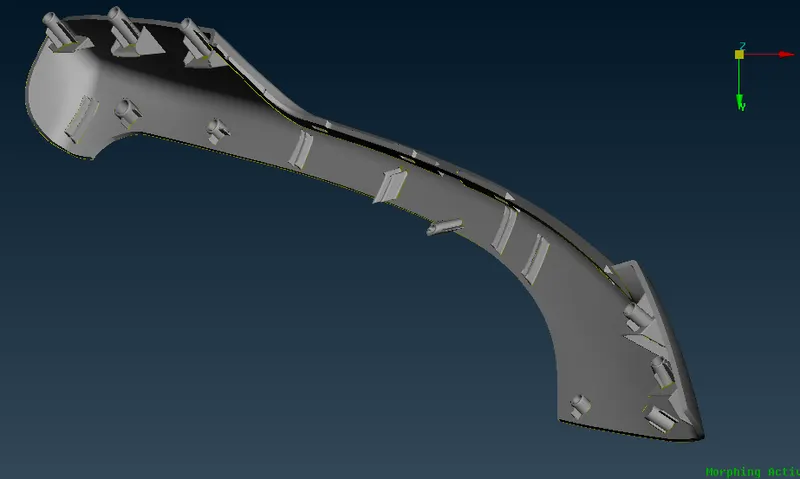
application of morphing :
* Morphing is the adjustment of shape and size of the component to the new size and shape without disturbing the connectivity and the boundary conditions, the topology of the CAD stays same only the coordinates of the nodes change. Morphing process can be done in CAD model as well as FE model.
* Morphing is used for number of different purposes in industries, to create shape change , To move on to a new know shape (update the design), To move onto the shape predicted by the CAE solution (to optimize the shape).
* Implementing morphing can help in reducing the time taken to develop new designs as well as cost for the new developed model is also reduce.
* Morphing is also used in aviation industry for improve the aerodynamic shape of the model.
- Learning outcomes ;
* in this challenge i learned the basics of morohing how to mprph the surface in desired shape.
- conclusion :
the given both model is successfully morphing according to given instruction.