Week - 8 - Morphing
Aim
To Practice all the Morphing techniques that were shown in the video for Model-1 and Model 2.
Procedure
1) First i have check the geomentry for the given component.
2) Then go for a check , where we need to morph the surface.
3)For morphing select the surface to be morph under boxes -> New .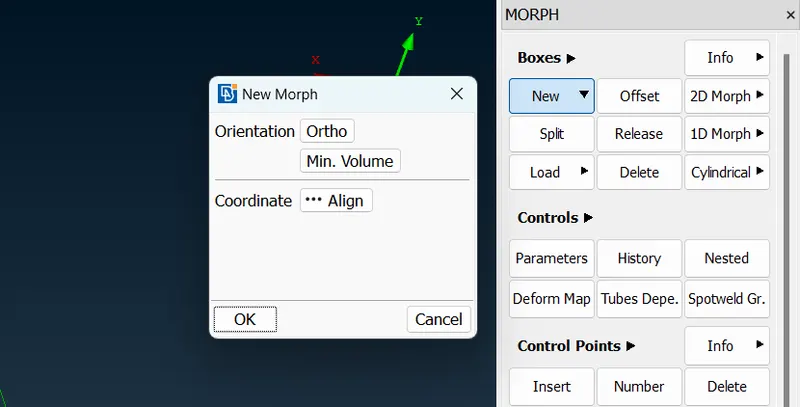
4) After the morh box is created , by use ing move option under the morph boxes command , Select the node or entities for
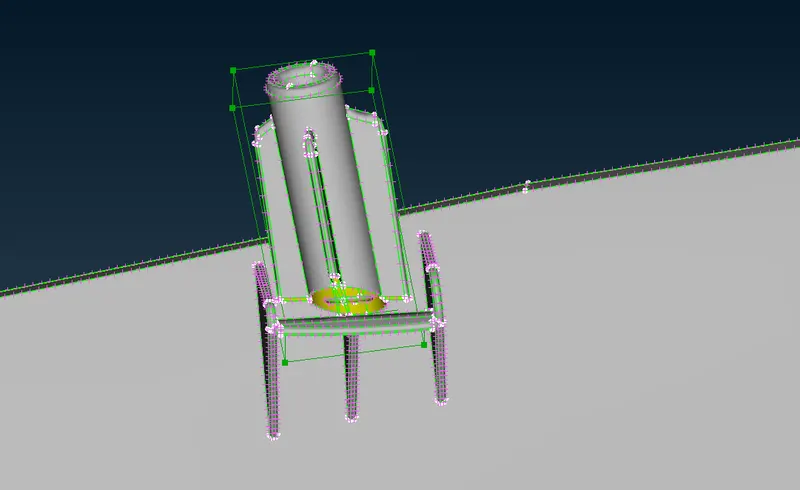
5) In the above image there are deviation in the geomentry , its not an problom in morphing , and also we can avoid it by useing split option.
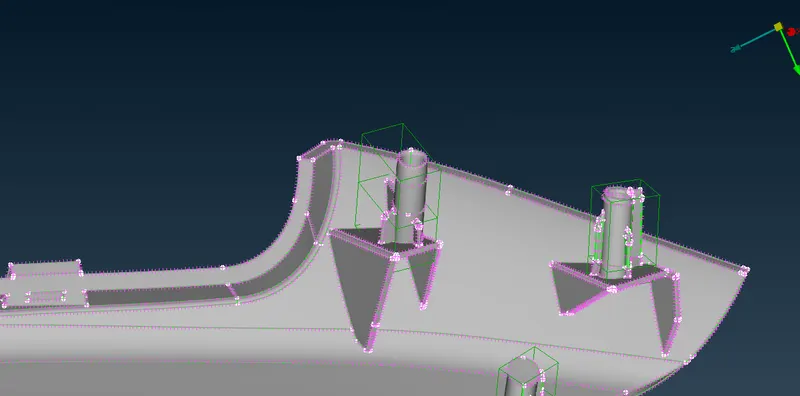
6) This is the way to morph the surface in order to create the new geomentry for the given model.
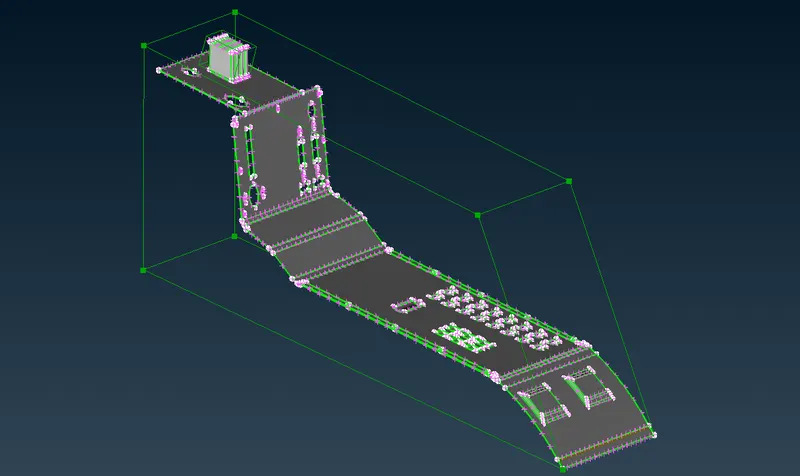
By following above steps i have morphed the given these two models and i have attached image for better understanding .
Conclusion
By following the above steps , finally I have done morphing for thr given models.