Week - 8 - Morphing
Aim :-
Perform morphing for the given sheet metal component & hand rest.
Steps Followed :-
- Topo & geometry Clean-up.
- Morph Box creation.
- Moving the geometry.
Procedure :-
1. Import the given .igs file into ANSA.
2. Perform Topo using Topo module->faces->topo.
3. Check for geometrical error like triple cons, single cons and sharp edges using tools->checks->geometry.
4. Geometrical errors are cleared either by auto fix or manually using options like faces cut, join, release cons, topo, etc.
5. Move to Morph module, select the region to be morphed by Boxes->New->Ortho.
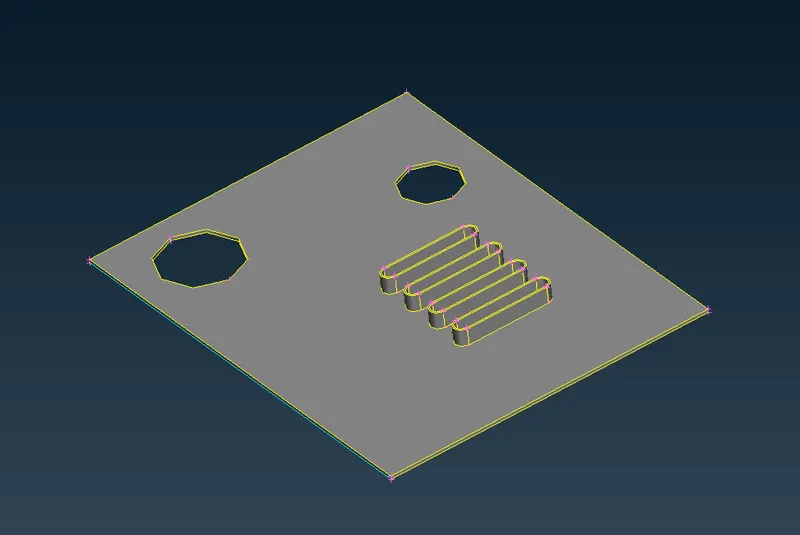
Fig : 1.1
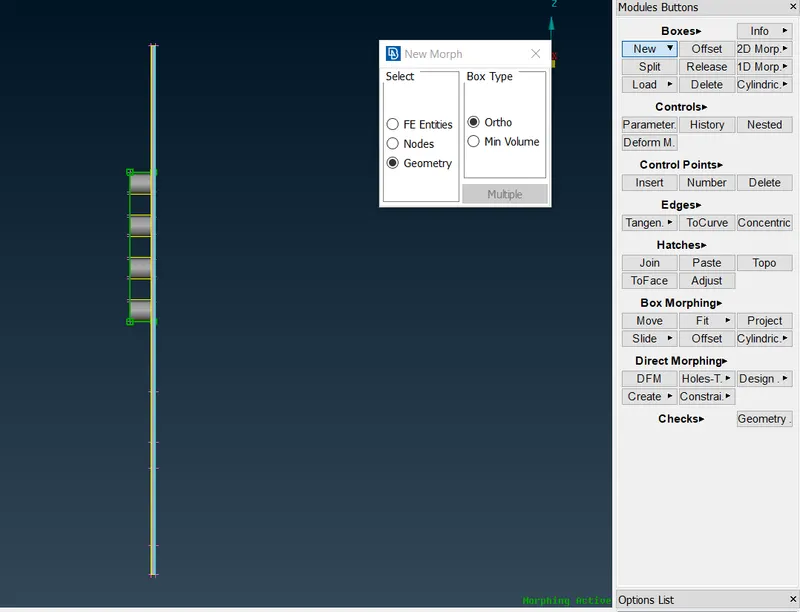
Fig : 1.2
6. Using Box morphing->Move option morphing distance can be controlled by specifying the distance.
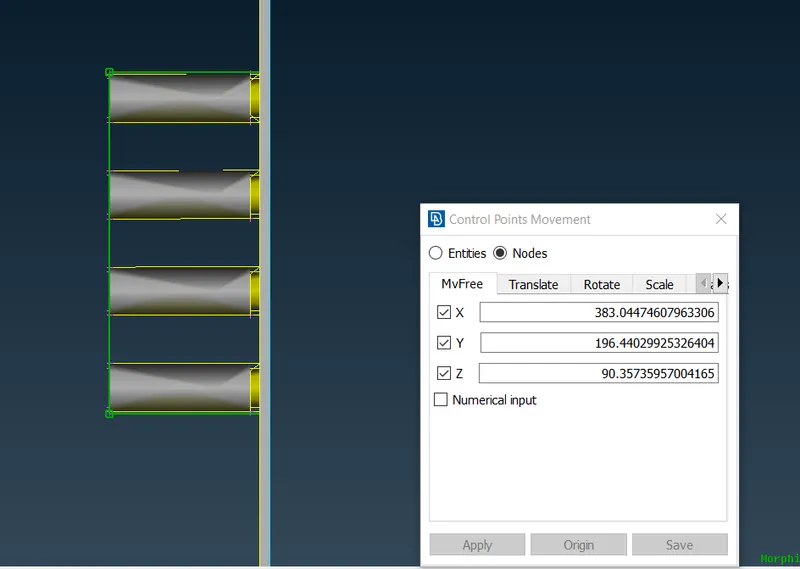
Fig : 2.1
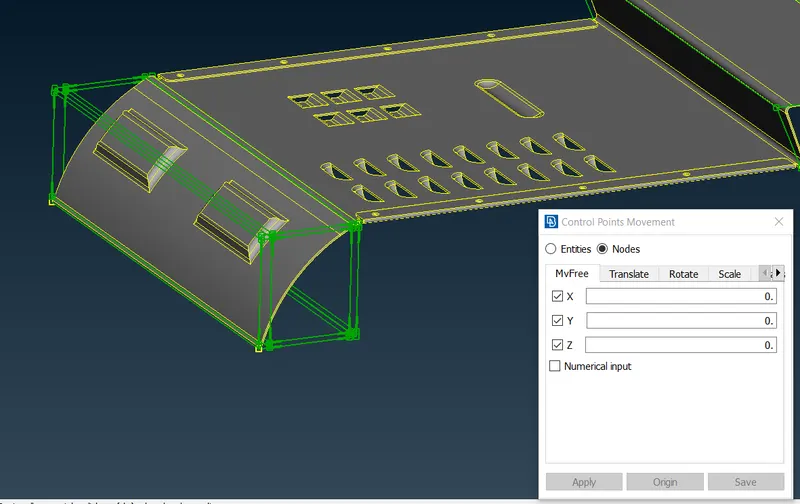
Fig : 2.2
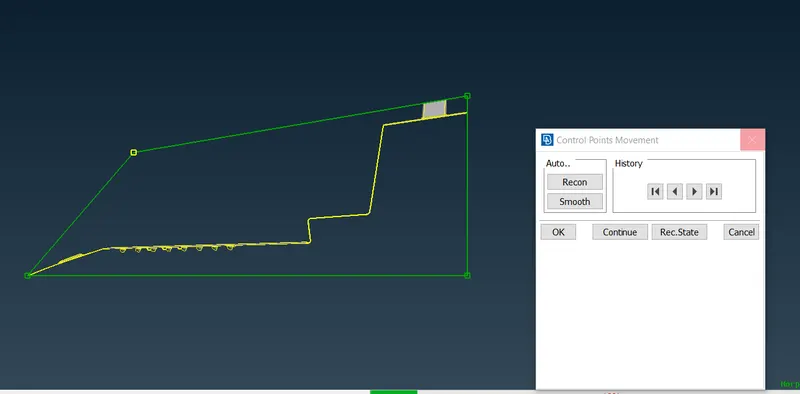
Fig : 2.3
7. Similarly perform all the operations for hand rest model.
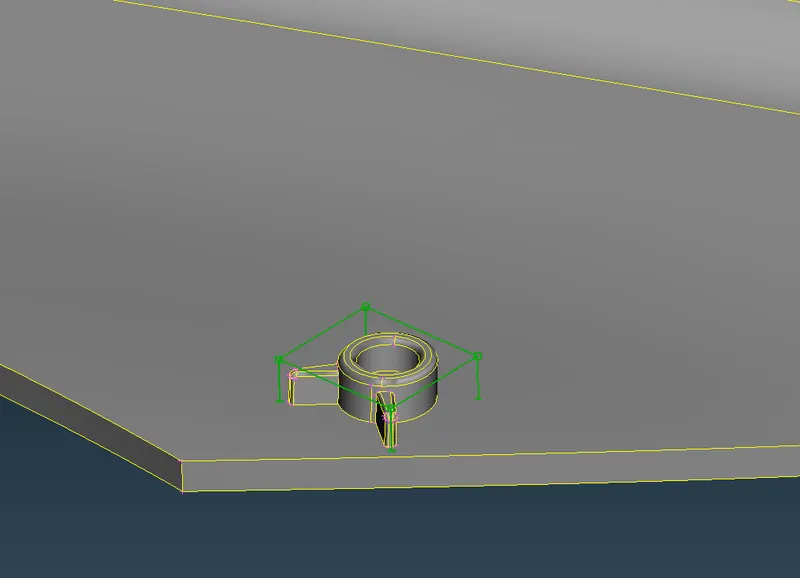
Fig : 3.1
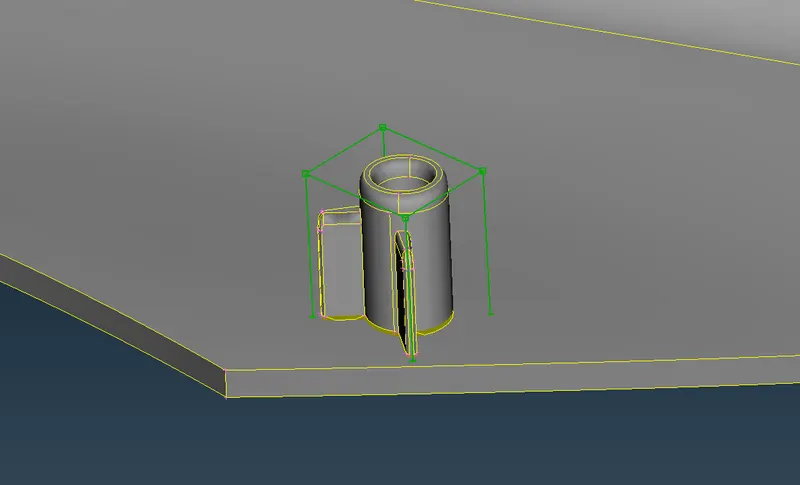
Fig : 3.2
8. Similarly morph all the ribs and dog houses.
9. Final hand rest morph models is as shown below,
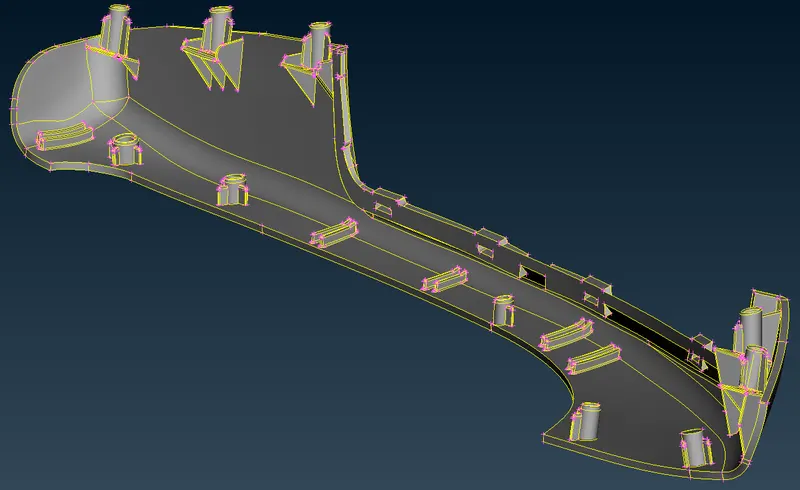
Fig : 4
10. Sheet metal model comparison is as shown in the snap below,
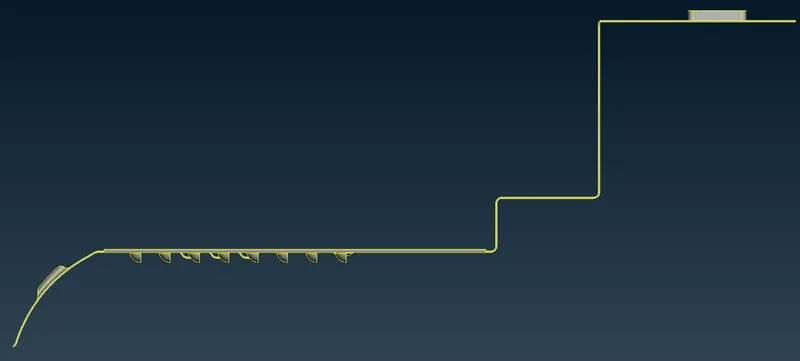
Given model, Fig : 5.1
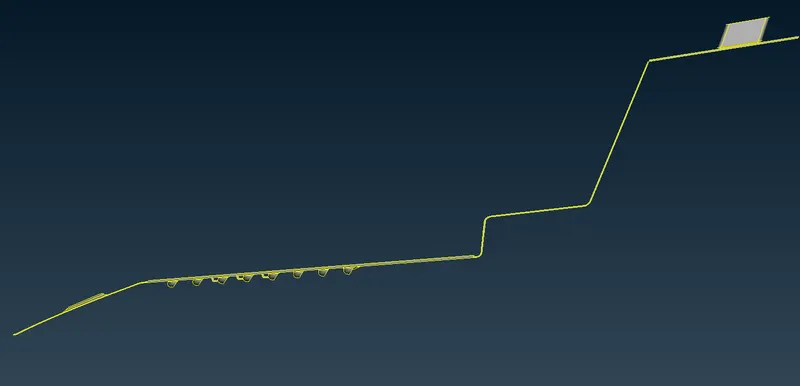
Morph Model, Fig : 5.2
Industrial Application :-
- Majorly used in Automobile industry in order to change the design from the existing to a slightly different version.
- Design changes after simulation of FE model.
- Example :-
1. Conversion of existing hatchback car to Sedan. (Honda Brio to Amaze, Maruthi Swift to Swift Desire, Tata Indica to Indigo, Hyundai i20 to Verna, etc)
2. Reshaping of FE model with higher stress concentration at a particular region/spot.
learning Outcome :-
- Concept of Design Changes using Morphing.
- Creation of Morphing Box.
- Splitting the morphing box.
- Move the coordinates to achieve desired shape.
Result :-
Morphing operation is performed on both Sheet metal & hand rest models.