Week - 8 - Morphing
AIM: To practice all the Morphing techniques that were shown in the video for the given component.
1.Practice all the Morphing techniques:
- Import the model and do geometry cleanup.
- Import the model and do topological error cleanup to proceed further for morphing.
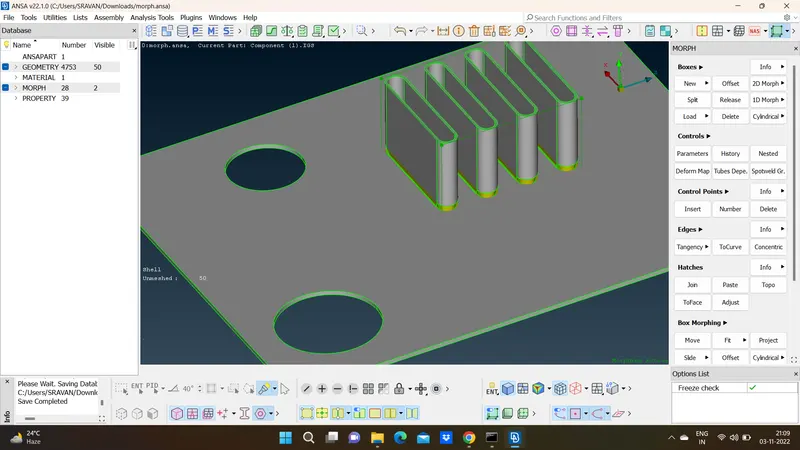
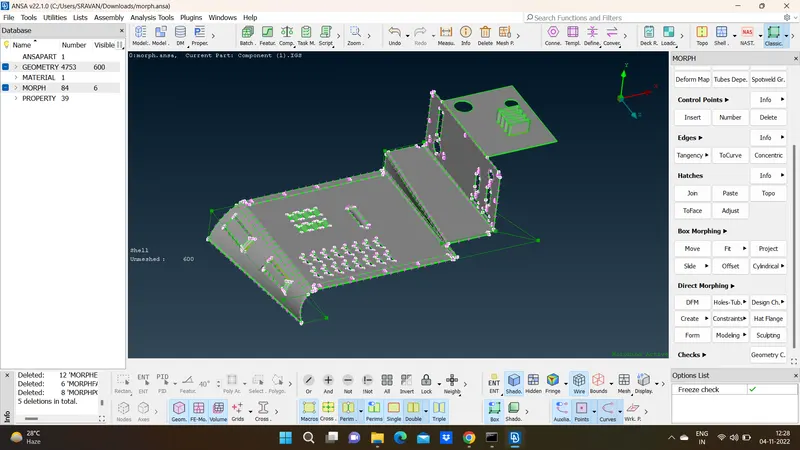
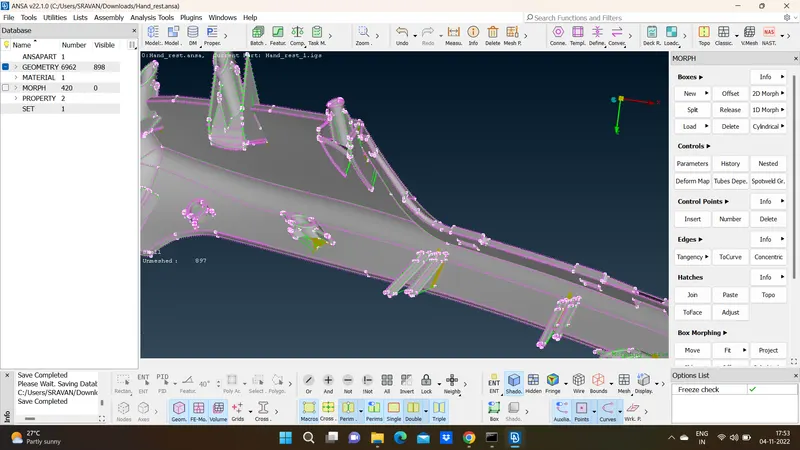
- we need to switch to the morphing module and select box morphing under new tab(boxes section). select the geometry option of selection and ortho option is selected.
- select the area for morphing to confirm the box selection and then move the nodes of the box by selecting the Move option under the box morphing section. select the coordinate axes you want to move the nodes.
2) Perform morphing for the Model-2:
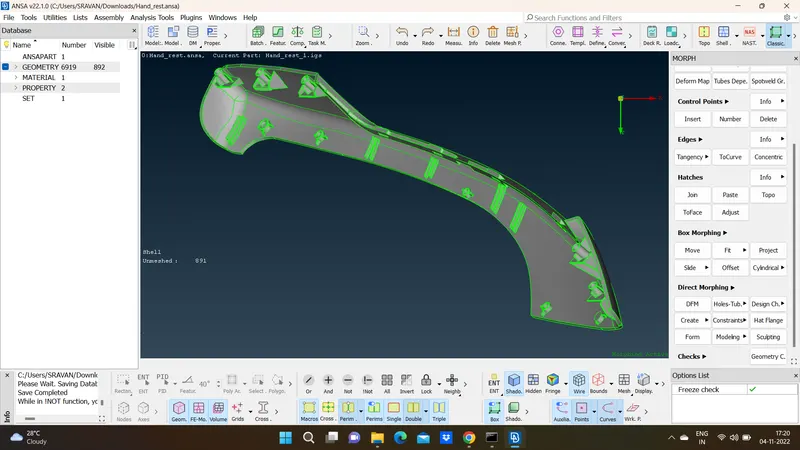
After Morphing :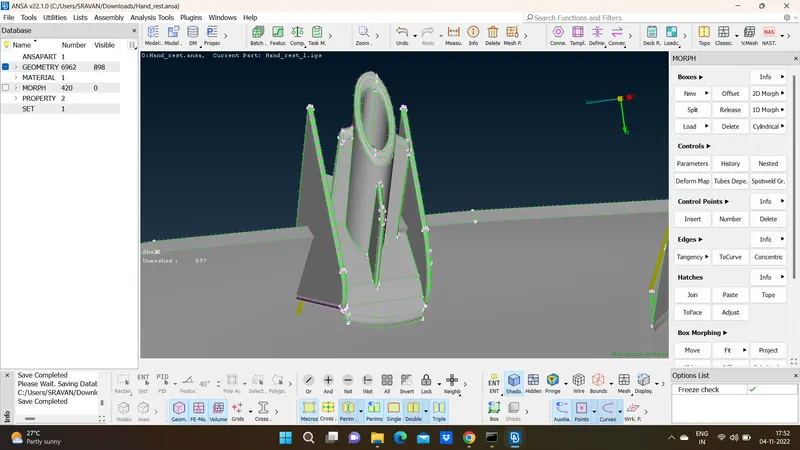
CONCLUSION:
This is a very helpful tool and now the OEM's are using the morphing technique to redesign and reshape new models in the market. This saves a lot of time and money which is the major reason to be focused on. we have discussed only box morphing technique with very basic overview to use it and get aware of its usage.