Week - 8 - Morphing
1) Practice all the Morphing techniques that were shown in the video for Model-1.
Click here to Download the Model-1
2) Perform morphing for the Model-2 and Increase the Height of the Dog houses and Ribs. (Refer Red annotations in the below image to understand what are Dog houses and Ribs) 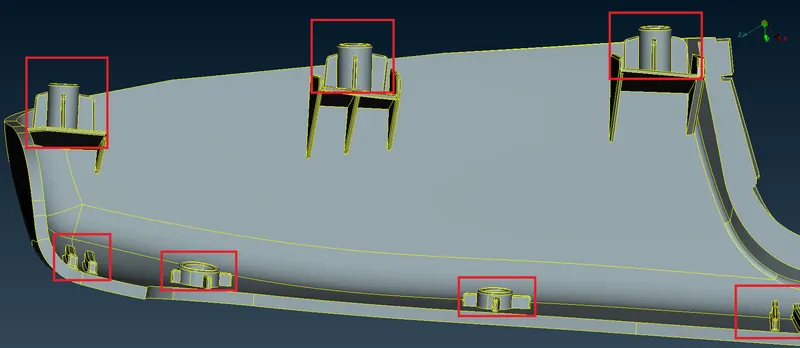
Click here to download the Model-2
Write a report on Morphing of both models and Discuss applications of morphing in various industries.
AIM -:
. To practice morphing techniques discussed in the week 8 video, on the given sheet metal component model 1.
2. To morph 'model 2' by increasing the height of the doghouses and ribs marked in the following screenshot.
MORPHING - : Morphing is an effect which sees one shape or object transform into another in a seamless transition. there are different approaches, but fundamental meaning of morphing remains the same.
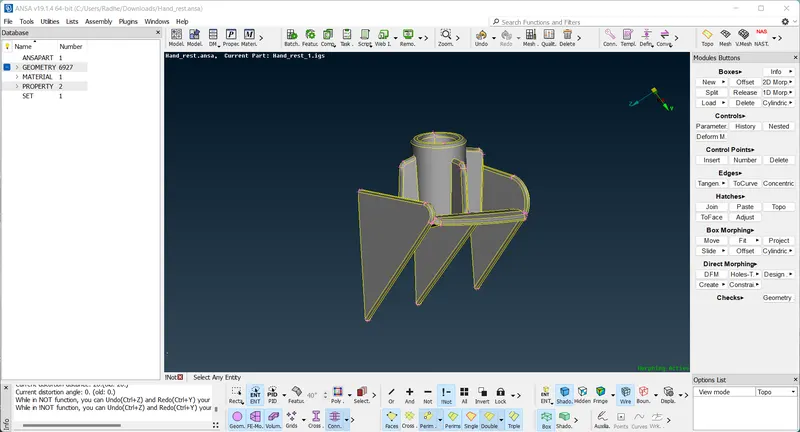
MODEL 1 -:
PROCESS -:
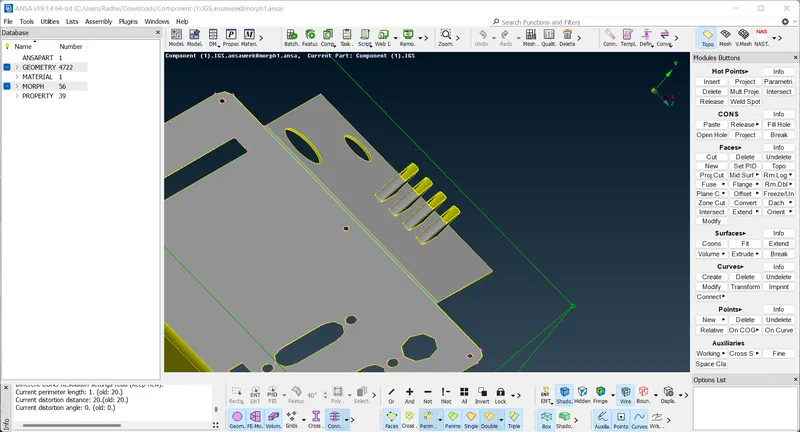
1). week8 video same model import the ansa then first go to the topo mode the clean up the geometry. the go to the mesh module and go to the length option.
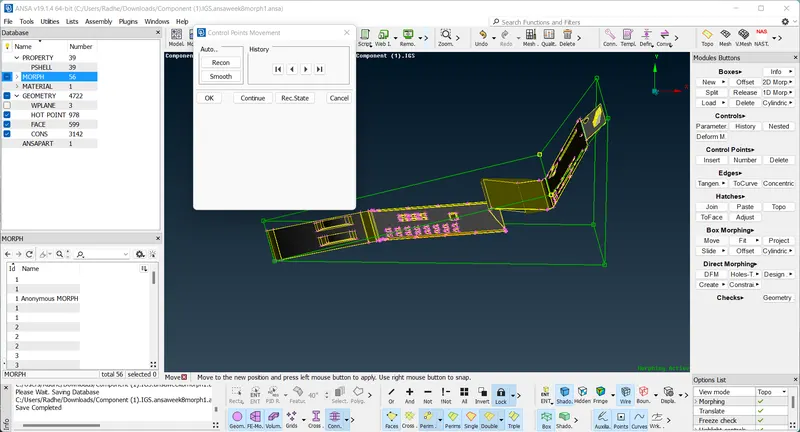
2). after that go to the morph boxes module and select the new and ortho ,geometry and select the faces the click the middle mouse button.
3). after that go to the box morphing then select the point and rotate the model.
MODEL 2 -:
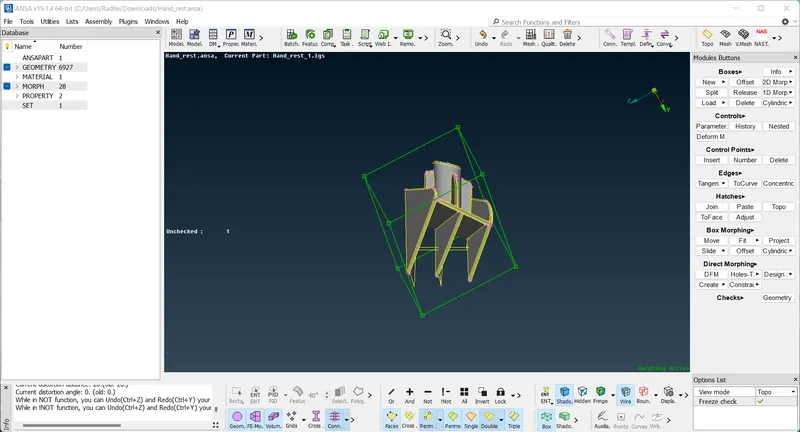
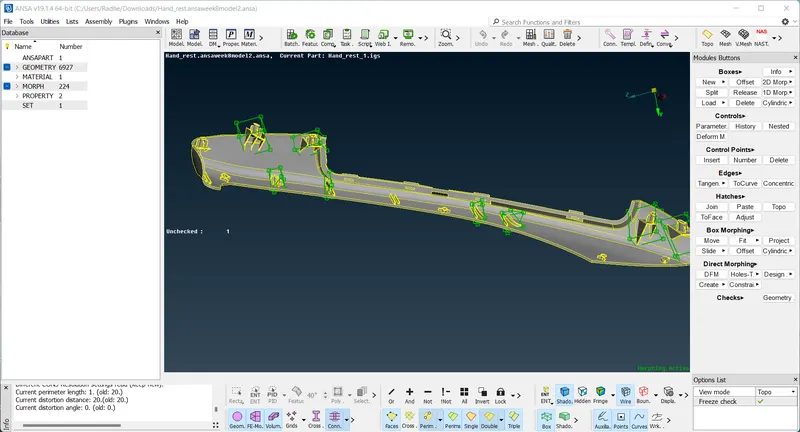
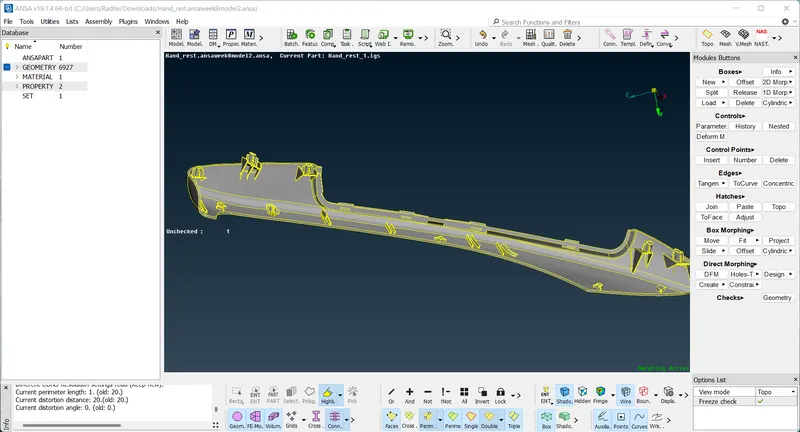
here is perform the morphing increase the hight 'DOG HOUSES' and 'RIBS' .
1) here go to the morph options then boxes option use and create the box then go to the box morphing and done the morphing.
CONCLUSION -:
1 ). this challenge to i learned the basis of morphing tools in the morphing deck.