Week - 8 - Morphing
objective :- Perform morphing for the Model-2 and Increase the Height of the Dog houses and Ribs
INTRODUCTION:-Morphing is an adaptation of a given shape to a new form which consists of manipulation of the parent design to convert or change it into some modified design. The geometry of a given concept model can be modified to required proportions to create new designs.
CAE Morphing also allows users to work on the FE mesh directly reducing the time taken to go back to the designer to update the geometry. Basically morphing is changing the given shape
PROCEDURE:- First of all Import the CAD model into ANSA software physical screen using following command.
ANSA.File > Open > Select the file
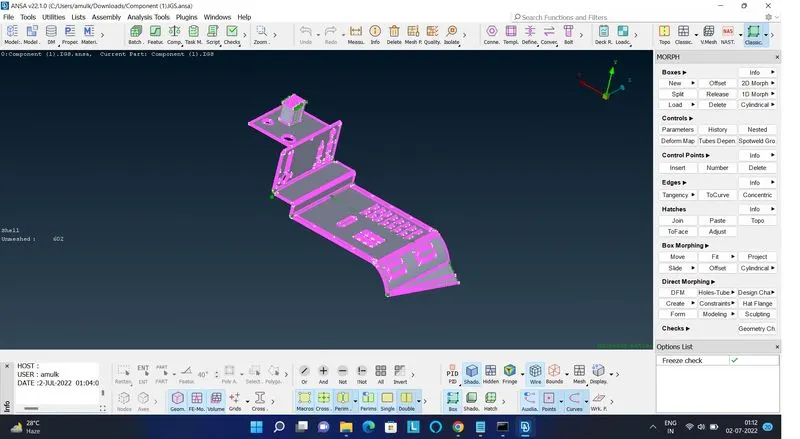
The part to be morphed is isolated first and then go to Morph Module > Boxes > New > Ortho > Box Type - Ortho and Select -Geometry
Then select the part and give a doble middle mouse click to confirm this will create a box around the part that was selected..
Now go to Box Morphing > Move.
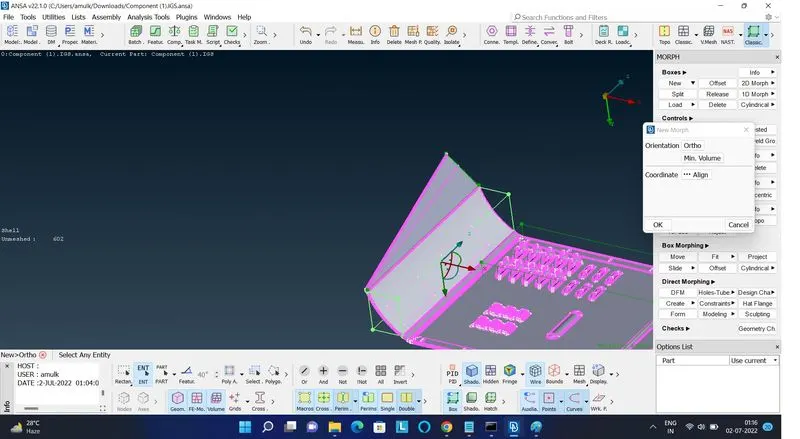
This will open a box then make local or natural co-ordinates on the face using single right mouse click and turn off the y and z co-ordinates in the box since we are only interested with increasing the height of the selected part as per the natural co-ordinates, this will allow the movement of control points in x direction only
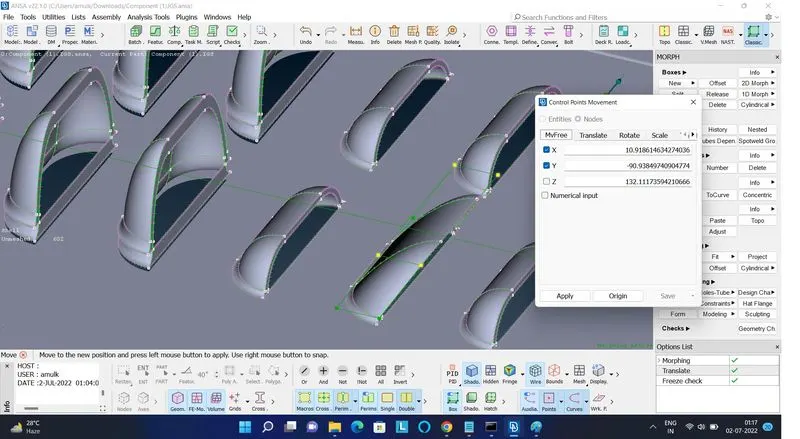
Now select the control points of the box and give middle mouse click to confirm. After giving confirmation move the points in the x-direction in order to increase the part height as per requirement and click the left mouse button to stop and then click on OK.
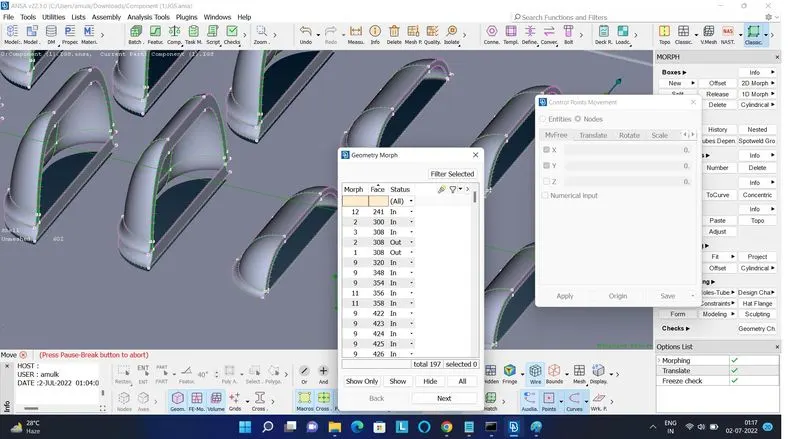
After that go to Morph Module > Boxes > New > Box Type - Min Volume and Select - Geometry > Select the rib or dog house > Double middle mouse click. This will create a box around the part.
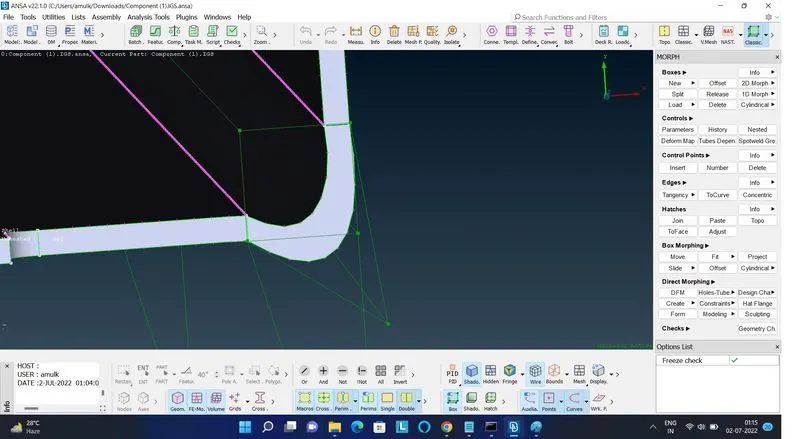
Now go to Box Morphing > Move > Create natural co-ordinates by clicking right mouse button > Select the control points and move then in y direction. This will increase the height of the part as shown.
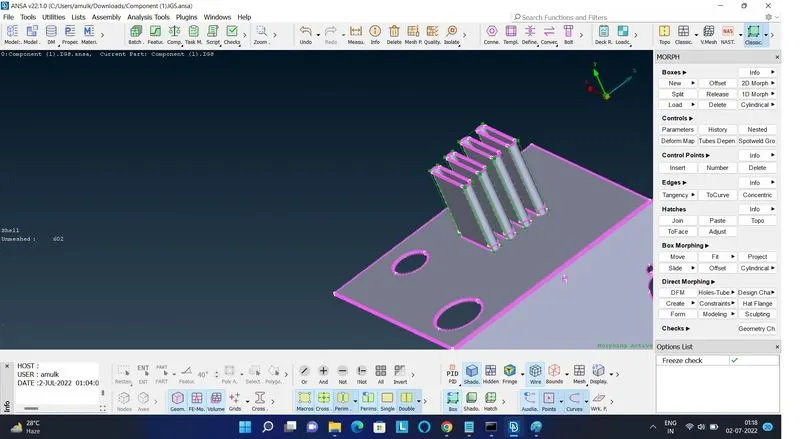
Same procedure is adopted for other entities and the final model that we get after height increment.
CONCLUSIONS:- Successfully morphed the given model.
- LEARNING OUTCOMES:-
- Learned about the concept of morphing and it's types.
- Learned about hands on usage of Box Morphing
- Learned about geometrical adjustments of model using morphing and splitting up the morph box