Week - 8 - Morphing
Abstract: To perform a Morphing Technique for the given sheet metal component.
Introduction to Morphing: The design change terminology or change is the design or shape of a component without any numerical inputs in any direction.
- Best examples are the Honda Amaze and Brio
- Brio is a Hatch Back where the sedan model Amaze is the extension of Brio from B-Piller
- Similarly, Maruti Suzuki Swift vs Dzire, Toyota Etios Liva vs Etios Sedan, Hyundai I10 vs Xcent & the Ford Figo vs New Generation Figo follow the same Morphing technique.
- In order to change from Hatch Back to Sedan manually it takes a lot of time and design changes when the model needs to be changed whereas morphing helps us in a much better way.
A detailed report of the model:
- For the given sheet metal component, here I used the Ortho or Free-Free Morphing method for sheet metal component.
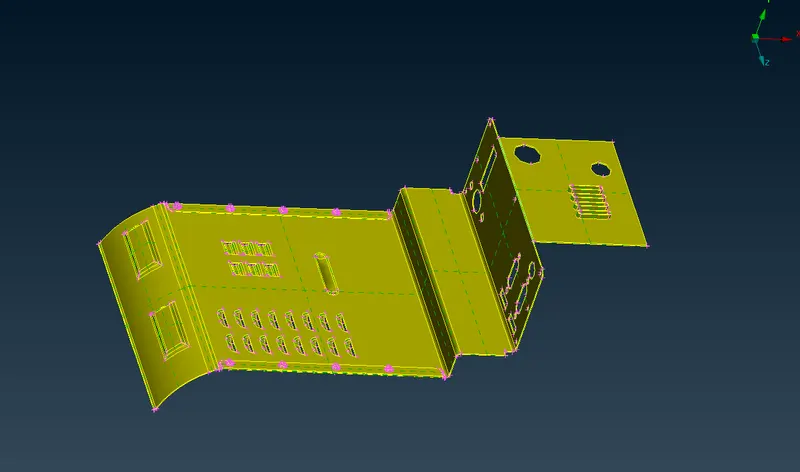
Checking for Geometry errors:
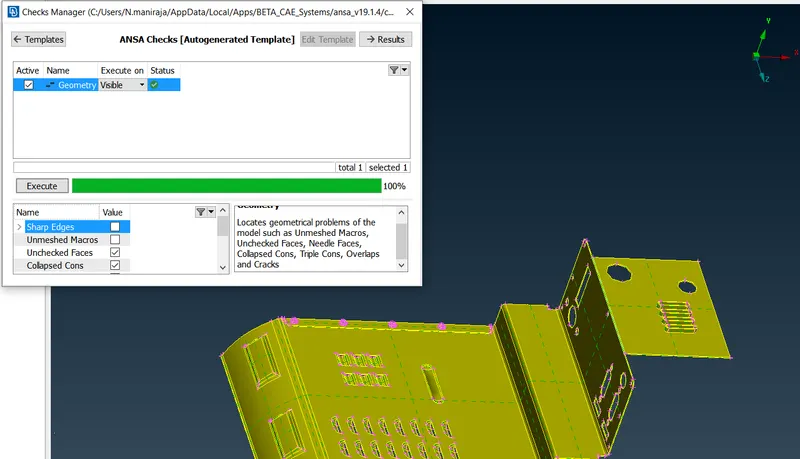
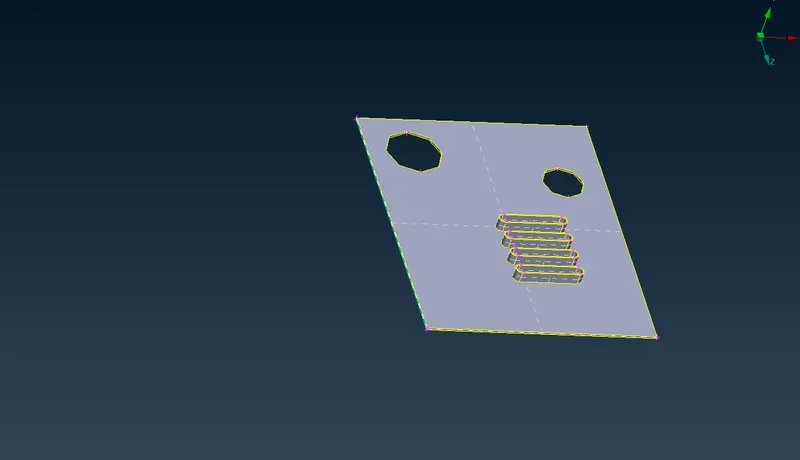
Select a part that needs to be Morphed:
- In order to create a box, select the geometry under the Morph Deck<Boxes<new<geometry, Box type-Ortho
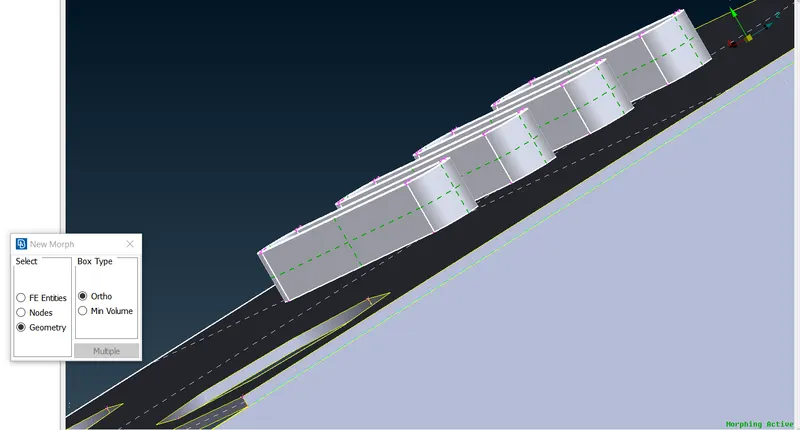
- The Box created has the control grids that can be moved by manual input with respect to the global coordinate and a local coordinate also be created by Right-clicking anywhere inside the Morph Box that is developed
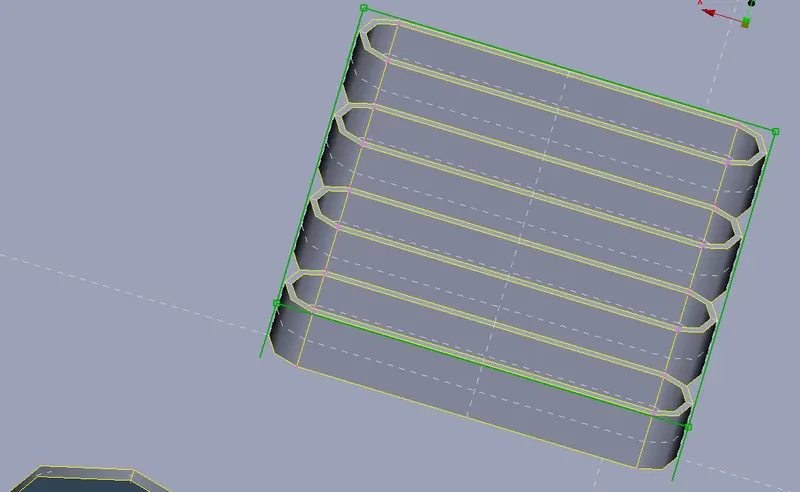
- Here I moved the feature in Y-axis thereby increased the height of the original feature by selecting the 4 outer surface points.
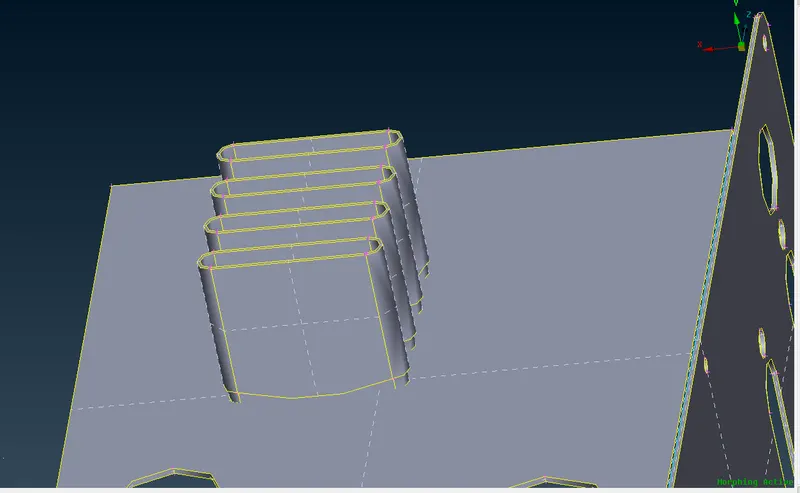
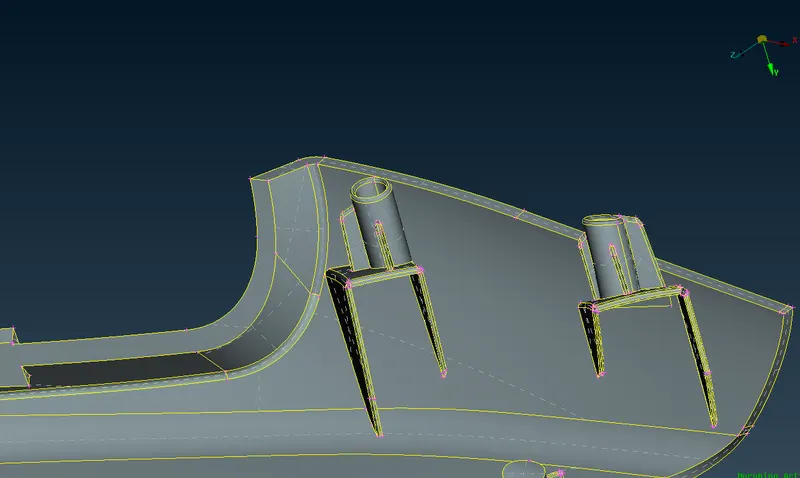
- Another two surfaces similarly are Morphed.
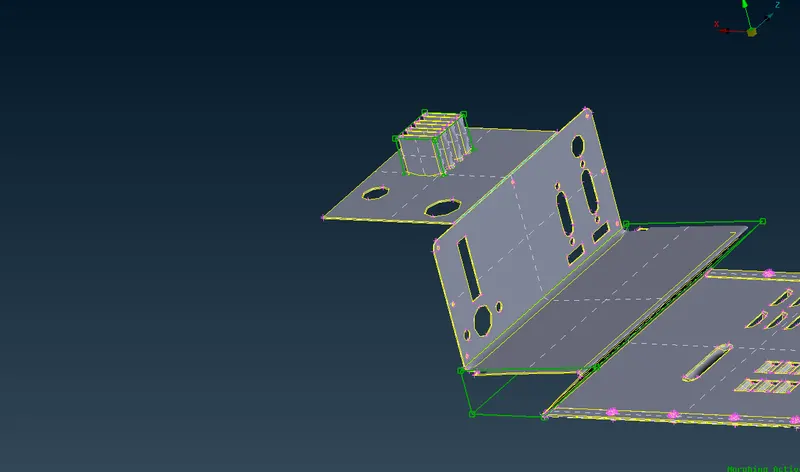
- After the design is changed the morphed boxes can be deleted, this is one of the simplest and easy ways to Morph the design of original CAD.
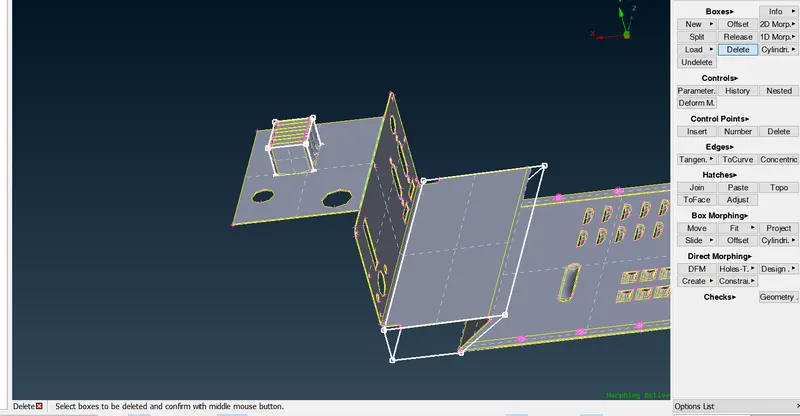
- Morphing can be done both in CAD and FE-Models as well.
Final Design Change of the given sheet metal component:
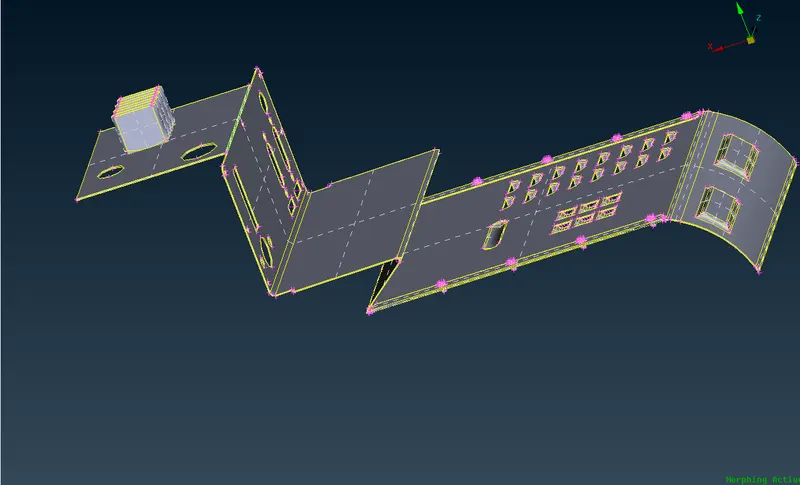
Result: Final design change outcome is achieved & Similarly, we can move the entire component at once by following the same steps or divide the small component into several numbers of boxes by using split under Box menu so that user can concentrate on the particular region where the design needs to be changed and can apply for different components like Seat structure, Doors, etc.
Learning Outcome:
- Different uses of Morphing techniques across manufacturing industries.
- The possible outcome with a design change for the particular sheet metal component.
- The Box created has the control grids that can be moved by manual input with respect to the global coordinate and a local coordinate also be created by Right-clicking anywhere inside the Morph Box that is developed.
Google Drive Link: https://drive.google.com/file/d/1fbdw8biFrLG2god-ENc5xrRDrWP6JMwR/view?usp=sharing