Week - 8 - Morphing
OBJECTIVE
To practice morphing techniques that were shown in the video and perform morphing and increase the height of the ribs and dog house.
PROCEDURE
The model is cleaned and oriented using Face-orient and with the morph tool the component is morphed.
Morphing
It is a tool to change the shape of geometry or FE model to an extent, and then it can proceed for analysis.
First, the geometry has been clear with the geometry doing a topology and then checking the geometry check and fixing the errors with an Auto fix option.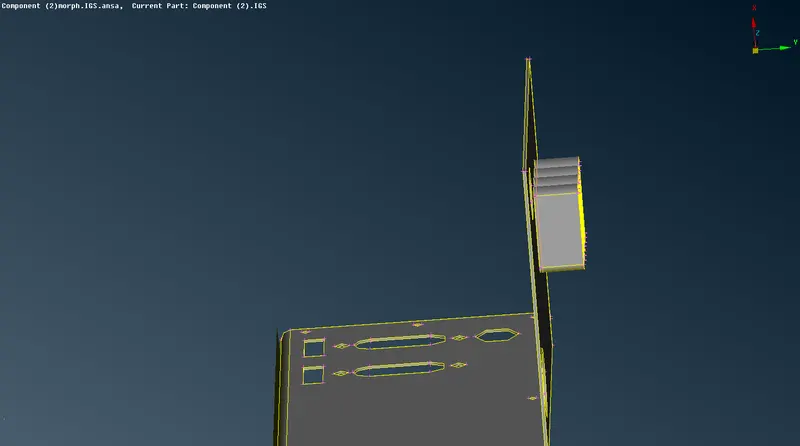
To morph the height of the top face with cylinder shape to change the height the box is created with the NEW option, selecting the ortho option in that we have a geometry that needs to change the by shape.
So selecting the geometry and box type ortho and then selecting the morph box.
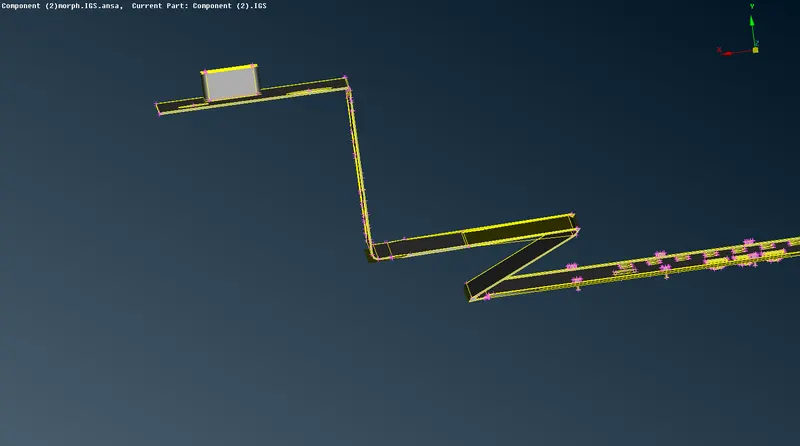
Selecting the points of the box that change the shape before changing the shape for the cylinder, first clicking the right click for the coordinates. changing the y-direction because to change the height, moving by coordinates the height will be increased.
Because of the increase in height in the geometry has some deform to check the geometry perfectly, the length of geometry changes with 1mm in perimeters and macros.
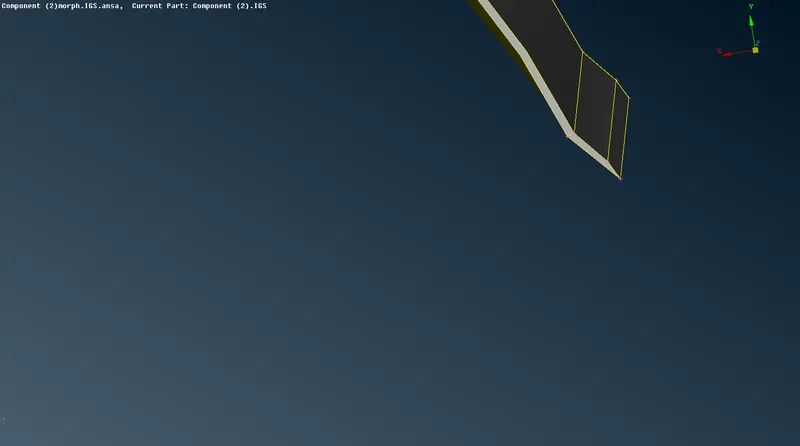
The whole geometry is also morphed (shape change) is also done
After morphing the component the box can be deleted by selecting Boxes-Delete option.
MODEL-2
The requirement in the case of Model-2 is to increase the height of the dog houses and ribs .
As we did in the previous component, we are to highlight the particular doghouse & ribs using Boxes > New > Ortho. Since this is not a mesh and is a geometry, the geometry option is selected.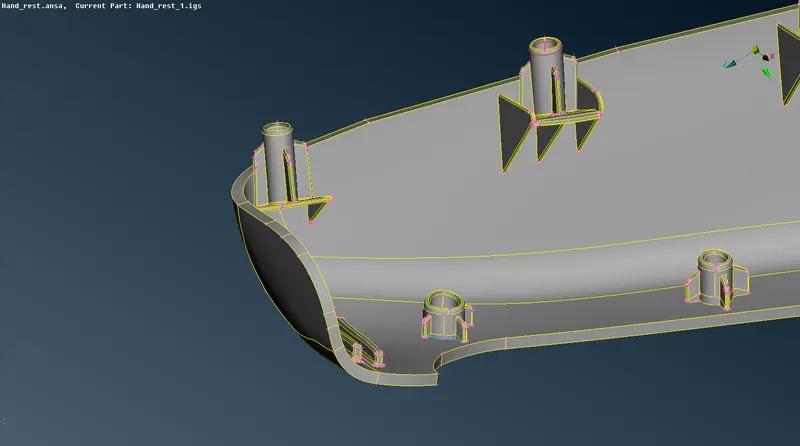
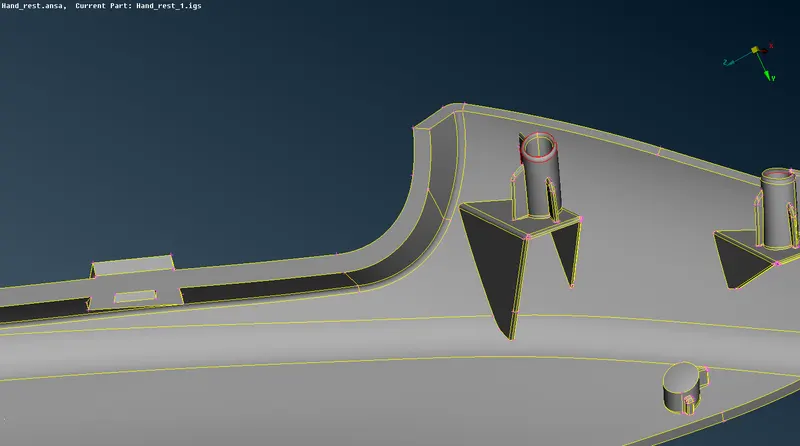
After that, we need to make use of the Box Morphing > Move tool to move these control grids on the morph box. We select the node at the highest point and simply middle-clicking activates the morphing algorithm. Now we are free to move the doghouse and ribs, according to the selected coordinates of course. When done, we simply need to middle-click again for the algorithm to apply the morph.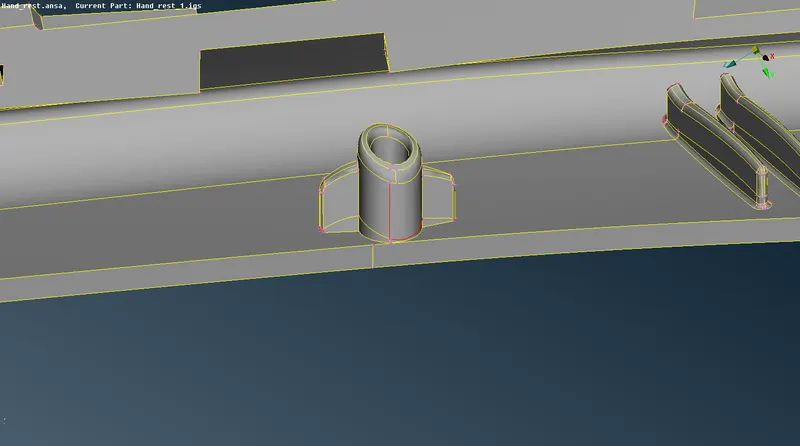
Applications
Morphing is primarily utilized in the automotive industry where it is typically used to match styling, upper body to carry over under body matching, morphing sedan to station wagon or SUV etc. can be executed quickly.
LEARNING OUTCOMES
1. Learned the concept of morphing and morph tools available in the morph deck.
2. Learned about the applications of morphing.
RESULT
Both the given models were morphed as per requirements - the first model was morphed as per the Week 8 video on morphing and the second model’s ribs and doghouses were morphed as specified.