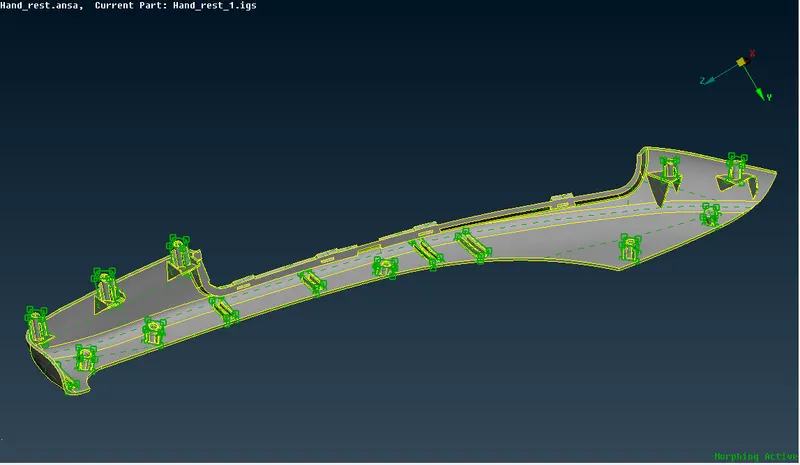
Week - 8 - Morphing
AIM: To perform morphing operations on the given models, and also practicing all the features present in the morphing mode
PROCEDURE:
- import the model to the topo mode
- clean the geometry and check for geometrical errors
- manager the check manager, as geometry is a key part in morphing because while morphing, if cracks are present it gives a uneven open geometry
- now, go to MORF mode
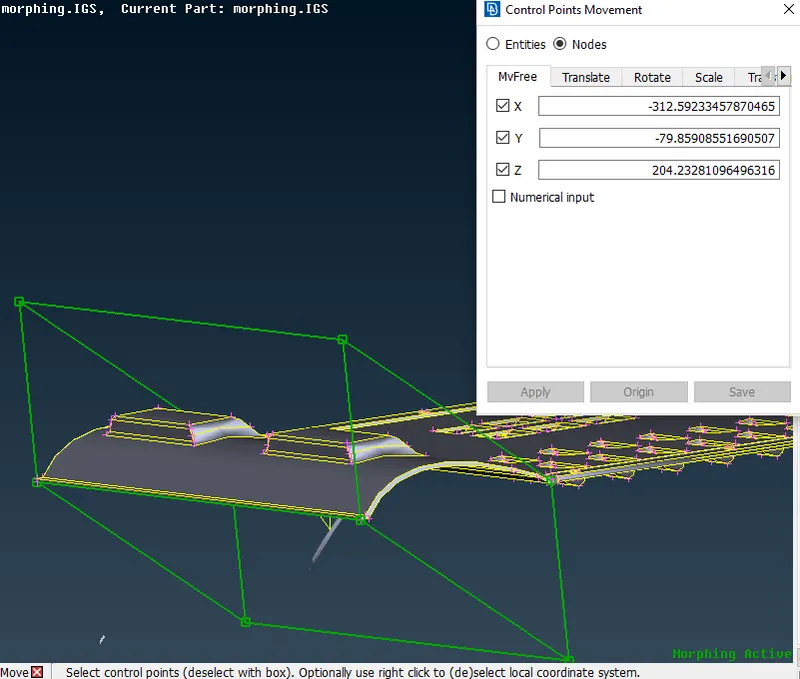
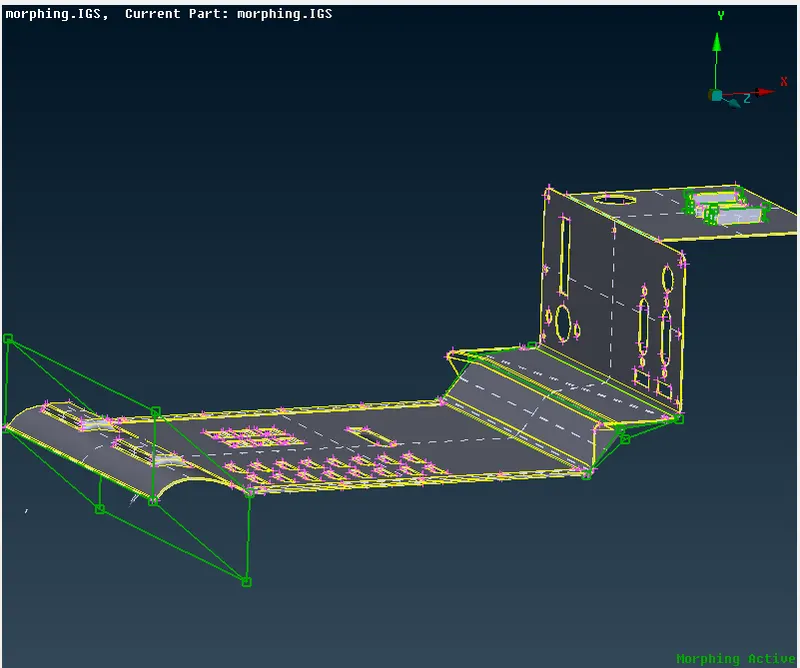
- BOXES>NEW>ORTHO>GEOMETRY
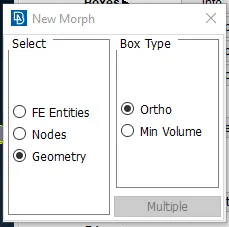
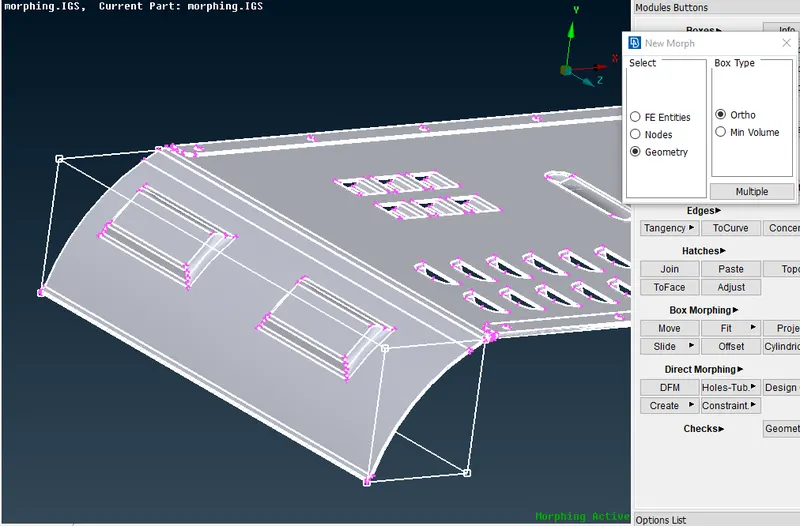
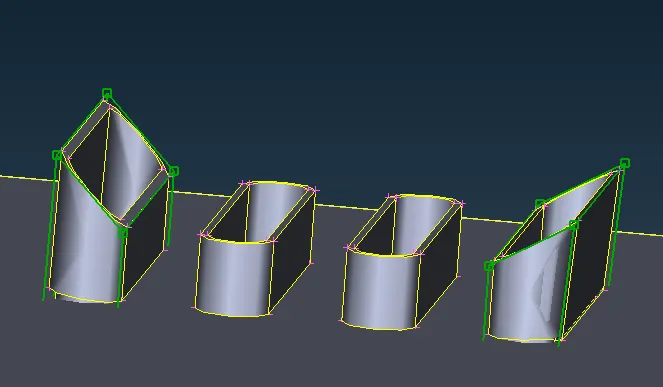
- MOVE>CO ORFINATES > MOVE FEEE
- a lot of move operations are present From free coordibate to scaling use according to the need
MODEL 2:
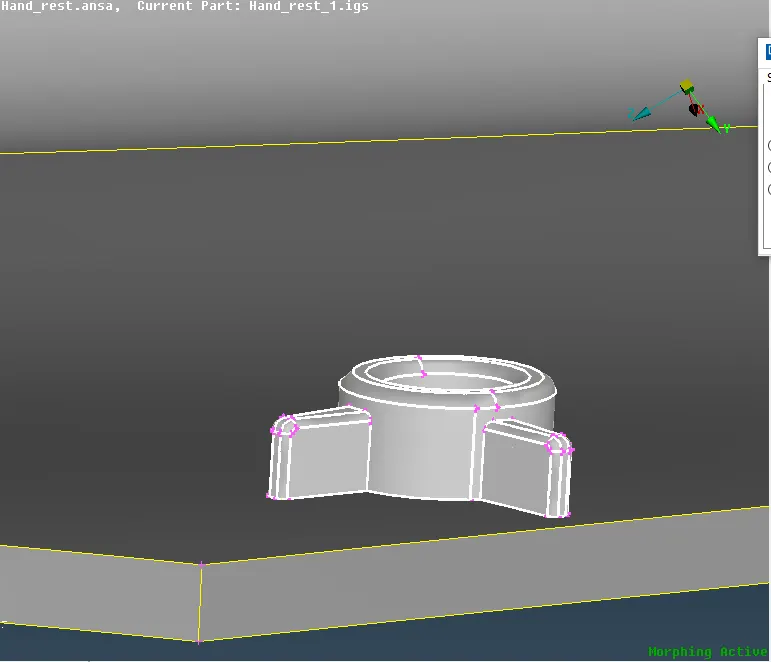
- similar to the model one clean the feometry and go to morf mode'
- BOXES>ORTHO>MINI VOLUME
- here mini volume is takenas gives a good 3d view of moving
- procedure is as shown
- go to move free options
- select the point coordintes and move or chnage the geomtry as instructed
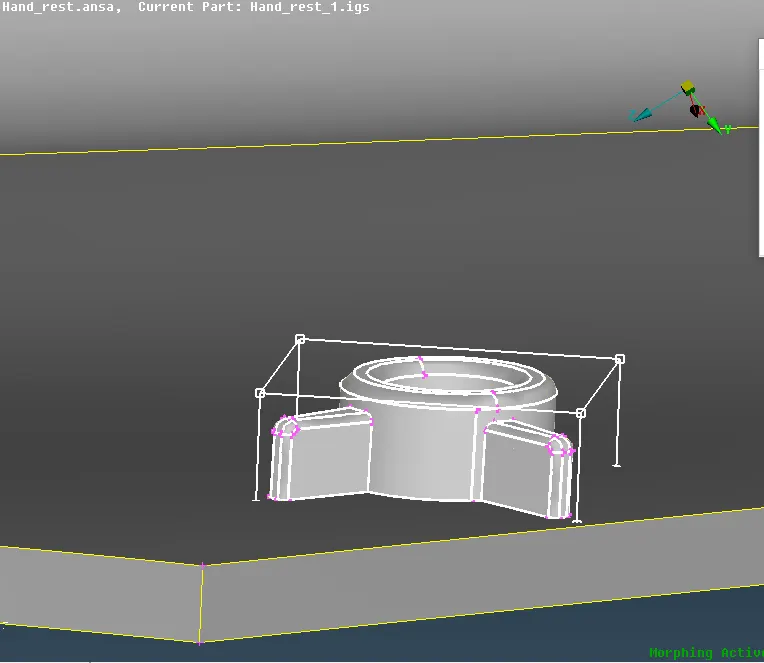
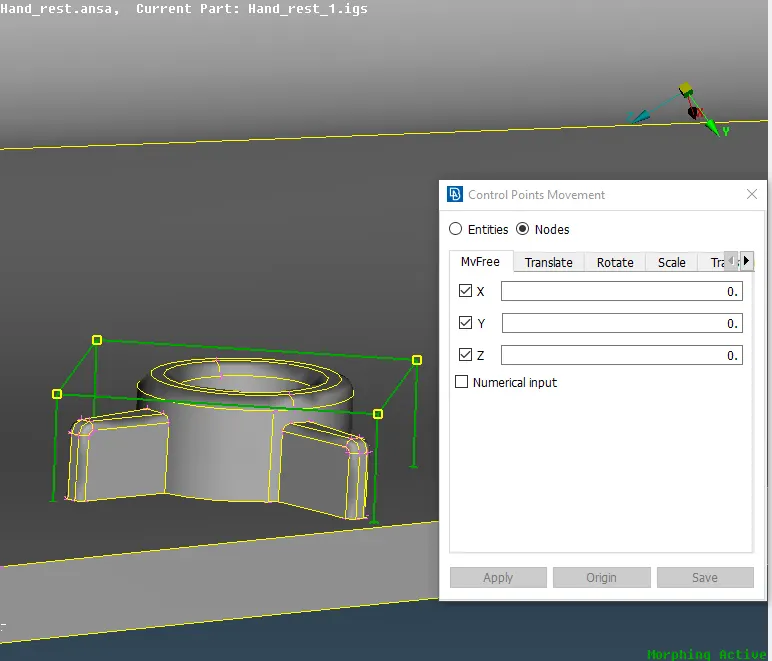
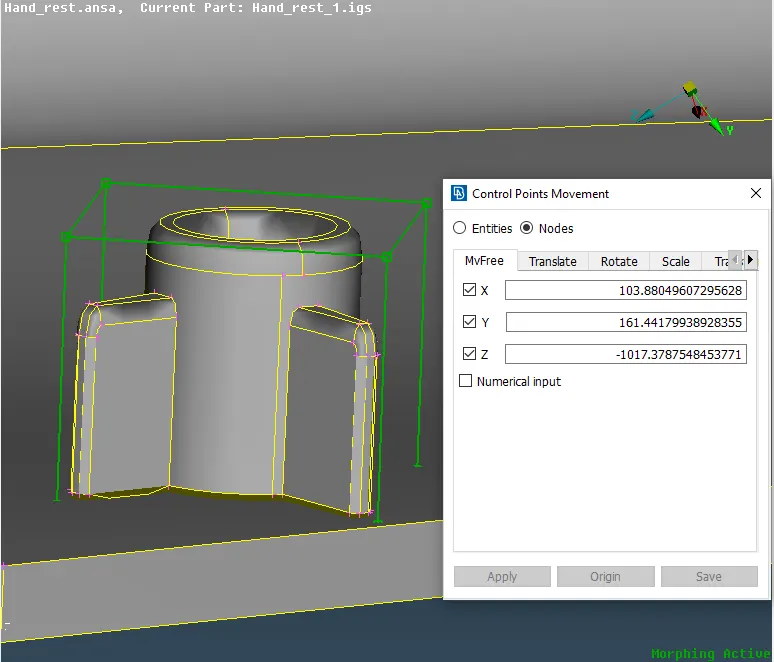
- all the final corrections are made as askedin the challange