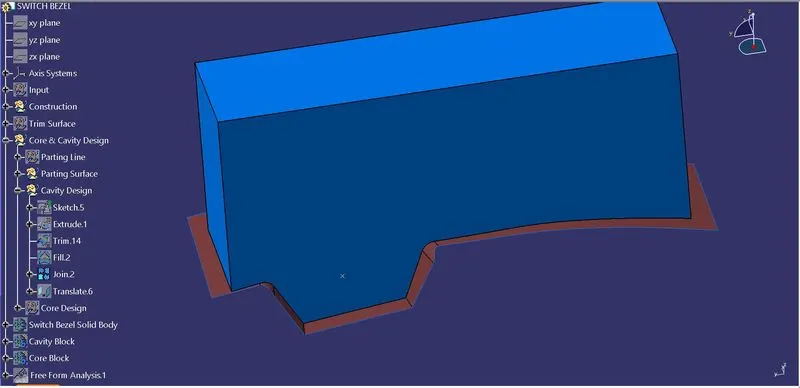
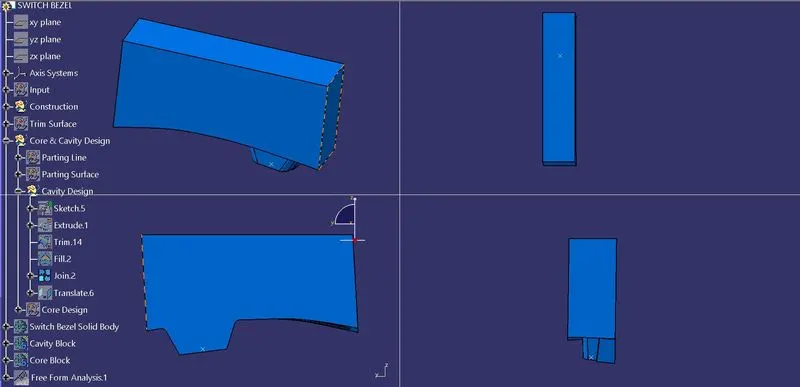
Week 8 - Challenge 6 - Core & Cavity Design
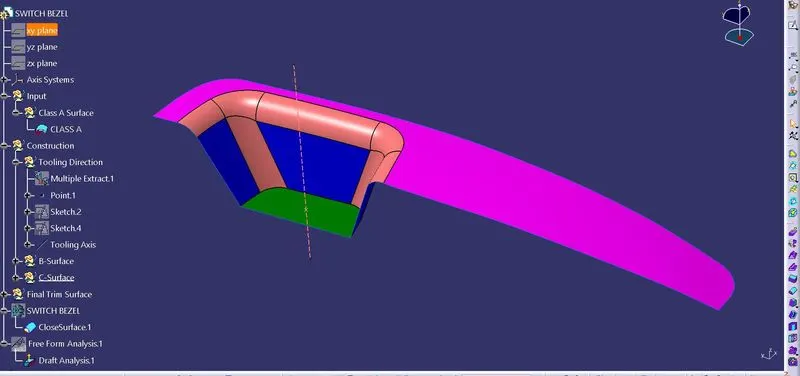
Tooling Axis:-
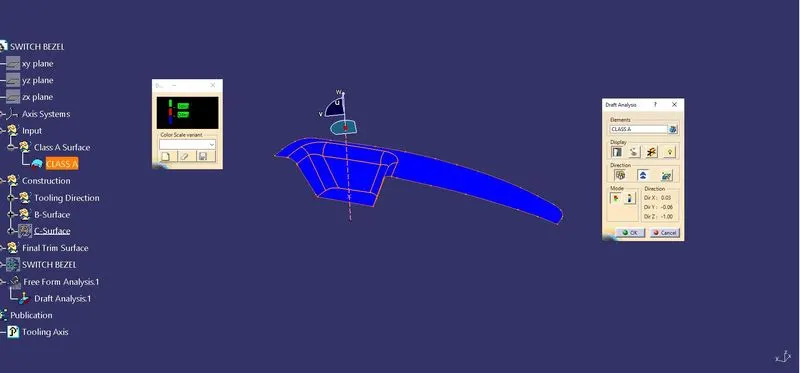
To Import Class A surface in the drawing.
Using intersection method and bisecting line method created Tooling Axis.
Draft Analysis:-
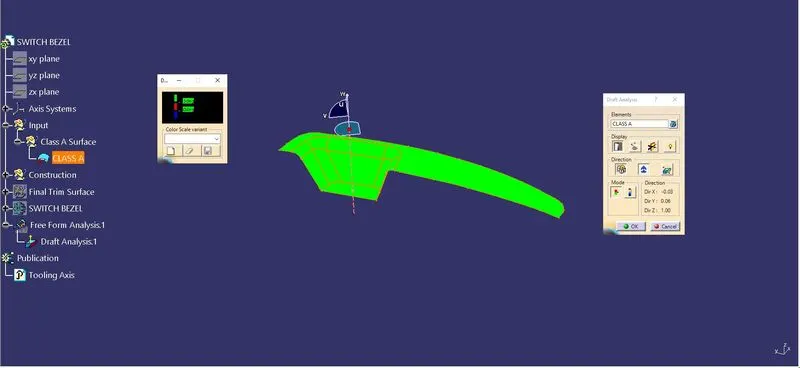
The draft analysis will help you quickly gather the draft angle on multiple surfaces manual measurements.The first step is to change your shading style to “Shading with Material”.The next step is to click on the draft analysis icon in the Analysis toolbar.Draft analysis initially assumes a Z axis direction.This can be done with the dragging of the compass with respect to the Tool axis direction.Now that the draft direction is fixed, you can gather the draft angles along different surfaces using the “on the fly” mode. Simply activate the icon within the draft analysis dialogue box and hover your mouse over the surface.using “invert draft direction method” check the color variation in the part and analyze the draft angles in the part.now ok with this position and lock the current orientation.
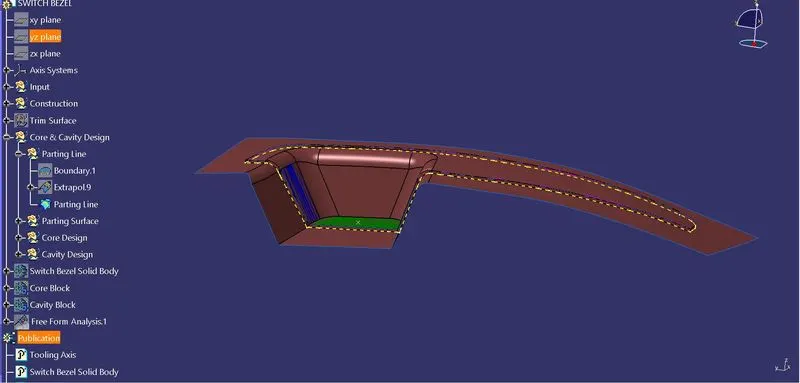
Parting Line:-
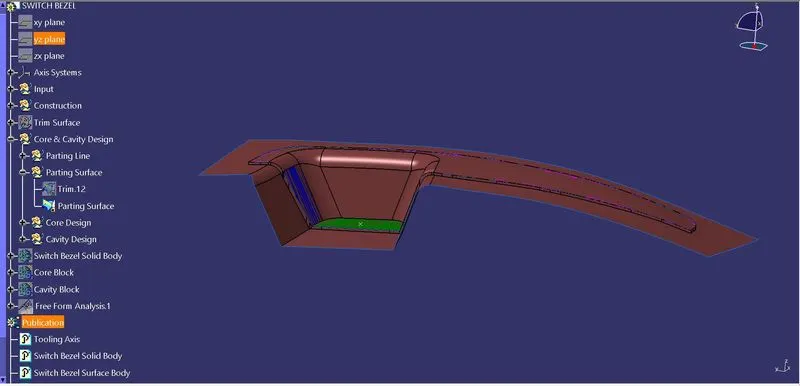
Parting Surface:-
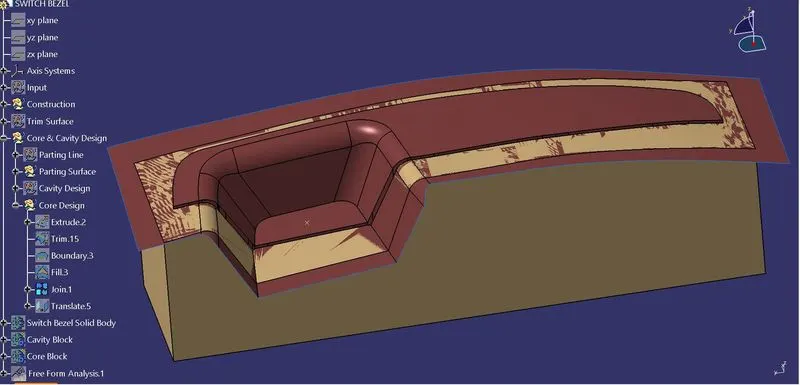
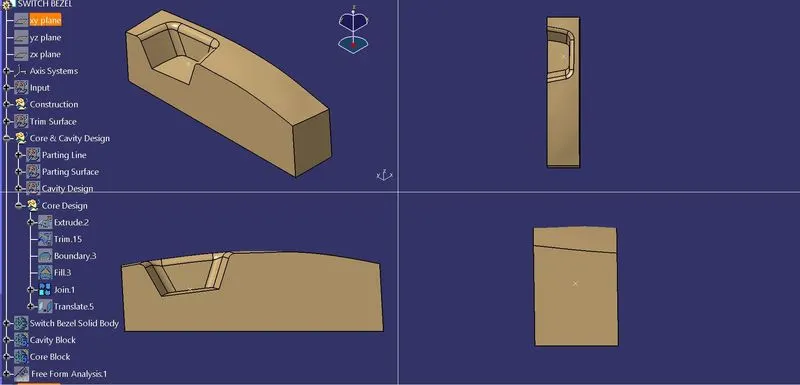
Core Design:-
Cavity Design:-