Week 8 - Challenge 6 - Core & Cavity Design
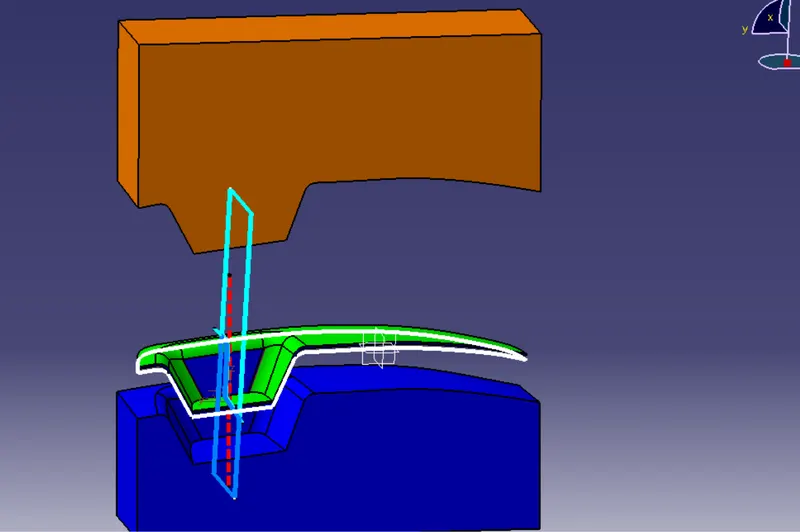
In this challenge, we have to create a core and cavity for the switch bezel
The core and cavity are the shaped section in either half of the mould tool which gives the plastic product its final shape,when we inject molten material into mould, the core and cavity is closed with high pressure in between core and cavity there is a hollow area where molten material fill and transformed in desire shape, moulding method used widely in now days because some complex product it is easier and also cheaper.
CORE- The core design is started with extracting the parting surface, the parting surface in most of cases is kept at the B class First we have to extrapolate surface A
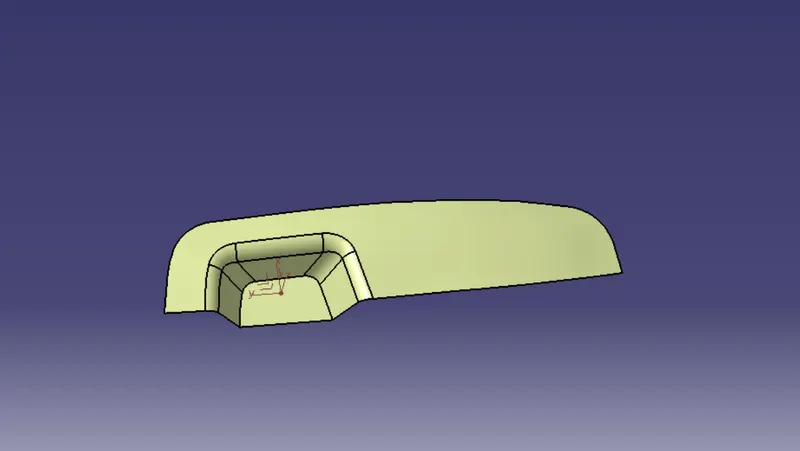
then we trim this surface to surface c
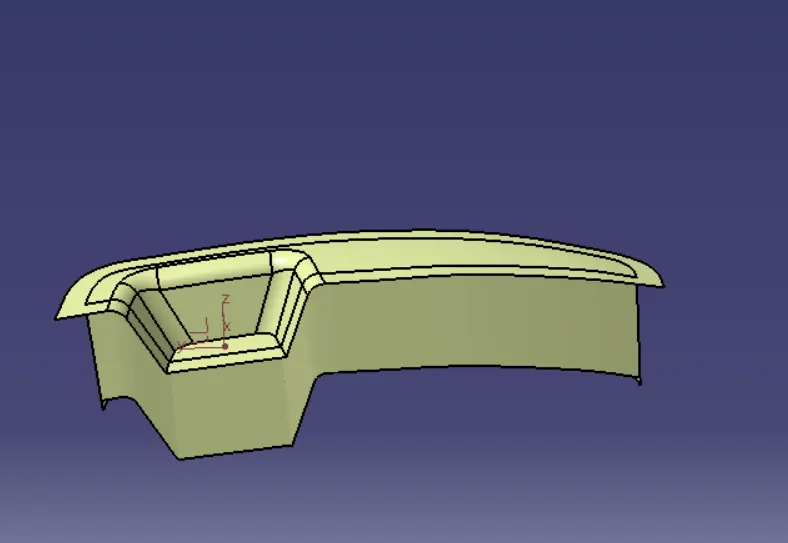
after that, we create a rectangular sketch that can not exceed the extrapolated boundary of surface A and extrude them and do the trim operation
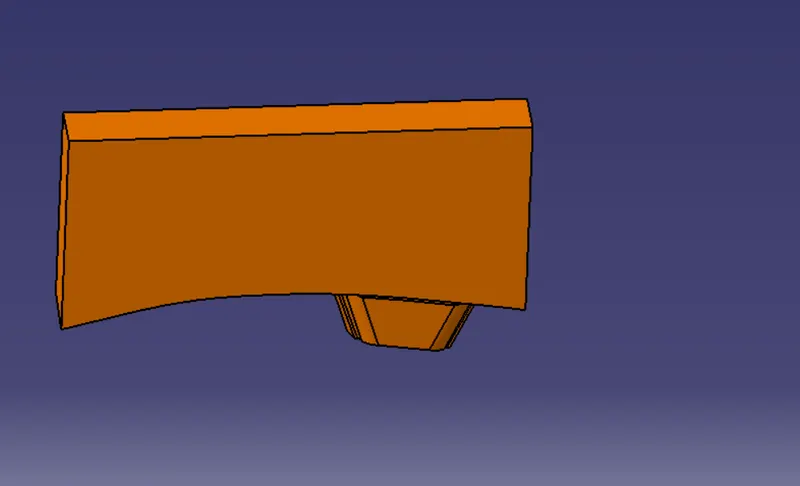
CAVITY - The Cavity is the part where the injector and filling of the molten plastic happen
The cavity block is also prepared by same as cavity but here when we trim extrude surface with extrapolated surface B in downwards as per tooling direction of mould,
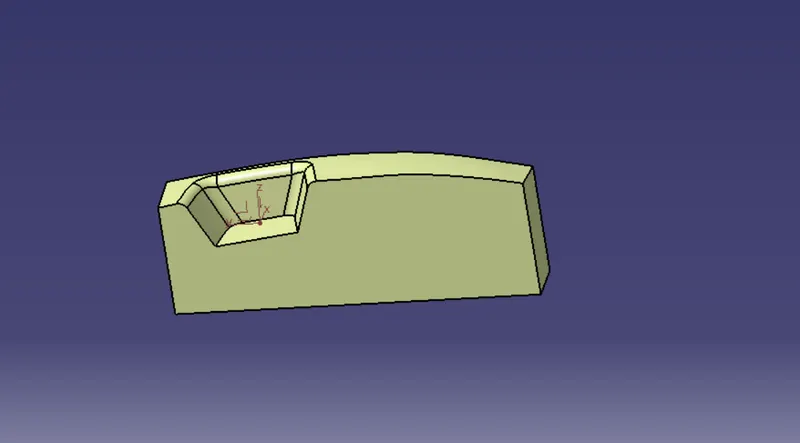
then after that at lower end there is a gap to fill that gap we take a boundary to give the command which area we have to work and use the fill tool and join them by using join tool
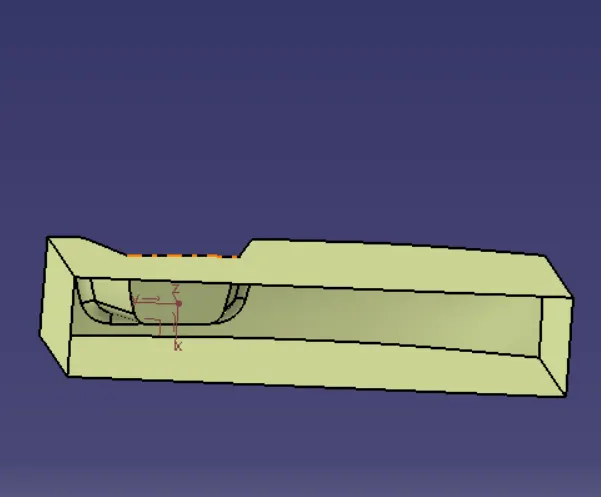
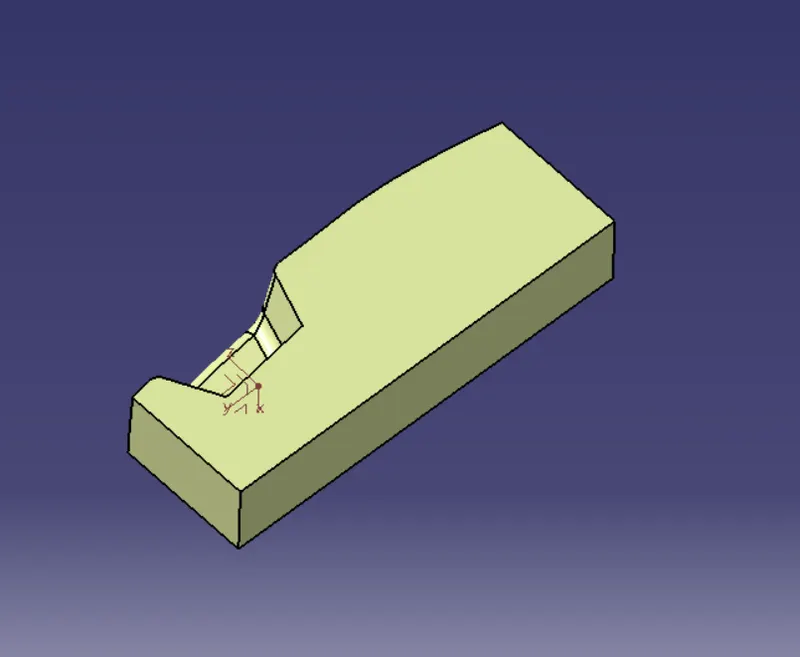
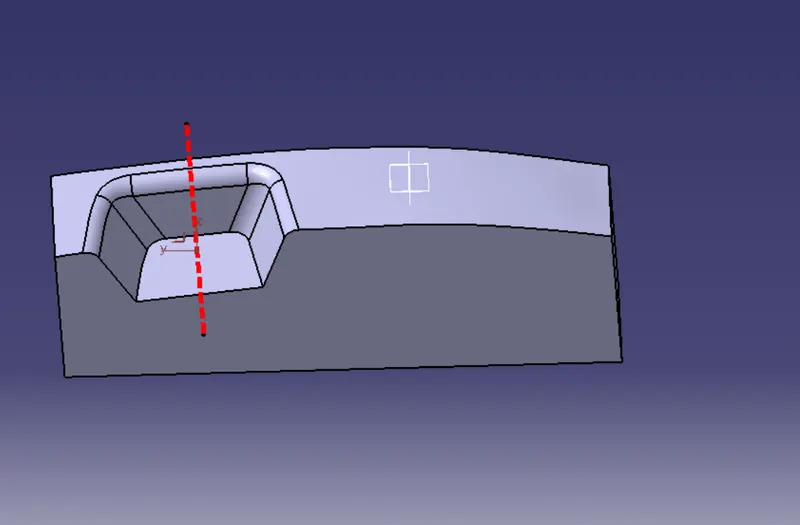
Then after that we have a close body of core and cavity of switch bezel so we have to convert then in solid so we change then in solid by using Close surface command in part work bench
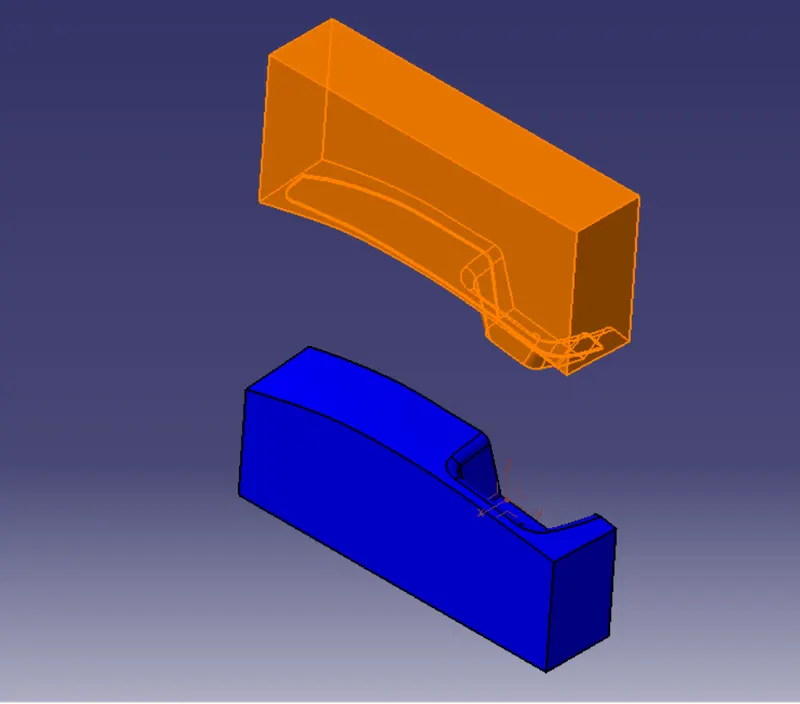
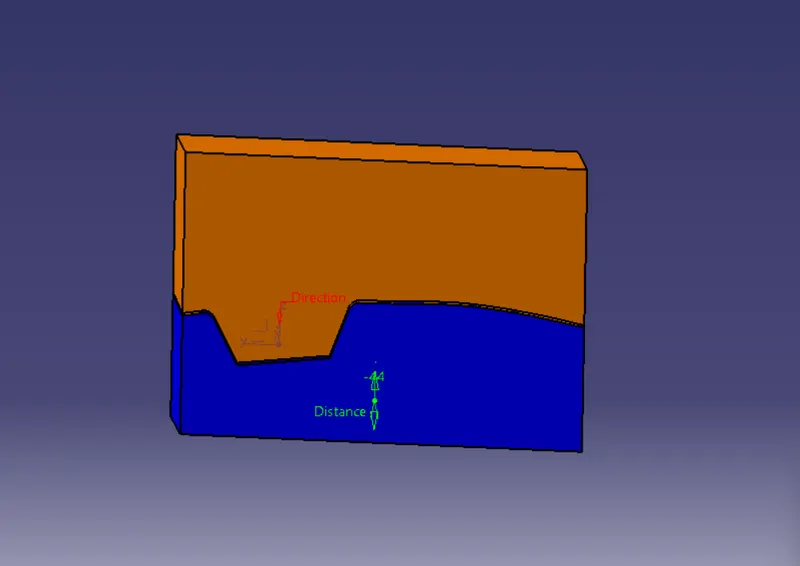
In other step we have to define the parting line
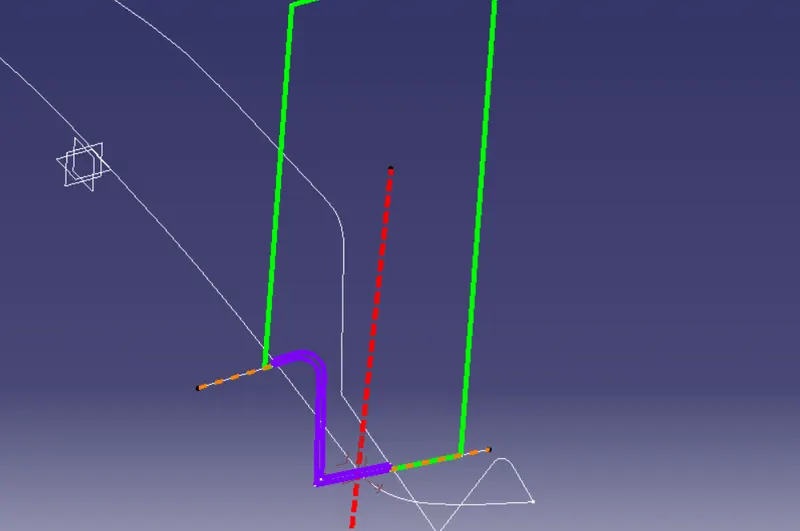
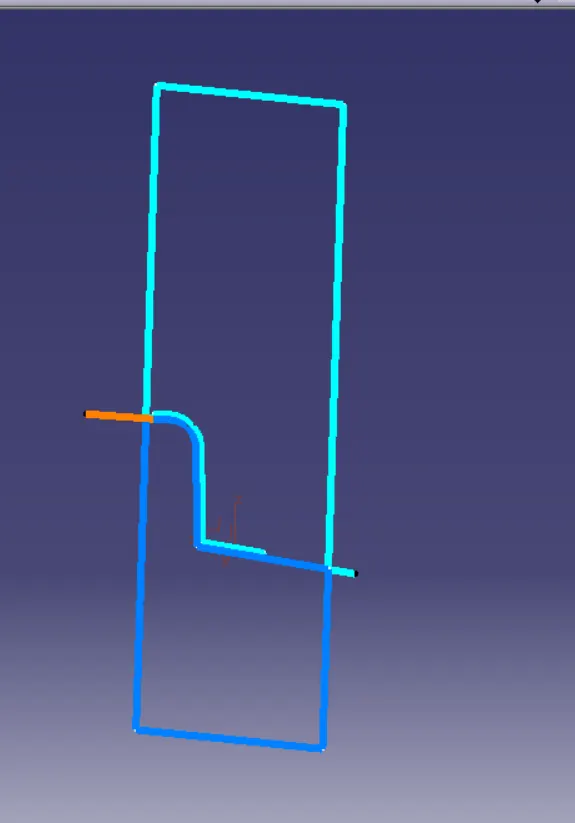
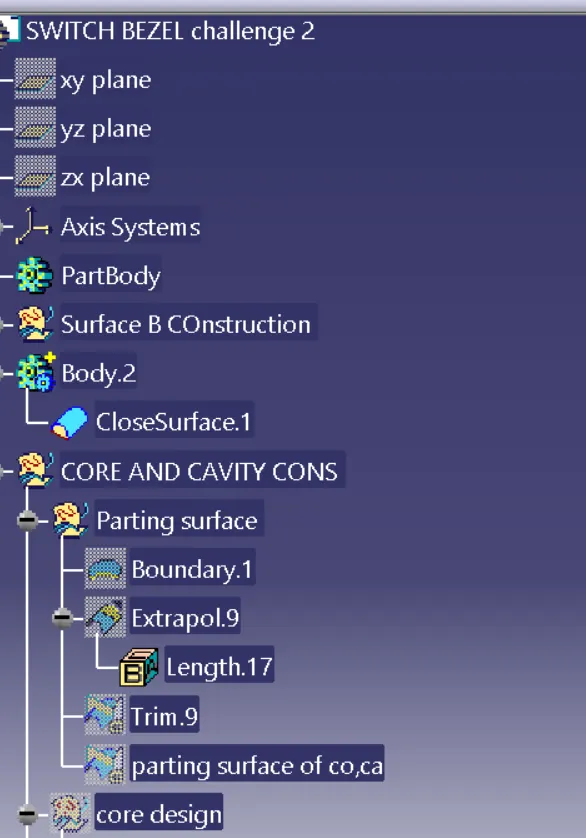
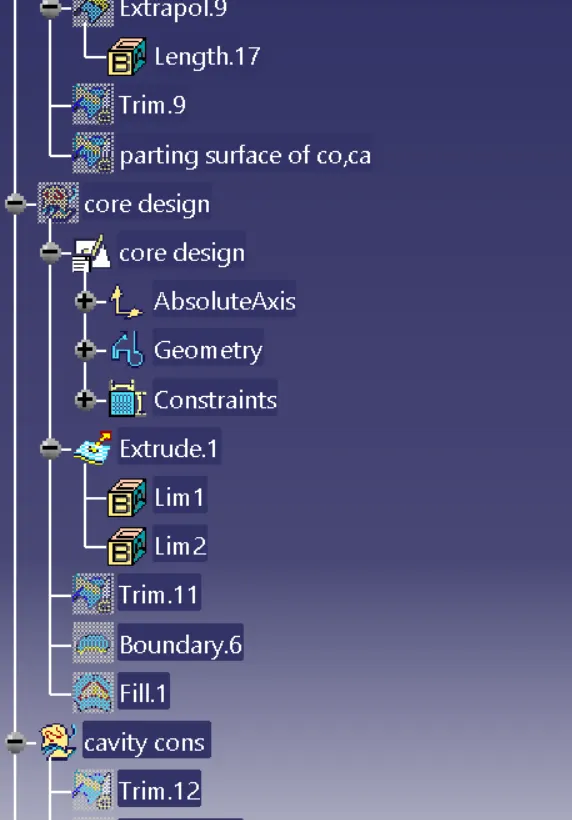
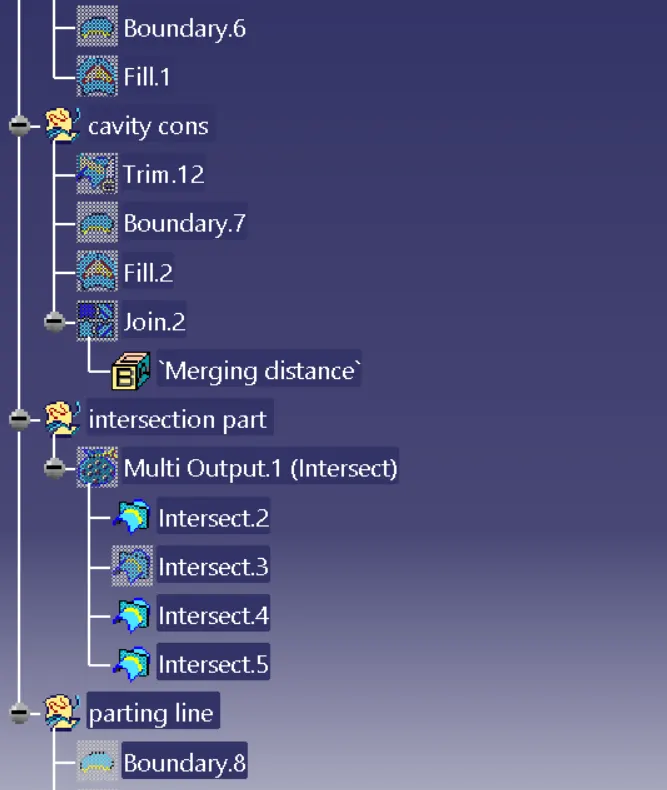
TREE STRUCTURE FOR PROCESS
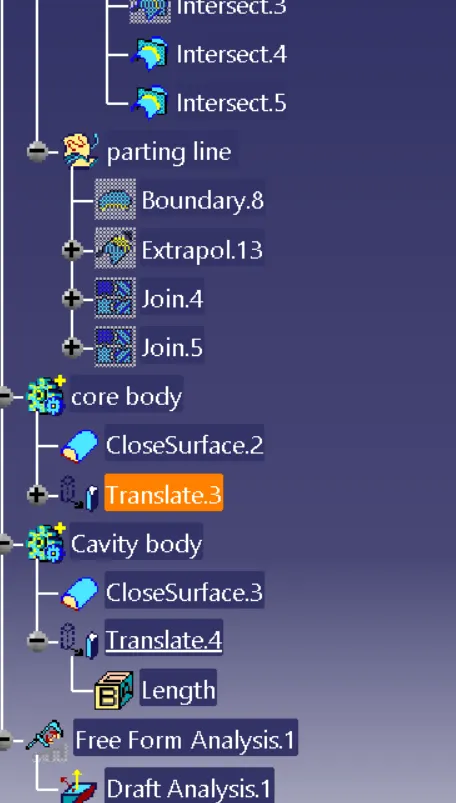
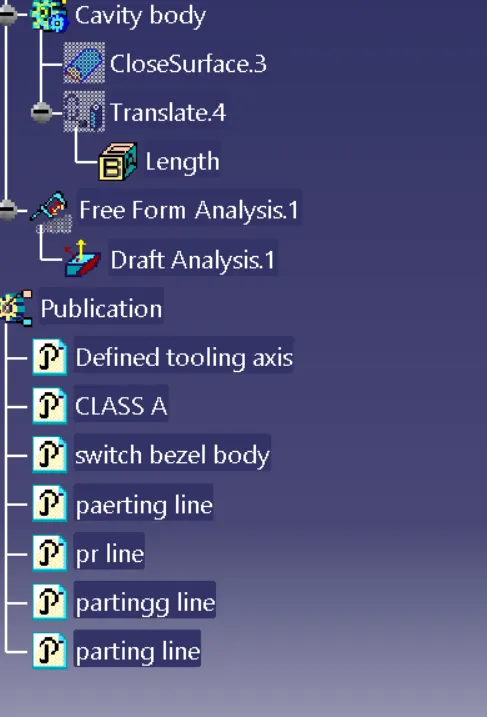
DRAFT ANALYSIS FOR BOTH PLASTIC COMPONENT - draft angle helps to remove the part from cavity ,
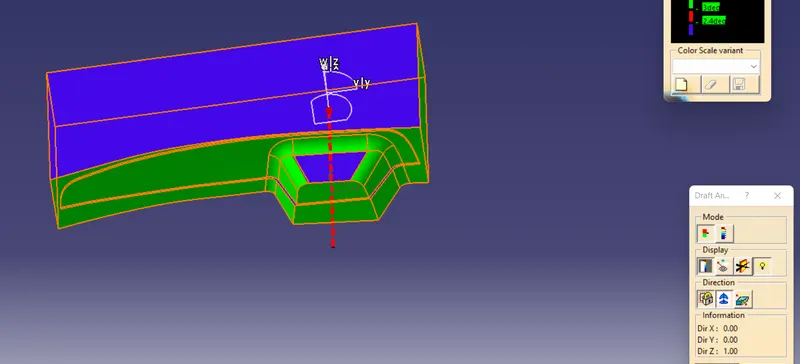
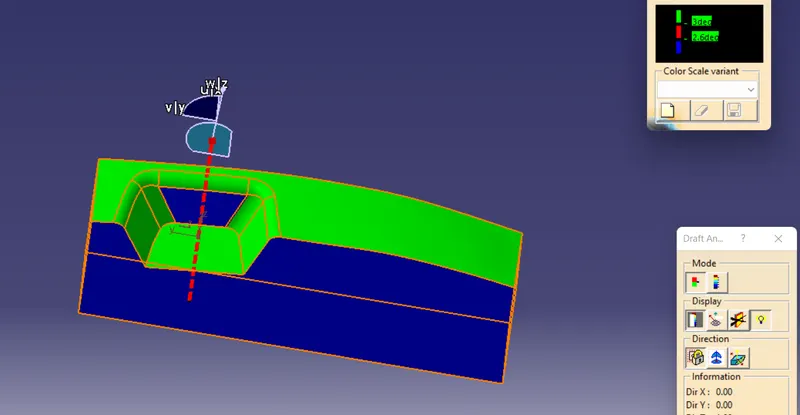
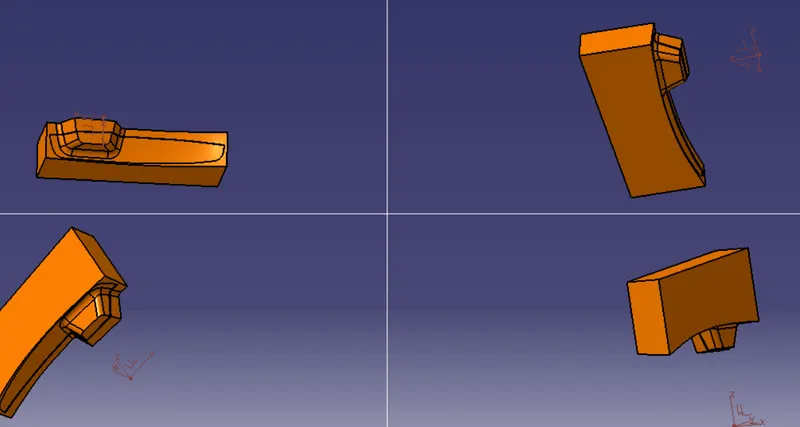
Various view
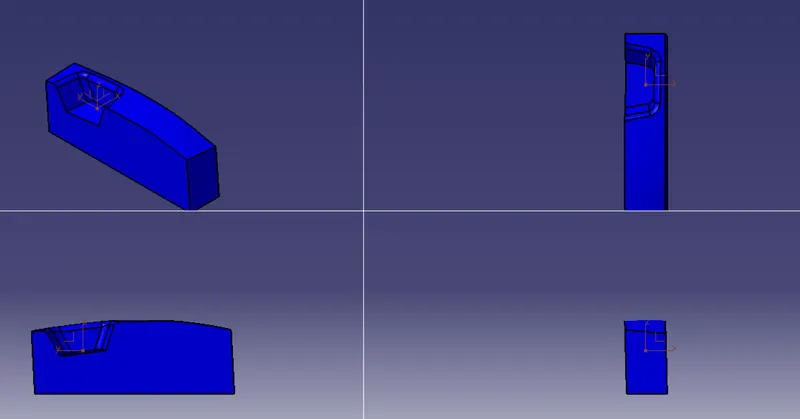
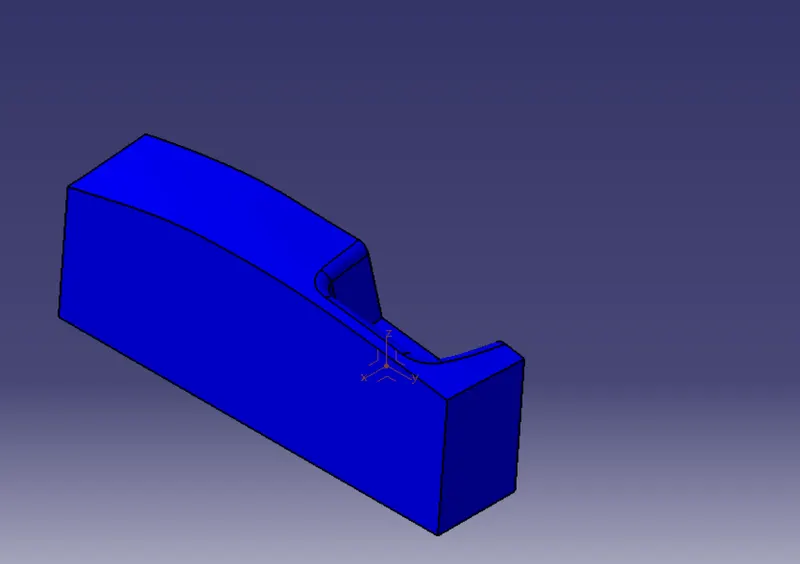 ISOMETRIC VIEW ,
 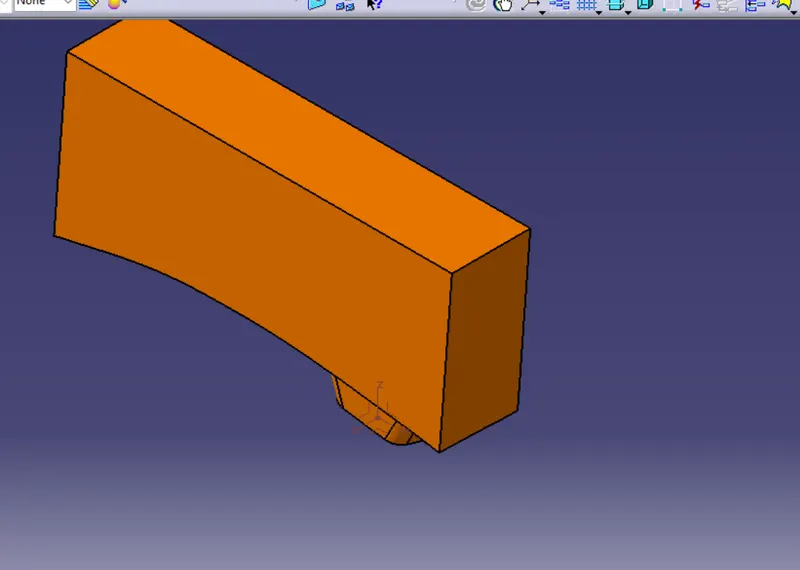 ISOMETRIC VIEW