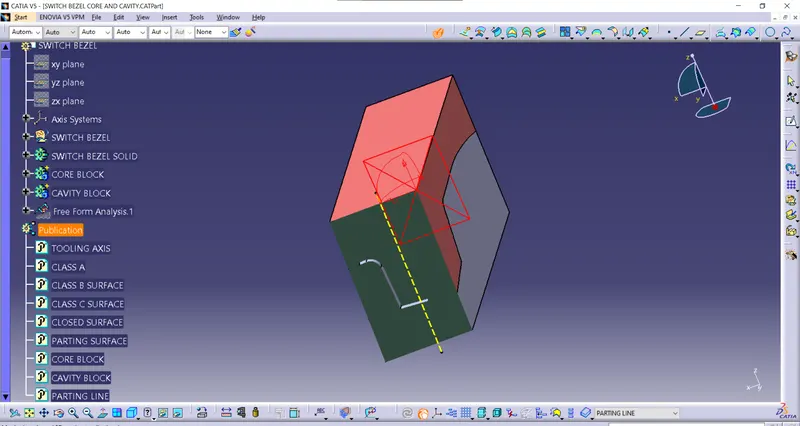
Week 8 - Challenge 6 - Core & Cavity Design
Objective: The main objective of this challenge is to design a Core and Cavity for a Switch Bezel' in CATIA V5 with the help of a surface workbench.
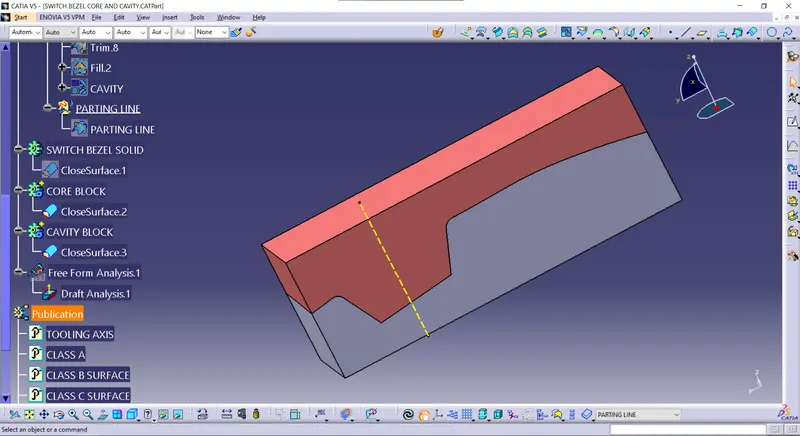
Before we design the core and cavity, we should perform a draft analysis on the solid part body of the switch bezel.
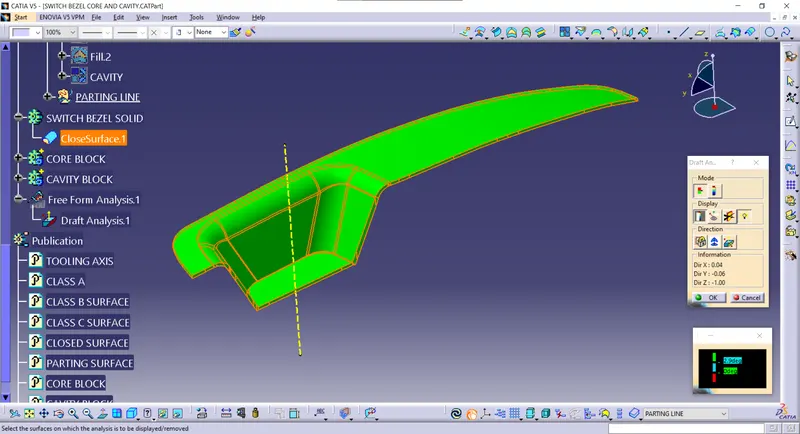
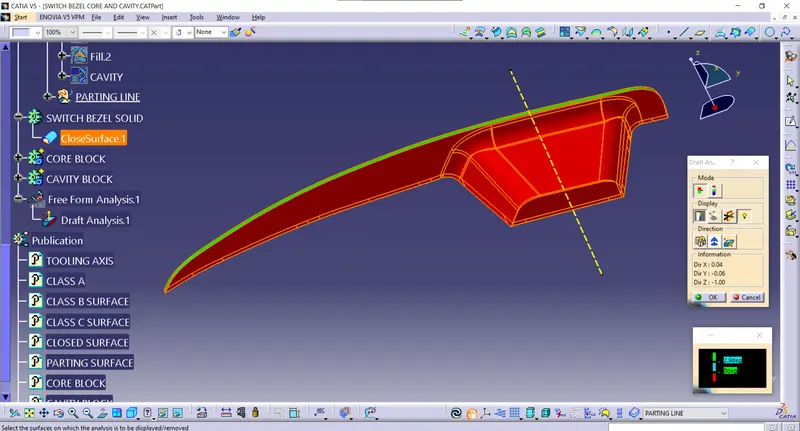
Core Design:
Initially, I have taken the boundary of the class A surface to extrapolate it. After extrapolating the class A surface I trimmed extrapolated class A surface and class C surface (join of class A and sweeped surface), after I trimmed the class B surface with Trim.5 to create the 'Parting surface'. Now I draw a rectangle, which does not exceed the boundary of the parting surface.
Now I extruded the sketch along the tooling axis, after extruding the rectangular sketch I trimmed both the parting surface and rectangular extrude to remove the lower side of the parting surface. I filled the upper surface to make a closed surface by joining the filled and trimmed surface. Now I make the closed surface into a solid body, the obtained solid part body is our CORE bock.
Extrapolated class A surface:
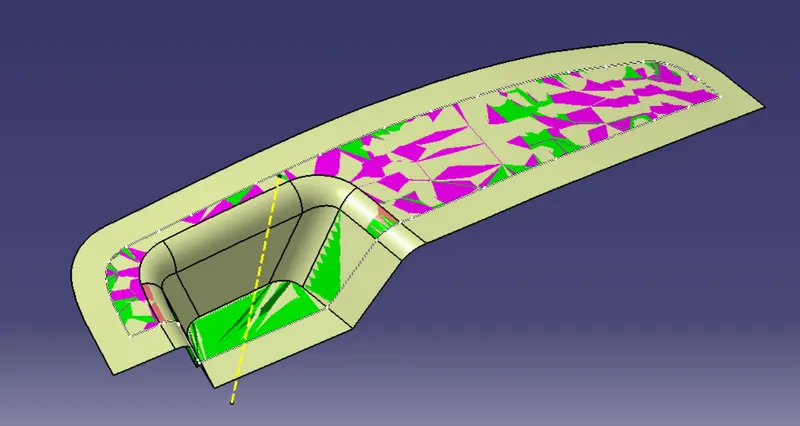
Trimming the class C surface with extrapolated class A surface:
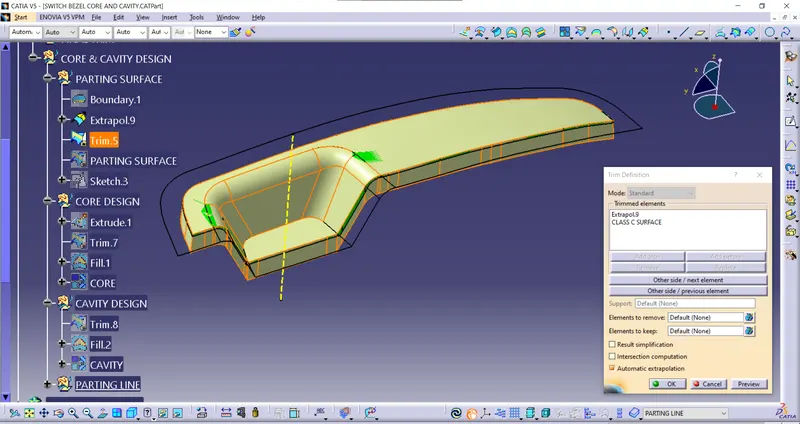
Parting surface trim:
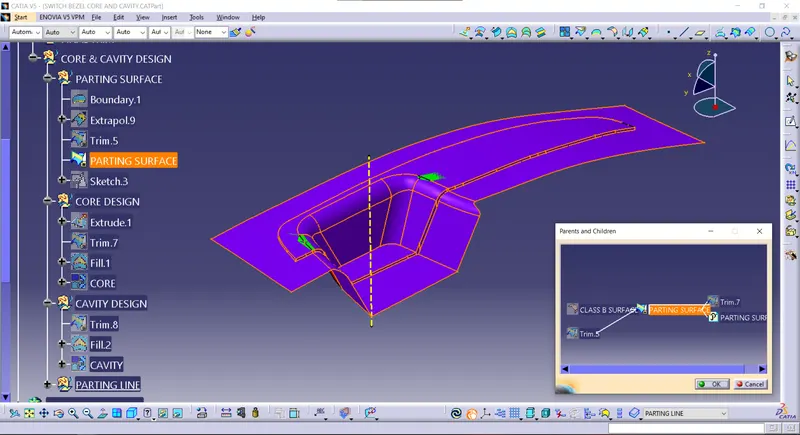
Rectangular sketch to extrude:
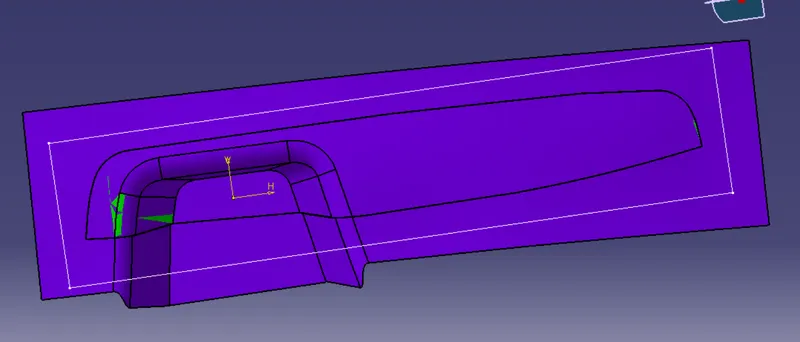
Rectangular extrude:
Rectangular extrude:
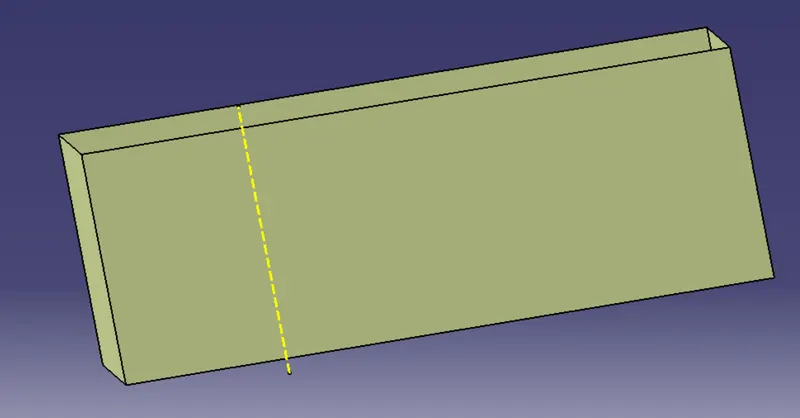
Trim for Core block:
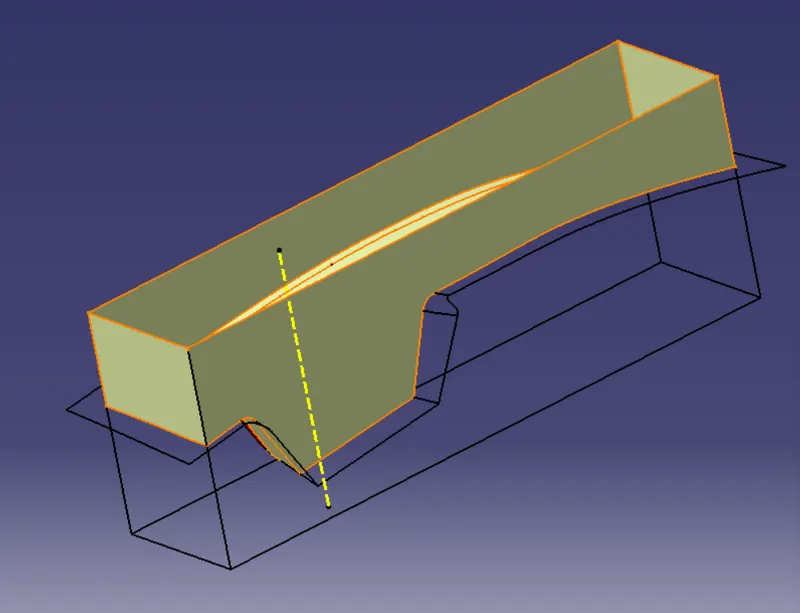
Core block:
Closed surface:
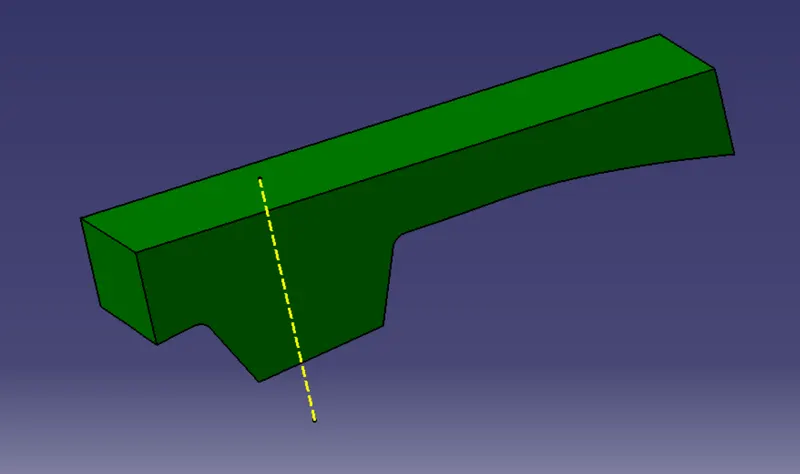
Core block solid:
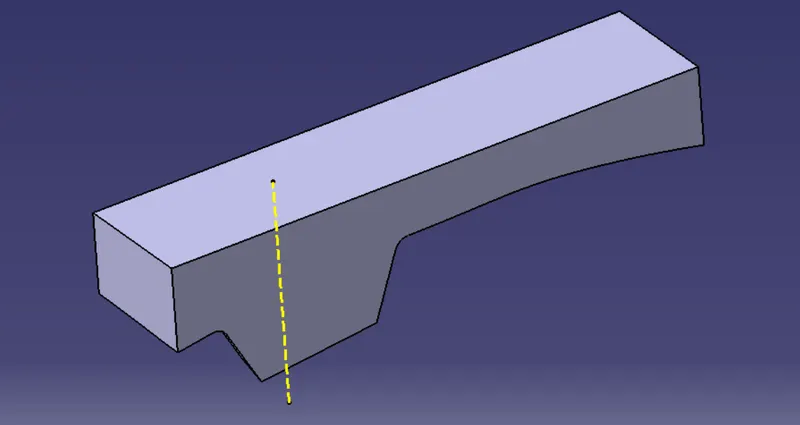
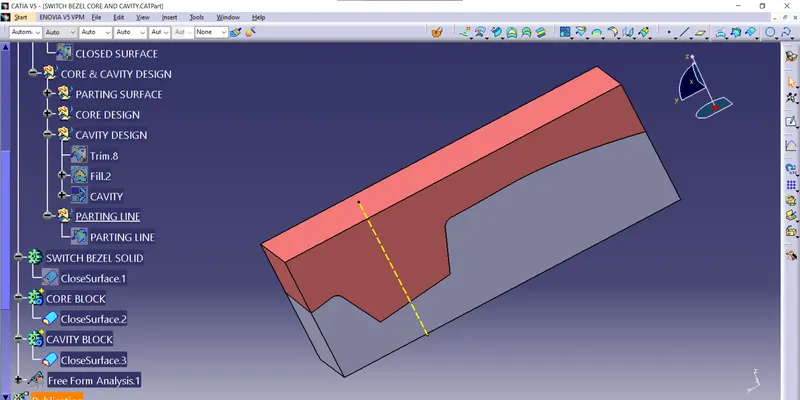
Cavity Design:
To create the cavity block, I trimmed the rectangular extrude with a class B surface to remove the surface which is the upper side of it. After that, I filler the surface which is opened, to make a closed surface by joining both trim and filled surface. Now create a solid body from the closed surface by using the closed surface. The obtained part body from the closed surface is our CAVITY block.
Trin for Cavity block:
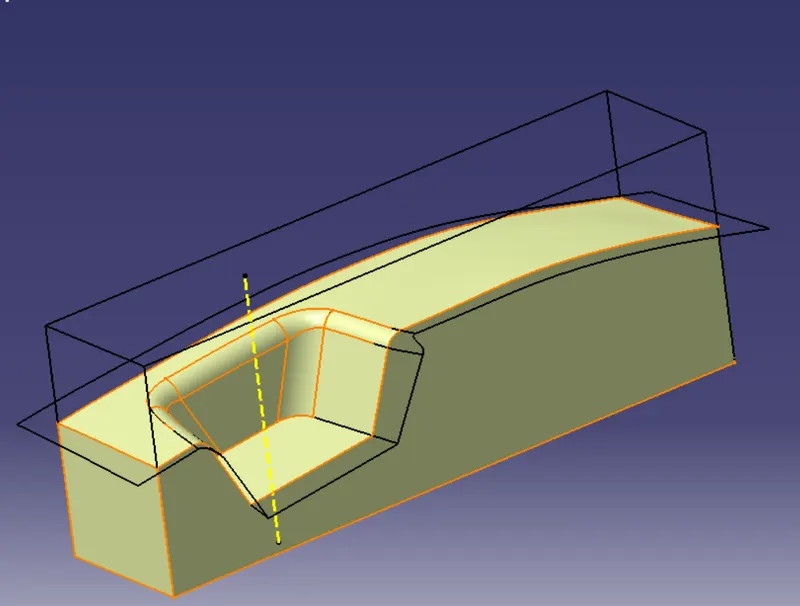
Cavity block:
Closed surface:
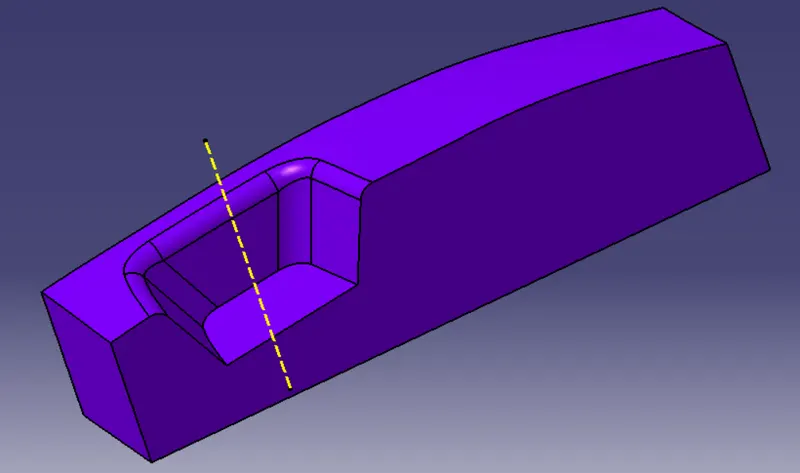
Cavity block solid:
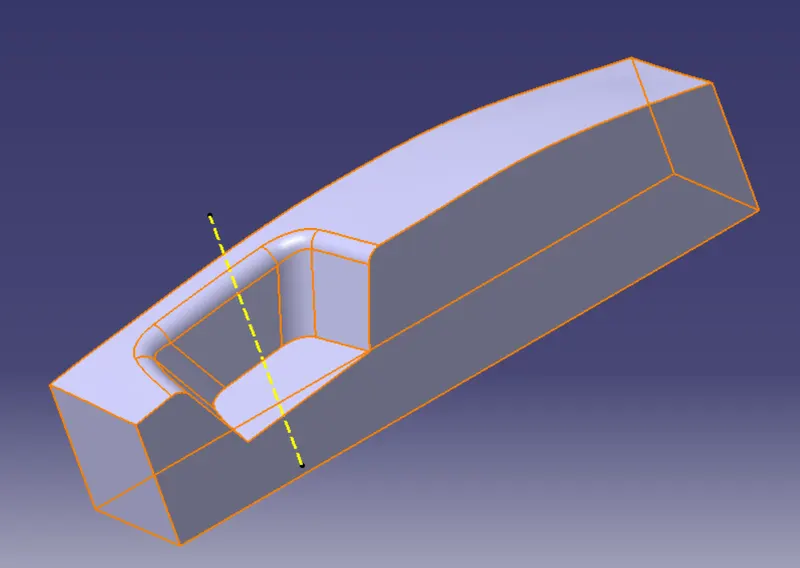
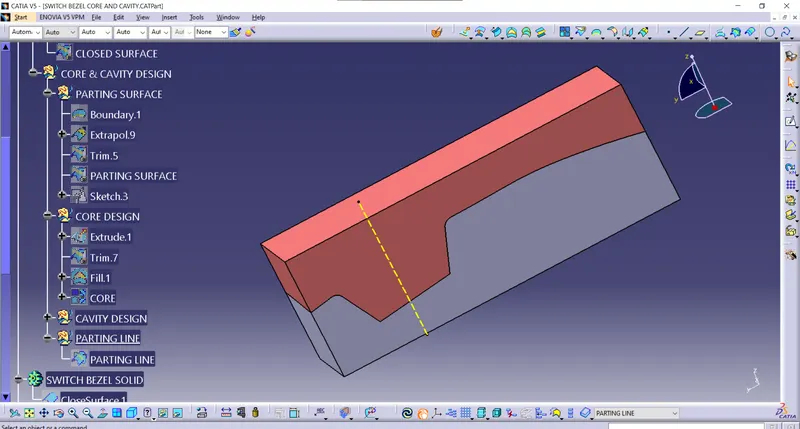
PARTING LINE:
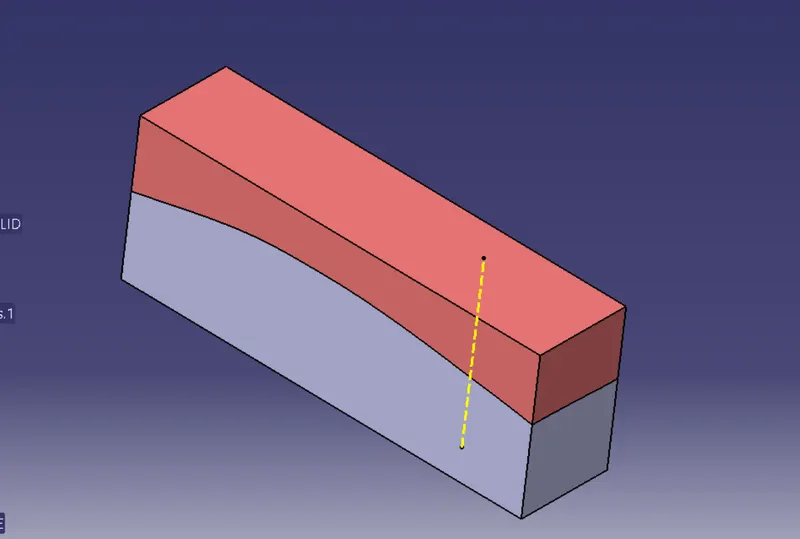
To create a parting line I take an intersection of class b surface and class c surface (class c surface- join of class A and sweep).
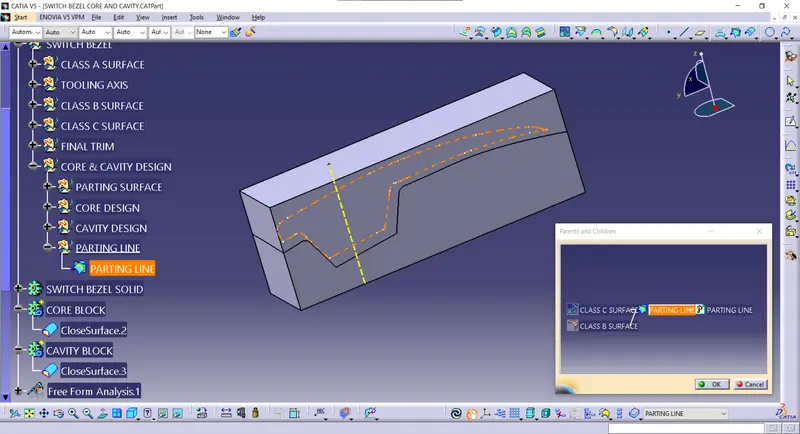
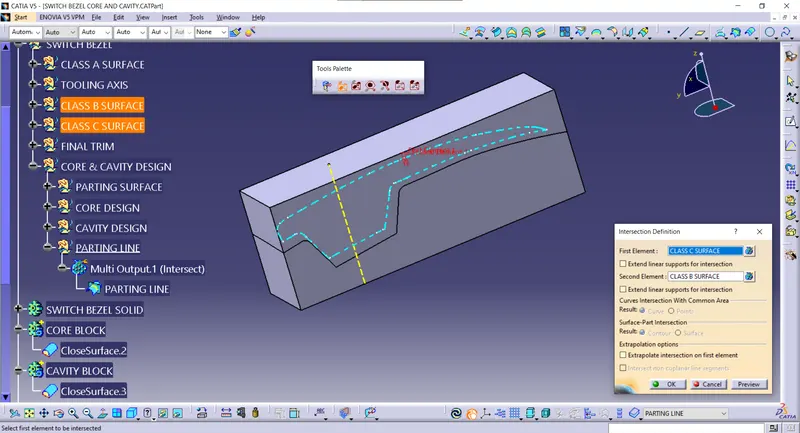
Tree Structure:
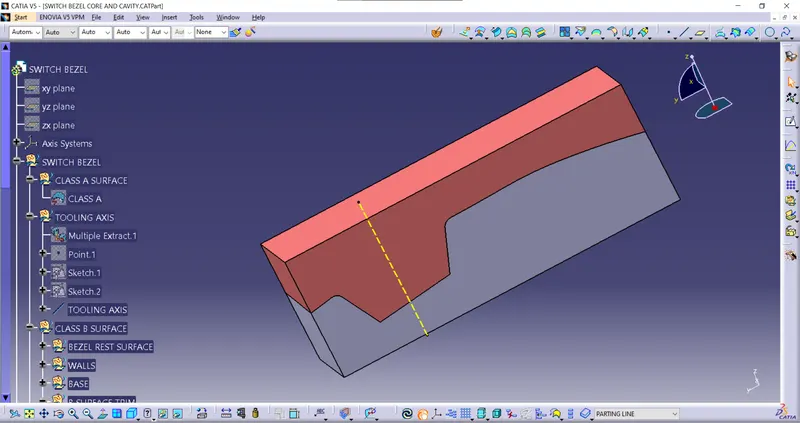
class A and Tooling axis:
Class B surface:
Switch bezel reset surface, walls and Base: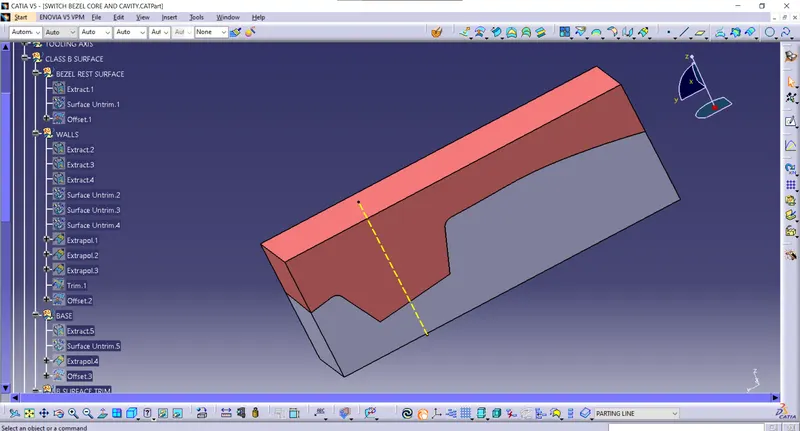
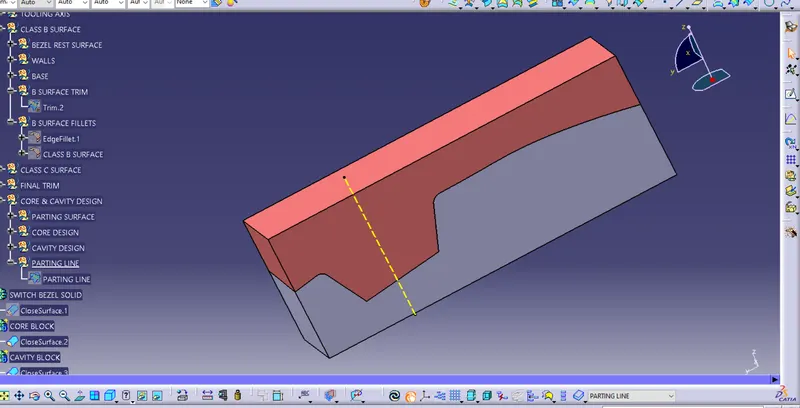
B surface trims and fillets:
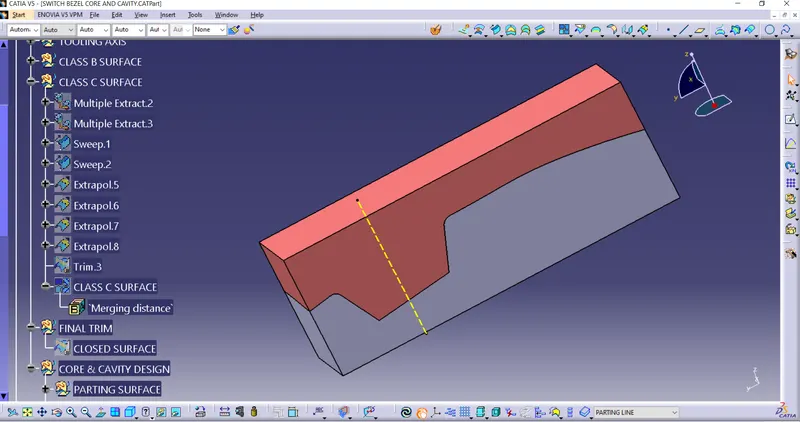
Class C surface:
Parting surface and Core design:
Cavity Design and Parting line:
Part Bodies and Draft Analysis:
Isometric view:
Front view:
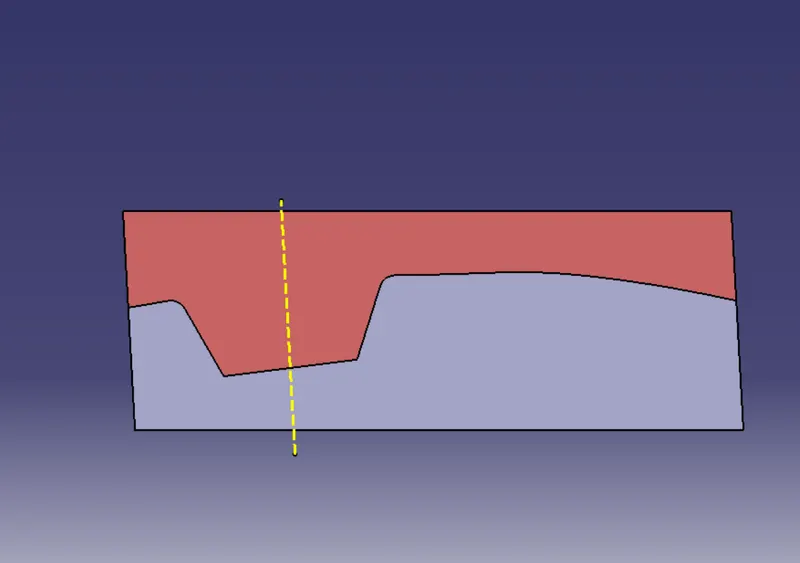
Back View:
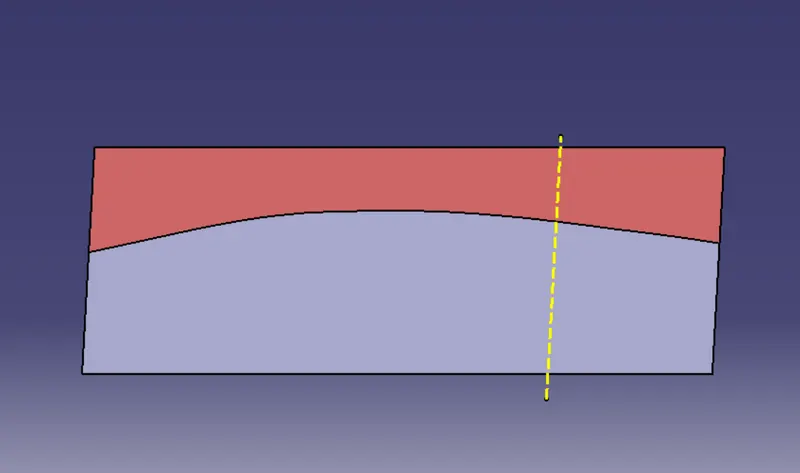
Left view:
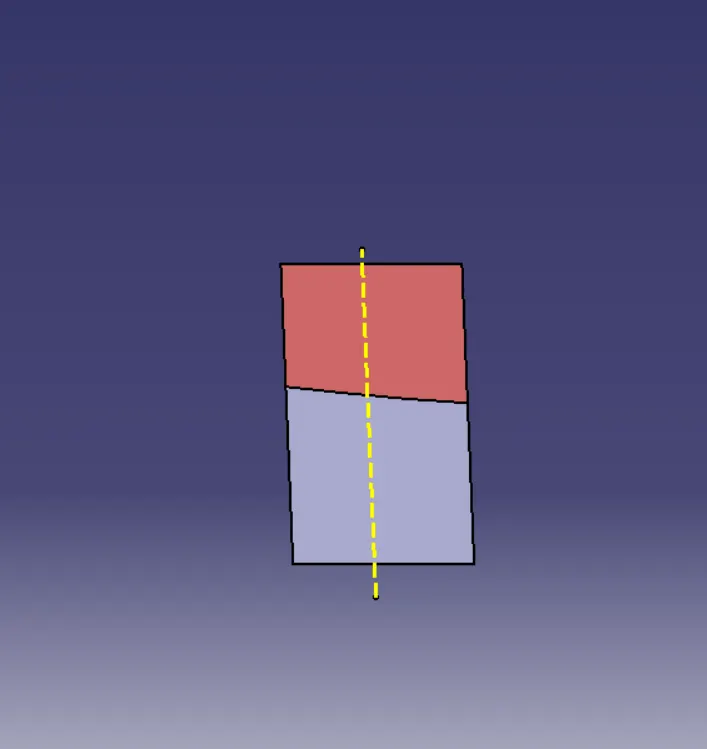
Right view:
Right view:
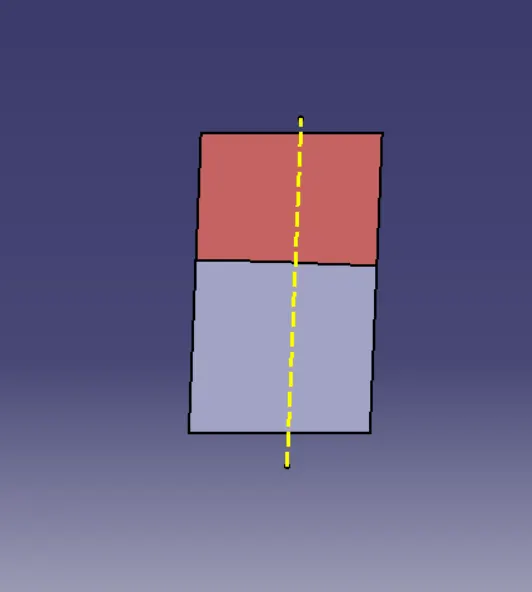
Top view:
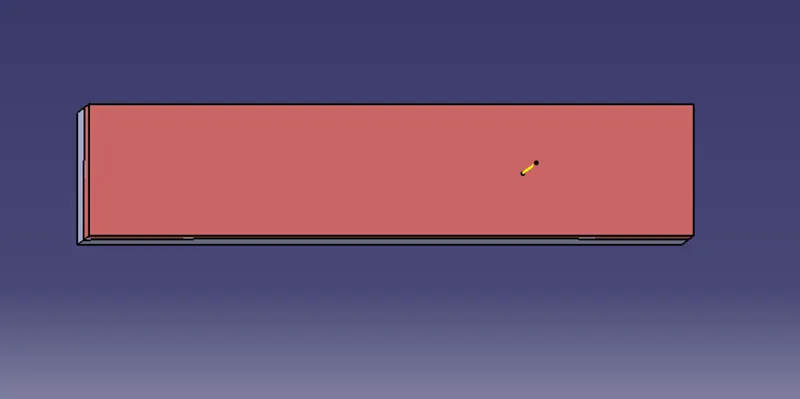
Bottom view:
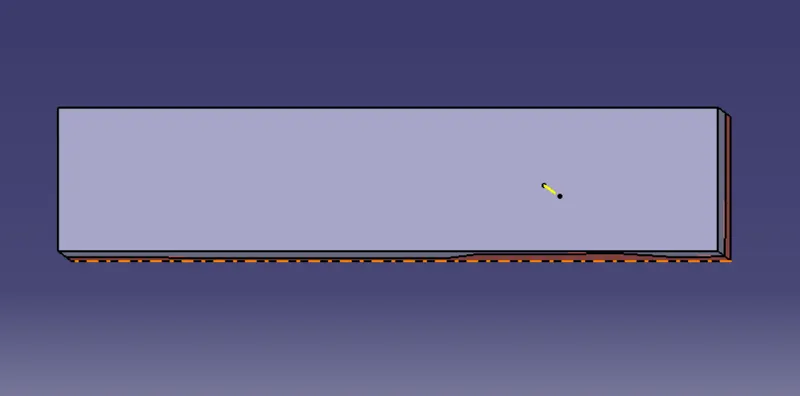
The space between the core and cavity: