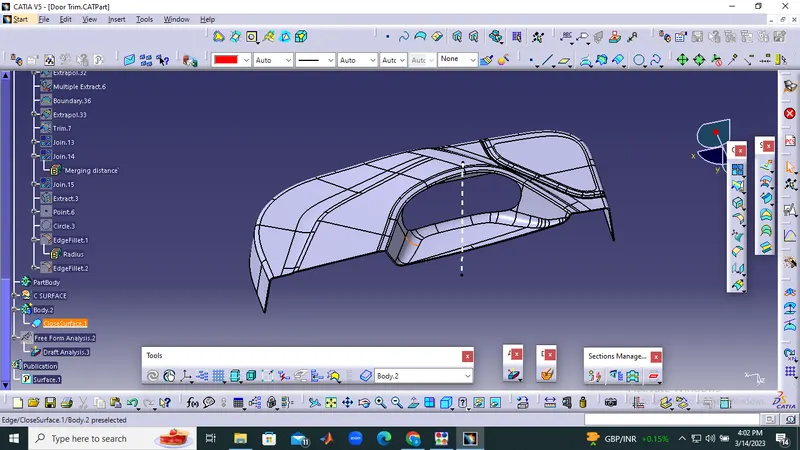
Week 8 - Challenge 5 - Door Trim Lower
Create the Door Trim Plastic component through the given Class-A surface. To begin with, the tooling axis for the given Class-A Surface should be created meeting the requirements of the draft angle and at the end perform the Draft analysis on the model.
Here first we required tooling axis for draft analysis. tooling axis is works as provided to direction for injection moulding as well as direction of draft angle where is check it right or wrong so 1st we extract the surface of class A and than create point on it use this point we create the line by using line command for proper direction which want to the draft analysis and this line knows as the tooling axis.
To create B Surface :
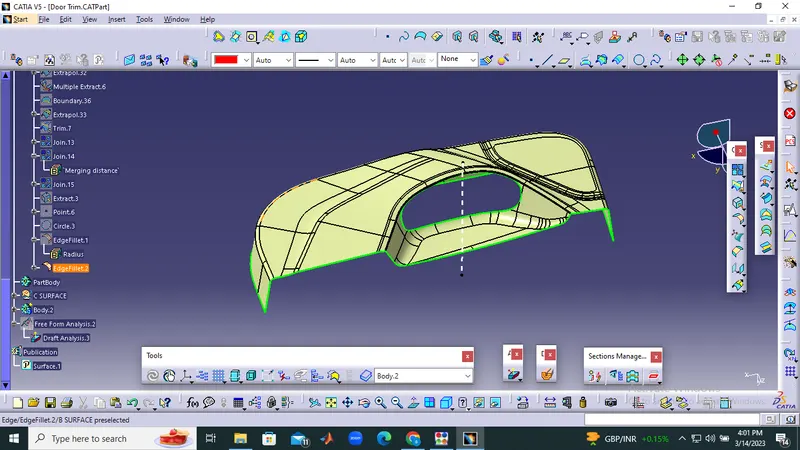
Here we just offset the Class A surface and get the B surface body here we offeset the 2.5mm value so we get the thickness is 2.5mm is mention in above so we offset the A surface for 2.5mm.
after the offset we get the surface but in that some impurities some portion not offset so we required to solve it so used explore, multiple extract, fill, curve conect, join command and get desire output mobel no any discontinuty than color it so we get B surfaces.
To create C surface :
c surface creation by using the sweep command so 1st we create a boundary than disassemble get two curve 1st out-side surfaces than second is in-side surfaces after that we used sweep commat in that goto draft section on choose surface reference option and sweep it similar think done inner curve than we get c surface.
The final product is shown below.