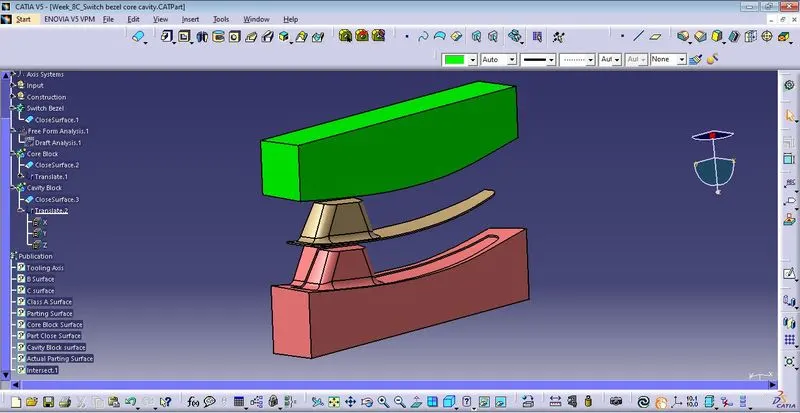
Week 8 - Challenge 5 - Core & Cavity Design
1. Core Block And Core Block Surface
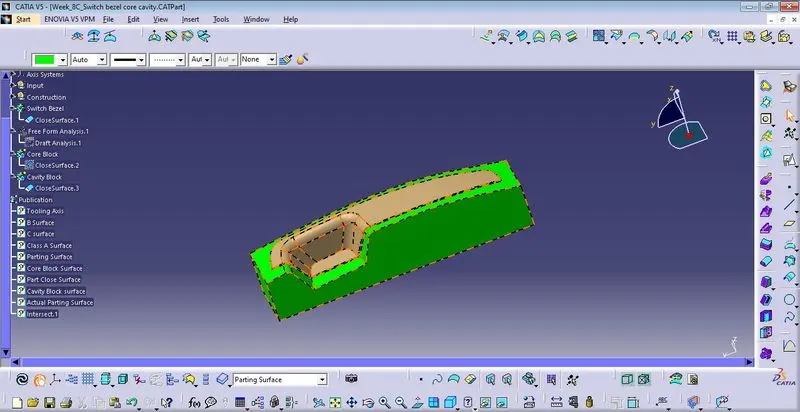
Creating Core surface trim the Extrapolate surface and Class C surface each other and trim it again with the Class B surface thus reform the parting surface with the part.
Draw the sketch (rectangle) on base surface on axis system and extruded it required height & trim along with the parting surface and then fill the top surface of core block closed surface by using Fill Surface Command.
Into the Core Block part design generate the solid core block itself.
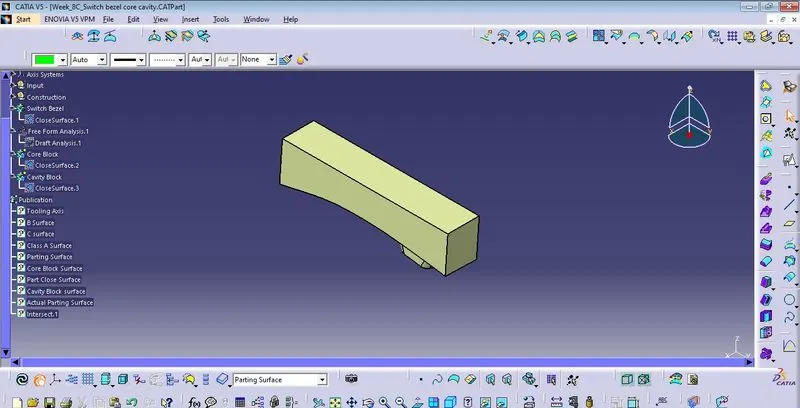
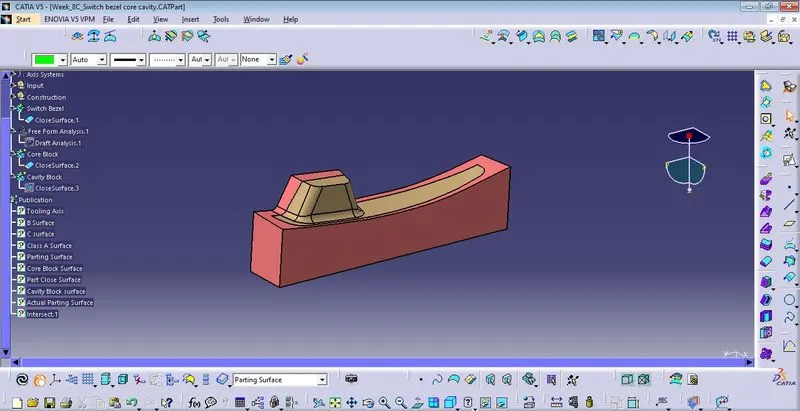
2. Cavity Block Surface and Cavity Block
Creating Cavity surface unhide the Class B surface thus reform the parting surface with the part.
Draw the sketch (rectangle) on base surface on axis system and extruded it required height &trim it with the Class B surface and then fill the top surface of cavity block closed surface by using Fill Surface Command.
Into the Core Block part design generate the solid cavity block itself.
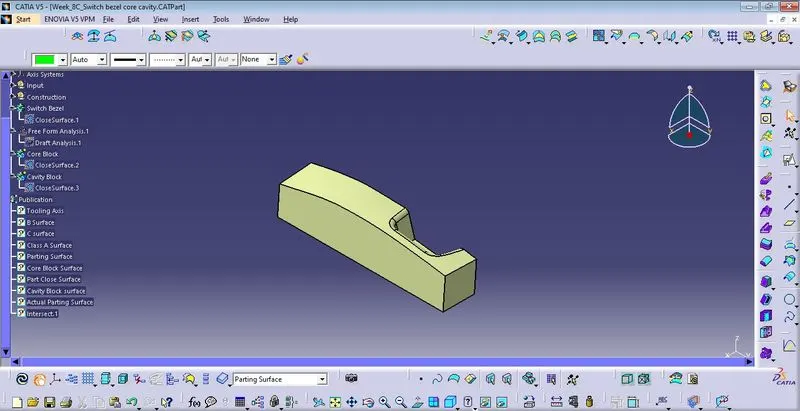
3. Parting Surface and Parting Line
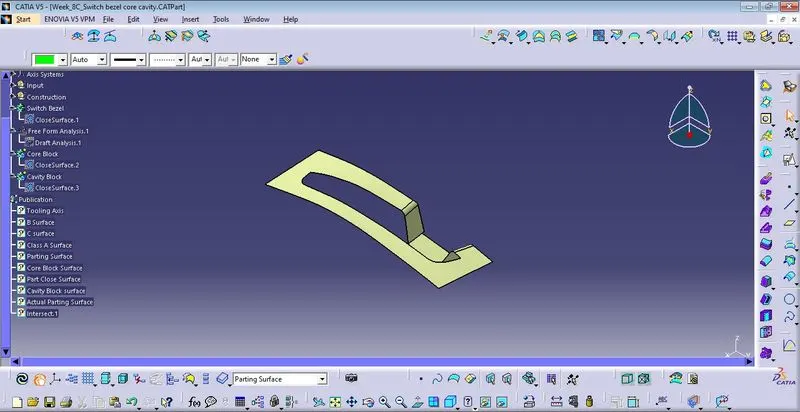
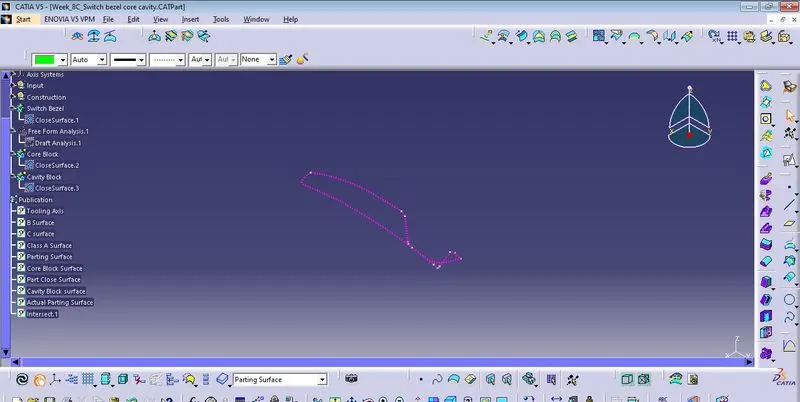
For creating parting line again unhide the Class B surface and combined Class A surface & Class C surface. finally intersect together.
Spilt the Parting suface with the part to the Parting line, generate actual parting surface.
4. Molded Part with core and cavity block seperation