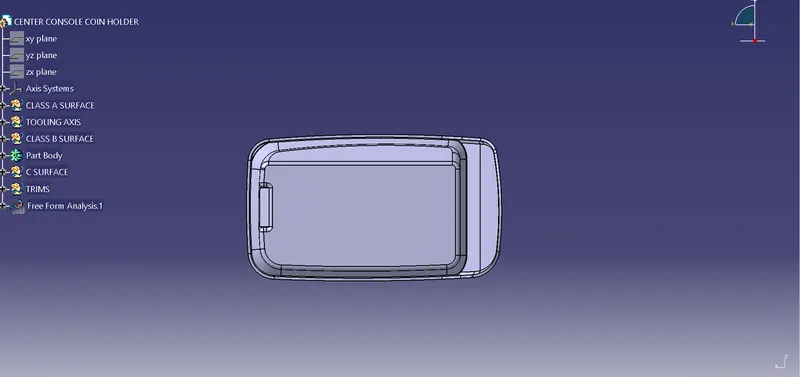
Week 8 - Challenge 4 - Coin Holder Design
COIN HOLDER DESIGN:
CLASS A SURFACE:
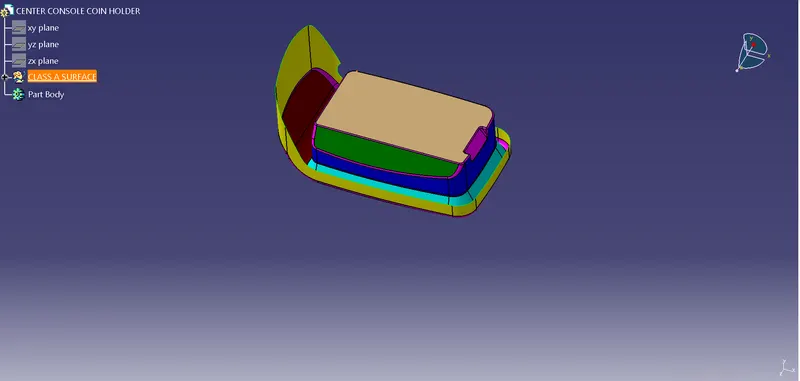
- In this design CLASS A surface is given.
Steps to be followed:
- Intially create a point in Coin Holder in class A surface i.e., position sketch.
- The next step is to Insert Axis system to create a Tooling Axis inside the Geometrical Set.
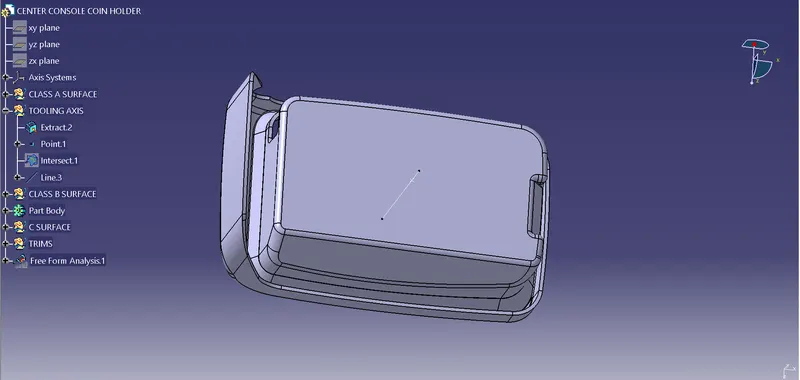
- Choose line option select intersect option in line, and insert a line.
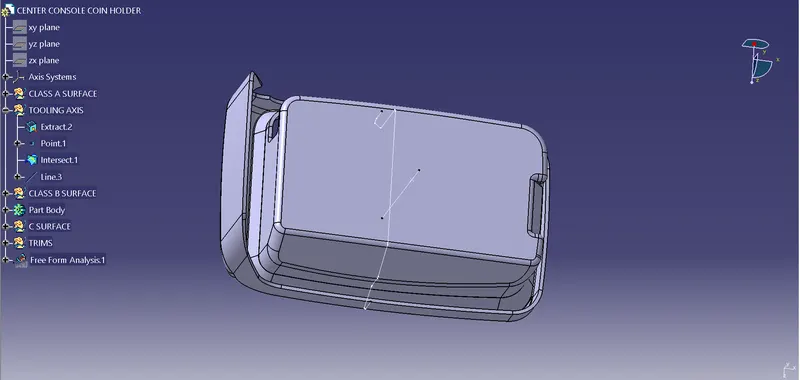
- Insert a geometical name it as Class B surface.
- Class B surface is divided into 5 parts & they are as follows-:
- Side wall
- Base
- Top wall
- Outer flange
- Bottom Side Cut
CLASS B SURFACE:
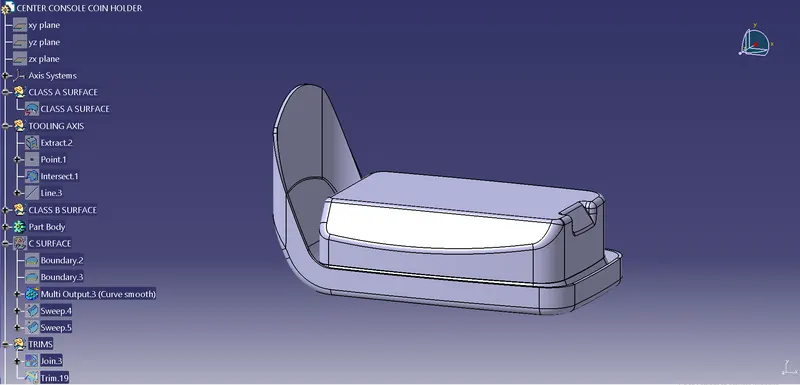
- After Outer flange opertion every fillet are inserted.
- Insert a geometical name it as Class C surface.
- Intially in Class C surface 2 boundries are inserted.
- 2 boundries are smoothened to get a smooth surface.
- Then finally 2 sweep operations are performed to gaet Class C surface.
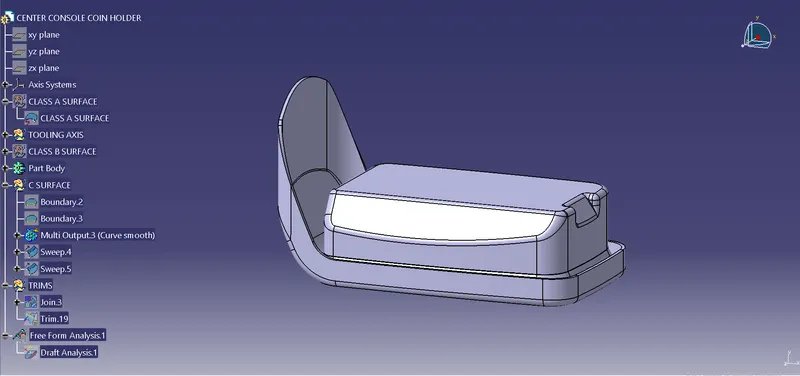
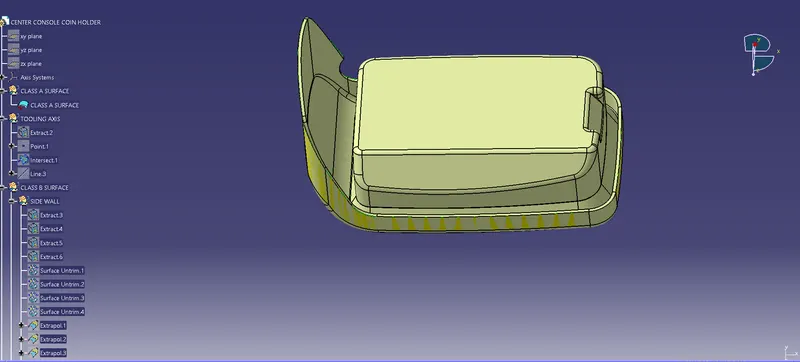
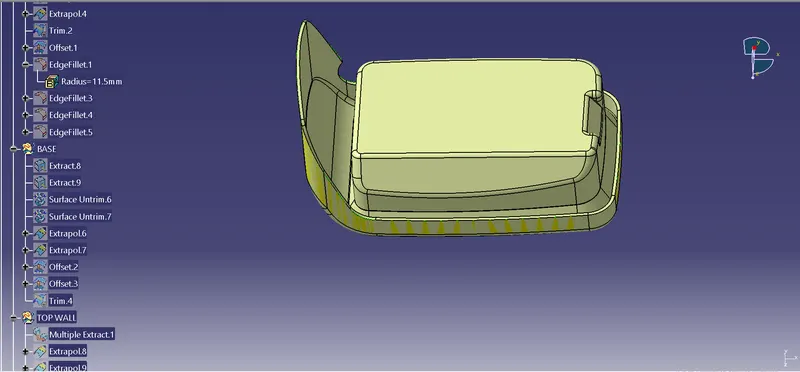
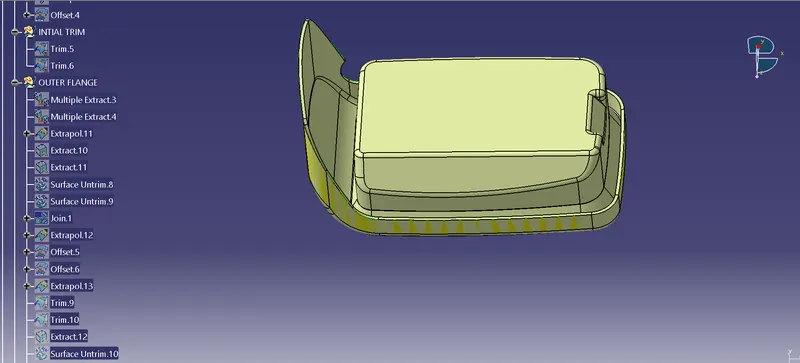
- Trim operation are performed and final object is obtained.
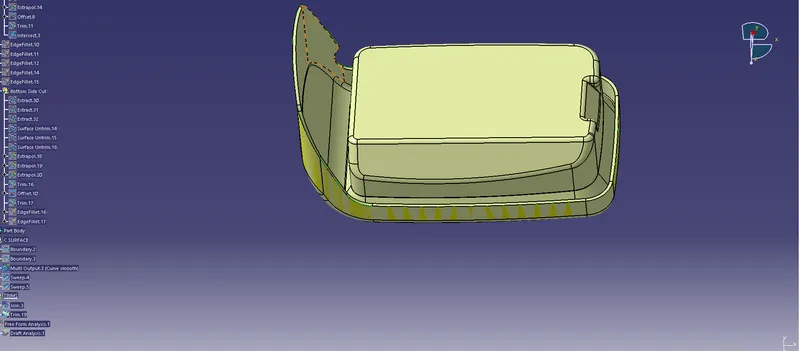
- After that choose the customize toolbar and select materials in that toolbar.
- Insert Analysis, feature draft anlysis.
- Select compass in draft analysis and place it on the tooling axis to coincide.
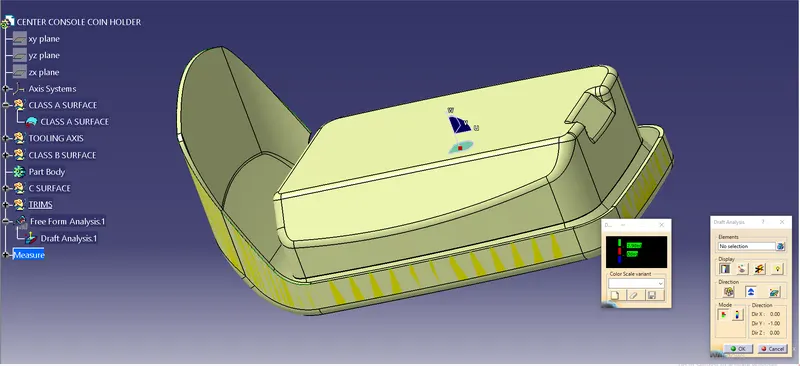
- Select Full Analysis Mode in Draft Analysis
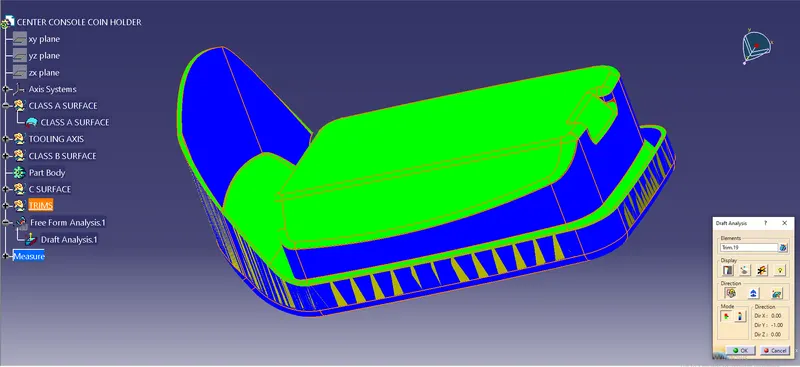
CLOSED SOLID BODY:
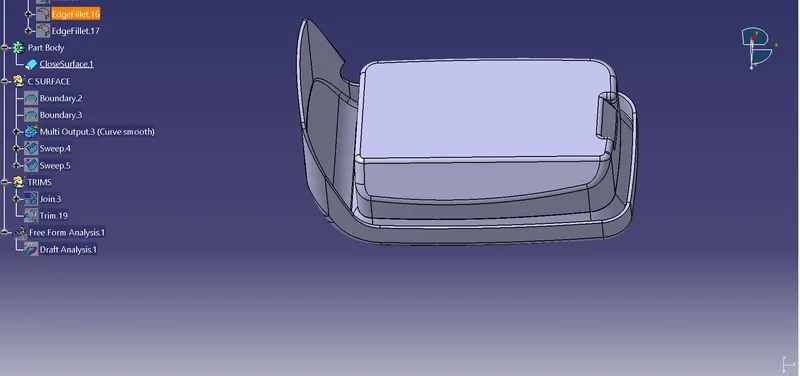
Types of Views:
Isometric view:
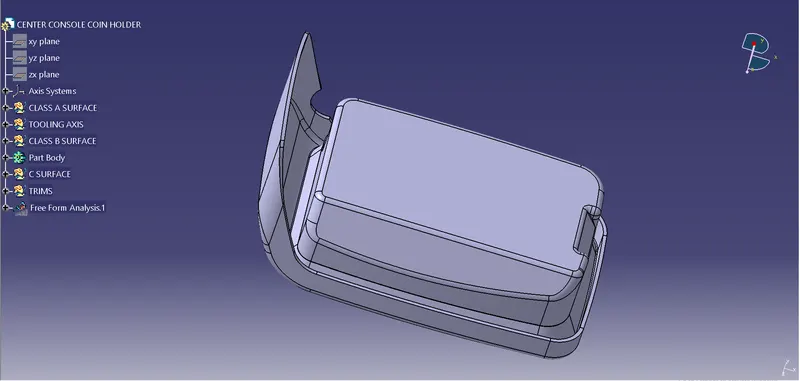
Front view:
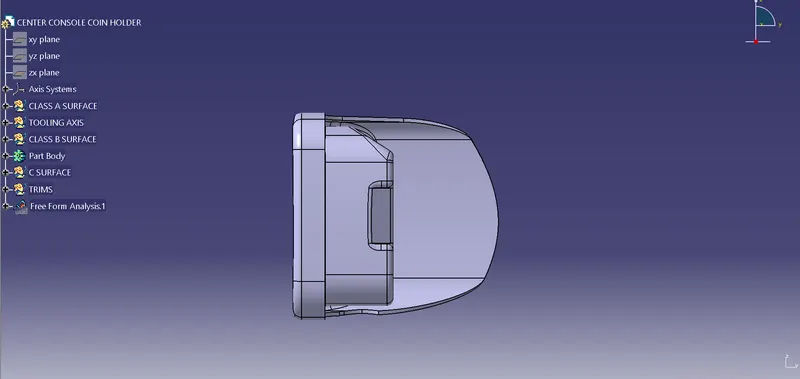
Top view:
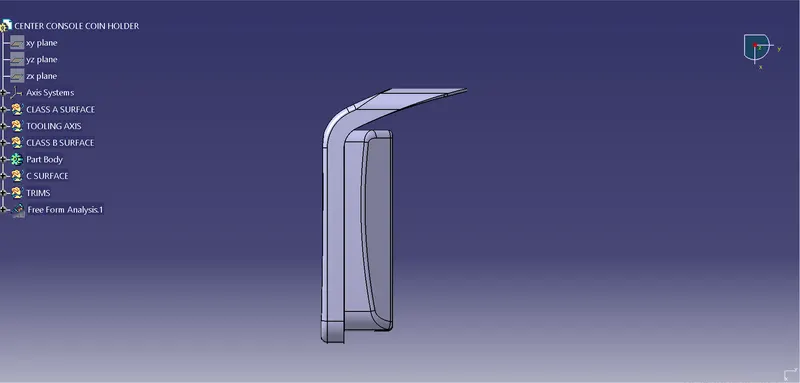
Side view: